Overall Style and Aesthetic
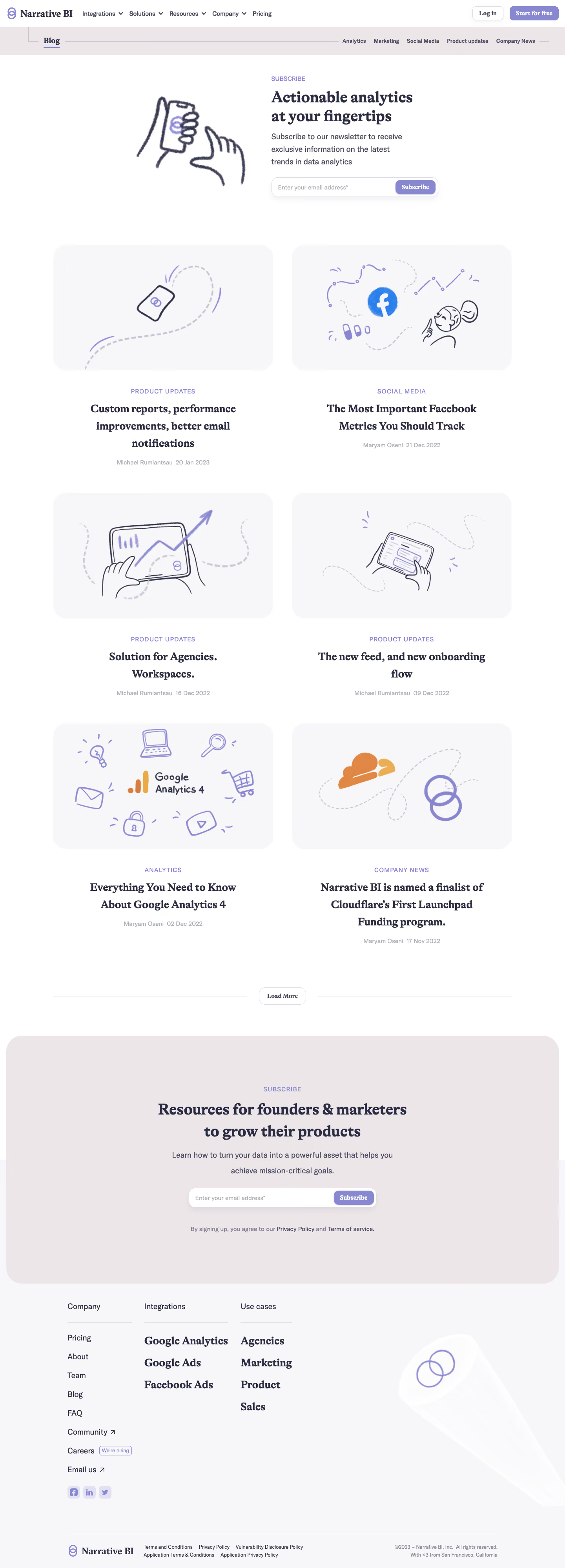
The Narrative BI blog exudes a minimalist and contemporary aesthetic, using abundant white space to create a clean, approachable atmosphere. The design is both professional and accessible, balancing straightforward functionality with elegant subtlety—a style that resonates with SaaS audiences seeking credibility and ease. Layout and Structure
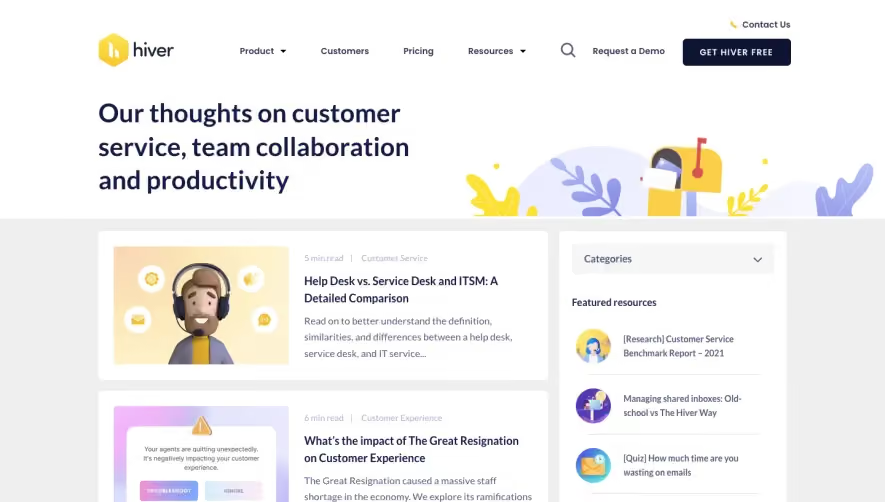
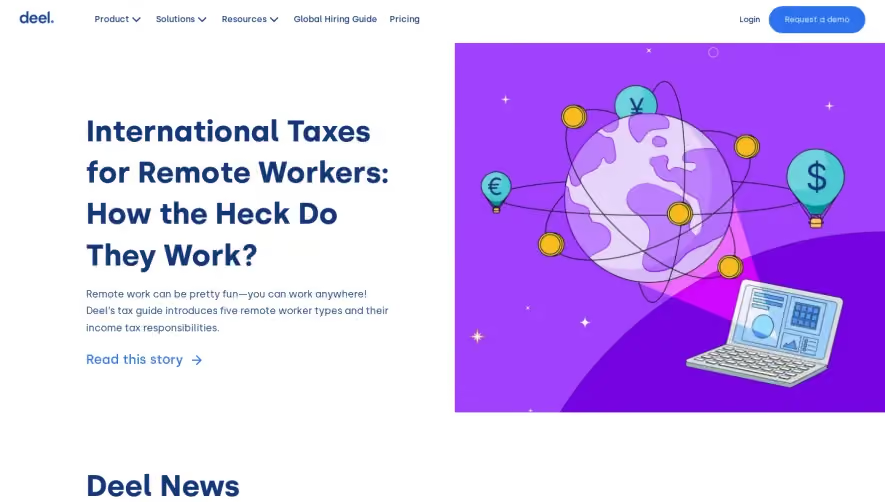
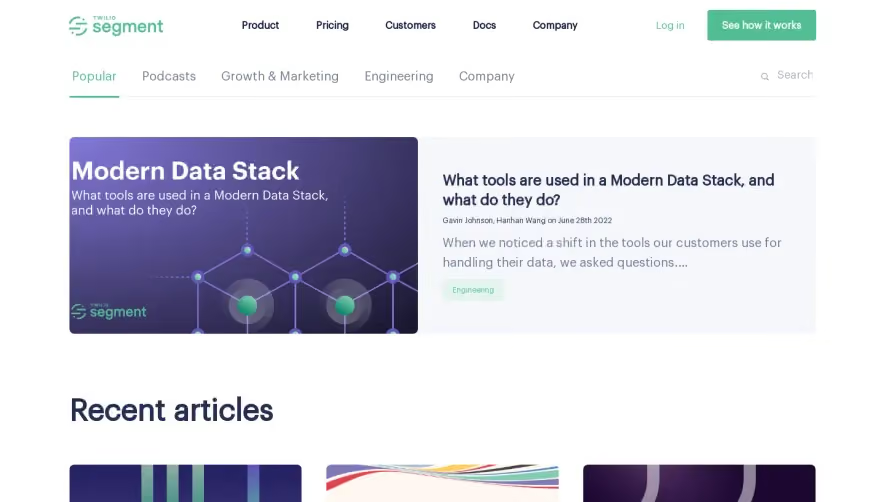
The page employs a straightforward grid-based layout. At the top, a slim hero header features a centered blog title and a crisp, functional navigation. Blog posts cascade below in a well-aligned, card-based format that’s easy to scan, each card including a visual, title, snippet, and meta info. There’s no visual clutter; instead, the focus is on thoughtful organization and content readability. Visual Elements
Thumbnail images on each blog card inject color and interest, drawing the eye without overwhelming the senses. The branding is subtle—no distracting animations or overtly playful graphics, just a careful selection of images and light iconography that supports the content rather than competing with it. Color Palette and Typography
The palette is refreshingly neutral with a dominant use of white, soft grays, and punchy blue accents for interactive elements such as links and buttons. Modern sans-serif fonts (e.g., Inter) are used, with clear typographic hierarchy—bold headlines, readable body text, and subtle meta details—to guide the user’s focus intuitively. User Experience Patterns
Navigation is efficient with a sticky top menu and clear categories. Calls to Action—like newsletter signups—are unobtrusive yet visible, maintaining focus on content. There’s smooth scrolling and effortless access to deeper pages, reducing friction at every step. Unique or Notable Design Choices
Notably, the blog avoids heavy branding in favor of content-centric design, making it feel authentic and user-first. The understated approach, with purposefully restrained color and typography, signals trust and innovation—delivering inspiration for SaaS teams aiming for an elegant, conversion-focused blog experience..webp)











.avif)