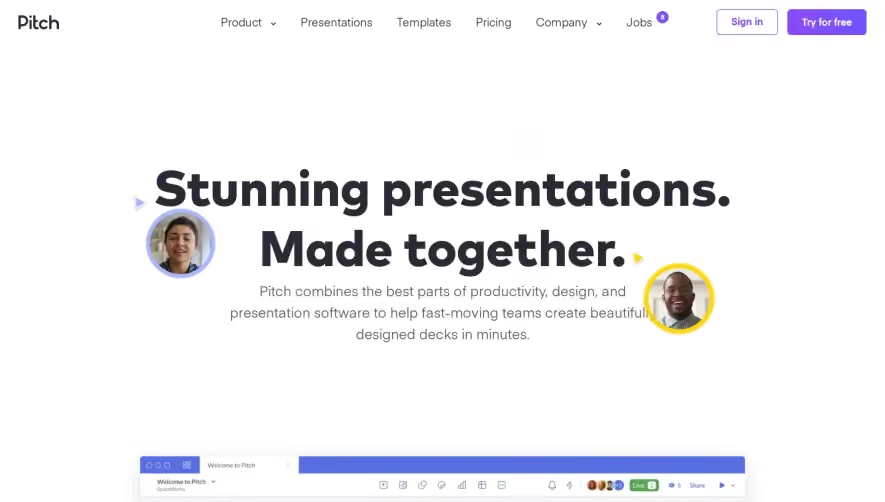

1. Header Section: The page starts with the header section, which includes the Miro logo, a search bar, and a "Get Started for Free" button. 2. Hero Section: The hero section features a bold and visually appealing banner with a tagline "Visual collaboration made easy" and a play button to watch a video. 3. Introduction Section: This section outlines the importance of visual collaboration for businesses and introduces Miro as a tool that enables it. 4. Features Section: The following section highlights the key features of Miro, including digital whiteboards, templates, integrations, and real-time collaboration. 5. Use Case Section: The use case section showcases several popular use cases for Miro, such as design, agile, and remote work. 6. Testimonials Section: The page then features testimonials from satisfied customers who have used Miro to streamline their workflows and improve team collaboration. 7. Pricing Section: The pricing section provides clear pricing details for Miro's paid packages, including a breakdown of features and benefits. 8. Comparison Section: The following section compares Miro to competitors in the market and outlines how Miro's features set it apart. 9. Blog Section: The page then provides links to Miro's blog, where visitors can find helpful tips and resources for using Miro. 10. Footer Section: Finally, the page ends with the footer section, which includes links to Miro's social media pages, support, and legal information.


Miro Landing Page

Miro
Visual Collaboration Software
Designed by
No items found.
Category
Patterns
No items found.
Tech Stack
Added on
May 5, 2020