Design with AI
Generate a new design based on this screen using your own content.
# Design from Reference: Maze eBook Email
Create an original, high-fidelity visual design inspired by the reference. Prioritize composition, typography, colors, spacing, and component styling over technical implementation.
## Reference
- **Product:** Maze
- **Category:** Ebook Emails
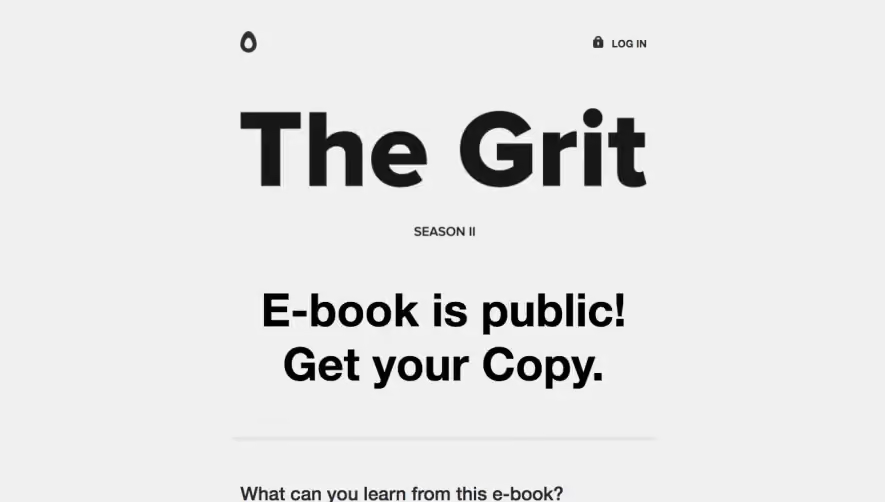
- **Screenshot:** https://cdn.prod.website-files.com/5e9dc792e1210c5325f7ebbc/62ecad805cf5988294c2e4c7_1659676905399-5f78aae164936377b49f3fc6_screencapture-mail-google-mail-u-1-2020-10-03-18_44_07.webp
Analyze the screenshot first. If inaccessible, request it rather than guessing.
## Content
{{content.instructions}}
{{content.data}}
Preserve essential messaging and factual accuracy. Adapt structure and copy length for visual balance; never invent product claims.
## Visual Design
### Overall aesthetic
- **Style:** Friendly resource-announcement email with a white canvas, bright blue brand/action accents and a pastel research-themed illustration.
- **Scale:** Source screenshot 1330 × 1125px; measurements below are screenshot pixels, with email CSS scale unverified.
### Page composition
- **Centered column:** A roughly 750px-wide content column is centered within broad white margins. The Maze logo sits alone above the illustration.
- **Hero and copy:** A wide approximately 750 × 370px illustration precedes a centered one-line bold announcement heading, a centered explanatory paragraph, a What's inside subheading and a left-aligned four-item bullet list.
- **Completion:** A single centered blue Read the guide now button closes the visible email. No footer or unsubscribe region is visible in this capture.
### Information hierarchy
- **Primary message:** Brand, research illustration and guide title establish the resource before the paragraph explains its purpose.
- **Contents preview:** Four bullets summarize research planning, expert advice, research methods and stakeholder buy-in; wrapped lines are indented to align with their text.
- **Action:** The isolated blue button is the only prominent conversion action.
### Typography
- **Family:** Compact sans-serif; exact font identity is unverified.
- **Roles:** At screenshot scale, title approximately 30–32px bold; paragraph and bullet text around 21–22px/30px; contents label around 21px bold; action label about 20px bold.
- **Alignment:** Heading and paragraph are centered, while the contents list remains left aligned for scanning.
### Colors & surfaces
- **Sampled palette:** ICC-aware sRGB samples include white #FFFFFF, pale lavender-blue #F4F7FF and #F2F6FE, near-white #FBFFFF and vivid action blue #225DFA.
- **Illustration:** Blue paper shapes, yellow notes, orange/purple collaborator labels and a soft blue chart frame surround a pale checklist window.
- **Contrast:** Black body copy sits directly on white. Soft shadows and rounded forms belong to the illustration rather than enclosing the text in cards.
### Components
- **Brand:** A blue square symbol and dark Maze wordmark form a centered horizontal lockup approximately 155px wide.
- **Illustration:** A rounded checklist window includes blue checkboxes and gray placeholder lines, with small cursor/name labels and floating notes. The lower edge crops the illustration deliberately.
- **CTA:** Approximately 225 × 47px blue button with 13–14px corners and centered white bold text.
- **List:** Four standard round bullets, with several multiline entries and consistent hanging indentation; no card borders or dividers.
### Visual rhythm
- **Spacing:** Logo-to-image gap is about 25px; image-to-heading about 40px; large 45–55px pauses separate the title, paragraph and contents label.
- **Reading flow:** The wide image gives way to a narrower text measure around 600px; the centered button provides a clear visual endpoint.
### Responsive
- **Recommended adaptation:** Only the desktop email capture is observed. Make the illustration fluid, reduce outer margins and allow the title to wrap naturally.
- **Legibility:** Retain readable email body sizing, left-aligned list content and a generous button touch target; avoid scaling the entire screenshot as one image.
### Adaptation guidance
- **Preserve:** Keep a single resource focus, one hero illustration, a concise contents preview and one clear action.
- **Replace:** Use accurate resource topics and destination copy. Match the pastel collaboration imagery to the new subject without adding unsupported guide contents.
Use this context to reproduce the reference's visual language: layout, typography, colors, spacing, borders, radii, and distinctive elements. The screenshot takes priority if descriptions conflict.
## Direction
{{preferences.fidelityInstructions}}
## Output
{{output.instructions}}
Deliver a polished, cohesive design with precise alignment, hierarchy, and spacing. Produce the requested visual artifact, not just a description. If unsupported, explain the limitation.
.webp)




.avif)