.webp)
Thank you! Your submission has been received!
Oops! Something went wrong while submitting the form.
Get SaaSFrame Pro
Monthly
$18
Quarterly
$48
Yearly
$180
Upgrade to access this feature
Browse all screens & flows
Filter and search screens & flows
Access Figma files
Access mobile versions
Bookmark screens & flows
Join now


Logsnag Landing Page

Logsnag
Realtime monitoring
Designed by
No items found.

Bookmark
Bookmark

Design with AI
Thank you! Your submission has been received!
Oops! Something went wrong while submitting the form.
# Design from Reference: Logsnag Landing Page
Create an original, high-fidelity visual design inspired by the reference. Prioritize composition, typography, colors, spacing, and component styling over technical implementation.
## Reference
- **Product:** Logsnag
- **Category:** Landing Page
- **Screenshot:** https://cdn.prod.website-files.com/5e9dc792e1210c5325f7ebbc/6acbbe43476aea3982e3fba2_6acbbd743a787595fbdcf4dd_cms-bb3369dfa9989e5fdd499aa7.webp
Analyze the screenshot first. If inaccessible, request it rather than guessing.
## Content
{{content.instructions}}
{{content.data}}
Preserve essential messaging and factual accuracy. Adapt structure and copy length for visual balance; never invent product claims.
## Visual Design
### Overall aesthetic
- **Character:** A minimal, product-led marketing page uses oversized black typography, extensive white space and large application demonstrations.
- **Personality:** Monochrome icons and controls keep the framing quiet, while pastel event symbols and lavender charts add restrained color inside product imagery.
### Page composition
- **Capture:** The source measures 1440 × 7531 pixels. It shows a long desktop page; a 1× CSS relationship is plausible but unverified. Approximate dimensions below use source-image pixels.
- **Content grid:** A roughly 900-pixel centered column, with about 270-pixel side margins, aligns the navigation, headlines, demonstrations and footer.
- **Hero:** Wordmark left and four icon-plus-text navigation links right precede a large two-line headline, muted supporting copy and black CTA. Five use-case tabs sit above a pale-green notification showcase.
- **Feature sequence:** Track, monitor, filter, insights and cross-platform chapters each have a small icon label, large heading, short description and oversized product image.
- **Supporting regions:** Integration copy and a floating monochrome logo collage follow tracking. Funnels, Journey Tracking and Push Notifications each occupy smaller text-led sections between larger chapters.
- **Closing regions:** Two large phone mockups conclude cross-platform content. A brand symbol, two-line pitch and repeated CTA precede a four-column footer and copyright/social row.
### Information hierarchy
- **Dominant layer:** Bold, roughly 48-pixel headings establish a consistent chapter scale and lead each major region.
- **Chapter markers:** Small black circular icons and short labels introduce the larger feature stories.
- **Product evidence:** Feed lists, analytics, filtering, metric cards and mobile screens illustrate features below their descriptions; their cropped lower edges give them substantial visual presence.
- **Secondary explanations:** Smaller bold subheads and gray paragraphs distinguish supporting features from major chapters.
- **Actions:** A repeated black Start Tracking control anchors the hero and closing pitch. Footer links form the lowest-priority navigation tier.
### Typography
- **Family:** A neutral sans serif is used throughout the marketing frame; exact font identity is unverified. Some product-sidebar labels have a monospaced appearance within the embedded imagery.
- **Display headings:** Approximately 48 pixels, heavy weight, tight tracking and about 48–52-pixel line height. Most wrap across two lines.
- **Descriptions:** Around 20 pixels with 28-pixel line height and medium gray color, usually limited to two or three lines.
- **Labels and controls:** Feature labels and supporting subheads are about 20 pixels bold; navigation and CTA labels around 16 pixels.
- **Footer:** Uppercase column labels are roughly 14 pixels with slightly open tracking; links and copyright are around 16 pixels.
### Colors & surfaces
- **Measured base:** Dominant image samples include white #FFFFFF and near-white #FEFEFE and #FDFDFD.
- **Showcase surface:** Pale green #F3F7ED supports the hero notifications; light gray #F6F6F6 occurs in neutral UI surfaces.
- **Strong contrast:** Black #000000 is sampled in headings and controls. Descriptions and secondary navigation use visibly softer grays.
- **Product accents:** Lavender bars, funnel fills and selected sidebar elements appear within product demonstrations; colorful emoji-like symbols distinguish events. Exact accent hex values were not established by dominant-color sampling.
- **Depth:** Notification cards and application windows have broad, soft gray shadows. Fine light-gray horizontal rules separate major bands.
### Components
- **Primary buttons:** Approximately 180 × 56 pixels with white text, right arrow and roughly 16-pixel corner radius.
- **Use-case tabs:** Five plain text choices form a single row; the first is dark and heavier while the others are gray. No pill containers are visible.
- **Notification showcase:** An approximately 910 × 450-pixel pale-green container has a thin outline and roughly 36-pixel corners. Four stacked white notification cards have rounded corners, tinted icon tiles, title and metadata lines; the last is clipped.
- **Application windows:** Broad screenshots span nearly the content width, with rounded top corners, thin gray edges, three colored window dots and diffuse shadows. Side rails and two-column application layouts remain visible.
- **Feature callouts:** Supporting sections use simple outline icons, bold subheads and short copy without enclosing cards.
- **Phone mockups:** Two tall devices appear side by side with black frames, rounded corners and large soft shadows; their lower portions are clipped by the section boundary.
- **Footer:** Four evenly spaced link groups sit above a full-width divider. Copyright aligns left, with two small social icons at the right edge of the column.
### Visual rhythm
- **Major spacing:** Generous gaps of approximately 60–80 pixels separate text from demonstrations and section boundaries; large images dominate the vertical cadence.
- **Text rhythm:** Chapter icon labels precede headings by roughly 40 pixels; heading-to-description gaps are around 20–25 pixels.
- **Section alternation:** Large screenshot chapters alternate with shorter explanations, maintaining variety without changing the central alignment.
- **Cropping:** Images terminate at deliberate horizontal boundaries; preserve these presentation crops rather than treating them as missing page content.
### Responsive
- **Evidence:** The capture only establishes a wide desktop marketing layout. The phone illustrations demonstrate a product view, not this page's mobile breakpoint behavior.
- **Recommended grid:** Make the central column fluid with 20–24-pixel side padding and reduce display type toward 32–38 pixels at narrow widths.
- **Recommended reflow:** Wrap or horizontally scroll the tab row, stack the integration copy and logo collage, and reduce the footer from four columns to two or one.
- **Image handling:** Keep readable screenshot details available through an enlarged view; avoid shrinking every embedded label to illegibility. Stack or selectively crop the device pair on mobile.
### Adaptation guidance
- **Preserve:** Keep the narrow centered grid, repeated chapter pattern, monochrome framing, pastel product accents and strong black CTAs.
- **Build:** Separate the hero showcase, large feature chapters, compact supporting explanations, mobile demonstration and final conversion block into reusable sections.
- **Image treatment:** Use controlled overflow wrappers and consistent soft shadows for large demonstrations; match their visible crops intentionally.
- **Typography and navigation:** Validate font and capture scale before assigning CSS values. Define accessible focus and tab selection states; unseen hover behavior should be designed explicitly.
- **Content balance:** Keep short descriptions and large product evidence in their observed proportions, avoiding extra decorative cards or competing action colors.
Use this context to reproduce the reference's visual language: layout, typography, colors, spacing, borders, radii, and distinctive elements. The screenshot takes priority if descriptions conflict.
## Direction
{{preferences.fidelityInstructions}}
## Output
{{output.instructions}}
Deliver a polished, cohesive design with precise alignment, hierarchy, and spacing. Produce the requested visual artifact, not just a description. If unsupported, explain the limitation.

.avif)
Category
Patterns
No items found.
Tech Stack


Added on
February 5, 2023
Similar screens
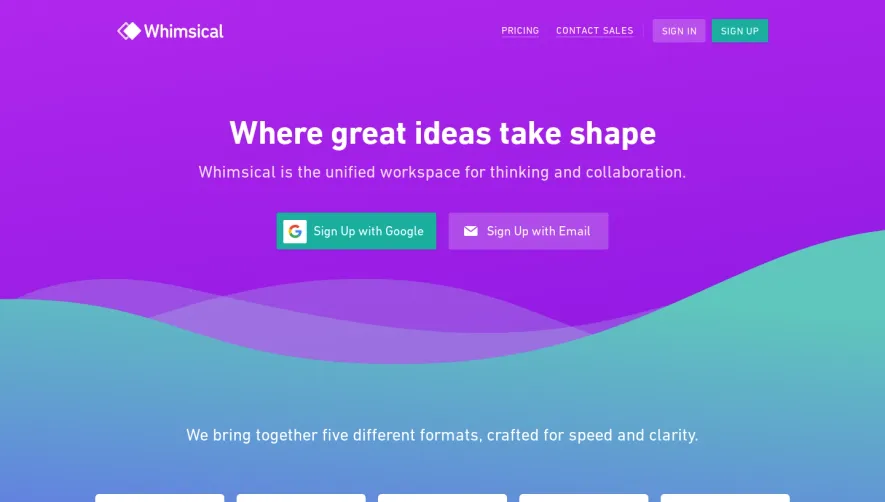


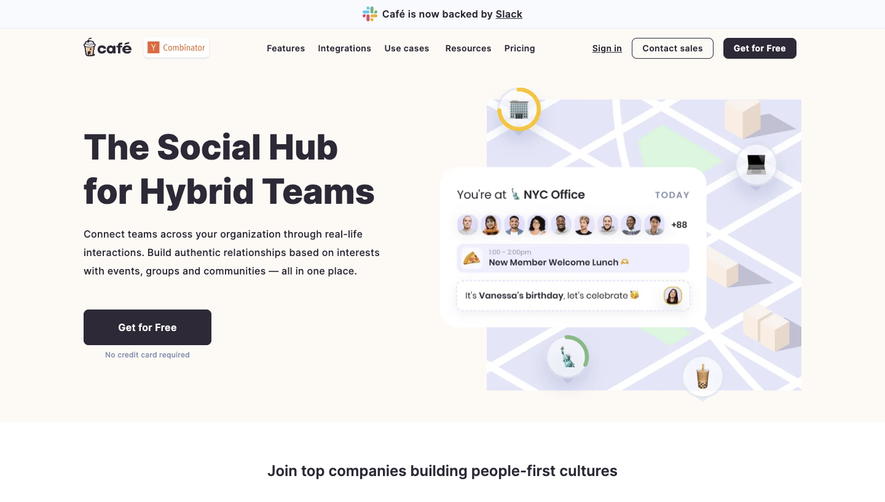

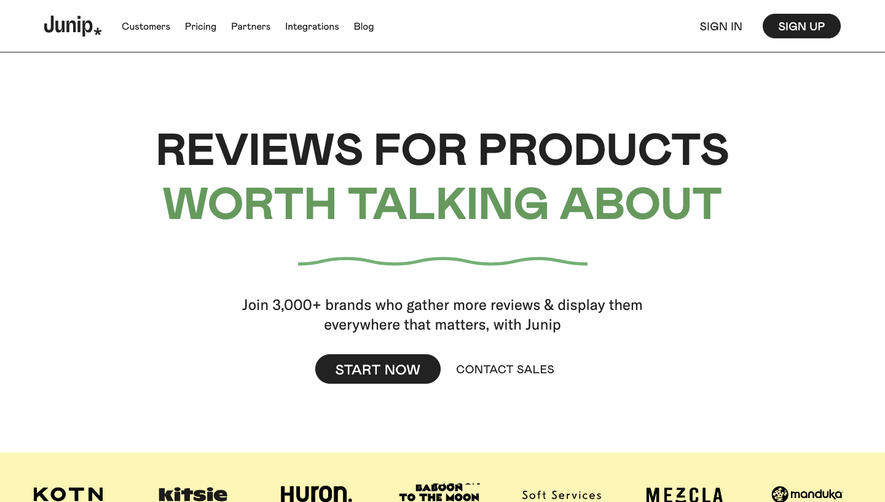

Upgrade to SaaSFrame Pro now to see similar examples.
Monthly
$18 /month
Billed $18 monthly
Browse all screens & flows
Filter and search screens & flows
Search text in screenshots
Access Figma files
Access mobile versions
Join now
Quarterly
$16 /month
Billed $48 quarterly
Browse all screens & flows
Filter and search screens & flows
Search text in screenshots
Access Figma files
Access mobile versions
Join now
Yearly
$15 /month
Billed $180 yearly
Browse all screens & flows
Filter and search screens & flows
Search text in screenshots
Access Figma files
Access mobile versions
Join now