Design with AI
Generate a new design based on this screen using your own content.
# Design from Reference: Logbook Step Completed
Create an original, high-fidelity visual design inspired by the reference. Prioritize composition, typography, colors, spacing, and component styling over technical implementation.
## Reference
- **Product:** Logbook
- **Category:** Add & Edit
- **Screenshot:** https://cdn.prod.website-files.com/5e9dc792e1210c5325f7ebbc/6acb6f473156cd8dbc471210_6acb6e3e2d777adaad17cd74_cms-d2c5fb67e1515638339a4166.webp
Analyze the screenshot first. If inaccessible, request it rather than guessing.
## Content
{{content.instructions}}
{{content.data}}
Preserve essential messaging and factual accuracy. Adapt structure and copy length for visual balance; never invent product claims.
## Visual Design
### Overall aesthetic
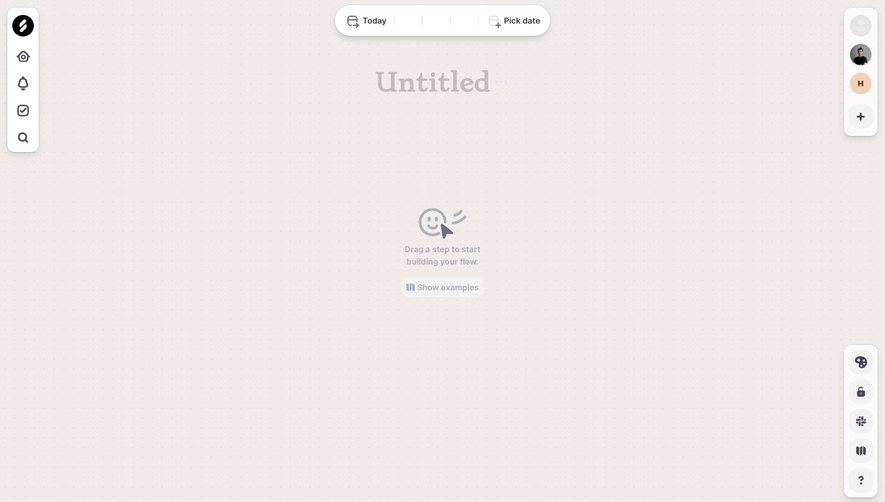
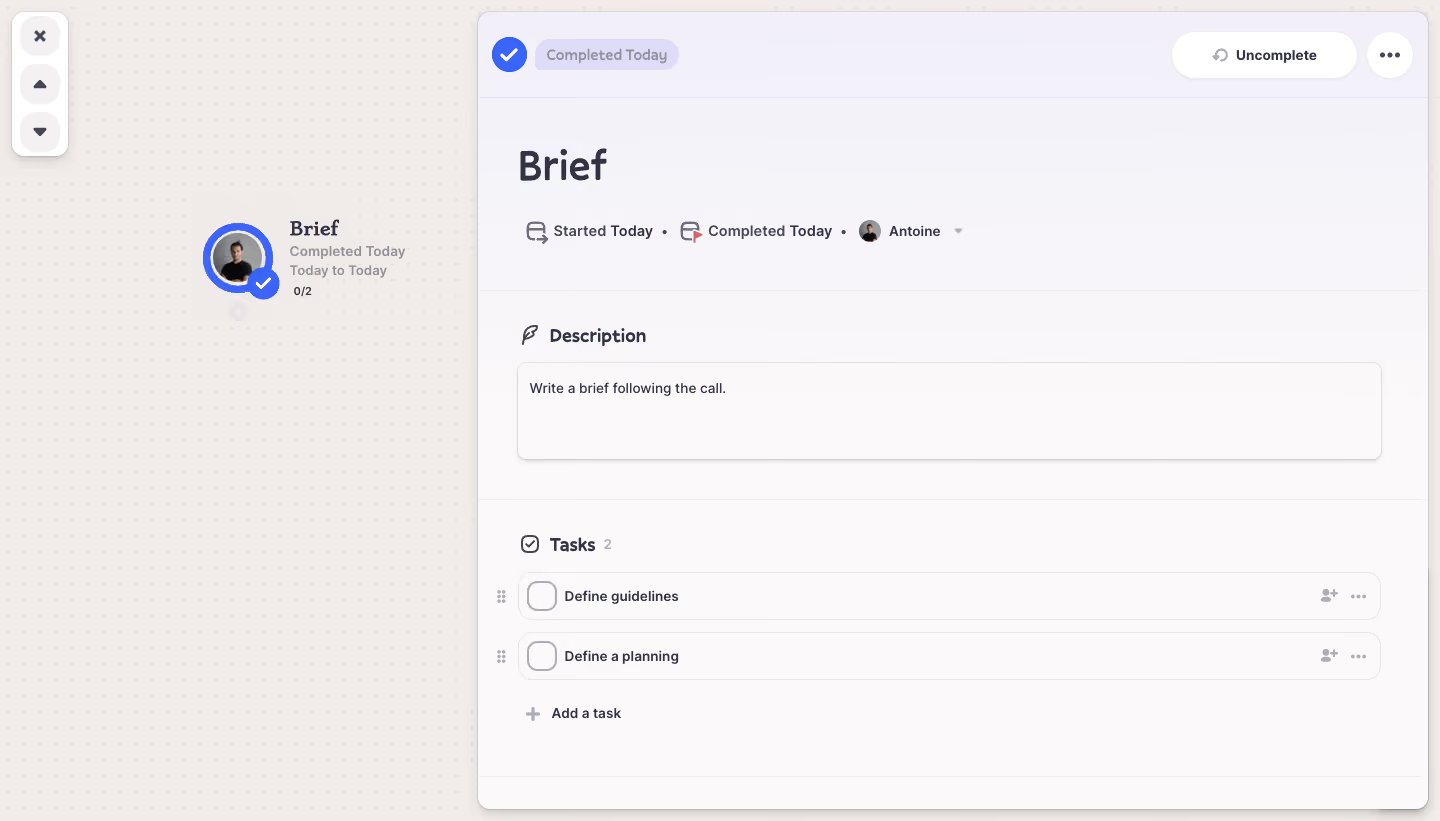
- **Character:** A workflow canvas with a warm dotted background sits beside a large pale task-detail panel.
- **Tone:** Rounded controls, soft lavender surfaces and bright blue completion marks create a gentle, tactile project-management interface.
### Page composition
- **Capture:** The source measures 1440 × 821 image pixels. Observed dimensions below approximate CSS only under an unverified 1× capture assumption.
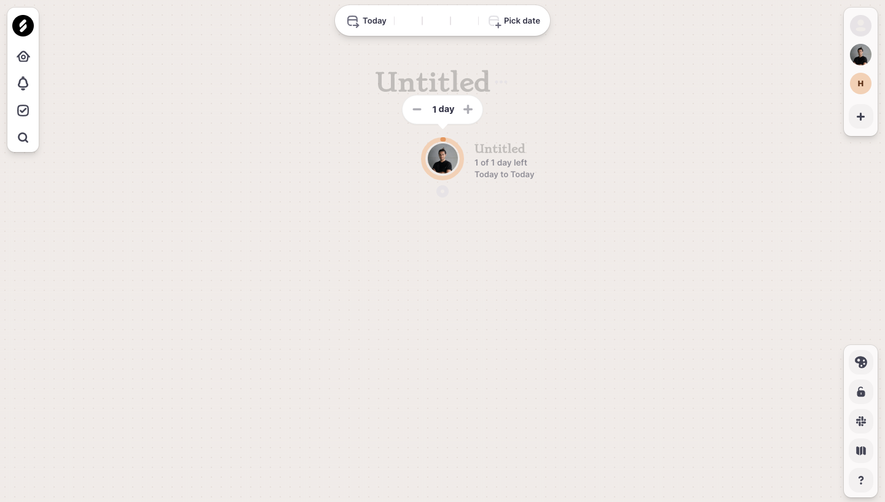
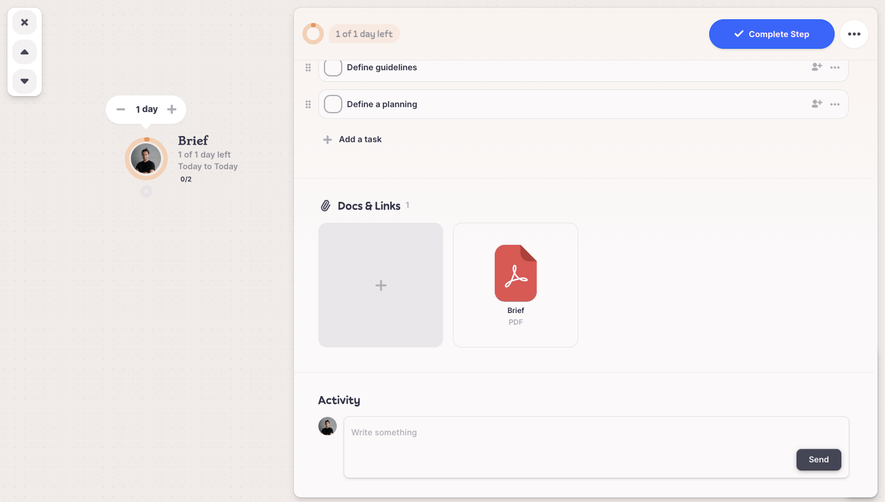
- **Canvas:** The left third contains a small completed workflow node with avatar, label, date/status text and a task count.
- **Detail panel:** A rounded panel begins around x=478 and fills nearly the remaining width/height, with a subtle shadow and border.
- **Panel sequence:** Completion header, large task title/metadata, description editor and two-row task list form distinct horizontal regions.
- **Canvas utilities:** A small vertical floating toolbar with close/up/down controls sits at the upper left.
### Information hierarchy
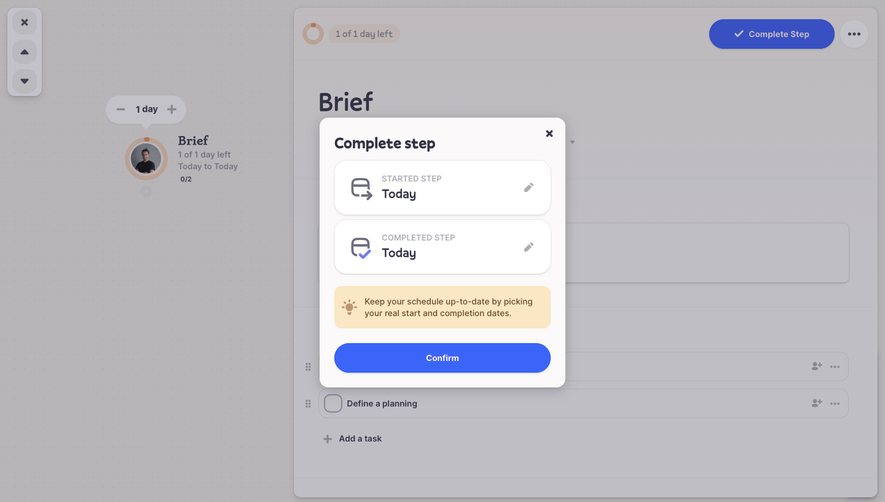
- **Completion:** A blue circular check and Completed Today badge lead the panel; Uncomplete and overflow controls sit opposite.
- **Task identity:** The large title precedes start/completion metadata and an assignee avatar/name.
- **Sections:** Icon-led Description and Tasks headings divide the detail content.
- **Subtasks:** Two unchecked rows remain visible below the completed parent state, followed by Add a task.
### Typography
- **Family:** A rounded-looking sans serif is visible; exact identity is unverified.
- **Title:** Approximately 40 px, semibold, in dark blue-gray.
- **Section headings:** Approximately 18–20 px, bold.
- **Metadata and rows:** Approximately 14–16 px, with medium-weight task labels and muted secondary text.
- **Canvas node:** The node title is stronger than its smaller status/date lines and compact count.
### Colors & surfaces
- **Measured foundation:** ICC-aware sRGB sampling yields warm #F1ECE9, #F0ECE9 and #F0EBE8 in the canvas region.
- **Measured panel tones:** Near-white #FBF9F9 and pale lavender #F7F5F9/#F5F4F9 support the detail surface.
- **Accents:** Bright blue marks completion and the avatar ring; pale lavender fills the status badge.
- **Neutral hierarchy:** Dark slate headings contrast with muted gray icons, outlines and metadata.
### Components
- **Workflow node:** A circular avatar has a thick blue ring and overlapping blue check badge; text aligns to its right.
- **Panel header:** A compact status group sits left, while a large white pill and circular overflow button sit right.
- **Description editor:** A broad rounded rectangle approximately 865 × 95 px has a fine border, faint shadow and one line of text.
- **Task rows:** Two roughly 48 px high rounded outlines contain large empty checkboxes, bold labels, drag handles outside the left edge and assignment/overflow icons at the right.
- **Add-task control:** A gray plus icon and text align with the task content below the rows.
- **Floating toolbar:** Three stacked circular pale controls sit within a narrow white rounded container.
### Visual rhythm
- **Section spacing:** Horizontal rules and generous padding separate header, title, description and task regions.
- **Alignment:** Main headings and content boxes share a stable inset; row drag handles occupy a separate narrow gutter.
- **Row cadence:** Equal-height task rows and consistent gaps make the subtask list orderly.
- **Canvas contrast:** Broad empty dotted space balances the dense right-side detail panel.
### Responsive
- **Evidence boundary:** Only a desktop state is shown; responsive behaviors are recommendations.
- **Detail priority:** Present the detail panel full width on smaller screens, with an accessible route back to the canvas.
- **Header wrapping:** Allow status and actions to wrap without compressing labels.
- **Task controls:** Preserve checkbox and overflow touch targets while allowing longer task titles to wrap.
### Adaptation guidance
- **Workflow detail pattern:** Reuse clear parent status, metadata, description and subtask regions beside a visual canvas.
- **Status clarity:** Keep completion labels and check icons together; distinguish parent completion from individual subtask states.
- **Accessible editing:** Label checkboxes, drag actions and assignment controls, with keyboard alternatives for reordering.
- **State boundaries:** No uncompletion, task editing or drag behavior is verified by the still image.
- **Scale calibration:** Validate observed source pixels against the intended CSS viewport before implementation.
Use this context to reproduce the reference's visual language: layout, typography, colors, spacing, borders, radii, and distinctive elements. The screenshot takes priority if descriptions conflict.
## Direction
{{preferences.fidelityInstructions}}
## Output
{{output.instructions}}
Deliver a polished, cohesive design with precise alignment, hierarchy, and spacing. Produce the requested visual artifact, not just a description. If unsupported, explain the limitation.
.webp)



.avif)