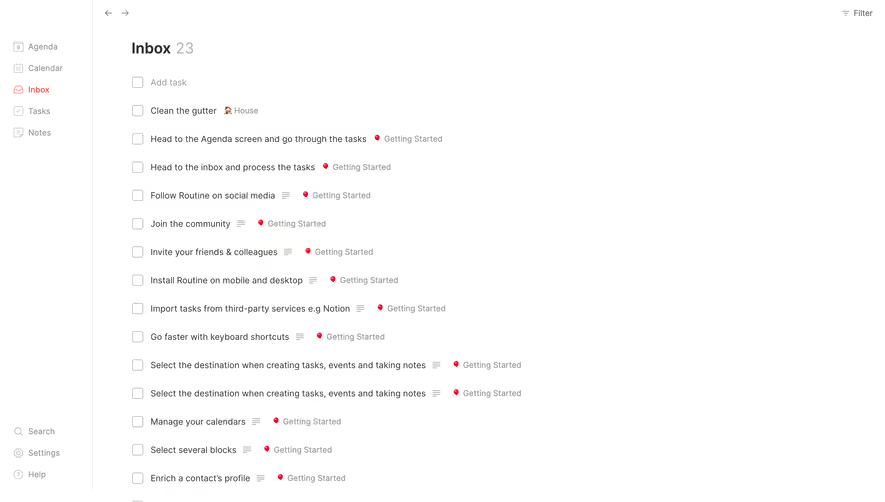
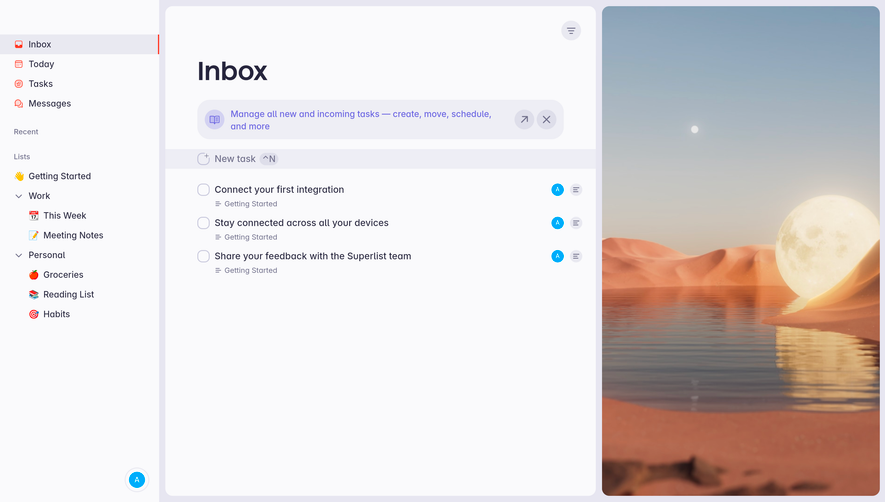
Overall Style and Aesthetic
Intercom’s conversation management interface embodies a crisp, modern SaaS aesthetic that leans confidently into minimalism. The design is laser-focused, conveying professionalism through clean lines, ample white space, and subtle gradients. Visual clutter is eliminated, allowing the content and primary workflow to shine, which adds a sense of efficiency and calm essential for productivity platforms. Layout and Structure
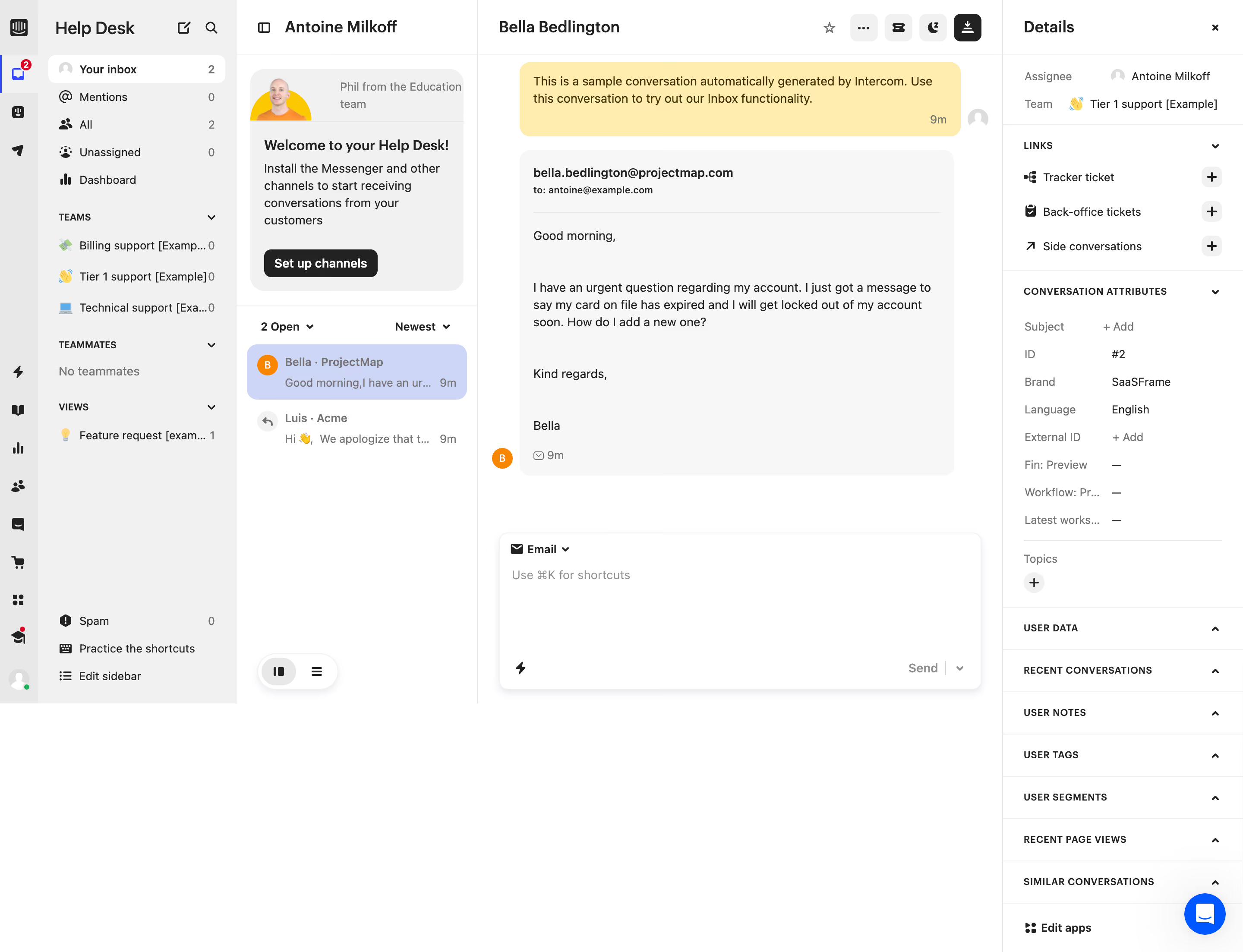
The layout employs a well-defined multi-pane structure: a fixed sidebar for navigation, a collapsible left column for filtering and conversation overviews, and a dominant main panel for the active chat. Everything is intuitively segmented, ensuring that complex actions feel straightforward. Structural hierarchy is maintained with clear section dividers and subtle shadows, delivering a seamless experience for power users managing numerous conversations. Visual Elements
Iconography is lightweight and consistently styled, offering visual cues without overwhelming the user. Profile avatars, status badges, and friendly tooltips subtly humanize the experience. Animations are understated—indicators pulse gently for new messages, and smooth panel transitions add a layer of polish. No unnecessary graphics or photography distract from the primary workflow, highlighting function over florid visuals. Color Palette and Typography
The palette is cool and restrained: soft whites, delicate grays, and signature Intercom blues. High-contrast accents draw attention to actions and unread items, ensuring accessibility. Typography pairs a geometric sans-serif for body text with bolder weights for headings and actionable elements, establishing clear visual hierarchy and improving readability for rapid scanning. User Experience Patterns
User-centric patterns dominate, including persistent navigation, contextual tooltips, quick-reply buttons, and keyboard shortcuts. Call-to-action elements (like “reply” or “assign”) are instantly recognizable via color and placement, driving focused engagement. Subtle micro-interactions—such as message send confirmations—make the experience feel responsive and reassuring. Unique or Notable Design Choices
A standout feature is the omnipresent search and filtering, always within reach, empowering users to manage information density on their terms. The balance between utilitarian pragmatism and a gentle, human touch (through empty state illustrations and microcopy) distinguishes this design, making it both inviting and highly efficient for teams handling high-volume customer conversations. Tone and Feel
The overall vibe is approachable yet authoritative—evoking trust while maintaining a sense of lightness. The interface feels innovative but never intimidating, accomplishing an ideal blend for SaaS products focused on communication and customer relationships..webp)




.avif)