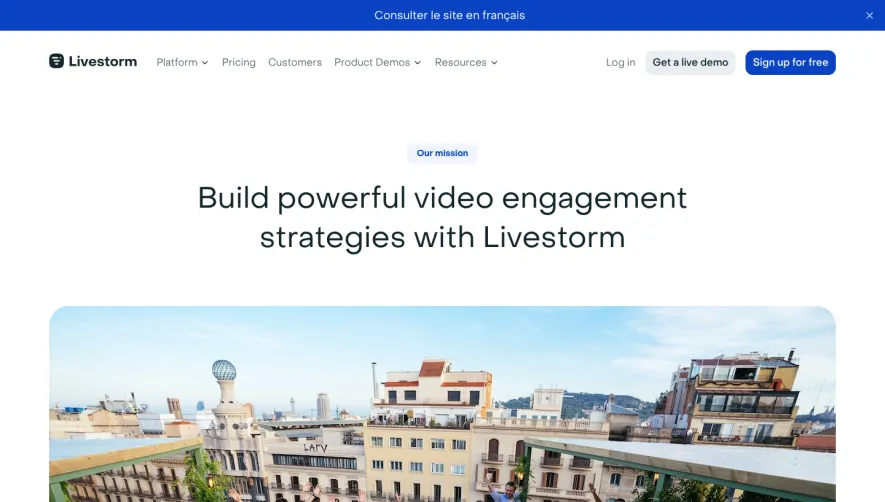
1. Header: The header of the page includes the Intercom logo on the left, followed by links to the "Product," "Solutions," "Resources," and "Pricing" pages. On the top right corner, there are links to the "Login" and "Get started" pages. 2. Hero section: The hero section of the page includes a large image of the Intercom team, along with the heading "Welcome to Intercom". 3. About Intercom: This section describes the mission and values of Intercom, along with a call to action for customers to "Join the over 30,000 businesses using Intercom to talk to their customers". 4. The Intercom Platform: This section provides an overview of the Intercom platform, which includes products for messaging, engagement, and support. Each product is accompanied by a relevant icon. 5. Products: This section provides more detailed information about Intercom's products, including Messaging, Inbox, Articles, Answer Bot, and Outbound. 6. Customers: This section showcases some of Intercom's prominent customers, including Lyft, SoFi, and Shopify, along with brief case studies about how Intercom has helped these businesses. 7. Team: This section introduces the Intercom team and includes their photos, job titles, and social media links. 8. Careers: This section provides information about job openings at Intercom and encourages potential employees to "Join us and help shape the future of customer communication". 9. Footer: The footer of the page includes links to the "Product," "Solutions," "Resources," and "Pricing" pages, along with links to the Intercom blog, the "About" page, and the company's social media accounts. It also includes a section for customers to subscribe to the Intercom newsletter.


Intercom About Page

Intercom
Customer Messaging
Designed by
No items found.
Category
Patterns
No items found.
Tech Stack
Added on
July 5, 2020