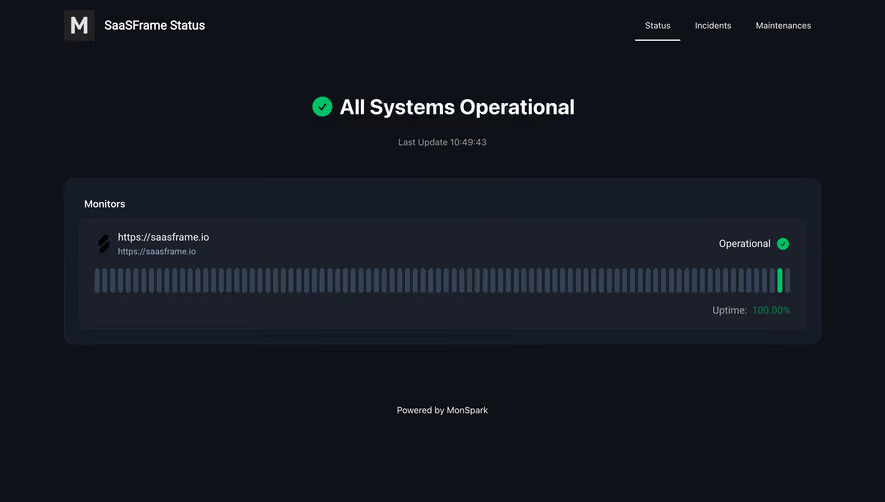
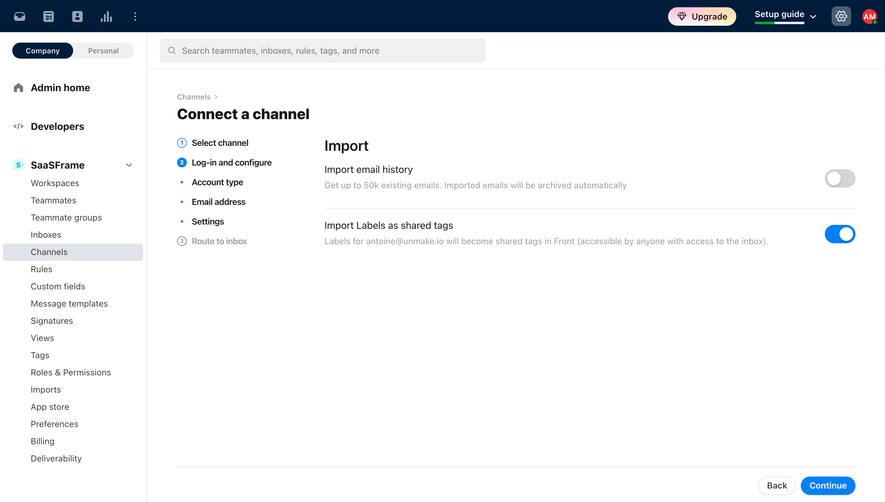
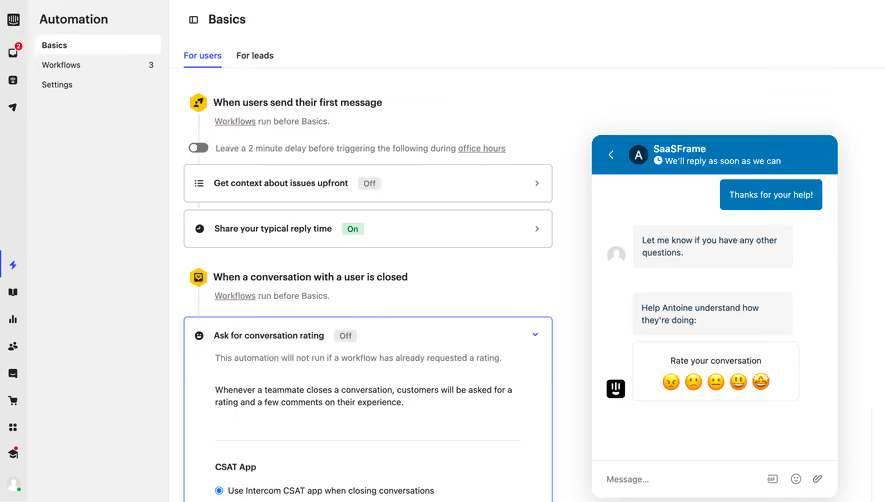
Generate a new design based on this screen using your own content.
Thank you! Your submission has been received!
Oops! Something went wrong while submitting the form.
# Design from Reference: Hume AI Voices Library
Create an original, high-fidelity visual design inspired by the reference. Prioritize composition, typography, colors, spacing, and component styling over technical implementation.
## Reference
- **Product:** Hume AI
- **Category:** Empty
- **Screenshot:** https://cdn.prod.website-files.com/5e9dc792e1210c5325f7ebbc/6acad407c910b3adf9e48bcc_6acad194782887bd39746087_cms-9bcc33a7006072838b6b1a4f.webp
Analyze the screenshot first. If inaccessible, request it rather than guessing.
## Content
{{content.instructions}}
{{content.data}}
Preserve essential messaging and factual accuracy. Adapt structure and copy length for visual balance; never invent product claims.
## Visual Design
Use this context to reproduce the reference's visual language: layout, typography, colors, spacing, borders, radii, and distinctive elements. The screenshot takes priority if descriptions conflict.
## Direction
{{preferences.fidelityInstructions}}
## Output
{{output.instructions}}
Deliver a polished, cohesive design with precise alignment, hierarchy, and spacing. Produce the requested visual artifact, not just a description. If unsupported, explain the limitation.
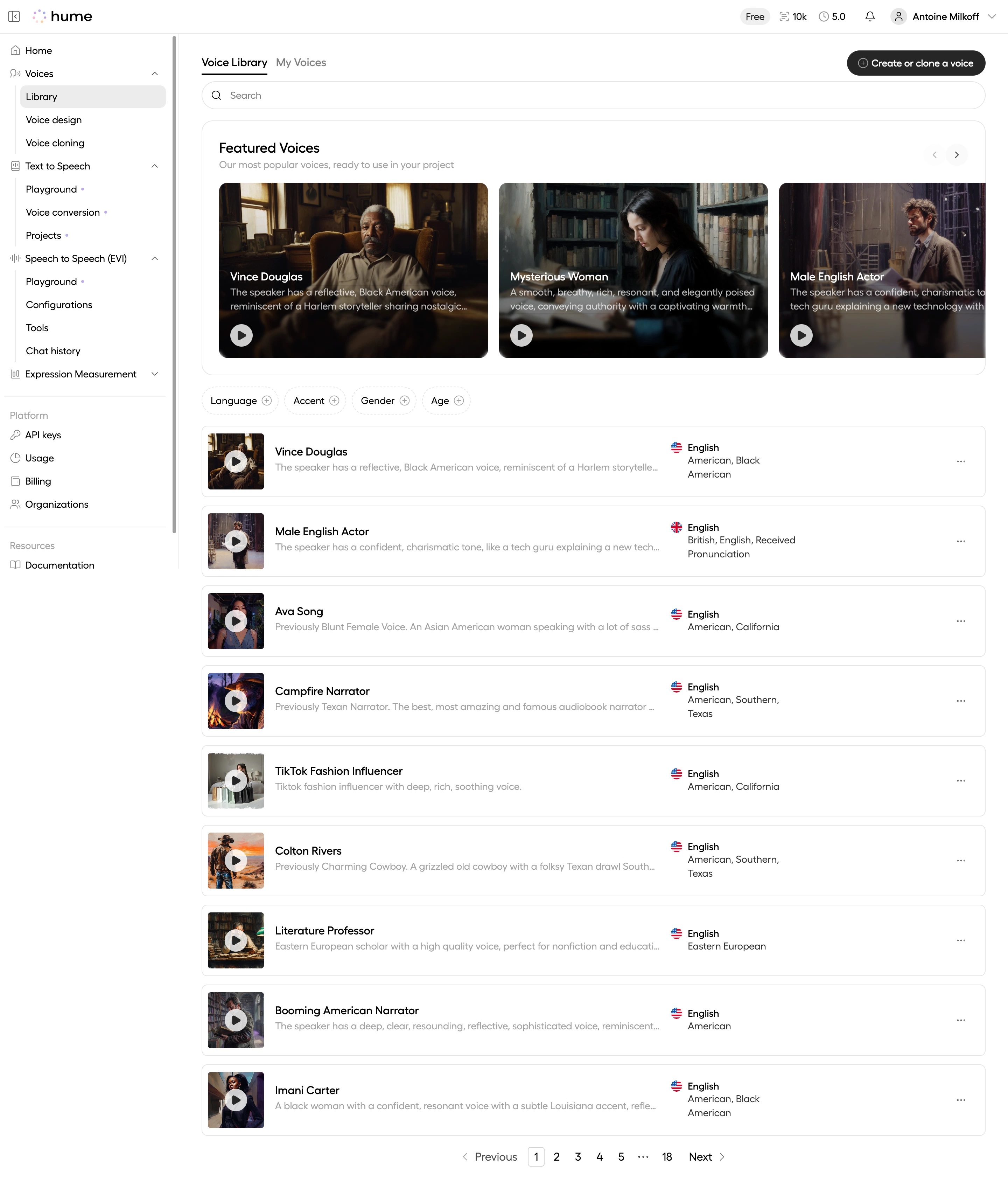
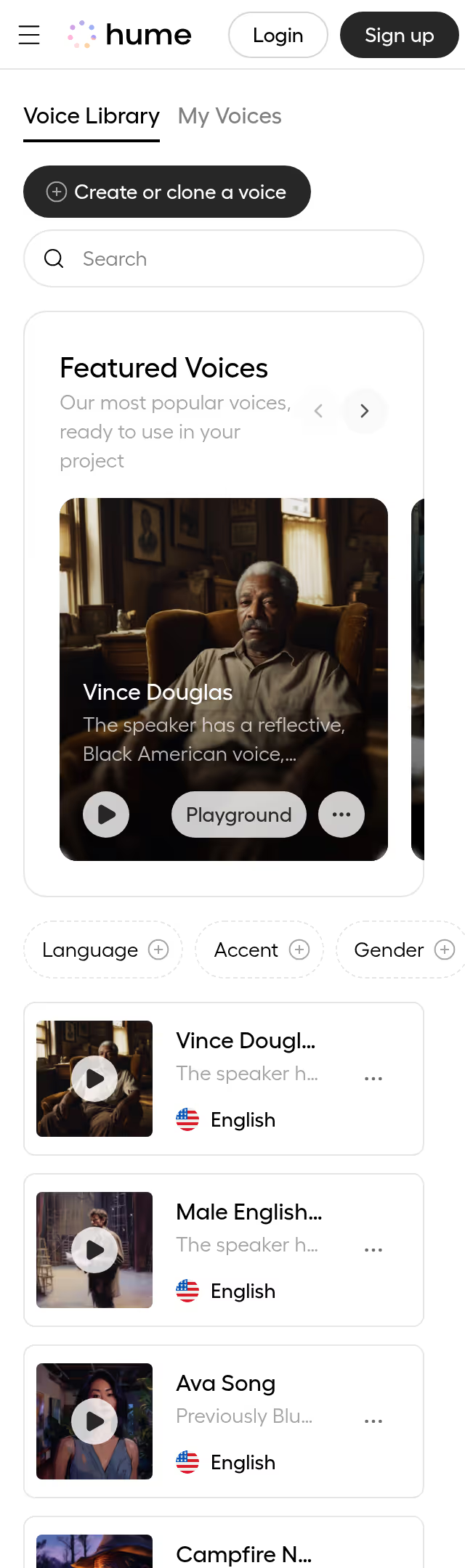
The featured voices section at the top is what grabs you first. Those cinematic portrait cards with overlay text feel more like a streaming platform than a typical SaaS tool. Hume leaned into dark, moody photography here and it works. Instantly sets a tone that says "this is creative software."
Clean Grid, Zero Confusion
Below the hero carousel, the voice list switches to a straightforward table-style layout. Each row gives you a thumbnail, name, description snippet, and accent tags at a glance. The filter pills for Language, Accent, Gender, and Age sit right above. No buried dropdowns. No guessing. You scan, you filter, you pick. The pagination at the bottom is refreshingly simple too.
What Makes It Stand Out
The monochrome UI with just black, white, and subtle grays lets the voice avatars pop as the only real color on the page. Typography is tight and minimal. The left sidebar uses smart grouping with collapsible sections that keep navigation dense but readable. That "Create or clone a voice" CTA button in the top right is perfectly placed and hard to miss.
.webp)



.avif)