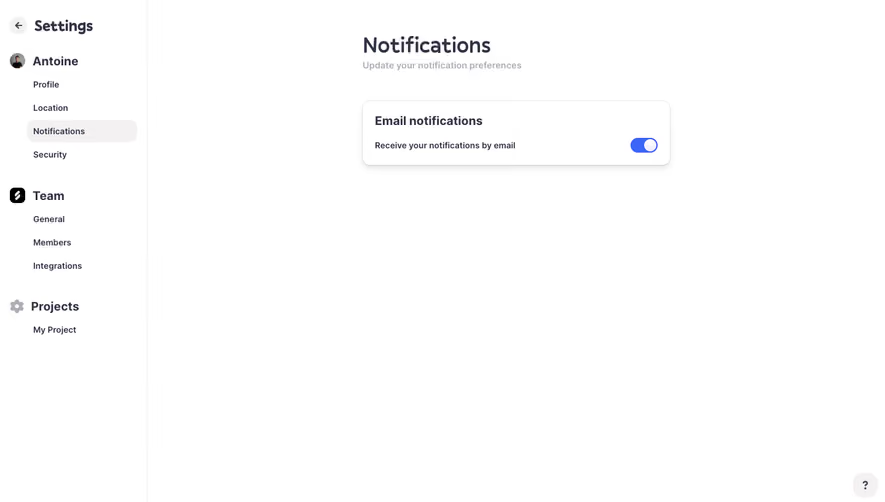
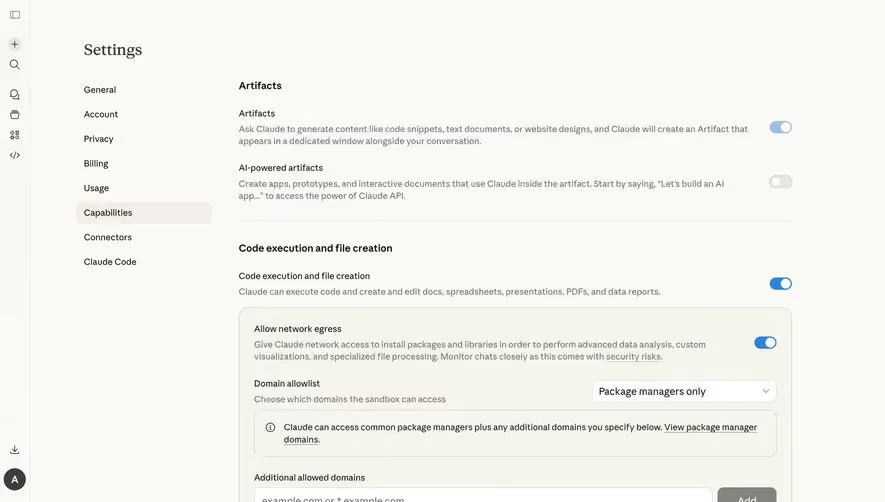
Generate a new design based on this screen using your own content.
Thank you! Your submission has been received!
Oops! Something went wrong while submitting the form.
# Design from Reference: Hume AI Account Settings
Create an original, high-fidelity visual design inspired by the reference. Prioritize composition, typography, colors, spacing, and component styling over technical implementation.
## Reference
- **Product:** Hume AI
- **Category:** Settings
- **Screenshot:** https://cdn.prod.website-files.com/5e9dc792e1210c5325f7ebbc/6acad403c910b3adf9e48b3d_6acad18e65098f55973f4472_cms-f39e223eed229c4d7fb38e37.webp
Analyze the screenshot first. If inaccessible, request it rather than guessing.
## Content
{{content.instructions}}
{{content.data}}
Preserve essential messaging and factual accuracy. Adapt structure and copy length for visual balance; never invent product claims.
## Visual Design
Use this context to reproduce the reference's visual language: layout, typography, colors, spacing, borders, radii, and distinctive elements. The screenshot takes priority if descriptions conflict.
## Direction
{{preferences.fidelityInstructions}}
## Output
{{output.instructions}}
Deliver a polished, cohesive design with precise alignment, hierarchy, and spacing. Produce the requested visual artifact, not just a description. If unsupported, explain the limitation.
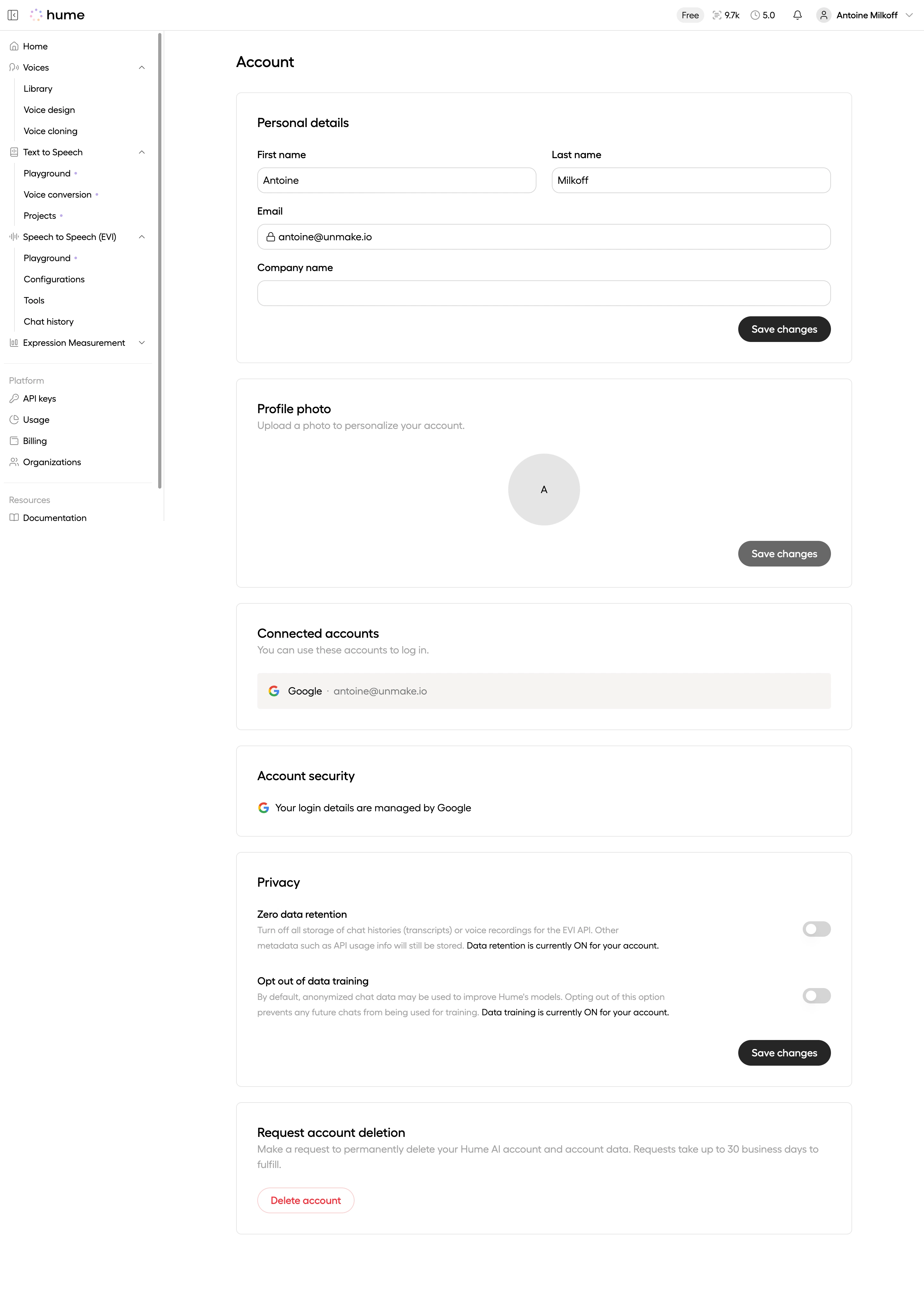
Hume's account page is a masterclass in restraint. White space does all the heavy lifting here. The left sidebar stays out of the way with its muted gray type and logical grouping under Voices, Text to Speech, Speech to Speech (EVI), Platform, and Resources. Nothing fights for attention.
Structured Without Feeling Rigid
The main content area stacks sections in a clear vertical rhythm: Personal details, Profile photo, Connected accounts, Account security, Privacy, then the danger zone with Delete account. Each card has generous padding and subtle borders. You always know where one section ends and another begins. The "Save changes" buttons sit right-aligned, consistent across blocks. That's discipline.
Typography Carries the Weight
Bold section headers in dark black contrast with lighter gray helper text underneath. The type hierarchy is doing real work. No decorative elements needed.
One Thing That Stands Out
The Privacy section is genuinely thoughtful. Zero data retention and opt-out toggles with inline status text like "Data training is currently ON for your account" give users actual transparency. The red "Delete account" button at the bottom feels intentionally isolated. Smart placement.
.webp)



.avif)