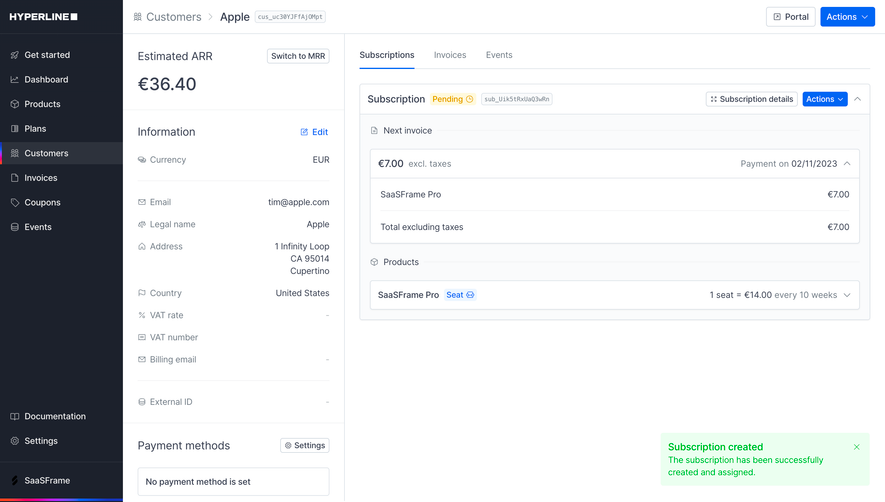
Generate a new design based on this screen using your own content.
Thank you! Your submission has been received!
Oops! Something went wrong while submitting the form.
# Design from Reference: Huly Room Detail
Create an original, high-fidelity visual design inspired by the reference. Prioritize composition, typography, colors, spacing, and component styling over technical implementation.
## Reference
- **Product:** Huly
- **Category:** Details
- **Screenshot:** https://cdn.prod.website-files.com/5e9dc792e1210c5325f7ebbc/6acad3fec910b3adf9e48a88_6acad17811963fdadfb4d216_cms-68ceefcb3d13bf01b44c21fb.webp
Analyze the screenshot first. If inaccessible, request it rather than guessing.
## Content
{{content.instructions}}
{{content.data}}
Preserve essential messaging and factual accuracy. Adapt structure and copy length for visual balance; never invent product claims.
## Visual Design
Use this context to reproduce the reference's visual language: layout, typography, colors, spacing, borders, radii, and distinctive elements. The screenshot takes priority if descriptions conflict.
## Direction
{{preferences.fidelityInstructions}}
## Output
{{output.instructions}}
Deliver a polished, cohesive design with precise alignment, hierarchy, and spacing. Produce the requested visual artifact, not just a description. If unsupported, explain the limitation.
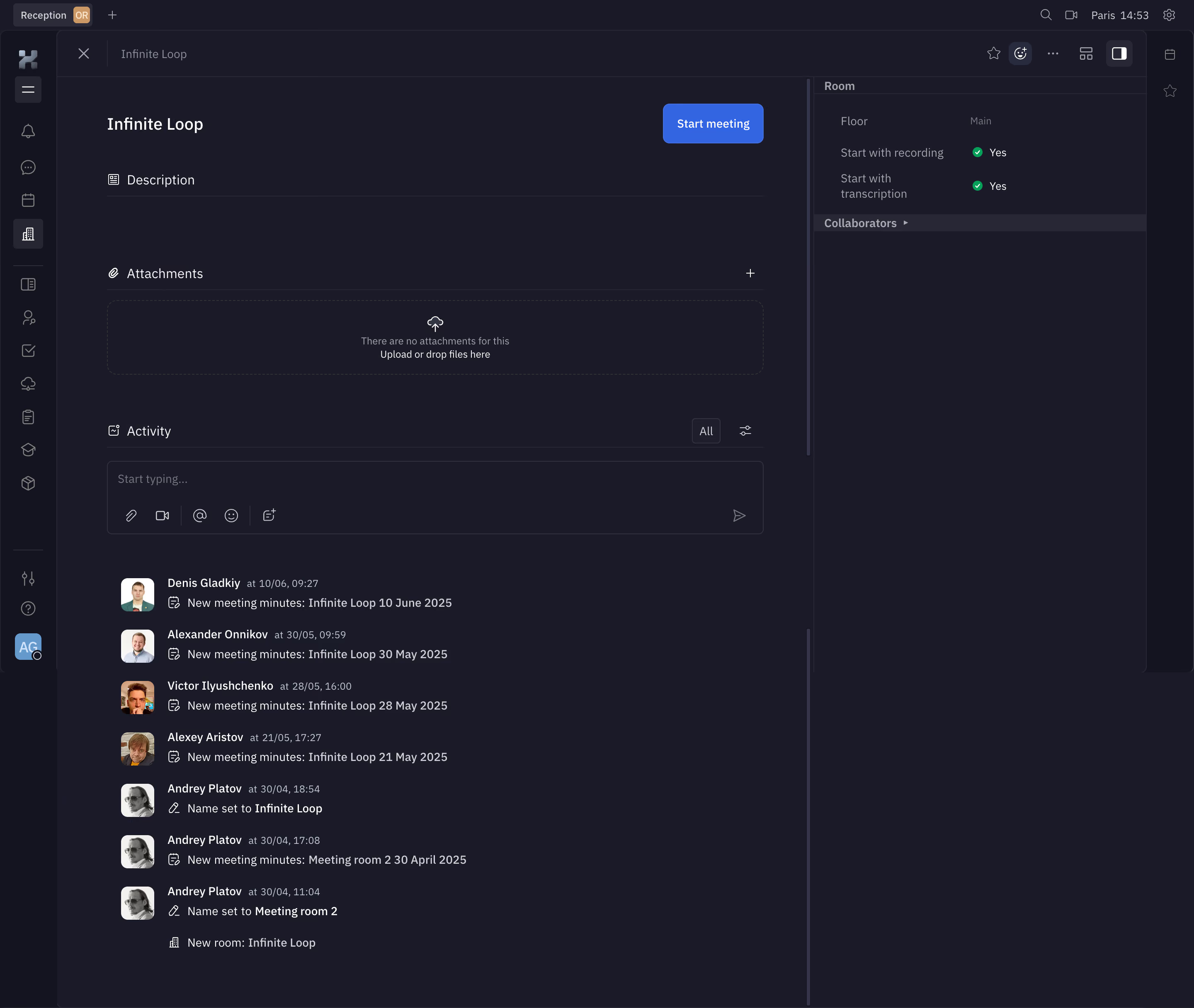
First thing that hits you is the deep charcoal background contrasted with that punchy blue "Start meeting" CTA. It pops immediately. You know exactly what the primary action is. No guessing.
Smart Two-Column Layout
Left side handles the content flow: description, attachments, and a chronological activity feed. Right sidebar keeps room metadata compact and scannable. Floor, recording settings, transcription toggle, collaborators. Everything's tucked where you'd expect it. The activity log is genuinely useful here, showing who created meeting minutes with timestamps and avatar thumbnails. It reads like a clean git history for meetings.
Typography That Stays Out of the Way
White text on dark backgrounds with just enough weight variation to create hierarchy. Section headers use small icons paired with labels. The "Yes" badges with green checkmarks are a tiny detail that works hard. You instantly parse boolean settings without reading.
What Makes It Stick
The drag-and-drop attachment zone with its dashed border and cloud icon feels inviting, not empty. And that left icon rail navigation is super tight. Functional density without clutter.
.webp)



.avif)