.webp)
Thank you! Your submission has been received!
Oops! Something went wrong while submitting the form.
Get SaaSFrame Pro
Monthly
$18
Quarterly
$48
Yearly
$180
Upgrade to access this feature
Browse all screens & flows
Filter and search screens & flows
Access Figma files
Access mobile versions
Bookmark screens & flows
Join now
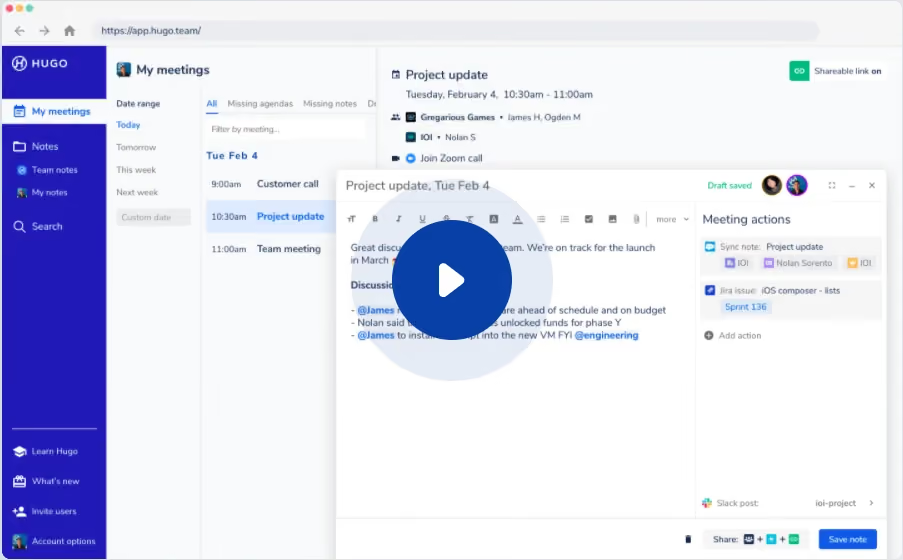
Hugo Video Tour

Hugo
Connected Meeting Notes
Designed by
No items found.

Bookmark
Bookmark

Design with AI
Thank you! Your submission has been received!
Oops! Something went wrong while submitting the form.
# Design from Reference: Hugo Video Tour
Create an original, high-fidelity visual design inspired by the reference. Prioritize composition, typography, colors, spacing, and component styling over technical implementation.
## Reference
- **Product:** Hugo
- **Category:** Product Video
- **Screenshot:** https://cdn.prod.website-files.com/5e9dc792e1210c5325f7ebbc/6aca2666e91902f29e9da995_6aca23c5a4e185e6f86ee78e_cms-1f9f593ee8c97230a73d73be.webp
Analyze the screenshot first. If inaccessible, request it rather than guessing.
## Content
{{content.instructions}}
{{content.data}}
Preserve essential messaging and factual accuracy. Adapt structure and copy length for visual balance; never invent product claims.
## Visual Design
### Overall aesthetic
- **Character:** A product-tour video thumbnail shows a compact meeting-notes application, with a deep indigo sidebar, cool white panels, and a large blue play overlay.
- **Visual focus:** The play symbol dominates the center, while a floating note editor demonstrates the product beneath it. The rest of the interface is intentionally small within this media frame.
- **Observed scale:** The image measures 903 × 560 pixels. Measurements below refer to image pixels; CSS scale and device pixel ratio are unverified.
### Page composition
- **Browser frame:** A thin browser-style strip runs across the top, containing window dots, navigation symbols, and a rounded address field.
- **Application rail:** A roughly 105-pixel indigo sidebar occupies the left edge below the browser bar. A logo sits at top, navigation follows, and learning/account utilities sit near the bottom.
- **Meeting workspace:** A pale main area has a narrow date-range column, a meeting list, and a broader event-detail region to the right.
- **Floating editor:** A white note-editing window begins around x=335 and y=169, extending nearly to the right and bottom edges. It overlaps the underlying meeting view.
- **Play overlay:** A roughly 120-pixel dark blue circle with a white triangle sits near x=451, y=280, surrounded by a larger translucent pale-blue halo.
### Information hierarchy
- **Media action:** The oversized play affordance is the first visual priority. It identifies the whole composition as a video invitation rather than an ordinary editable application screenshot.
- **Underlying context:** My meetings is selected in the sidebar. A project-update meeting is highlighted in the list and repeated in the detail/editor areas.
- **Editor priority:** The note body occupies the larger left portion of the floating window; Meeting actions forms a narrower right column.
- **Supporting controls:** Formatting tools, participants, save status, and sharing controls are secondary details around the editor.
- **Scope limit:** No surrounding marketing headline, description, or video-duration bar is present in the captured image.
### Typography
- **Typeface appearance:** Small neutral sans-serif interface text is visible; the exact font family is unverified.
- **Navigation:** Sidebar labels are approximately 10–12 image pixels, with the selected row using blue text on a pale background.
- **Workspace headings:** Meeting and section titles are roughly 12–14 pixels with medium or semibold weight.
- **Editor text:** The note body uses approximately 10–12-pixel text with compact line spacing. Bold subheadings and blue mentions distinguish structure.
- **Readability limit:** Some interface detail is small or obscured by the play overlay. Its role can be described, but exact wording and fine typography should not be inferred.
### Colors & surfaces
- **Measured indigo:** #2119B7 is prominent in the left application rail.
- **Measured blues:** #0840A8 appears in the playback treatment; #E6ECF5 supports the pale overlay/halo appearance.
- **Measured neutrals:** #FFFFFF, #F8FAFB, #F6F6F6, and #EBECF0 form the main panels, toolbar areas, and light boundaries.
- **Semantic accents:** Blue highlights and mentions indicate active content; green marks saved/share-link status. A blue Save note button appears at the editor’s lower right.
- **Depth:** The floating editor uses a soft shadow and light frame. The underlying workspace remains flatter, with narrow vertical dividers.
### Components
- **Sidebar navigation:** Icon-label rows cover meetings, notes, team/personal notes, and search. A pale active row interrupts the otherwise indigo surface.
- **Date controls:** A slim column lists relative date ranges, with the selected range emphasized in blue.
- **Meeting list:** Time and title pairs form compact rows. A pale blue selection highlights one meeting.
- **Meeting details:** The underlying right panel includes a title, time, participant/team lines, call link, and a small green sharing-status control.
- **Editor header:** A title bar contains a draft-saved label, participant avatars, and small window controls.
- **Formatting toolbar:** A compact row of text-formatting and insertion icons sits above the note body.
- **Meeting actions panel:** Small action cards, linked-service symbols, and an Add action row occupy the editor’s right side.
- **Editor footer:** Sharing/service icons and a blue Save note control align near the lower-right corner.
- **Playback affordance:** A white right-pointing triangle is centered in a dark blue circle. The static screenshot does not establish playback behavior or a destination.
### Visual rhythm
- **Column density:** Narrow navigation/date columns lead into broader meeting and editing areas, creating a clear increase in information space from left to right.
- **Compact spacing:** Small interface rows and tight toolbar gaps contrast with the large open lower note area.
- **Overlay layering:** The floating editor and central play circle create two distinct depth levels over the meeting workspace.
- **Repeated blue cues:** Sidebar, selected meeting, mentions, save action, and play control connect the composition through a shared blue family.
### Responsive
- **Evidence limit:** This is a single video thumbnail, not evidence of a responsive webpage or mobile application.
- **Recommended embedding:** Preserve the 903:560 image ratio when placing it in a responsive media container. Avoid cropping away the play control or main editor.
- **Recommended playback control:** Implement the play action as an accessible button with a clear label, keyboard focus, and a usable hit area.
- **Recommended narrow-screen treatment:** Use a focused poster crop or larger playback view if small interface labels become unreadable; do not shrink surrounding page text into the thumbnail.
### Adaptation guidance
- **Preserve the demonstrated task:** Use the poster to show meeting selection and note editing, with the playback action clearly above the product view.
- **Separate media from interaction:** Treat all small application controls in the poster as image content. Only the actual video action should be interactive in an embed.
- **Use measured colors selectively:** Keep the indigo rail and blue playback emphasis while allowing neutral panels to support the interface detail.
- **Provide an alternative:** Supply descriptive alternative text, captions or transcript for the video, and a destination fallback.
- **Avoid copying private detail:** Replace names, meeting content, addresses, and integration references with approved sample data in any recreated demonstration.
Use this context to reproduce the reference's visual language: layout, typography, colors, spacing, borders, radii, and distinctive elements. The screenshot takes priority if descriptions conflict.
## Direction
{{preferences.fidelityInstructions}}
## Output
{{output.instructions}}
Deliver a polished, cohesive design with precise alignment, hierarchy, and spacing. Produce the requested visual artifact, not just a description. If unsupported, explain the limitation.

.avif)
Category
Patterns
No items found.
Tech Stack

Added on
May 23, 2020
Similar screens
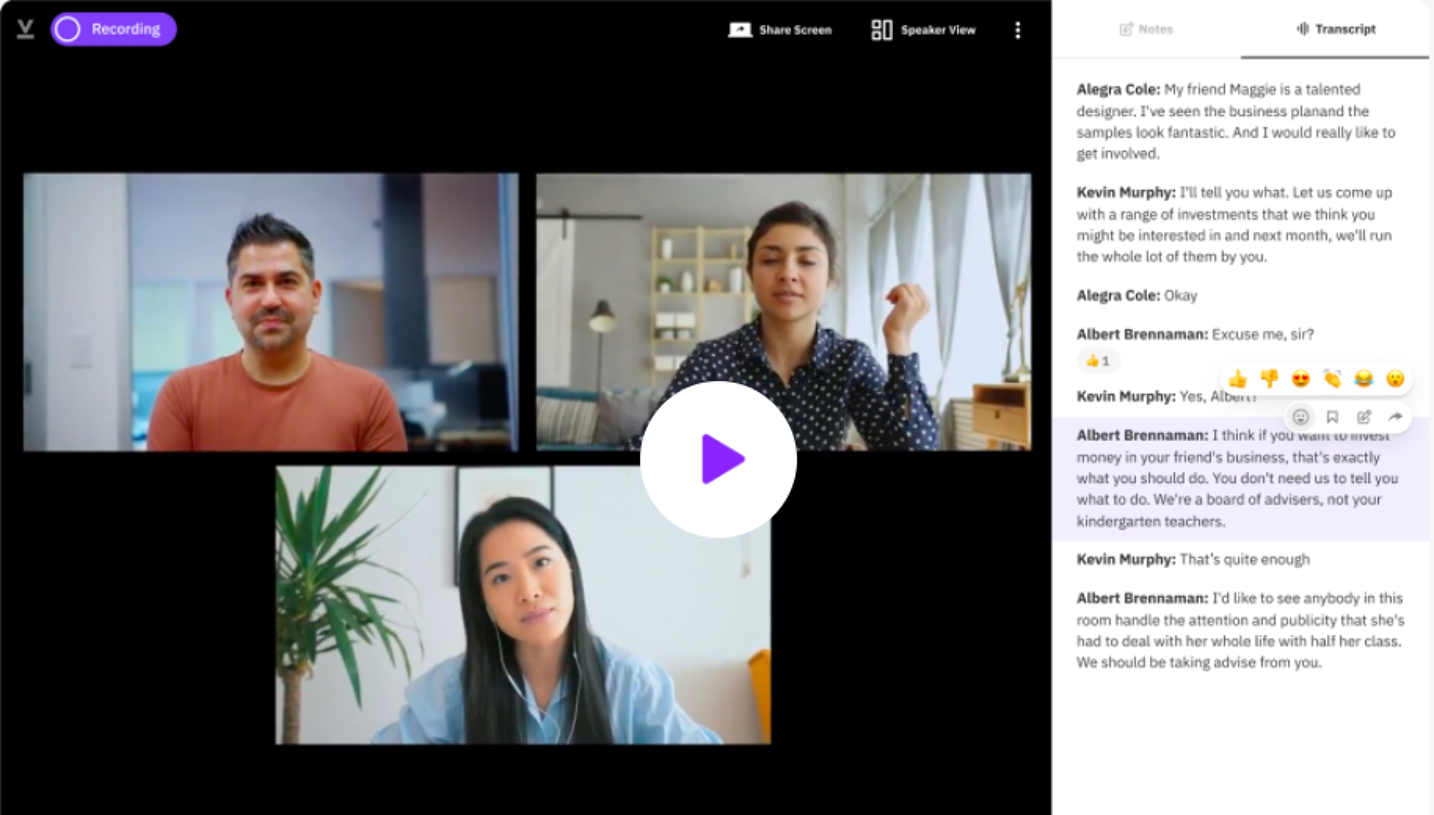


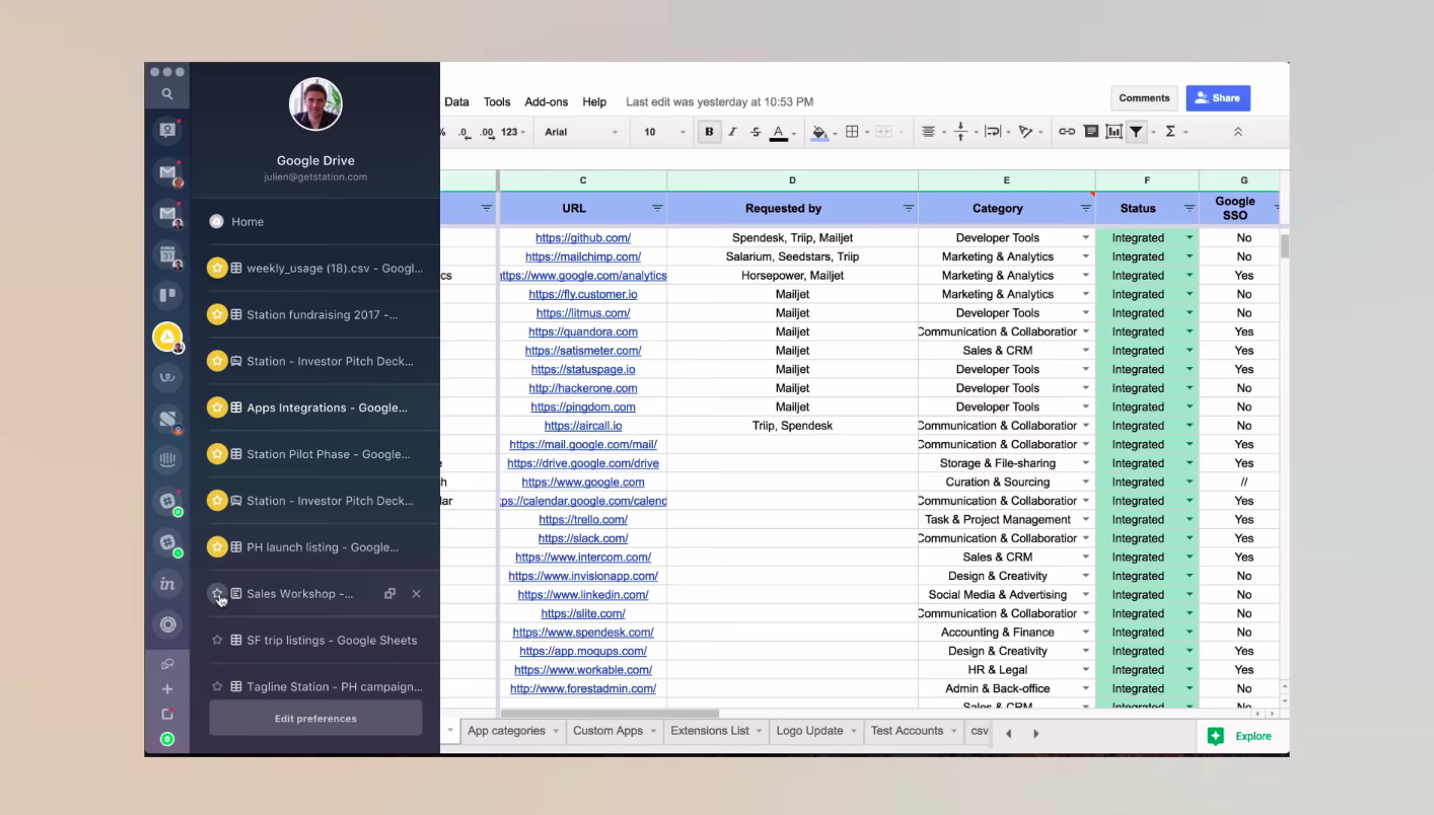

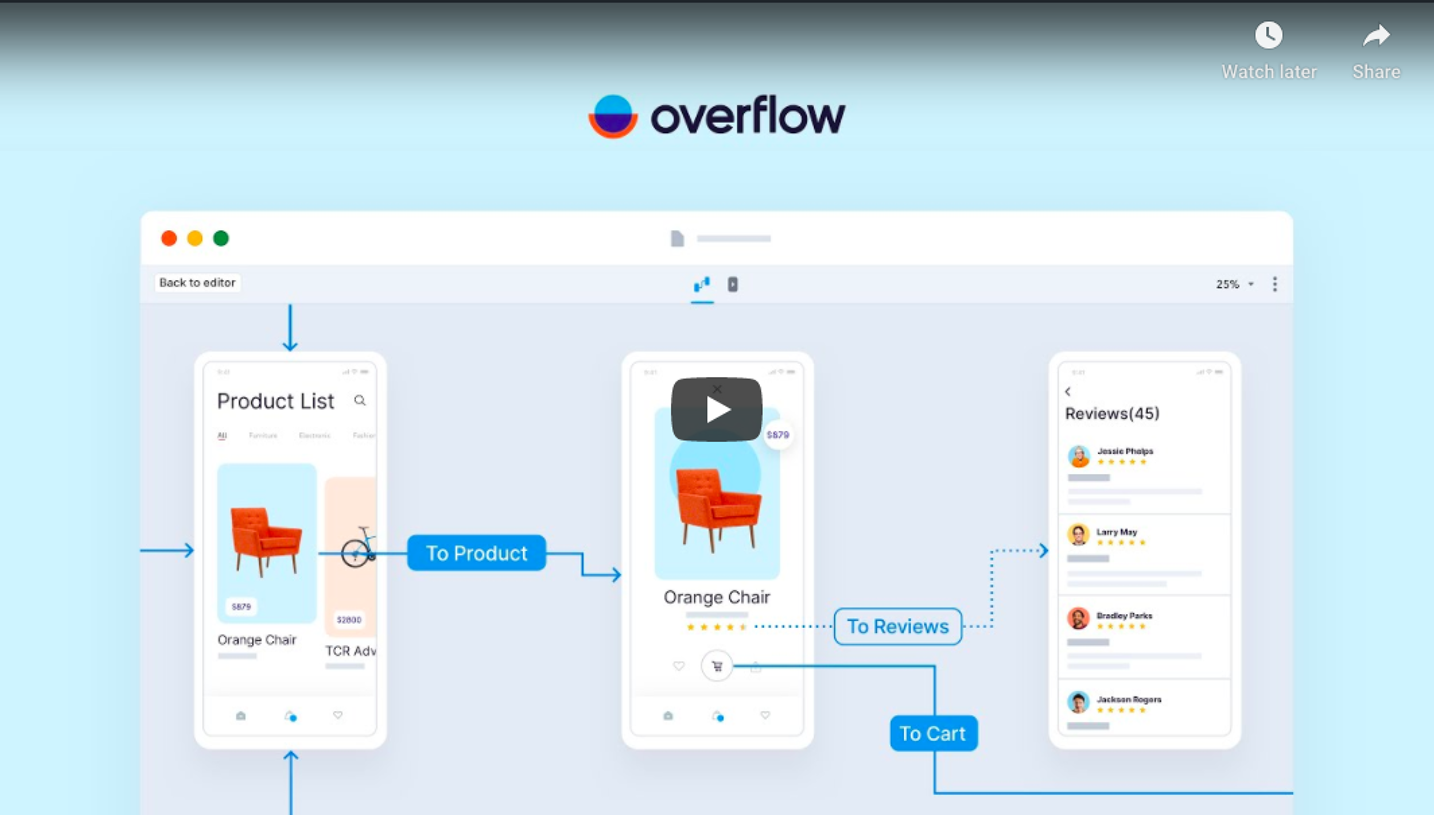

Upgrade to SaaSFrame Pro now to see similar examples.
Monthly
$18 /month
Billed $18 monthly
Browse all screens & flows
Filter and search screens & flows
Search text in screenshots
Access Figma files
Access mobile versions
Join now
Quarterly
$16 /month
Billed $48 quarterly
Browse all screens & flows
Filter and search screens & flows
Search text in screenshots
Access Figma files
Access mobile versions
Join now
Yearly
$15 /month
Billed $180 yearly
Browse all screens & flows
Filter and search screens & flows
Search text in screenshots
Access Figma files
Access mobile versions
Join now