.avif)



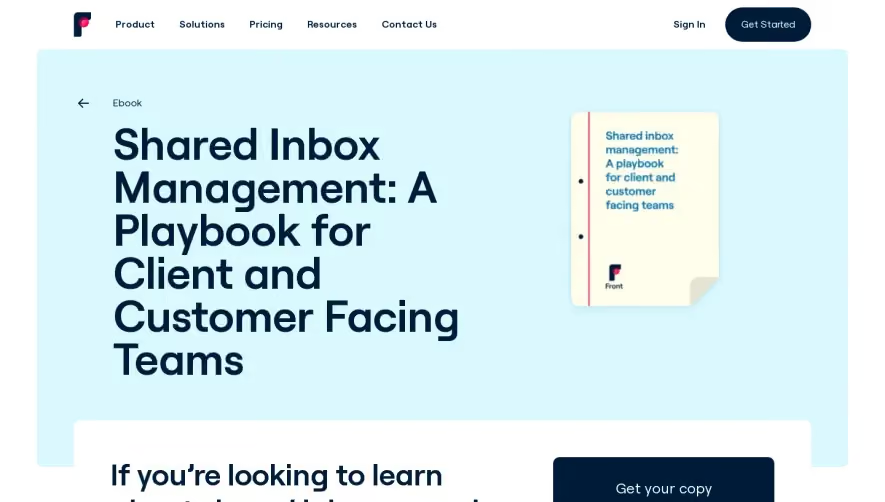
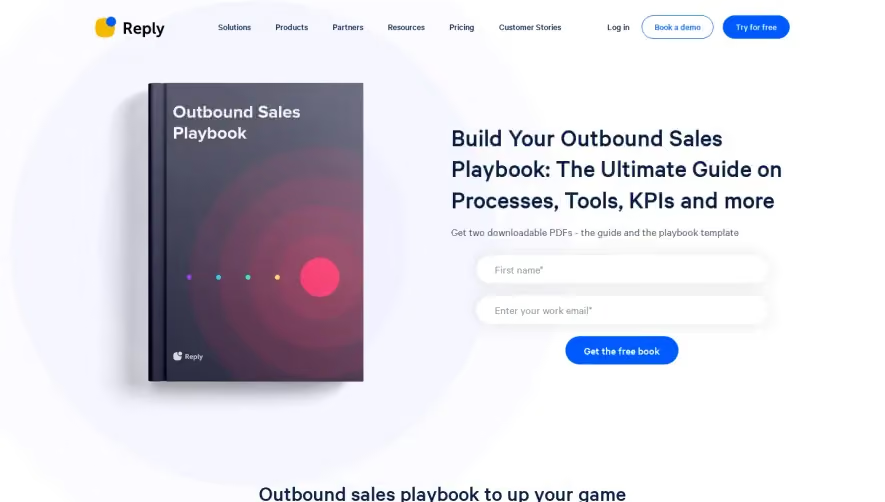
1. Title: The page begins with a title "Headless CMS Buyer's Guide" which immediately conveys what the page is about. 2. Introductory paragraph: The page has an introductory paragraph that explains what a Headless CMS is and how it is different from a traditional CMS. 3. Table of Contents: The page has a table of contents with clickable headings that take the reader to specific sections on the page. 4. Section on Features: This section discusses the key features that buyers should look for in a Headless CMS, such as flexible content modeling, multichannel publishing, content personalization, and API-first approach. 5. Section on Benefits: This section explains the benefits of using a Headless CMS over a traditional CMS, such as the ability to easily integrate with third-party systems, create a consistent user experience across multiple channels, and future-proof your digital strategy. 6. Section on Considerations: The page includes a section on considerations that buyers should keep in mind when choosing a Headless CMS, such as the importance of developer experience, security, scalability, and support. 7. Comparison Chart: The page has a comparison chart that allows readers to compare different Headless CMS options based on key features, pricing, and support. 8. Vendor Profiles: The page includes vendor profiles for each of the Headless CMS options featured in the comparison chart. These profiles provide a brief overview of the company, their pricing, and key features. 9. Conclusion: The page ends with a conclusion that summarizes the key takeaways from the Headless CMS Buyer's Guide and encourages readers to choose a CMS that aligns with their specific needs. 10. Resource Section: The page has a resource section that allows users to access additional content and resources related to Headless CMS.
.webp)


GraphCMS eBook Page

GraphCMS
Rapidly deliver digital content at scale
Designed by
No items found.
Category
Patterns
No items found.
Tech Stack
Added on
June 6, 2020