.webp)
Thank you! Your submission has been received!
Oops! Something went wrong while submitting the form.
Get SaaSFrame Pro
Monthly
$18
Quarterly
$48
Yearly
$180
Upgrade to access this feature
Browse all screens & flows
Filter and search screens & flows
Access Figma files
Access mobile versions
Bookmark screens & flows
Join now
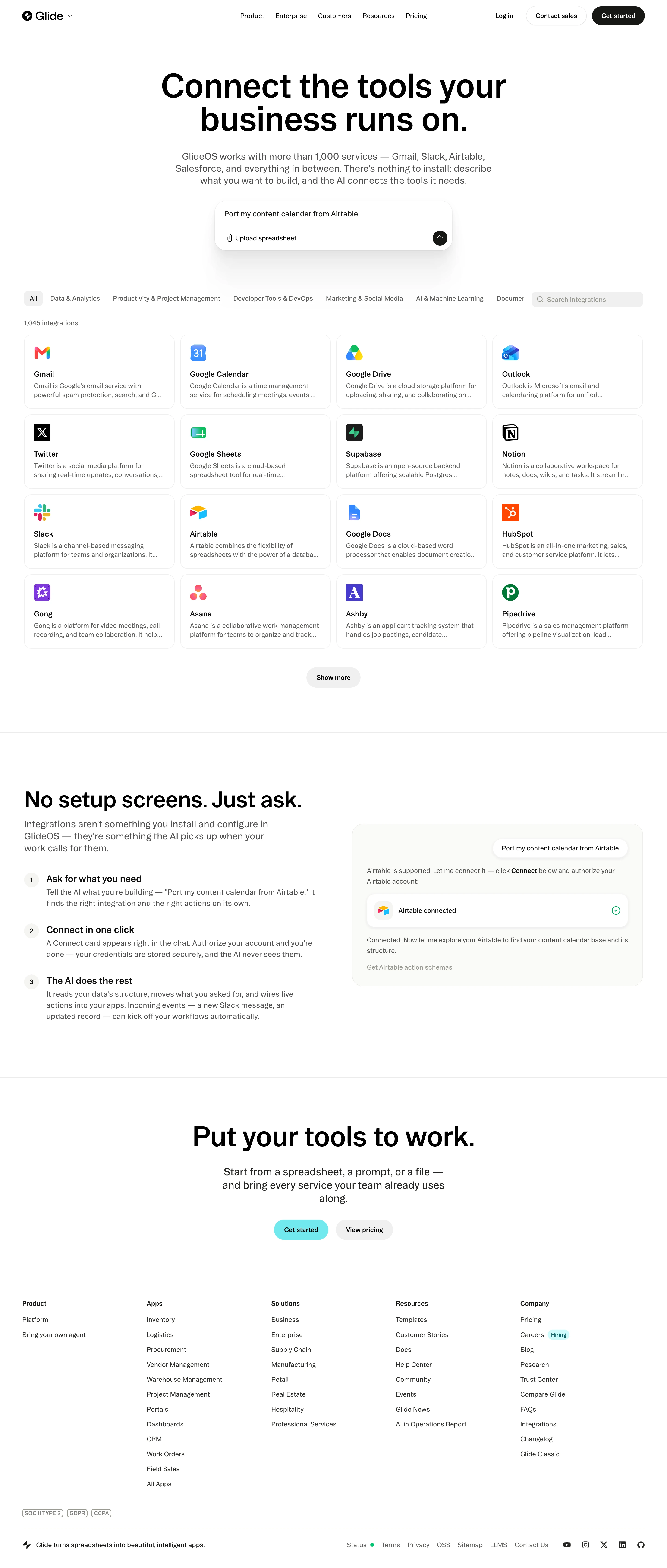

Glide Integrations Library

Glide
Turn spreadsheets into apps
Designed by
No items found.

Bookmark
Bookmark

Design with AI
Thank you! Your submission has been received!
Oops! Something went wrong while submitting the form.
# Design from Reference: Glide Integrations Library
Create an original, high-fidelity visual design inspired by the reference. Prioritize composition, typography, colors, spacing, and component styling over technical implementation.
## Reference
- **Product:** Glide
- **Category:** Integrations Library
- **Screenshot:** https://cdn.prod.website-files.com/5e9dc792e1210c5325f7ebbc/6aca263ffe95dabb9205643f_6aca2333bd60c06c202b9b3a_cms-baefc526890417b7e5ba75b9.webp
Analyze the screenshot first. If inaccessible, request it rather than guessing.
## Content
{{content.instructions}}
{{content.data}}
Preserve essential messaging and factual accuracy. Adapt structure and copy length for visual balance; never invent product claims.
## Visual Design
### Overall aesthetic
- **Style:** Minimal monochrome integration directory with large editorial headings, fine card outlines and abundant white space.
- **Accent strategy:** Color is concentrated in service logos, a turquoise closing action and small green connection/status indicators.
- **Capture:** The screenshot measures 2880 × 6768 image pixels. Approximate CSS sizes below assume a 2× capture, equivalent to a 1440-pixel-wide layout; device scale is unverified.
### Page composition
- **Header:** A slim horizontal navigation places the Glide mark at left, five product/company links centrally and login plus two pill actions at right.
- **Hero:** A centered two-line heading occupies a roughly 800-CSS-pixel measure. A three-line explanation follows, then a compact prompt composer with upload and send controls.
- **Directory toolbar:** A long category row begins with the selected All chip and ends beside a gray integration-search field. A category at the right edge appears clipped in the captured layout.
- **Directory grid:** A count label precedes sixteen visible integrations in four columns and four rows. A centered Show more pill sits below.
- **Explanation:** A ruled section pairs a large heading and three numbered steps on the left with a rounded chat/connection demonstration on the right.
- **Conversion and footer:** A centered closing message and two actions lead into five footer columns. Compliance badges, a thin divider and a final brand/legal/social row finish the page.
### Information hierarchy
- **Primary message:** The hero headline dominates through scale and black weight, while its gray explanatory paragraph provides the product context.
- **Discovery path:** Category filters, search and the integration count establish how to browse before the repeated service cards.
- **Card reading order:** Each card presents a recognizable logo, bold service name and a two-line muted description with ellipsis truncation.
- **Connection narrative:** Three numbered steps explain asking, connecting and subsequent AI actions; bold step titles lead regular descriptions.
- **Demonstrated state:** The right-hand example shows a user request and an Airtable connected card with a green check. It is an illustrated example within the marketing page.
- **Closing priority:** A turquoise start button is more prominent than the light-gray pricing action; footer links are visually subordinate.
### Typography
- **Family:** A neutral sans-serif is visible; exact font identity is unverified.
- **Hero heading:** Estimated 72-pixel CSS size, bold, with about 72-pixel line height and tight tracking.
- **Hero description:** Approximately 20 pixels with 26-pixel line height, centered in a roughly 700-pixel measure.
- **Section headings:** The explanation heading is approximately 48 pixels; the closing heading around 60 pixels. Both use bold black text.
- **Cards:** Names are approximately 16 pixels and semibold; descriptions approximately 14 pixels with 20-pixel line height.
- **Steps:** Step titles are approximately 20 pixels and semibold, followed by 16-pixel copy at around 24-pixel line height.
- **Navigation and footer:** Approximately 14 pixels; category labels and count are similarly compact. Footer column headings use semibold weight.
### Colors & surfaces
- **Measured canvas:** White #FFFFFF dominates the image. Warm near-white #FBFBF9 appears among the supporting surfaces.
- **Measured neutrals:** Light gray #F0F0F0 supports chips and controls; gray #525252 and #5E5E5C appear among secondary text pixels.
- **Measured dark values:** Black #000000 and near-black #0E0E0D and #171715 support headings, branding and dark actions.
- **Semantic accents:** Turquoise marks the lower start action; green marks successful connection and service status. Service logos retain their individual brand colors.
- **Depth:** The prompt composer has a broad soft shadow, while directory cards rely on thin light-gray borders. The example connection card is softly elevated within a warm off-white panel.
### Components
- **Header actions:** Contact sales is outlined; Get started has a near-black fill. Both are approximately 40 CSS pixels tall with fully rounded ends.
- **Prompt composer:** Approximately 512 × 108 CSS pixels, with roughly 24-pixel corners, a fine outline and 20-pixel inset. A paperclip upload action sits lower left and a black circular arrow control lower right.
- **Filters and search:** The selected All chip has a light-gray rounded fill. Search is approximately 240 × 32 CSS pixels with a magnifier and muted placeholder.
- **Integration cards:** Approximately 324 × 160 CSS pixels, with 16-pixel corners, fine borders, about 20-pixel padding and 12–14-pixel grid gaps.
- **Card contents:** Logos occupy roughly 36-pixel squares. Visible services include Gmail, Calendar, Drive, Outlook, Twitter, Sheets, Supabase, Notion, Slack, Airtable, Docs, HubSpot, Gong, Asana, Ashby and Pipedrive.
- **Show more:** A small gray pill around 118 × 44 CSS pixels sits centrally below the grid; its expanded result is not shown.
- **Numbered steps:** Pale circular number markers of approximately 32 pixels align beside each text block.
- **Connection demonstration:** A roughly 628-pixel-wide off-white panel has 24-pixel corners, a right-aligned user bubble and a white connection card with an icon, bold state label and green check.
- **Footer details:** A small turquoise hiring badge annotates a link; compact outlined compliance badges sit above the bottom divider. Social icons align at the far right.
### Visual rhythm
- **Page gutters:** Approximately 48–52 CSS pixels align the directory, explanation and footer across the desktop width.
- **Hero spacing:** Large gaps isolate the heading, description and composer; an approximately 90-pixel pause separates the composer from the directory toolbar.
- **Grid cadence:** Equal card dimensions and narrow gaps create a compact catalog beneath the more spacious hero.
- **Section breaks:** Thin full-width rules and generous vertical padding distinguish directory, explanation and conversion areas.
- **Footer rhythm:** Five evenly distributed columns use approximately 32-pixel link spacing, with a separate compliance and baseline zone.
### Responsive
- **Recommendation — directory:** Reduce four columns to two and then one while preserving readable descriptions and service logos.
- **Recommendation — categories:** Provide an explicit scrollable filter row or overflow menu so clipped labels remain accessible; keep search on its own row when necessary.
- **Recommendation — hero:** Scale the large headline with a fluid maximum and make the composer fit the viewport with stable upload/send targets.
- **Recommendation — explanation:** Stack numbered instructions above the connection example and preserve the success indicator's text equivalent.
- **Recommendation — footer:** Wrap link groups, badges and legal/social controls. No mobile layout is shown.
### Adaptation guidance
- **Preserve discovery structure:** Keep category selection, search, count, service cards and progressive disclosure together as one directory module.
- **Use restrained surfaces:** Maintain white cards with fine borders and reserve strong shadow for the composer or illustrated connection state.
- **Keep service identity clear:** Use consistent logo boxes, a stable name baseline and a controlled two-line description clamp.
- **Connect browsing to action:** Pair the directory with the prompt composer and a concrete connection example, retaining a clear distinction between live controls and demonstration media.
- **Apply a shared spacing system:** Use consistent desktop gutters, card insets and pill heights while preserving the larger section breaks.
- **Implement missing interaction states:** Add accessible selected, focus, loading, empty-search and expanded-directory states; these behaviors cannot be established from this static capture.
Use this context to reproduce the reference's visual language: layout, typography, colors, spacing, borders, radii, and distinctive elements. The screenshot takes priority if descriptions conflict.
## Direction
{{preferences.fidelityInstructions}}
## Output
{{output.instructions}}
Deliver a polished, cohesive design with precise alignment, hierarchy, and spacing. Produce the requested visual artifact, not just a description. If unsupported, explain the limitation.

.avif)
Category
Patterns
No items found.


Added on
September 29, 2026
Similar screens
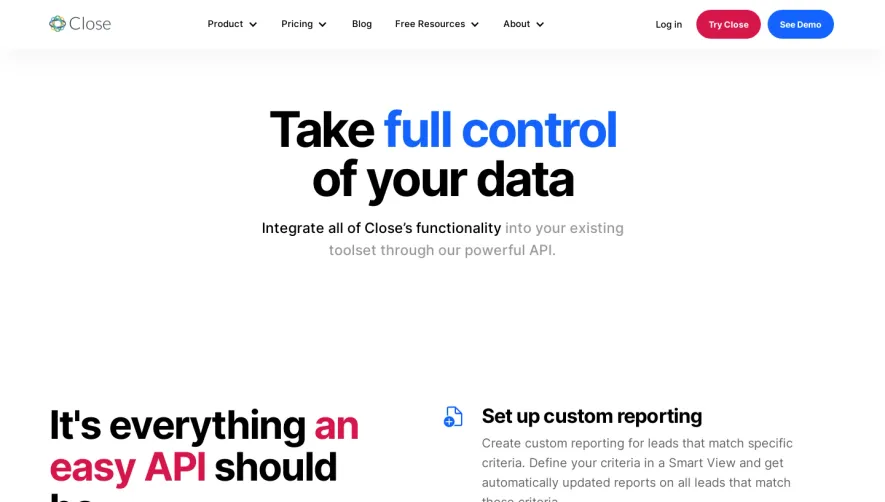


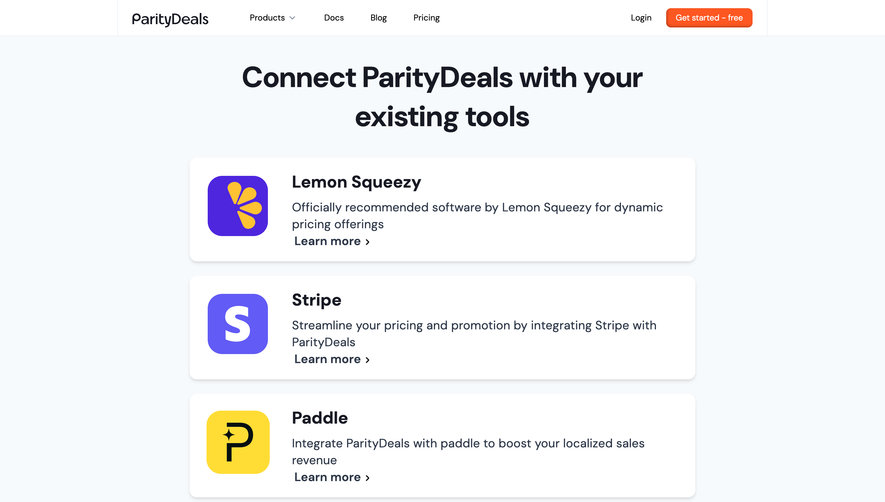

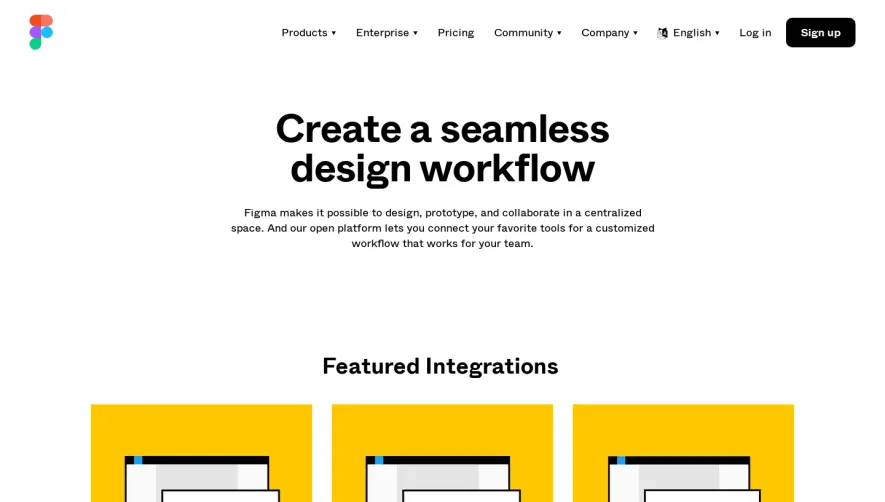

Upgrade to SaaSFrame Pro now to see similar examples.
Monthly
$18 /month
Billed $18 monthly
Browse all screens & flows
Filter and search screens & flows
Search text in screenshots
Access Figma files
Access mobile versions
Join now
Quarterly
$16 /month
Billed $48 quarterly
Browse all screens & flows
Filter and search screens & flows
Search text in screenshots
Access Figma files
Access mobile versions
Join now
Yearly
$15 /month
Billed $180 yearly
Browse all screens & flows
Filter and search screens & flows
Search text in screenshots
Access Figma files
Access mobile versions
Join now