Design with AI
Generate a new design based on this screen using your own content.
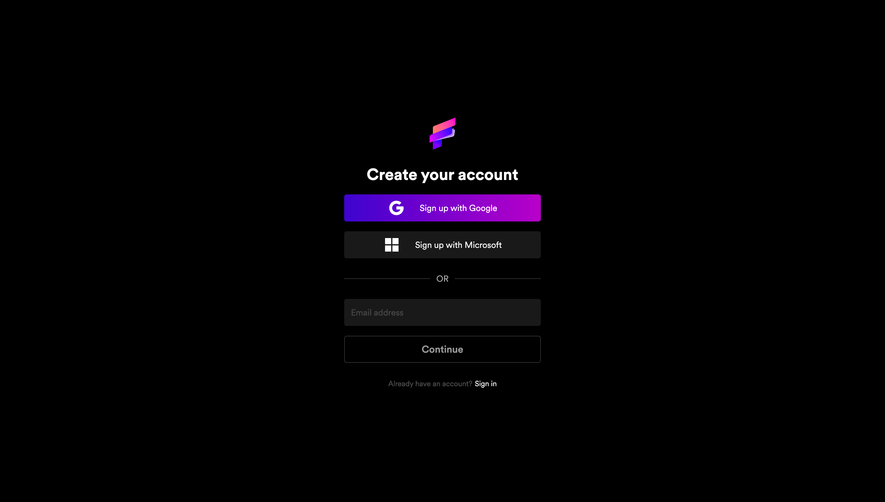
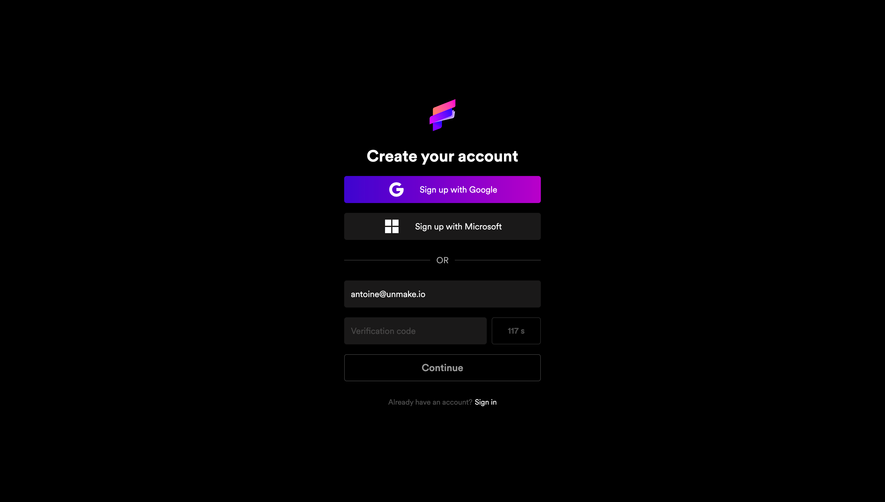
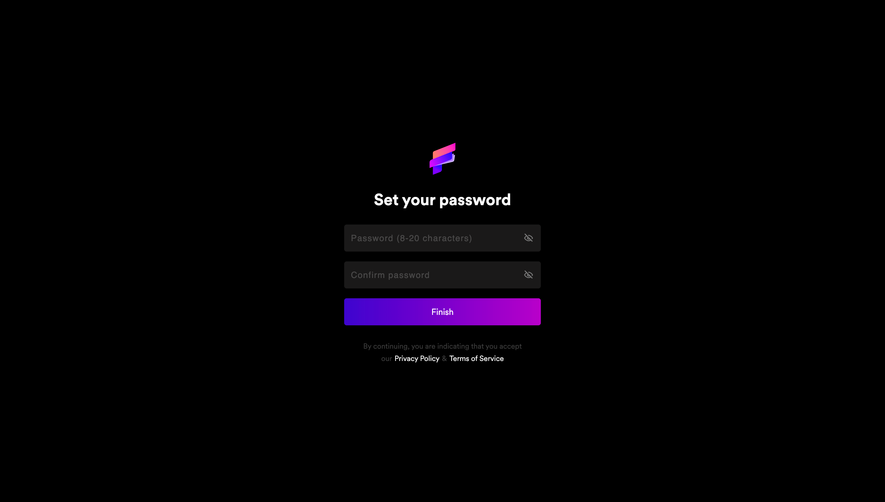
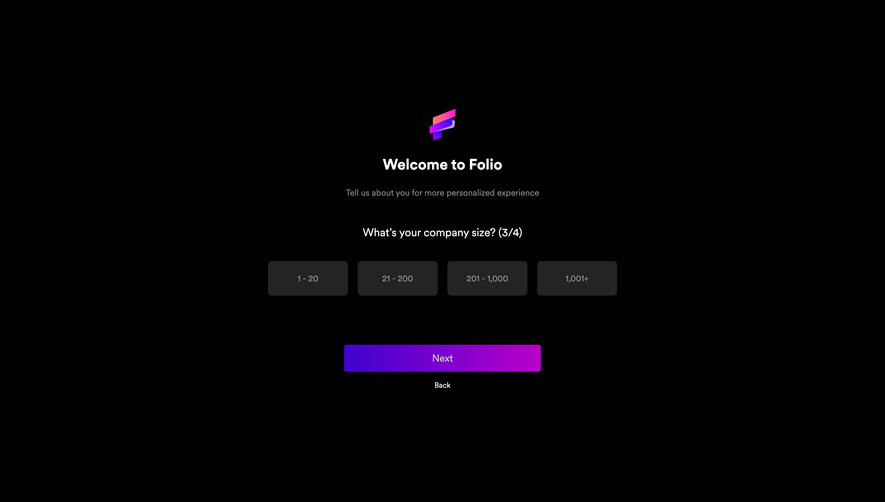
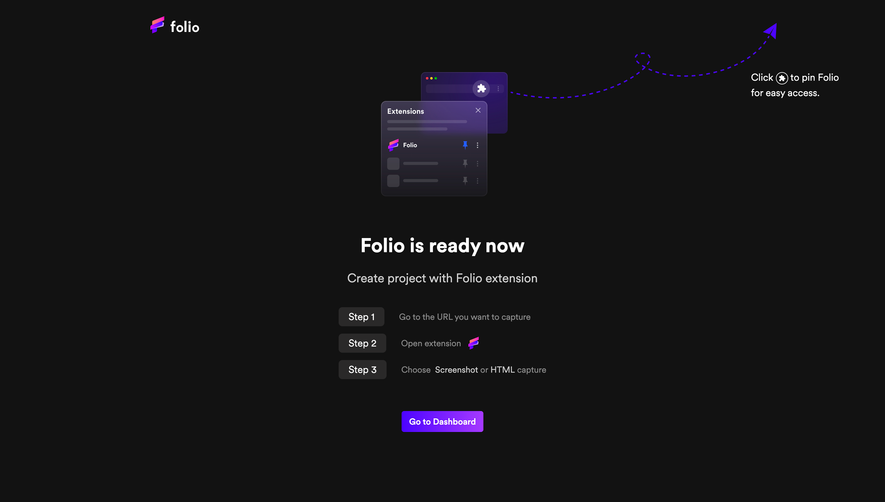
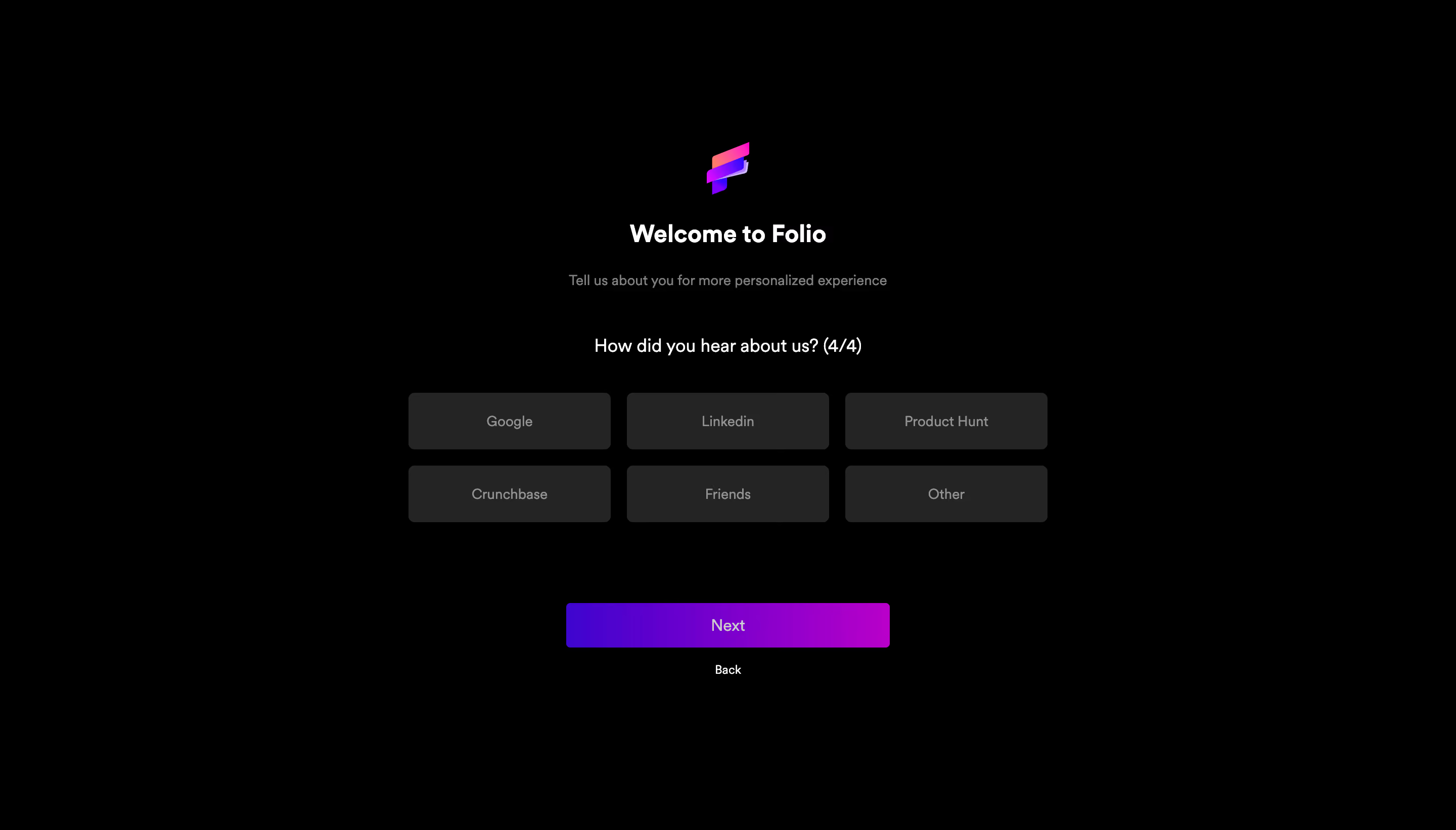
# Design from Reference: Folio Account Setup
Create an original, high-fidelity visual design inspired by the reference. Prioritize composition, typography, colors, spacing, and component styling over technical implementation.
## Reference
- **Product:** Folio
- **Category:** Discovery Questions
- **Screenshot:** https://cdn.prod.website-files.com/5e9dc792e1210c5325f7ebbc/6acb6801c08cd859ff86944b_6acb6714834771b57d1432f0_cms-460c872c12a6a648f034191a.webp
Analyze the screenshot first. If inaccessible, request it rather than guessing.
## Content
{{content.instructions}}
{{content.data}}
Preserve essential messaging and factual accuracy. Adapt structure and copy length for visual balance; never invent product claims.
## Visual Design
### Overall aesthetic
- **Style:** A minimal dark onboarding questionnaire uses a black canvas, charcoal choices and a vivid purple-to-magenta action.
- **Character:** A small gradient brand mark supplies the only decorative element.
### Page composition
- **Capture:** The source measures 2880 × 1642 pixels. Estimated CSS dimensions below assume an unverified 2× capture.
- **Central stack:** Brand mark, welcome heading and helper copy sit above the current question.
- **Choices:** Six equal rectangles form a three-column, two-row grid around 630 pixels wide.
- **Navigation:** A roughly 320-pixel-wide Next button sits below the grid, followed by a small Back link.
- **Canvas:** Broad black margins surround the content, with no header or footer navigation visible.
### Information hierarchy
- **Welcome:** Bold white heading introduces the experience.
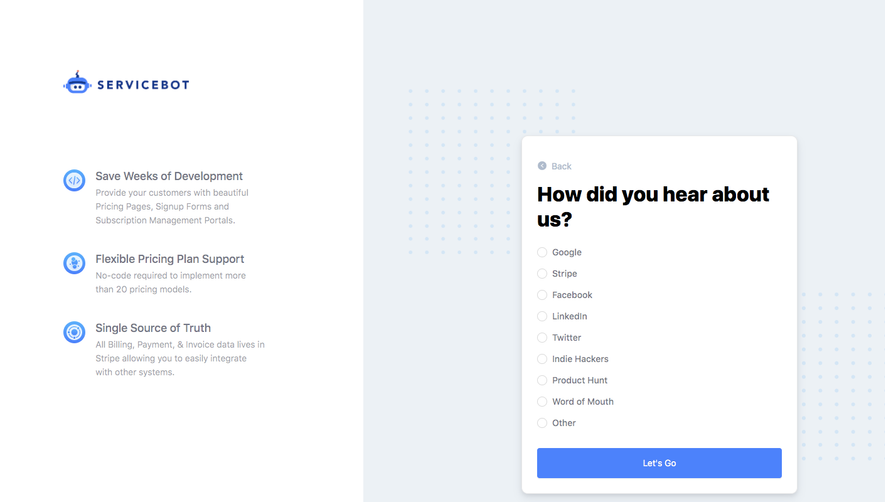
- **Question:** A medium-size line identifies the referral-source question and shows 4/4 progress.
- **Options:** Six muted labels sit centered in equal charcoal choices; no selected option is visibly emphasized.
- **Action:** The gradient Next button is the strongest color element.
### Typography
- **Family:** Neutral sans serif; exact identity is unverified.
- **Heading:** Approximately 24 pixels, bold.
- **Question:** Around 18 pixels, medium.
- **Helper and choices:** Around 14 pixels, muted gray.
- **Navigation:** Next around 16 pixels; Back around 12 pixels.
### Colors & surfaces
- **Measured base:** Black #000000 dominates.
- **Choices:** Charcoal #242424 defines the option surfaces.
- **Text:** White #FFFFFF and gray #929292/#808080 appear in primary/secondary roles.
- **Action:** A saturated purple-to-magenta gradient fills Next; sampled #6C00CD is one visible purple tone, not a verified gradient stop.
- **Depth:** Flat surfaces, without prominent borders or shadows.
### Components
- **Brand symbol:** Small stacked ribbon-like gradient mark centered above the title.
- **Option tiles:** Approximately 200 × 56 pixels, small rounded corners and centered labels.
- **Next:** Approximately 320 × 44 pixels, small radius, white centered text.
- **Back:** Plain centered text below the primary action.
### Visual rhythm
- **Spacing:** Generous gaps separate welcome, question, choices and navigation.
- **Grid:** Roughly 16-pixel horizontal and vertical gutters keep choices even.
- **Symmetry:** Every region shares a central axis.
### Responsive
- **Evidence:** Only desktop and one questionnaire step are observed.
- **Recommended choices:** Reflow three columns to two or one while preserving equal targets.
- **Recommended layout:** Use safe side padding and scrolling on short screens.
- **Accessibility:** Expose selection and focus clearly; muted unselected text should retain readable contrast.
### Adaptation guidance
- **Preserve:** Keep the sparse black canvas, uniform choices and gradient primary action.
- **Implementation:** Use an explicit single-choice group with accessible labels and progress.
- **Scope:** Earlier questions and completion results are not shown.
- **Behavior:** Define selected, validation and navigation states rather than inferring them.
Use this context to reproduce the reference's visual language: layout, typography, colors, spacing, borders, radii, and distinctive elements. The screenshot takes priority if descriptions conflict.
## Direction
{{preferences.fidelityInstructions}}
## Output
{{output.instructions}}
Deliver a polished, cohesive design with precise alignment, hierarchy, and spacing. Produce the requested visual artifact, not just a description. If unsupported, explain the limitation.
.webp)


.avif)