Design with AI
Generate a new design based on this screen using your own content.
# Design from Reference: Drip Sign Up Flow
Create an original, high-fidelity visual design inspired by the reference. Prioritize composition, typography, colors, spacing, and component styling over technical implementation.
## Reference
- **Product:** Drip
- **Category:** Account Setup
- **Screenshot:** https://cdn.prod.website-files.com/5e9dc792e1210c5325f7ebbc/6acbc9411790037d3e059157_6acbc6556b0a1061299af5d0_cms-e42c4bd79edf09f81fe0e4b4.webp
Analyze the screenshot first. If inaccessible, request it rather than guessing.
## Content
{{content.instructions}}
{{content.data}}
Preserve essential messaging and factual accuracy. Adapt structure and copy length for visual balance; never invent product claims.
## Visual Design
### Overall aesthetic
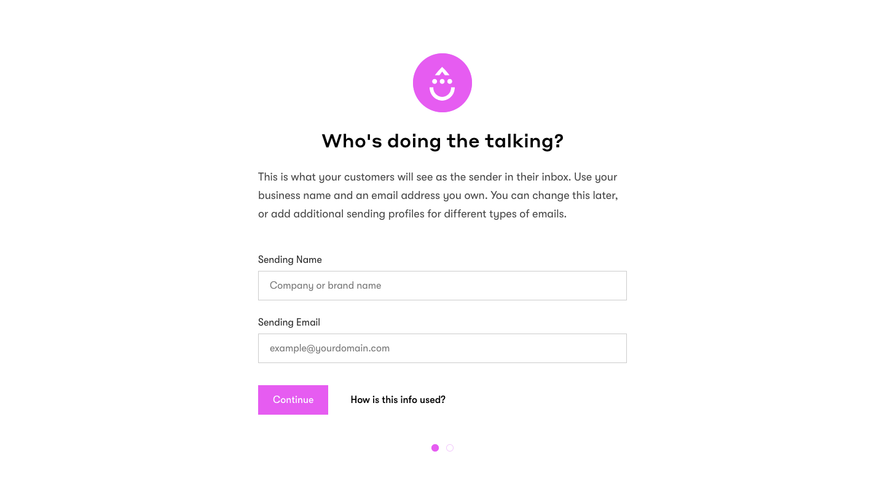
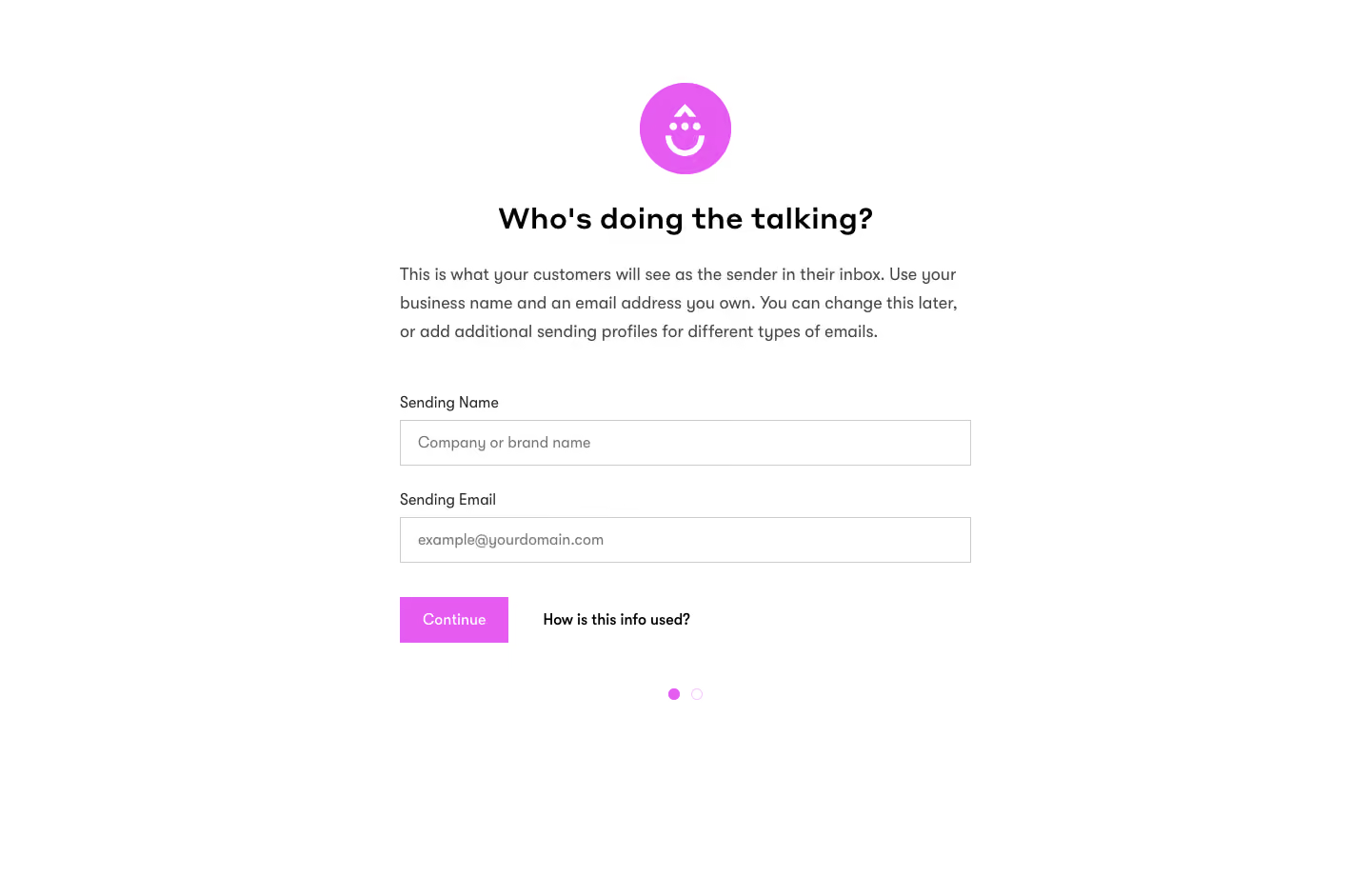
- **Character:** Extremely simple sender-profile onboarding form with a bright magenta brand accent.
### Page composition
- **Canvas:** 1440 × 941 screenshot px.
- **Structure:** Centered approximately 600 px form column; circular smiling brand icon above heading, explanatory paragraph, two stacked fields, Continue/help row and two progress dots.
### Information hierarchy
- **Priority:** Conversational question explains the step before requesting sending name and email. Continue is the only filled action.
### Typography
- **Family:** Friendly sans serif, exact font unverified.
- **Scale:** Estimated screenshot heading 30 px bold, paragraph 17–18 px with approximately 30 px leading, labels/inputs 16 px.
### Colors & surfaces
- **Sampled palette:** White #FFFFFF, magenta #E65CF1, input borders #CCCCCC, black #000000 and body #464646.
### Components
- **Form:** Square outlined fields approximately 600 × 48 screenshot px with inset placeholder text.
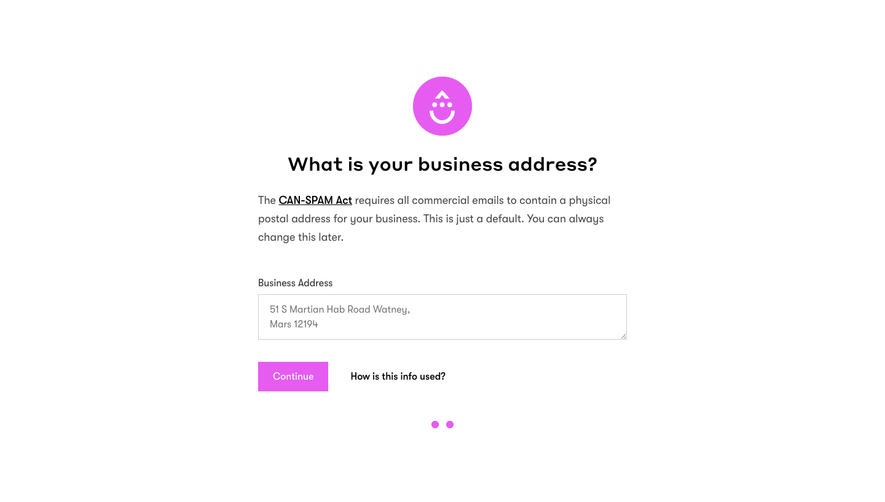
- **Controls:** Compact magenta Continue button, bold text help link, one filled and one outlined magenta progress dot; circular logo approximately 96 px diameter.
### Visual rhythm
- **Spacing:** Approximately 40–50 screenshot px separates explanation and fields; wide empty margins and a short form keep the step calm.
### Responsive
- **Observed:** Desktop only.
- **Adaptation:** Use fluid form width with 20–24 px mobile gutters; maintain visible labels and keep help adjacent to progression.
### Adaptation guidance
- **Preserve:** Conversational heading, minimal field count and one strong accent.
- **Replace:** Use supplied sender identity requirements and legitimate owned addresses.
Use this context to reproduce the reference's visual language: layout, typography, colors, spacing, borders, radii, and distinctive elements. The screenshot takes priority if descriptions conflict.
## Direction
{{preferences.fidelityInstructions}}
## Output
{{output.instructions}}
Deliver a polished, cohesive design with precise alignment, hierarchy, and spacing. Produce the requested visual artifact, not just a description. If unsupported, explain the limitation.
.webp)



.avif)