.avif)


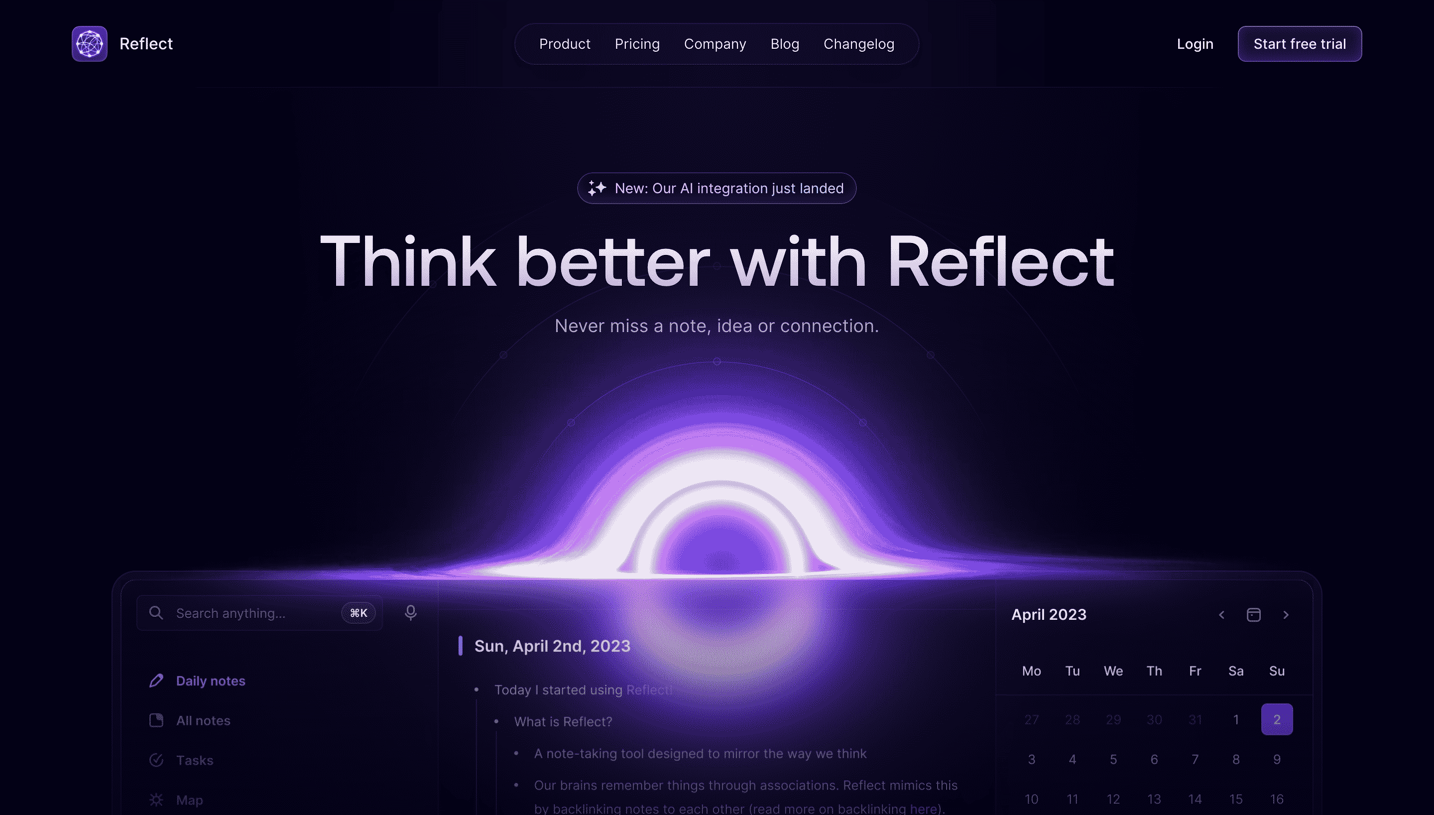
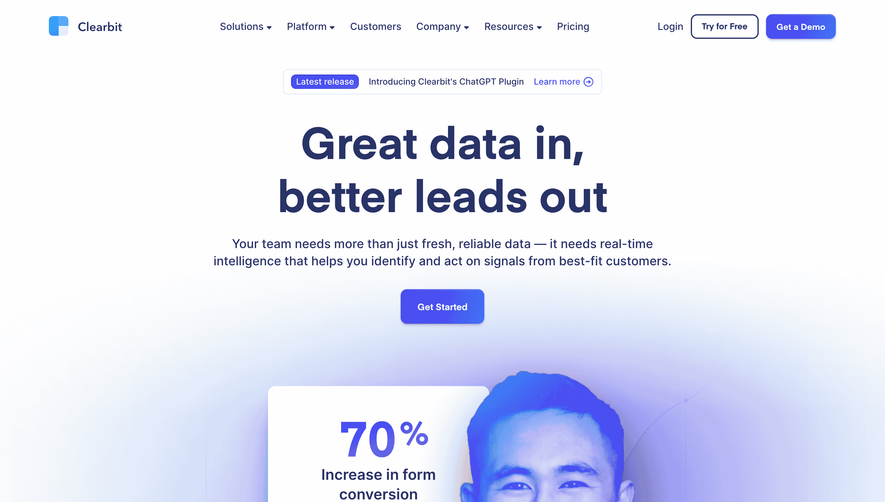
1. Header: The page starts with a fixed header containing Contractbook's logo, navigation menu, call-to-action (CTA) to log in, and a search bar. 2. Hero section: The hero section has a large banner with contrasting colors, centered on the page. It features the main message and a form to sign up for a free demo. 3. Value proposition: The page then displays three clear and concise points, explaining the value proposition of Contractbook's product. Each point is accompanied by a relevant icon. 4. Customers: Next, there is a section that showcases five customers from different industries, including their logos and quotes, highlighting the benefits of using Contractbook. 5. Features: The page then offers a detailed view of the features offered by Contractbook. The information is presented in the form of collapsible windows, allowing users to expand and read about each feature. 6. Integrations: After features, the page displays the list of integrations supported by Contractbook, including popular tools like Zapier, Salesforce, and Trello. 7. Security: A section follows, outlining the security measures taken by Contractbook to protect sensitive information, reassuring users. 8. Pricing: The page then offers three pricing plans—Starter, Business, and Enterprise—displayed in a side-by-side comparison. Prices range from €9 per user per month to custom Enterprise pricing. 9. CTA: A CTA is prominently displayed at the bottom of the pricing section, offering users to sign up for a free demo. 10. Footer: Lastly, the page includes a footer with links to important pages, such as Terms of Service, Privacy Policy, and Contact. Social media links and further details about the company's office locations and registration details are also presented in the footer.
.webp)


Contractbook Landing Page

Contractbook
Better contracts
Designed by
No items found.
Category
Patterns
No items found.
Tech Stack
Added on
August 26, 2020