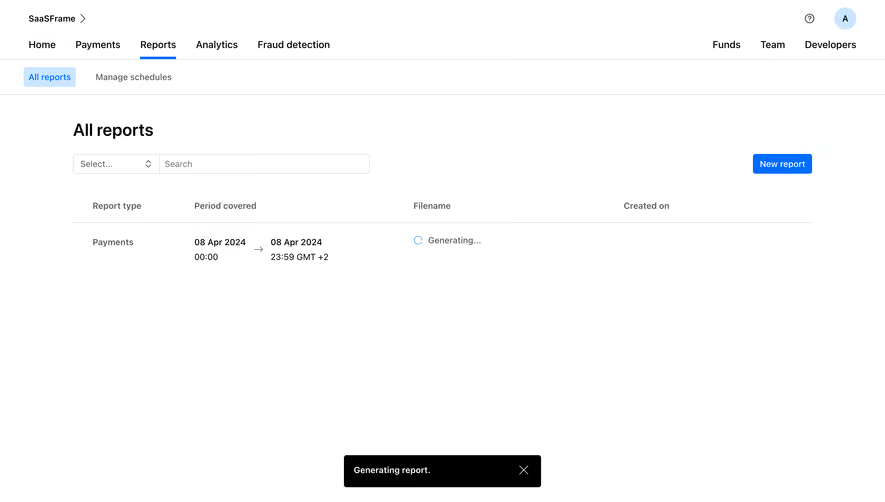
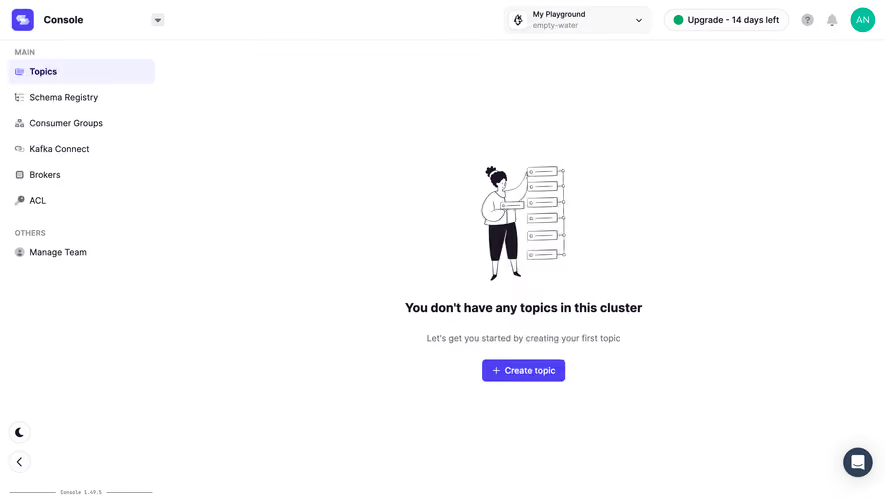
Generate a new design based on this screen using your own content.
Thank you! Your submission has been received!
Oops! Something went wrong while submitting the form.
# Design from Reference: Checkout.com Empty Reports Dashboard
Create an original, high-fidelity visual design inspired by the reference. Prioritize composition, typography, colors, spacing, and component styling over technical implementation.
## Reference
- **Product:** Checkout.com
- **Category:** Empty State
- **Screenshot:** https://cdn.prod.website-files.com/5e9dc792e1210c5325f7ebbc/6acad4c61025e911ae5184b8_6acad3d91d50254551a0b5f9_cms-e3a1642ea7ad19f8a0c10696.webp
Analyze the screenshot first. If inaccessible, request it rather than guessing.
## Content
{{content.instructions}}
{{content.data}}
Preserve essential messaging and factual accuracy. Adapt structure and copy length for visual balance; never invent product claims.
## Visual Design
Use this context to reproduce the reference's visual language: layout, typography, colors, spacing, borders, radii, and distinctive elements. The screenshot takes priority if descriptions conflict.
## Direction
{{preferences.fidelityInstructions}}
## Output
{{output.instructions}}
Deliver a polished, cohesive design with precise alignment, hierarchy, and spacing. Produce the requested visual artifact, not just a description. If unsupported, explain the limitation.
A Clean Empty State That Actually Sells the Feature
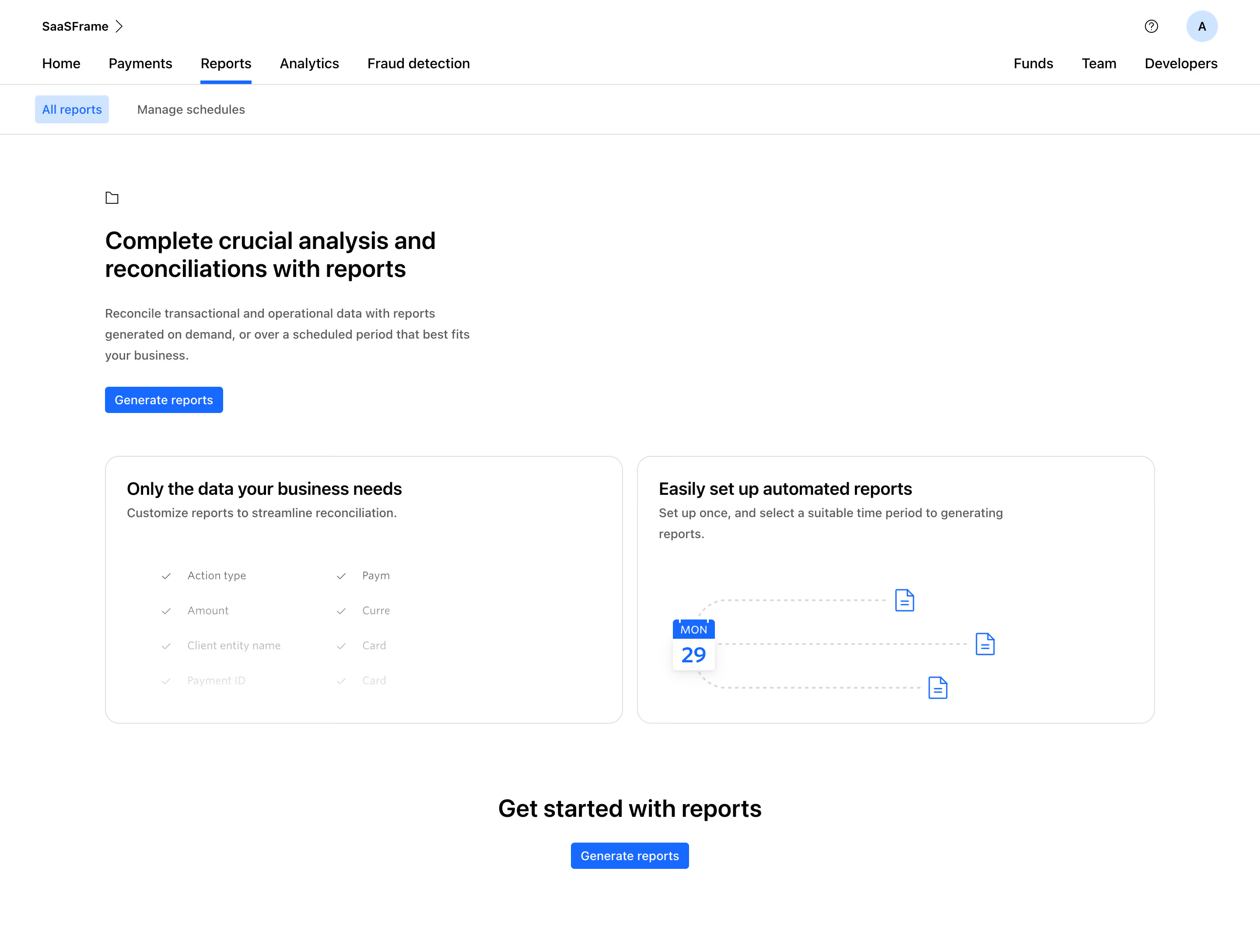
First thing you notice is how much breathing room this page has. The Reports section in this fintech dashboard doesn't just show a blank screen when there's no data. It turns the empty state into a mini landing page. Smart move. The hero area up top explains the value prop clearly, then two feature cards below break down the benefits with tiny illustrations.
Layout That Does the Heavy Lifting
The two-column card section is doing a lot of work here. Left card lists customizable data fields with checkmarks. Right card shows a calendar and document icons to sell the scheduling feature. Both cards feel balanced without being identical. The repeated "Generate reports" CTA appears twice, top and bottom, in that signature blue. No way you miss it.
Typography and Restraint
The type hierarchy is solid. Bold headings, lighter body text, consistent sizing throughout. Everything is black, white, and that one blue accent. Nothing competes for attention. The sub-navigation with "All reports" highlighted in a soft blue pill keeps orientation simple. It's a masterclass in doing less and letting whitespace carry the design.
.webp)




.avif)