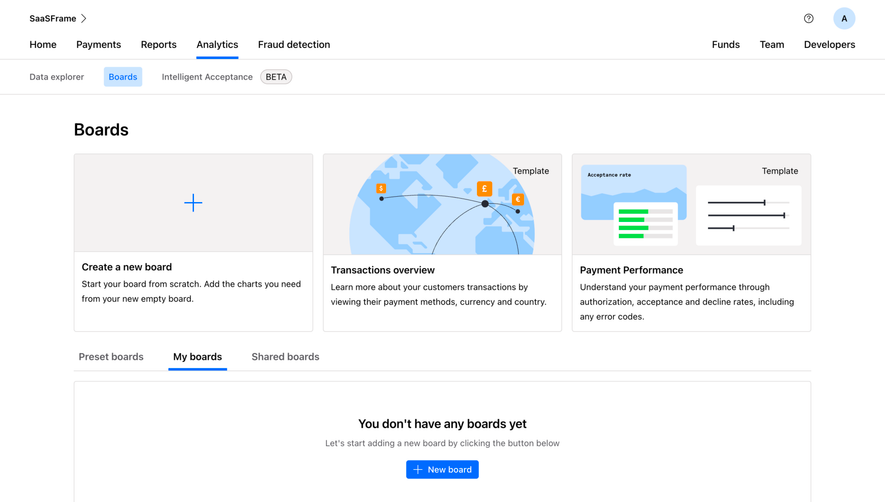
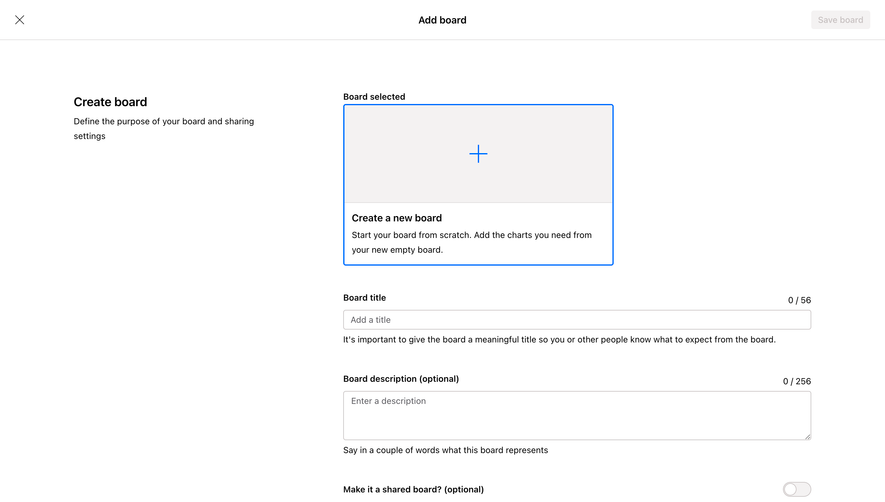
Generate a new design based on this screen using your own content.
Thank you! Your submission has been received!
Oops! Something went wrong while submitting the form.
# Design from Reference: Checkout.com Add Chart To Board
Create an original, high-fidelity visual design inspired by the reference. Prioritize composition, typography, colors, spacing, and component styling over technical implementation.
## Reference
- **Product:** Checkout.com
- **Category:** Add & Edit
- **Screenshot:** https://cdn.prod.website-files.com/5e9dc792e1210c5325f7ebbc/6acad4c71025e911ae5184c9_6acad3dcf4cee3729f62da31_cms-21c55affb6e056df30872066.webp
Analyze the screenshot first. If inaccessible, request it rather than guessing.
## Content
{{content.instructions}}
{{content.data}}
Preserve essential messaging and factual accuracy. Adapt structure and copy length for visual balance; never invent product claims.
## Visual Design
Use this context to reproduce the reference's visual language: layout, typography, colors, spacing, borders, radii, and distinctive elements. The screenshot takes priority if descriptions conflict.
## Direction
{{preferences.fidelityInstructions}}
## Output
{{output.instructions}}
Deliver a polished, cohesive design with precise alignment, hierarchy, and spacing. Produce the requested visual artifact, not just a description. If unsupported, explain the limitation.
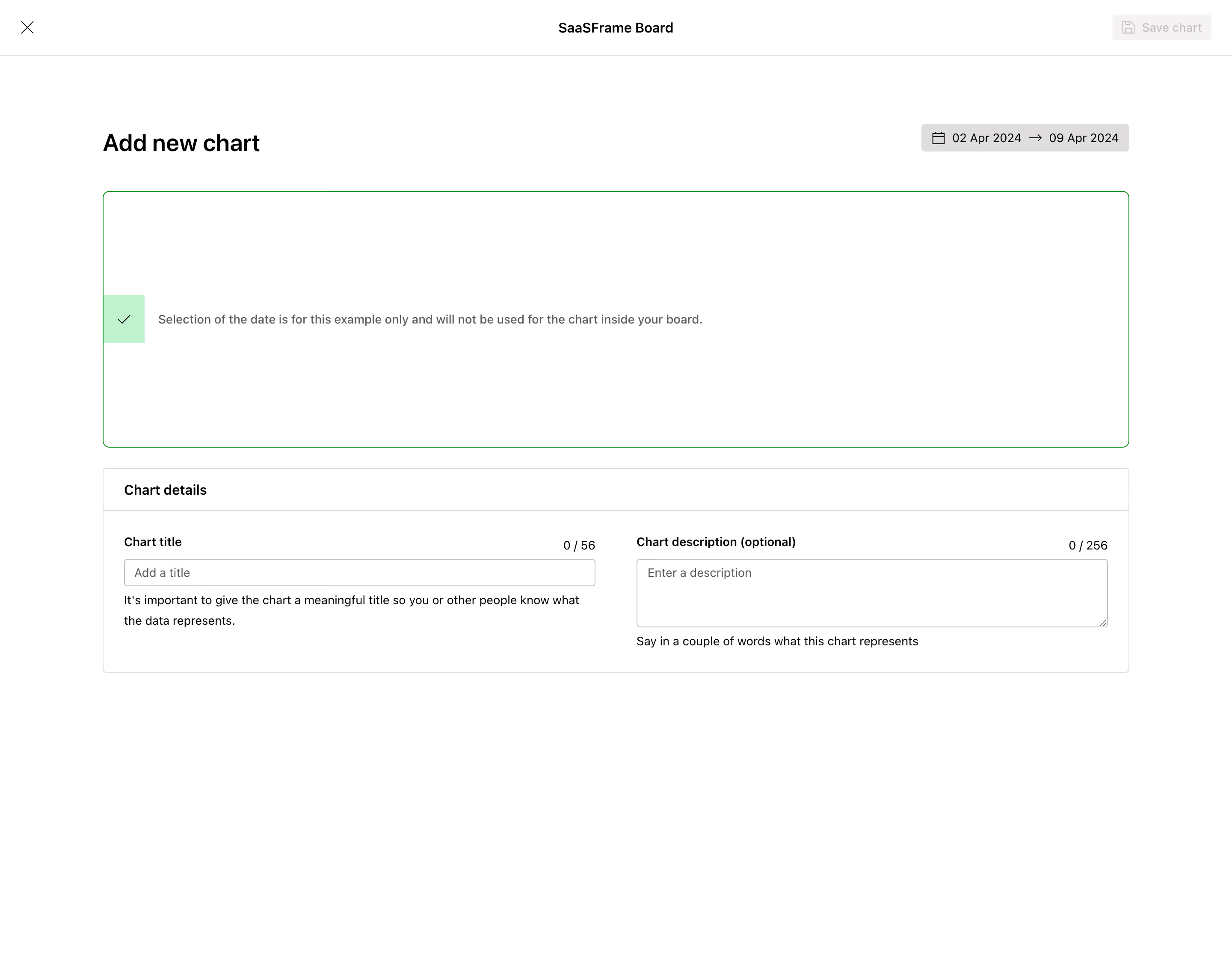
First thing you notice is how much breathing room this page has. SaaSFrame's "Add new chart" flow strips everything back to just what matters. The massive empty chart preview area with that thin green border feels intentional. It's waiting for your data without rushing you.
Smart Use of Hierarchy and Restraint
The date range pill in the top right is a solid touch. Black background, white text, arrow separator. It's informational but stays out of the way. The green checkbox callout about date selection being example-only is a thoughtful UX detail that prevents confusion before it happens. Light green background keeps it gentle, not alarming.
Typography Does the Heavy Lifting
Bold "Add new chart" header anchors the page. Below, the Chart details section uses clear label/input pairs with character counters (0/56, 0/256) that feel practical. Helper text under each field is genuinely useful, not just filler. The whole thing runs on a simple two-column layout at the bottom. No grid gymnastics. Just works.
.webp)




.avif)