Design with AI
Generate a new design based on this screen using your own content.
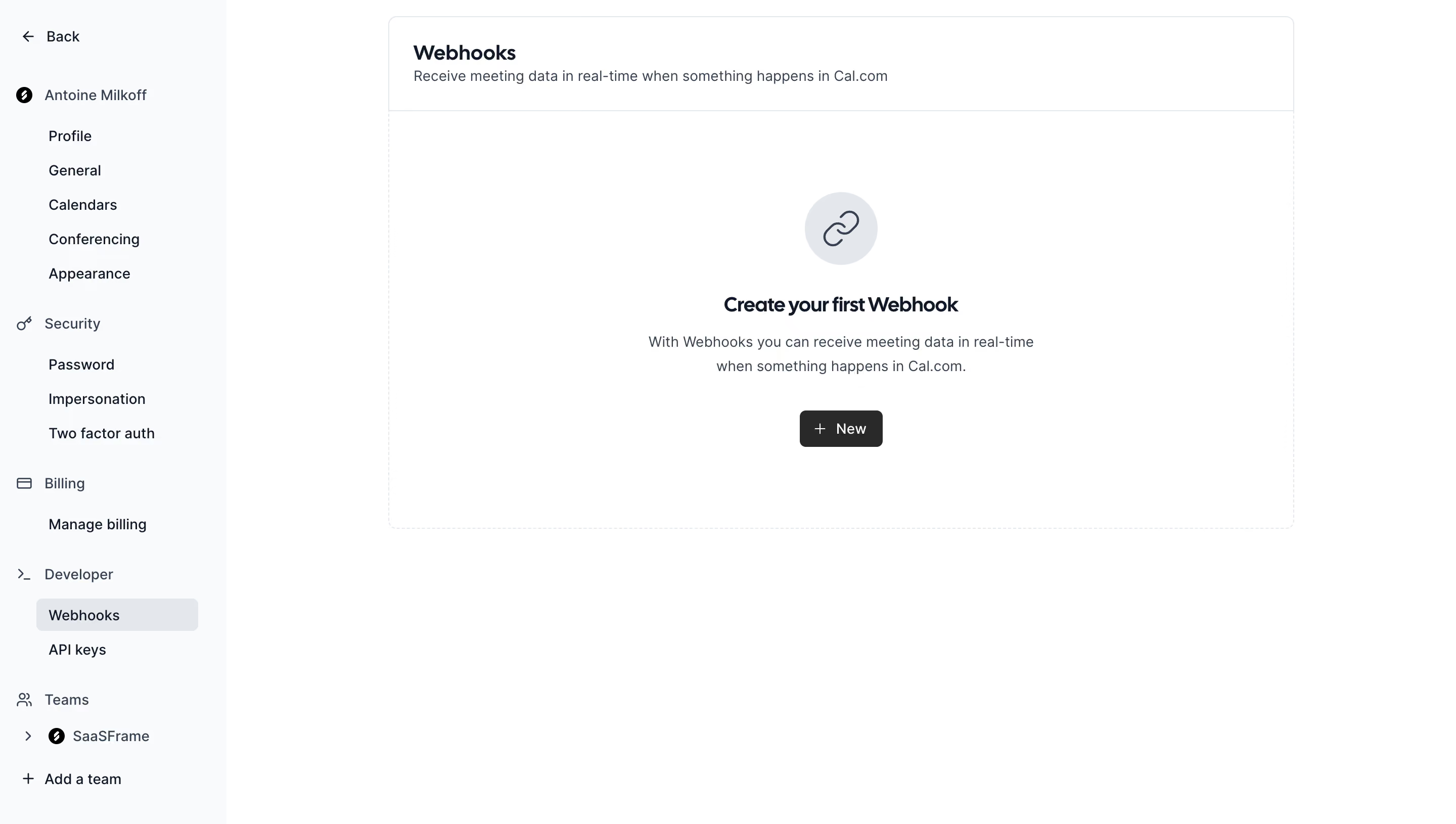
# Design from Reference: Cal.com Webhooks Settings
Create an original, high-fidelity visual design inspired by the reference. Prioritize composition, typography, colors, spacing, and component styling over technical implementation.
## Reference
- **Product:** Cal.com
- **Category:** Settings
- **Screenshot:** https://cdn.prod.website-files.com/5e9dc792e1210c5325f7ebbc/6acad90a81d0b61fedf68c37_6acad8790aa47f6da2c9f159_cms-b209bbd0ec7707258d92c997.webp
Analyze the screenshot first. If inaccessible, request it rather than guessing.
## Content
{{content.instructions}}
{{content.data}}
Preserve essential messaging and factual accuracy. Adapt structure and copy length for visual balance; never invent product claims.
## Visual Design
### Overall aesthetic
- **Character:** Quiet light settings interface with neutral surfaces, dark compact typography and a single dark creation button.
- **Evidence and scale:** Screenshot measures 2880 × 1630 image pixels. Dimensions estimate a 1440 × 815 CSS viewport at 2× capture scale; DPR and font identity are unverified.
### Page composition
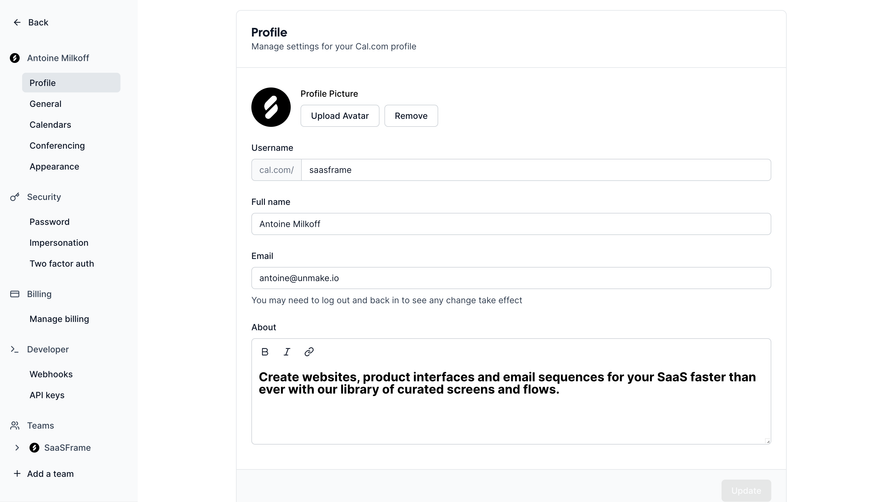
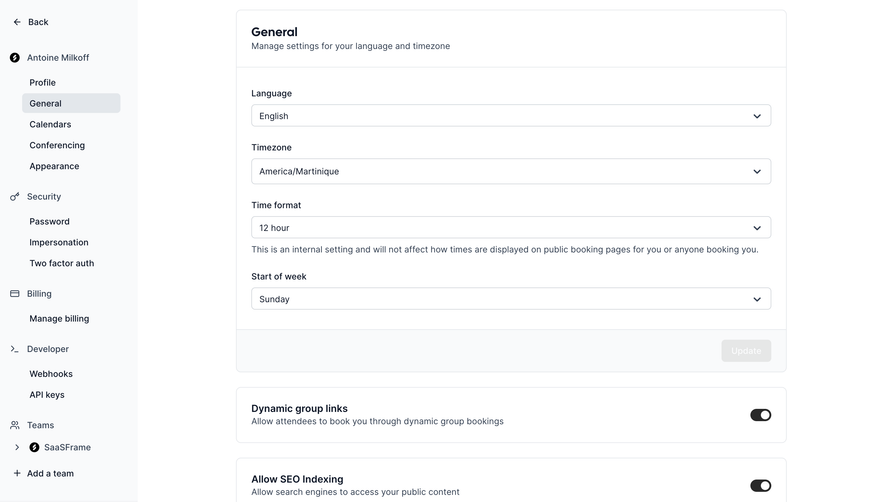
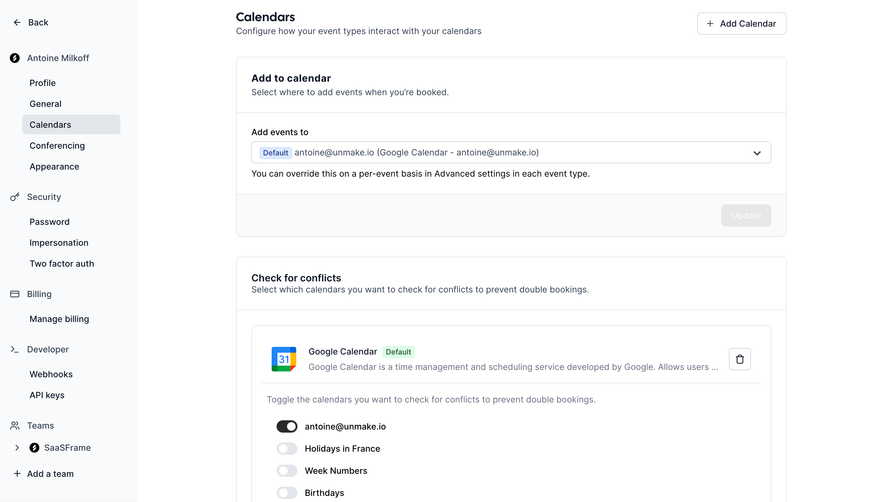
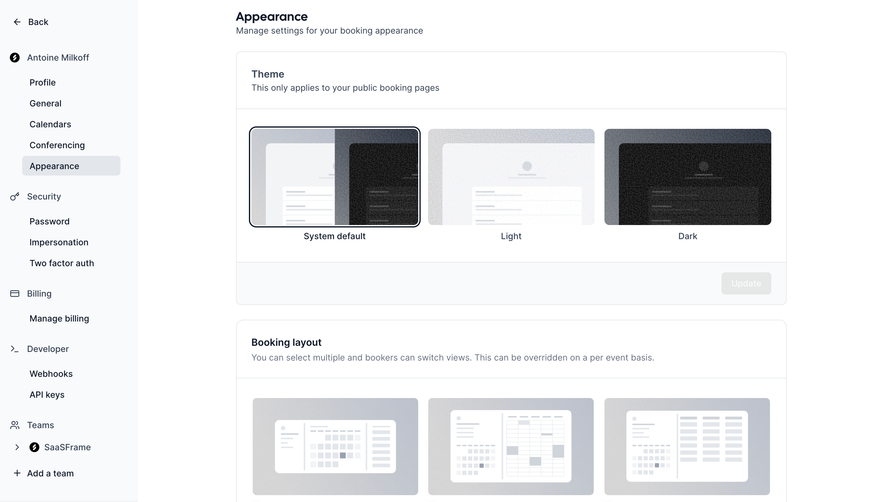
- **Settings rail:** Approximately 224px CSS wide with a very pale gray ground, back link, account context and vertically grouped settings destinations.
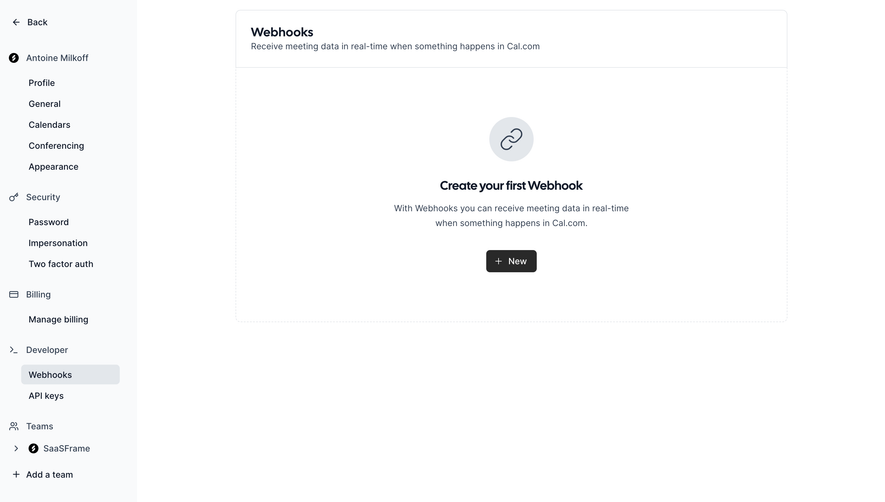
- **Main panel:** A broad bordered container starts near x384, approximately 896px wide. Its header contains the Webhooks title and one-line description.
- **Empty state:** The large area beneath the header centers a circular chain-link icon, bold first-webhook heading, two-line explanation and compact New button.
- **Whitespace:** The container occupies the upper half-plus of the page, leaving broad white space below and around it.
### Information hierarchy
- **Navigation groups:** Account settings, security, billing, developer and teams have separate clusters. Indented child links distinguish specific destinations.
- **Selected destination:** Webhooks uses a rounded gray highlight within the developer group.
- **Next step:** Empty-state title and dark New button provide the main action; no webhook rows, endpoint fields or creation dialog are visible.
### Typography
- **Titles:** Page title and empty-state heading are approximately 20px CSS, bold, with compact line height.
- **Body:** Approximately 14px regular sans-serif, muted slate, with 23–24px leading in the centered description.
- **Rail and buttons:** Navigation and action labels are approximately 14px. Group labels are similar scale with small outline icons; exact family and computed weights are unverified.
### Colors & surfaces
- **Measured ground:** White #FFFFFF dominates; #F9FAFB fills the settings rail.
- **Measured boundaries:** Pale #E3E7EB appears in selected navigation, icon ground and borders.
- **Measured foreground:** Dark navy #0F1828 and slate #344153 support headings and secondary text; charcoal #292929 supports the primary action.
- **Palette restraint:** No saturated accent is prominent; hierarchy comes from value, weight, alignment and selected fills.
### Components
- **Main shell:** Approximately 896 × 506px CSS, 8px radius, thin pale outline and header separator. The empty-state body has a faint dashed-outline appearance.
- **Empty icon:** A roughly 72px pale-gray circle contains a dark chain-link outline.
- **Primary action:** Approximately 82 × 36px dark rounded button, white plus icon and New label, radius near 6px.
- **Rail items:** Small line icons mark group headers; selected child row is roughly 160 × 32px with a small radius.
- **Team controls:** A chevron/team row and plus-led add-team link finish the lower rail; these remain secondary to the empty state.
### Visual rhythm
- **Rail spacing:** Child destinations use regular compact vertical intervals, while larger breaks separate settings groups.
- **Centered stack:** Icon, heading, explanation and button use generous 24–32px gaps, creating a calm empty-state sequence.
- **Alignment:** Main header text is left aligned within approximately 24px padding; empty-state contents are centered within the same shell.
### Responsive
- **Observed limit:** Only desktop settings and an empty webhook state are shown; navigation expansion and webhook creation behavior are unobserved.
- **Recommended navigation:** Move the settings rail into a drawer or separate menu on narrow screens.
- **Recommended content:** Let the panel fill available width with side padding, wrap its descriptions and preserve comfortable button touch size rather than shrinking the desktop frame.
### Adaptation guidance
- **Preserve simplicity:** Use pale neutral rails, thin boundaries and a clear centered empty state with one next-step action.
- **Keep context:** Retain selected navigation and page explanation so users understand what they are creating.
- **Implementation:** Provide accessible names/focus for icons and navigation, semantic headings and clear selected-state cues. The screenshot provides no evidence about endpoint setup, security validation or webhook delivery behavior.
Use this context to reproduce the reference's visual language: layout, typography, colors, spacing, borders, radii, and distinctive elements. The screenshot takes priority if descriptions conflict.
## Direction
{{preferences.fidelityInstructions}}
## Output
{{output.instructions}}
Deliver a polished, cohesive design with precise alignment, hierarchy, and spacing. Produce the requested visual artifact, not just a description. If unsupported, explain the limitation.
.webp)



.avif)