.webp)
Thank you! Your submission has been received!
Oops! Something went wrong while submitting the form.
Get SaaSFrame Pro
Monthly
$18
Quarterly
$48
Yearly
$180
Upgrade to access this feature
Browse all screens & flows
Filter and search screens & flows
Access Figma files
Access mobile versions
Bookmark screens & flows
Join now

Atlas Melbourne 3D Building Map
Atlas
Collaborative GIS in the browser
Designed by
No items found.

Bookmark
Bookmark

Design with AI
Thank you! Your submission has been received!
Oops! Something went wrong while submitting the form.
# Design from Reference: Atlas Melbourne 3D Building Map
Create an original, high-fidelity visual design inspired by the reference. Prioritize composition, typography, colors, spacing, and component styling over technical implementation.
## Reference
- **Product:** Atlas
- **Category:** Empty
- **Screenshot:** https://cdn.prod.website-files.com/5e9dc792e1210c5325f7ebbc/6685c7e6ffd12dd3c5e030a7_-IxmG7KiMI5vHcGzI0_KBx5wKGhRX4m-txWRzoQKhV0.webp
Analyze the screenshot first. If inaccessible, request it rather than guessing.
## Content
{{content.instructions}}
{{content.data}}
Preserve essential messaging and factual accuracy. Adapt structure and copy length for visual balance; never invent product claims.
## Visual Design
### Overall aesthetic
- **Style:** Professional geospatial editor with a central 3D city map framed by layer navigation and detailed styling controls.
- **Character:** Dark top toolbar, white side panels, blue selected states and vivid thematic map colors.
- **Surface treatment:** Flat application chrome, fine dividers and softly rounded floating popovers over the map.
### Page composition
- **Capture scale:** 2880 × 1626 image px. CSS estimates assume an unverified 2× capture, approximately 1440 × 813 CSS px.
- **Top toolbar:** Dark full-width strip contains workspace/app control, selected pointer, drawing/search/measure tools, undo/redo, object actions and share controls.
- **Left rail:** Narrow icon strip spans the content height.
- **Layers panel:** Approximately 300 CSS px wide, with header controls and two listed layers. Buildings is selected above Soil Types by Area.
- **Map canvas:** Central region is roughly 775 px wide, showing an oblique 3D urban view with extruded blue buildings over colored ground polygons.
- **Feature popup:** Large pale translucent panel near the map's upper right shows building attribute labels/values and a close control.
- **Projection menu:** White floating menu overlaps the attribute popup and lower map, listing four projection choices with small globe illustrations and descriptions.
- **Right inspector:** Approximately 320 px wide, with Data Actions/Layer tabs, building-layer title, Data table button, zoom-visibility range, visualization selector and collapsed settings groups.
- **Map utilities:** Zoom stack, compact map/projection controls and attribution occupy the lower-right map area.
### Information hierarchy
- **Primary content:** Bright extruded buildings dominate the canvas, clearly separated from the thematic ground colors.
- **Layer state:** Buildings is highlighted in the layer list; Layer is selected in the right inspector.
- **Popup hierarchy:** Attribute labels are smaller and lighter than values; the projection menu sits above this contextual information.
- **Projection state:** Mercator (Default) is visibly selected, while Albers, Equal Earth and Equirectangular are alternatives.
- **Inspector hierarchy:** Layer controls precede collapsible Styling, Labels, Popup and Legend groups.
- **Evidence limit:** No projection change, layer editing result or expanded styling group is shown.
### Typography
- **Family:** Compact neutral application sans serif; exact identity is unverified.
- **Panel headings:** Approximately 16 px semibold.
- **Layer rows/controls:** Approximately 14 px, regular to medium.
- **Attribute labels:** Approximately 12 px, muted, with values around 13–14 px.
- **Projection names:** Approximately 14 px medium; descriptions around 12 px with 17–18 px leading.
- **Toolbar:** Primarily icons, with a compact 14 px Share label.
- **Measurement limit:** Values are visual CSS estimates under the assumed 2× capture.
### Colors & surfaces
- **Panels/popovers:** Sampled sRGB #FFFFFF fills the sidebars and projection menu.
- **Toolbar:** Sampled #0E101A supplies the near-black navy top surface.
- **Buildings:** Sampled #2A95F1 is a dominant bright-blue roof/geometry reference; #19558A and #1C5E98 provide darker building-side references.
- **Selection:** Sampled #CFDDFF supplies a pale-blue selected-row reference.
- **Popup/secondary tones:** Sampled #EDF2F6 and #D5E1EE provide pale cool surfaces among map overlays.
- **Ground palette:** Yellow, coral and magenta polygons distinguish thematic areas; exact values are not established by the dominant-color sample.
- **Contrast:** Strong map color is contained within the canvas, while configuration surfaces remain neutral.
### Components
- **Layer rows:** Small colored swatches, labels and full-row selected fill.
- **Inspector tabs:** Equal-width top tabs with blue label/underline for Layer.
- **Data-table action:** Small white outlined rounded button with grid icon.
- **Visibility range:** Thin dark track with circular handles at both ends.
- **Visualization selector:** White outlined dropdown showing Standard.
- **Accordion groups:** Full-width rows with semibold labels and down chevrons, separated by fine rules.
- **Feature popup:** Rounded translucent pale panel with vertically stacked attribute pairs and top-right X.
- **Projection options:** Globe thumbnail left, name/description right; selected row uses pale blue fill and a blue thumbnail outline.
- **Zoom stack:** White rounded vertical control with plus, numeric level and minus.
- **Share action:** Bright-blue compact button with lock icon and white text.
### Visual rhythm
- **Three-zone balance:** Layer navigation, map and inspector maintain clear functional separation.
- **Overlay density:** Attribute popup and projection menu stack over the canvas without changing the fixed side panels.
- **Map depth:** Oblique extrusion and darker building sides create spatial hierarchy.
- **Control consistency:** Compact rows, repeated dividers and muted descriptions keep settings scannable.
### Responsive
- **Evidence limit:** Only desktop is shown; recommendations below are not observed behavior.
- **Panel recommendation:** Collapse layer/inspector panels into drawers on narrow screens.
- **Map recommendation:** Preserve a usable map viewport rather than compressing all panels side by side.
- **Popover recommendation:** Clamp menus to viewport bounds and prevent them from covering essential navigation.
- **Touch recommendation:** Increase effective targets for map tools, range handles and zoom controls.
- **Accessibility recommendation:** Provide keyboard-operable controls and nonvisual access to layer/feature data; these behaviors are not verified by the screenshot.
### Adaptation guidance
- **Preserve spatial focus:** Keep map content central and configuration clearly separated.
- **Use real geodata:** Populate buildings, attributes, thematic layers and projection choices from actual supported data.
- **Maintain semantic color:** Assign map colors to meaningful layer categories rather than copying arbitrary geography.
- **Keep state explicit:** Show selected layer/projection and distinguish open popovers from persistent panels.
- **Avoid invented behavior:** Do not claim projection changes, measurements or editing capabilities beyond the target implementation.
Use this context to reproduce the reference's visual language: layout, typography, colors, spacing, borders, radii, and distinctive elements. The screenshot takes priority if descriptions conflict.
## Direction
{{preferences.fidelityInstructions}}
## Output
{{output.instructions}}
Deliver a polished, cohesive design with precise alignment, hierarchy, and spacing. Produce the requested visual artifact, not just a description. If unsupported, explain the limitation.

.avif)
Category
Tech Stack

Added on
July 3, 2024
Similar screens
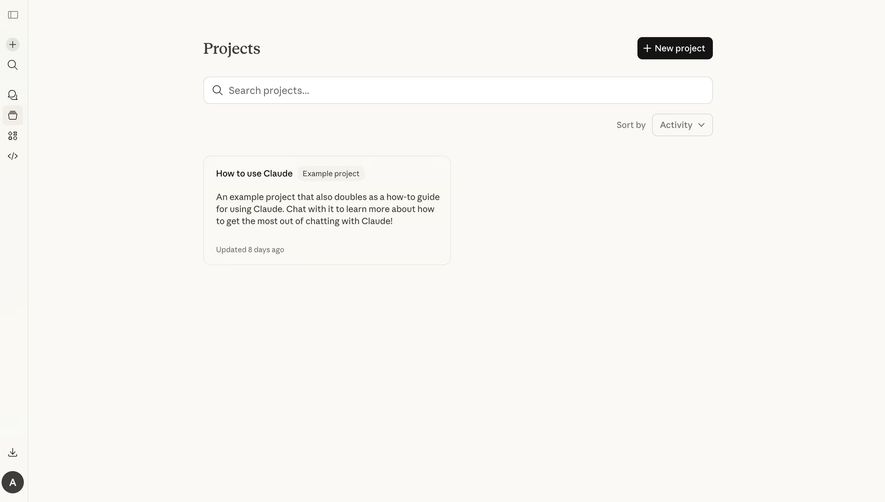


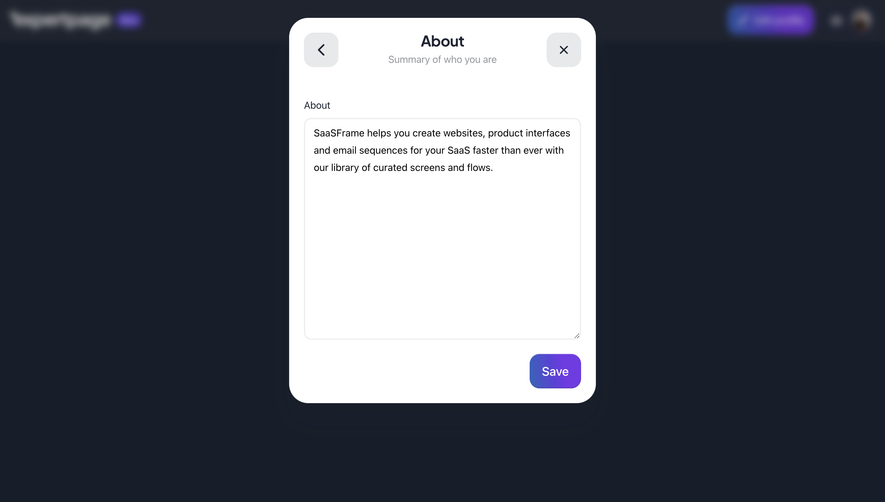

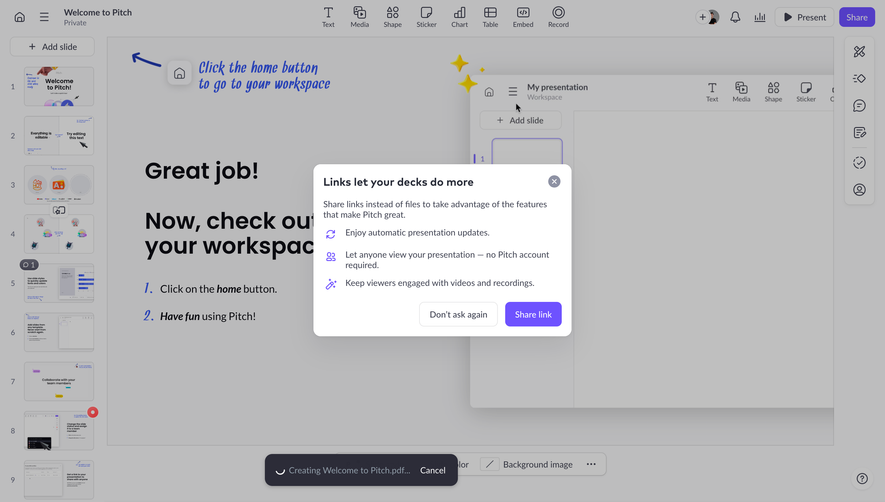

Upgrade to SaaSFrame Pro now to see similar examples.
Monthly
$18 /month
Billed $18 monthly
Browse all screens & flows
Filter and search screens & flows
Search text in screenshots
Access Figma files
Access mobile versions
Join now
Quarterly
$16 /month
Billed $48 quarterly
Browse all screens & flows
Filter and search screens & flows
Search text in screenshots
Access Figma files
Access mobile versions
Join now
Yearly
$15 /month
Billed $180 yearly
Browse all screens & flows
Filter and search screens & flows
Search text in screenshots
Access Figma files
Access mobile versions
Join now