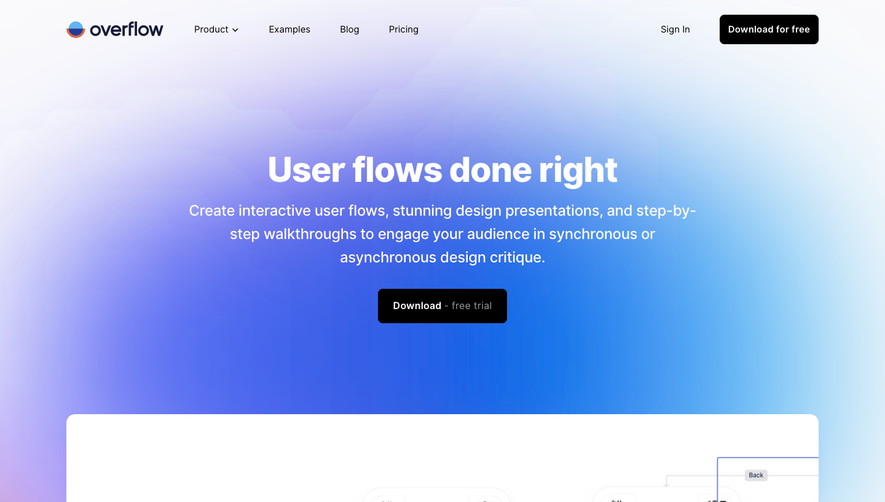
Generate a new design based on this screen using your own content.
Thank you! Your submission has been received!
Oops! Something went wrong while submitting the form.
# Design from Reference: Asana Landing Page
Create an original, high-fidelity visual design inspired by the reference. Prioritize composition, typography, colors, spacing, and component styling over technical implementation.
## Reference
- **Product:** Asana
- **Category:** Landing Page
- **Screenshot:** https://cdn.prod.website-files.com/5e9dc792e1210c5325f7ebbc/6acad96bbd9ce0e960551e97_6acad8e6db02e43e6a65a45e_cms-835ad8c39e15c7717e192b0d.webp
Analyze the screenshot first. If inaccessible, request it rather than guessing.
## Content
{{content.instructions}}
{{content.data}}
Preserve essential messaging and factual accuracy. Adapt structure and copy length for visual balance; never invent product claims.
## Visual Design
Use this context to reproduce the reference's visual language: layout, typography, colors, spacing, borders, radii, and distinctive elements. The screenshot takes priority if descriptions conflict.
## Direction
{{preferences.fidelityInstructions}}
## Output
{{output.instructions}}
Deliver a polished, cohesive design with precise alignment, hierarchy, and spacing. Produce the requested visual artifact, not just a description. If unsupported, explain the limitation.
Asana’s homepage embraces a fresh, modern aesthetic that balances professionalism with playful energy. The design leverages generous white space, allowing colorful accents and friendly illustrations to shine without overwhelming the user. This creates a warm atmosphere that feels accessible yet highly polished—an inviting entry point for all types of audiences.
Layout and Structure
The page follows a classic SaaS layout: an impactful hero section with a headline, concise description, and prominent call-to-action buttons. Below, users discover a flow of content blocks—features with supportive visuals, integration highlights, compelling customer testimonials, and an interactive scrolling showcase of how Asana works. The footer consolidates navigation, resources, and trust signals in a compact, easily scannable format.
Visual Elements
Soft, dynamic illustrations seamlessly integrated with UI mockups convey functionality while keeping the mood approachable. Crisp icons reinforce key points, and micro-animations—such as button hovers and animated transitions—add delightful interactivity. Video snippets and step-by-step visuals further clarify complex concepts, giving users visual context alongside the copy.
Color Palette and Typography
Pastel gradients and vibrant accent colors (notably magenta and aqua) punctuate a clean, white background. Typography balances clarity and hierarchy: bold sans-serif headlines draw attention, while lighter weights ensure readability. Consistent heading levels and ample line spacing make the content easy to scan.
User Experience Patterns & Unique Touches
Sticky navigation, frequent but unobtrusive CTAs, and persistent sign-up prompts guide users without feeling aggressive. Interactive demos offer hands-on exploration. What truly stands out is how Asana’s visuals and microinteractions synthesize productivity with warmth—evoking a sense of innovation and trust that’s ideal for SaaS products.
.webp)





.avif)