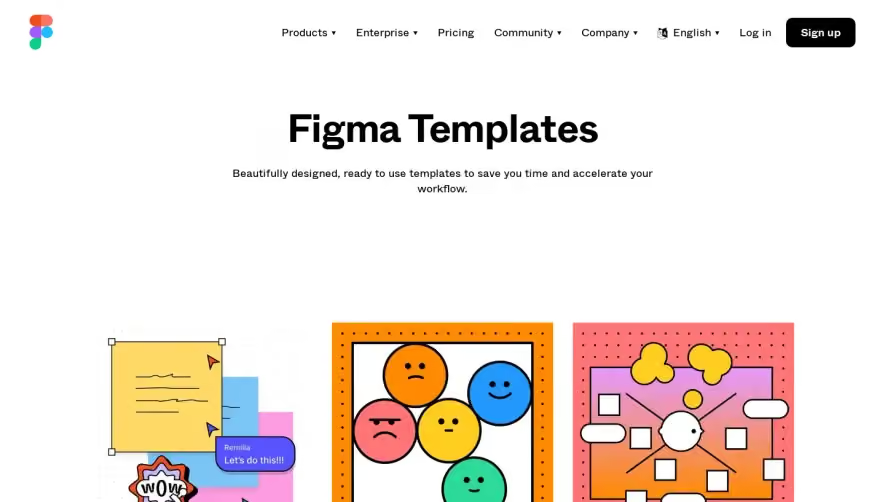
Overall Style and Aesthetic
The Airtable Templates page embraces a modern, vibrant aesthetic that balances professional clarity with playful energy. Clean white space grounds the lively accents of color, allowing interface elements to pop without overwhelming the eye. The look is approachable yet polished, signaling both creativity and reliability. Layout and Structure
The page opens with a bold hero section: a concise headline, helpful subtext, and a prominent search bar inviting exploration. Below, template categories unfurl in a structured grid—each card featuring a crisp image, short description, and immediate action buttons. The streamlined flow eliminates distractions, with persistent navigation always accessible. Visual Elements
Airtable makes dynamic use of illustrations and curated photography within its template cards. The imagery is bright, varied, and contextually relevant, drawing visitors into each use case. Soft shadows, thoughtful iconography, and subtle hover animations add depth and interactivity without clutter. Color Palette and Typography
Pops of teal, coral, and indigo enliven the predominantly white backdrop, creating a sense of order with creativity. The typography is modern and legible: bold sans-serif headings paired with lighter subheadings and body text. Visual hierarchy is clear—calls to action and search functionality are impossible to miss. User Experience Patterns
Effortless navigation is a hallmark, with sticky menus, category filters, and predictive search guiding users seamlessly. Instant-load previews, consistent card layouts, and clear “Use template” CTAs make exploration and engagement frictionless. Unique or Notable Design Choices
Notably, the balance of vivid visuals and minimalist structure sets Airtable apart. Large, playful template thumbnails serve as both inspiration and navigation—a blend of form and function. The overall tone is confidently innovative, beckoning users to create and customize with ease..webp)





.avif)