.webp)
Thank you! Your submission has been received!
Oops! Something went wrong while submitting the form.
Get SaaSFrame Pro
Monthly
$18
Quarterly
$48
Yearly
$180
Upgrade to access this feature
Browse all screens & flows
Filter and search screens & flows
Access Figma files
Access mobile versions
Bookmark screens & flows
Join now
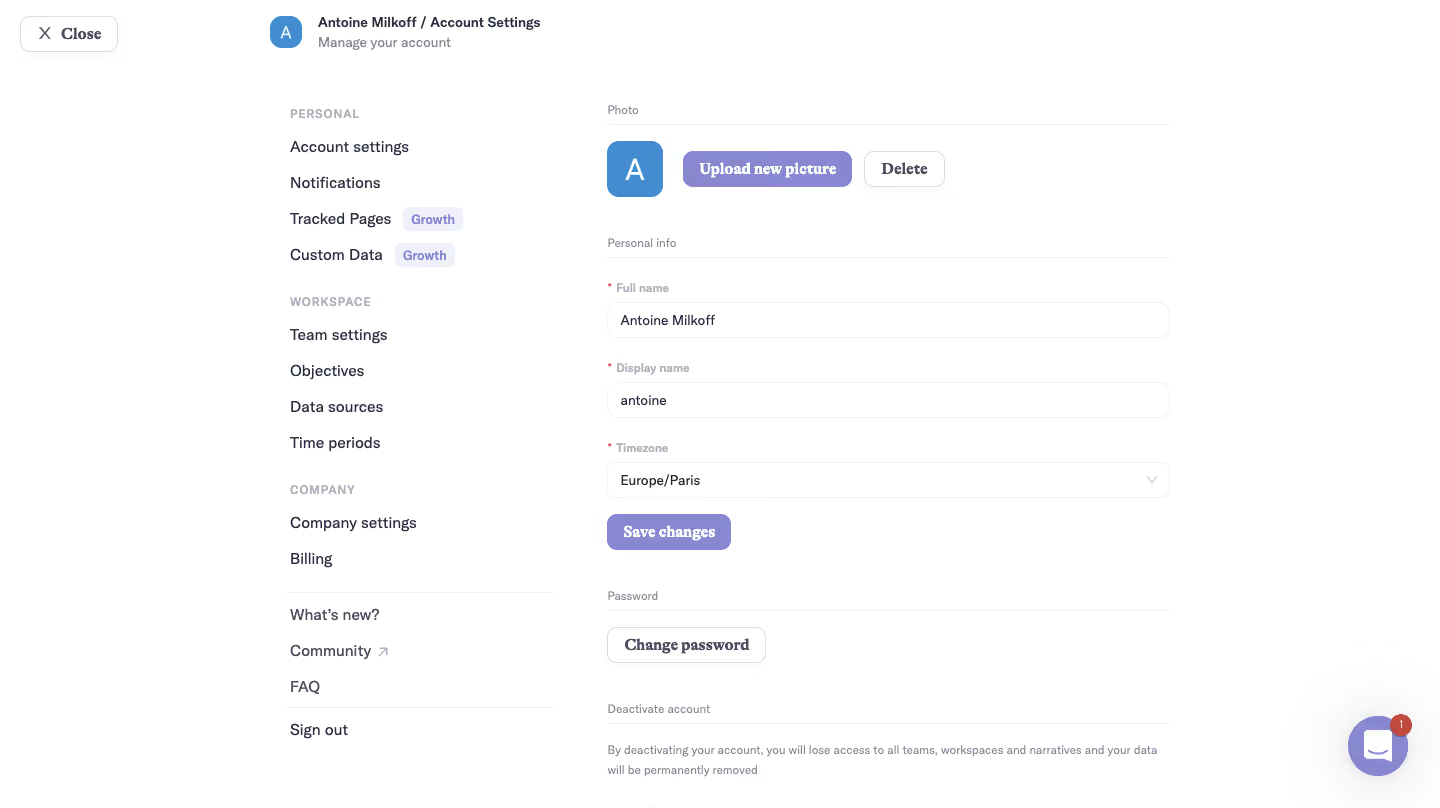
Narrative BI Account Settings

Narrative BI
Actionable Analytics for Growth teams
Designed by


Bookmark
Bookmark

Design with AI
Thank you! Your submission has been received!
Oops! Something went wrong while submitting the form.
# Design from Reference: Narrative BI Account Settings
Create an original, high-fidelity visual design inspired by the reference. Prioritize composition, typography, colors, spacing, and component styling over technical implementation.
## Reference
- **Product:** Narrative BI
- **Category:** Settings
- **Screenshot:** https://cdn.prod.website-files.com/5e9dc792e1210c5325f7ebbc/6acbbec539e7f22db402892b_6acbbe0bd6be908889c518e3_cms-9e0292ceadd0ae8b4fd83649.webp
Analyze the screenshot first. If inaccessible, request it rather than guessing.
## Content
{{content.instructions}}
{{content.data}}
Preserve essential messaging and factual accuracy. Adapt structure and copy length for visual balance; never invent product claims.
## Visual Design
### Overall aesthetic
- **Character:** A light account-settings interface combines generous white space, dark purple-gray text and lavender actions.
- **Capture evidence:** The screenshot measures 1440 × 808 pixels. Approximate dimensions are image pixels; near-1× CSS scale is plausible but unverified.
- **Tone:** Simple navigation groups and thin section rules create a calm administrative surface.
### Page composition
- **Top context:** A Close control sits upper left; an avatar and account/settings breadcrumb sit farther right.
- **Navigation column:** Personal, Workspace and Company groups form a left-side settings list, followed by news/community/help and sign-out links.
- **Form column:** A roughly 560px-wide right column contains Photo, Personal info, Password and the beginning of a deactivation section.
- **Photo controls:** A square initials avatar precedes filled upload and outlined delete actions.
- **Personal fields:** Full name, display name and timezone stack vertically above Save changes.
- **Utility:** A lavender circular chat launcher with an unread badge sits lower right.
### Information hierarchy
- **Settings context:** The top breadcrumb and subtitle establish the current account area.
- **Section labels:** Small muted labels and thin rules divide photo, personal information, password and deactivation.
- **Required fields:** Red asterisks mark the three personal-information labels.
- **Primary actions:** Lavender fill identifies Upload new picture and Save changes.
- **Secondary actions:** Delete and Change password are outlined; deactivation begins with small explanatory copy near the capture's lower edge.
### Typography
- **Family pairing:** A neutral sans-serif serves navigation and fields; heavier serif-like forms appear in action labels. Exact identities are unverified.
- **Navigation:** Approximately 14–16px regular, with small uppercase group labels.
- **Field labels:** Approximately 12px semibold and muted.
- **Values:** Approximately 14px regular.
- **Actions:** Approximately 16px bold.
- **Section labels:** Approximately 12px regular, with restrained visual weight.
### Colors & surfaces
- **Canvas:** Sampled #FFFFFF supplies nearly all the interface.
- **Lavender:** Sampled #8788CF supplies filled actions and the chat launcher.
- **Avatar:** Sampled #428CCF supplies the blue initials square.
- **Pale details:** Sampled #F3F2F4 and #F0F0F0 contribute to borders and subtle surfaces.
- **Text:** Dark purple-gray labels contrast with muted gray helper content.
- **Required markers:** Small red asterisks provide localized field emphasis.
### Components
- **Avatar:** Approximately 56px square with rounded corners and a centered white initial.
- **Upload/delete:** Compact rounded controls sit horizontally beside the avatar, filled lavender versus white outline.
- **Inputs:** Approximately 562 × 36px with thin pale outlines and around 12px radii.
- **Timezone selector:** A matching-width dropdown has a right chevron.
- **Section rules:** Fine light-gray lines run beneath section labels across the form width.
- **Growth badges:** Small pale-lavender badges identify two navigation destinations.
- **Close control:** An outlined white rounded rectangle includes an X icon and bold label.
### Visual rhythm
- **Column balance:** A compact navigation area is separated from the wider form by a generous blank gutter.
- **Field cadence:** Around 24px separates field groups, with labels close above inputs.
- **Section spacing:** Photo, personal info and password use larger 40–48px breaks.
- **Alignment:** Section labels, fields and actions share the form's left edge.
- **Open layout:** No enclosing card is used around the account form.
### Responsive
- **Evidence limit:** Only a desktop state is visible; uploads, saves and mobile behavior are unverified.
- **Navigation recommendation:** Move settings groups into a drawer or compact menu on narrow screens.
- **Form recommendation:** Make fields fluid with 20–24px side padding.
- **Photo recommendation:** Allow avatar actions to wrap without shrinking their touch targets.
- **Safety of layout:** Keep deactivation information readable and separate from routine profile actions.
### Adaptation guidance
- **Settings system:** Reuse section labels/rules, rounded fields and lavender primary controls.
- **Privacy:** Use representative profile values and avatars in demonstrations.
- **Validation:** Define required-field, upload, save and password feedback explicitly.
- **Accessibility:** Associate labels and required states with fields, label icon controls and provide visible focus.
- **Scope:** The lower deactivation section is only partially visible; do not infer its complete action layout.
Use this context to reproduce the reference's visual language: layout, typography, colors, spacing, borders, radii, and distinctive elements. The screenshot takes priority if descriptions conflict.
## Direction
{{preferences.fidelityInstructions}}
## Output
{{output.instructions}}
Deliver a polished, cohesive design with precise alignment, hierarchy, and spacing. Produce the requested visual artifact, not just a description. If unsupported, explain the limitation.

.avif)
Category
Patterns


Added on
February 5, 2023
Found in 1 flow
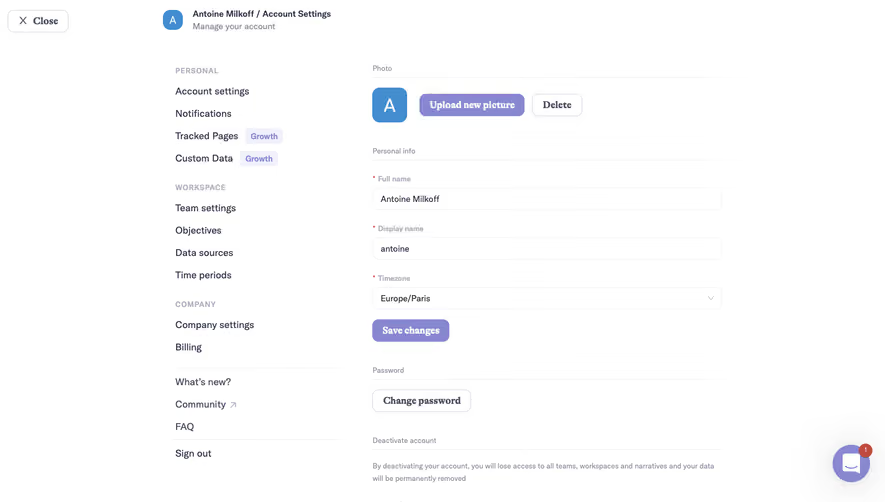
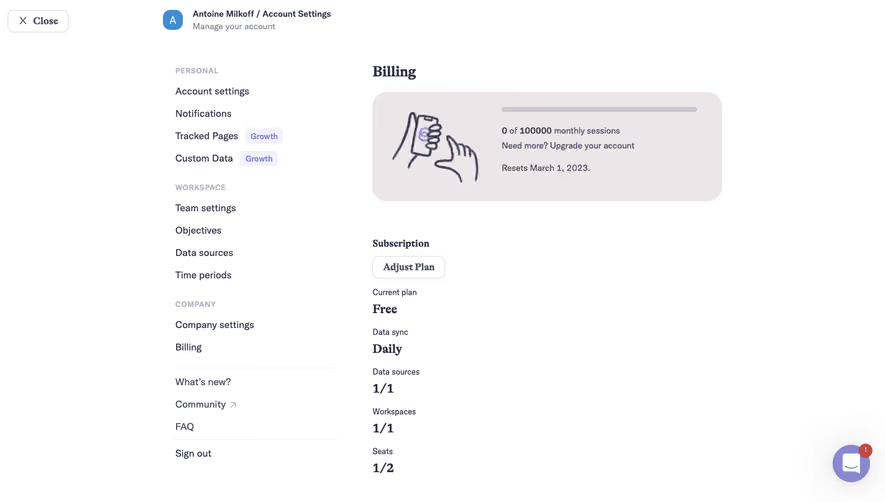

Similar screens



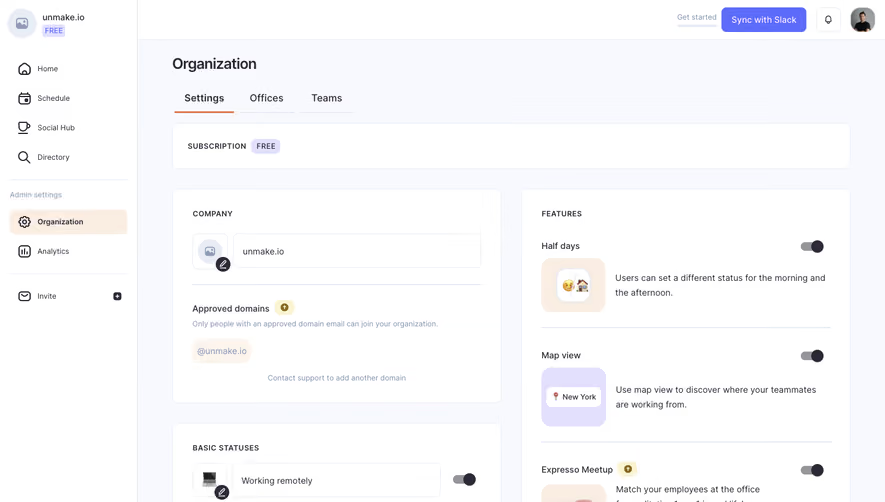



Upgrade to SaaSFrame Pro now to see similar examples.
Monthly
$18 /month
Billed $18 monthly
Browse all screens & flows
Filter and search screens & flows
Search text in screenshots
Access Figma files
Access mobile versions
Join now
Quarterly
$16 /month
Billed $48 quarterly
Browse all screens & flows
Filter and search screens & flows
Search text in screenshots
Access Figma files
Access mobile versions
Join now
Yearly
$15 /month
Billed $180 yearly
Browse all screens & flows
Filter and search screens & flows
Search text in screenshots
Access Figma files
Access mobile versions
Join now