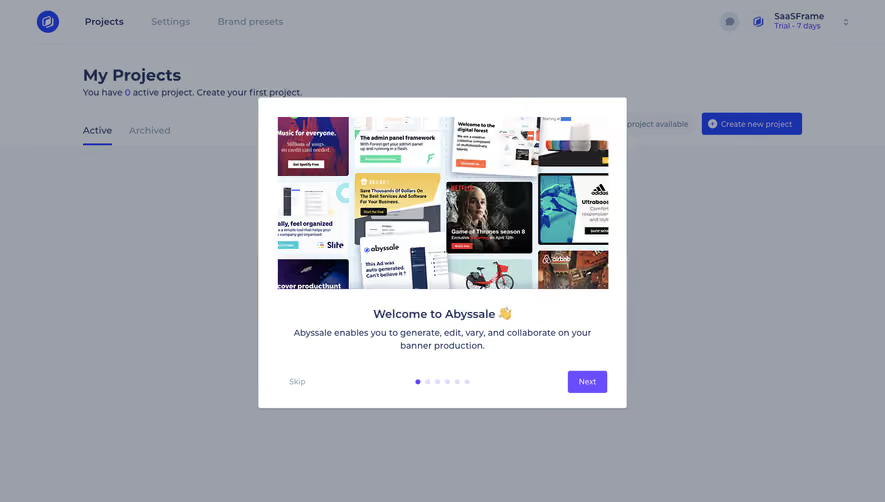
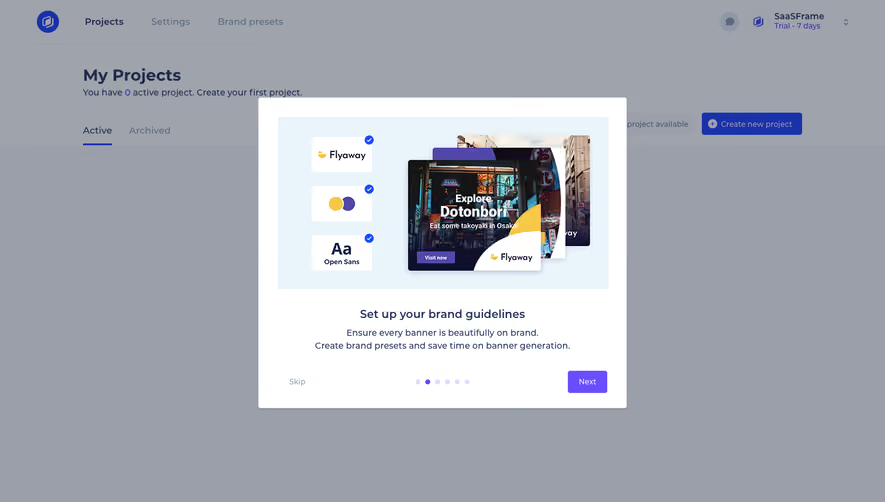
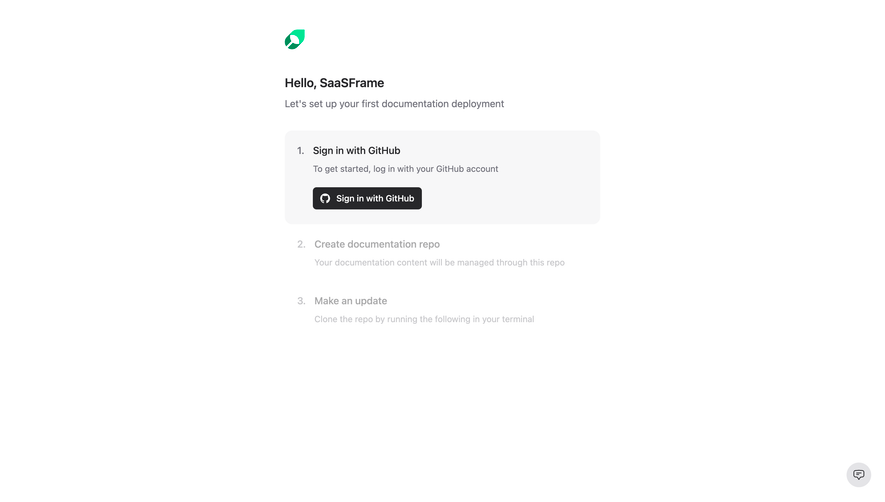
Design with AI
Generate a new design based on this screen using your own content.
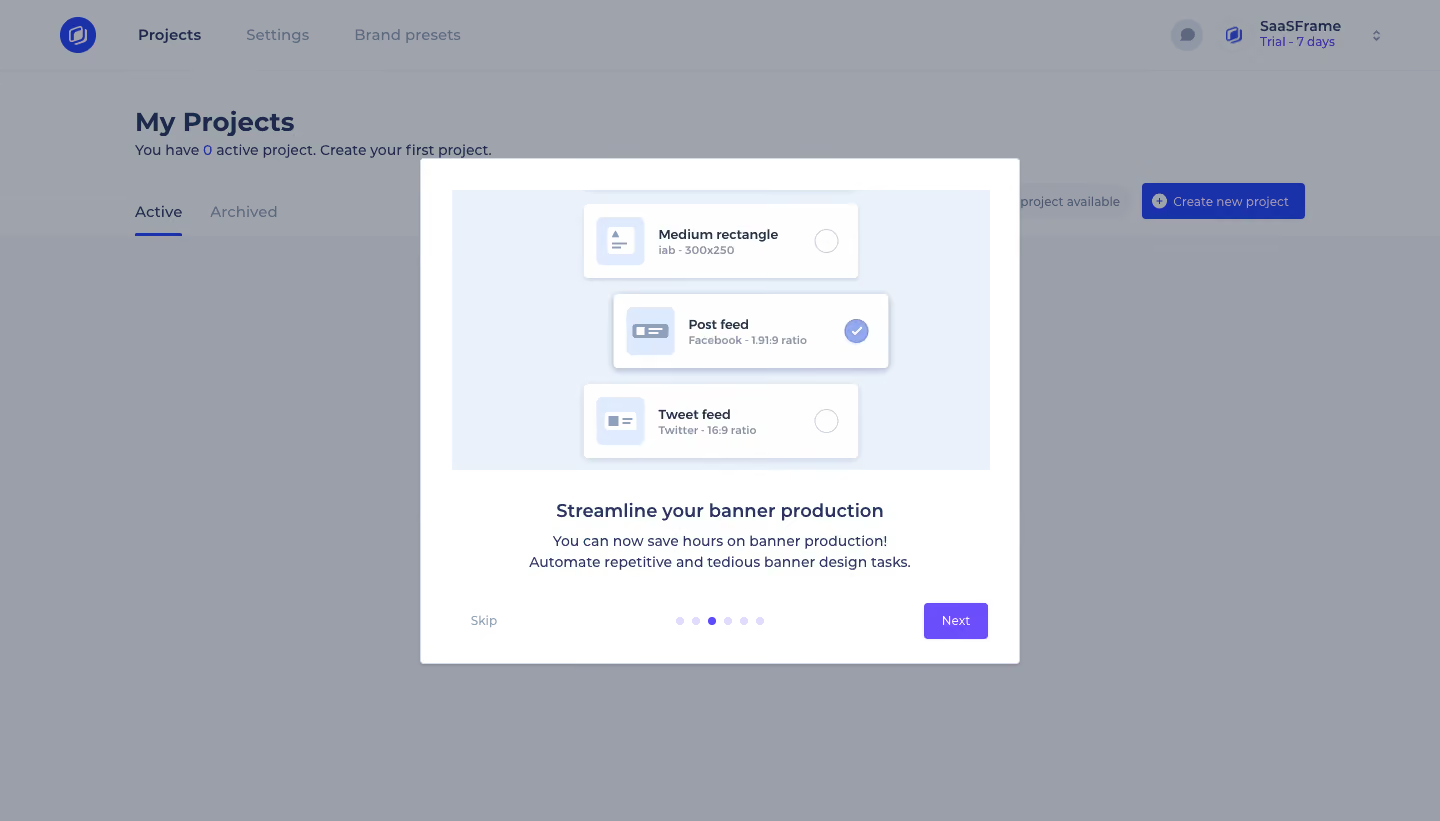
# Design from Reference: Abyssale User Onboarding
Create an original, high-fidelity visual design inspired by the reference. Prioritize composition, typography, colors, spacing, and component styling over technical implementation.
## Reference
- **Product:** Abyssale
- **Category:** User Onboarding
- **Screenshot:** https://cdn.prod.website-files.com/5e9dc792e1210c5325f7ebbc/6acbc688edc235600abc91cb_6acbc0d74a8f67bb0c2ebe55_cms-ecddae38281540e1ab512bc9.webp
Analyze the screenshot first. If inaccessible, request it rather than guessing.
## Content
{{content.instructions}}
{{content.data}}
Preserve essential messaging and factual accuracy. Adapt structure and copy length for visual balance; never invent product claims.
## Visual Design
### Overall aesthetic
- **Style:** Product-tour modal with an instructional illustration and violet progression action.
- **Character:** White rectangular surface, pale-blue artwork, centered copy, and small pagination dots.
### Page composition
- **Canvas:** 1440 × 821 screenshot px.
- **Modal:** Approximately 600 × 505px, centered.
- **Layout:** Wide illustration at top, short title and two-line body beneath, then Skip left, dots center, Next right.
- **Background:** Project dashboard, navigation, and create-project action dimmed behind a gray overlay.
### Information hierarchy
- **Primary:** Large illustrated format-selection cards.
- **Secondary:** Benefit title and concise description.
- **Progress:** One violet dot among six pale dots.
- **Action:** Violet Next button; Skip subdued.
### Typography
- **Family:** Compact sans serif; exact family unverified.
- **Modal title:** Approximately 18 screenshot px, semibold.
- **Body:** Approximately 15px with 22px line-height.
- **Buttons:** Approximately 13px.
- **Precision:** Font values are screenshot estimates.
### Colors & surfaces
- **Modal:** #FFFFFF.
- **Illustration surface:** #EAF1FA.
- **Dimmed canvas:** #9A9FAA and #9FA3AC.
- **Background blue:** #1932AA, already dimmed.
- **Foreground action:** Saturated violet; exact token unverified.
- **Text:** Navy-blue; body slightly muted.
- **Precision:** WebP compression introduces adjacent shades.
### Components
- **Artwork:** Three stacked white selection cards with icons, format names, and radio states.
- **Modal corners:** Approximately 3–4 screenshot px.
- **Next:** Small rectangular violet button with slight rounding.
- **Pagination:** Six small circular indicators.
- **No visible close:** No top-right X shown in this frame.
### Visual rhythm
- **Spacing:** Approximately 32px outer padding and broad centered text area.
- **Balance:** Artwork occupies over half the modal height.
- **Footer:** Three-part alignment separates skip, progress, and next.
### Responsive
- **Observed:** Desktop only.
- **Recommendation:** Constrain dialog width, scale artwork, wrap copy, and keep action row readable.
- **Small screens:** Permit body scrolling without hiding progression.
### Adaptation guidance
- **Preserve:** Illustration-led single-benefit tour step and quiet progress controls.
- **Content:** Replace sample formats and copy with supplied material.
- **Behavior:** This screenshot represents one step, not the full onboarding sequence.
Use this context to reproduce the reference's visual language: layout, typography, colors, spacing, borders, radii, and distinctive elements. The screenshot takes priority if descriptions conflict.
## Direction
{{preferences.fidelityInstructions}}
## Output
{{output.instructions}}
Deliver a polished, cohesive design with precise alignment, hierarchy, and spacing. Produce the requested visual artifact, not just a description. If unsupported, explain the limitation.
.webp)



.avif)