.webp)
Compare the Best UI & UX Design Inspiration Libraries
Find the Right Design Inspiration Tool
Design inspiration libraries serve different needs.
Some focus on mobile app interfaces and user journeys. Others specialize in SaaS products, marketing websites, UX patterns, or design references.
Choosing the right tool depends on what you're designing, how you research existing products, and how you want to use the references you discover.
SaaSFrame brings together SaaS marketing websites, product interfaces, UX patterns, and user flows in one searchable library. With editable Figma files and AI-ready design prompts, it also helps designers move from research to execution.
The Best UI & UX Inspiration Tools at a Glance




Compare Features and Capabilities
Different tools offer different kinds of references and ways to work with them.
The comparison below focuses on the capabilities most relevant to SaaS designers.
This table is an editorial comparison, not an exhaustive feature inventory. “Core” indicates a primary product focus; “Yes” indicates a documented capability; “Limited” indicates a narrower emphasis. Last reviewed: October 2026.
Explore Each Design Inspiration Library
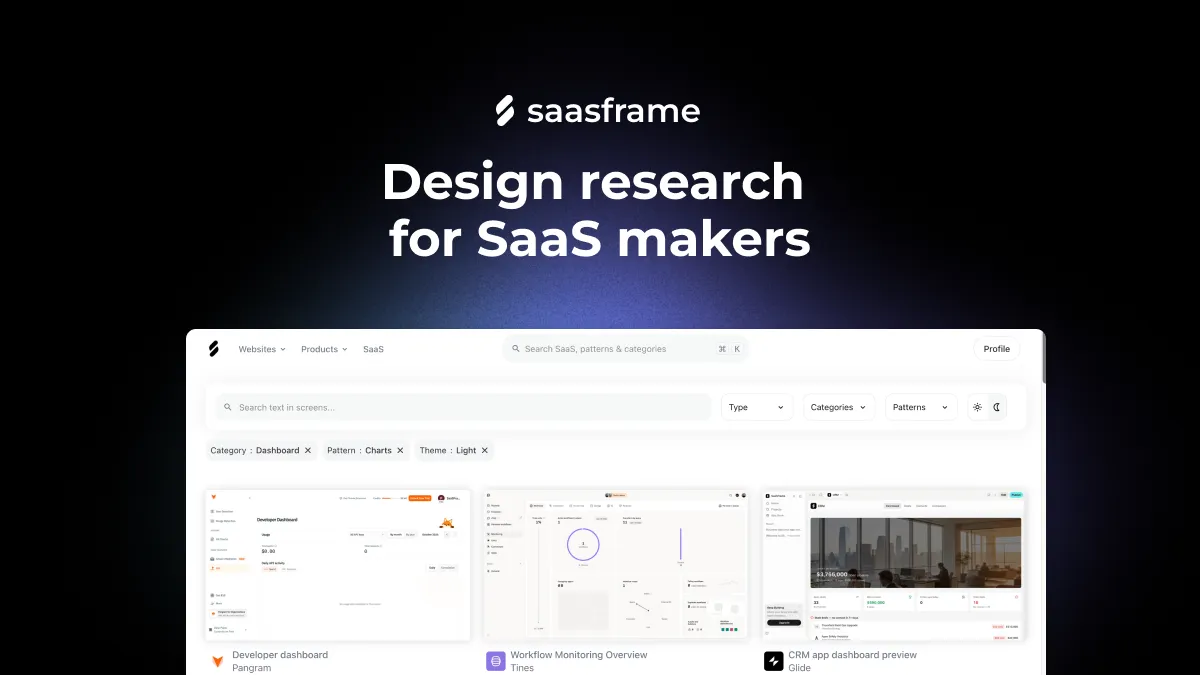
SaaSFrame — SaaS Design Inspiration, from Research to Execution
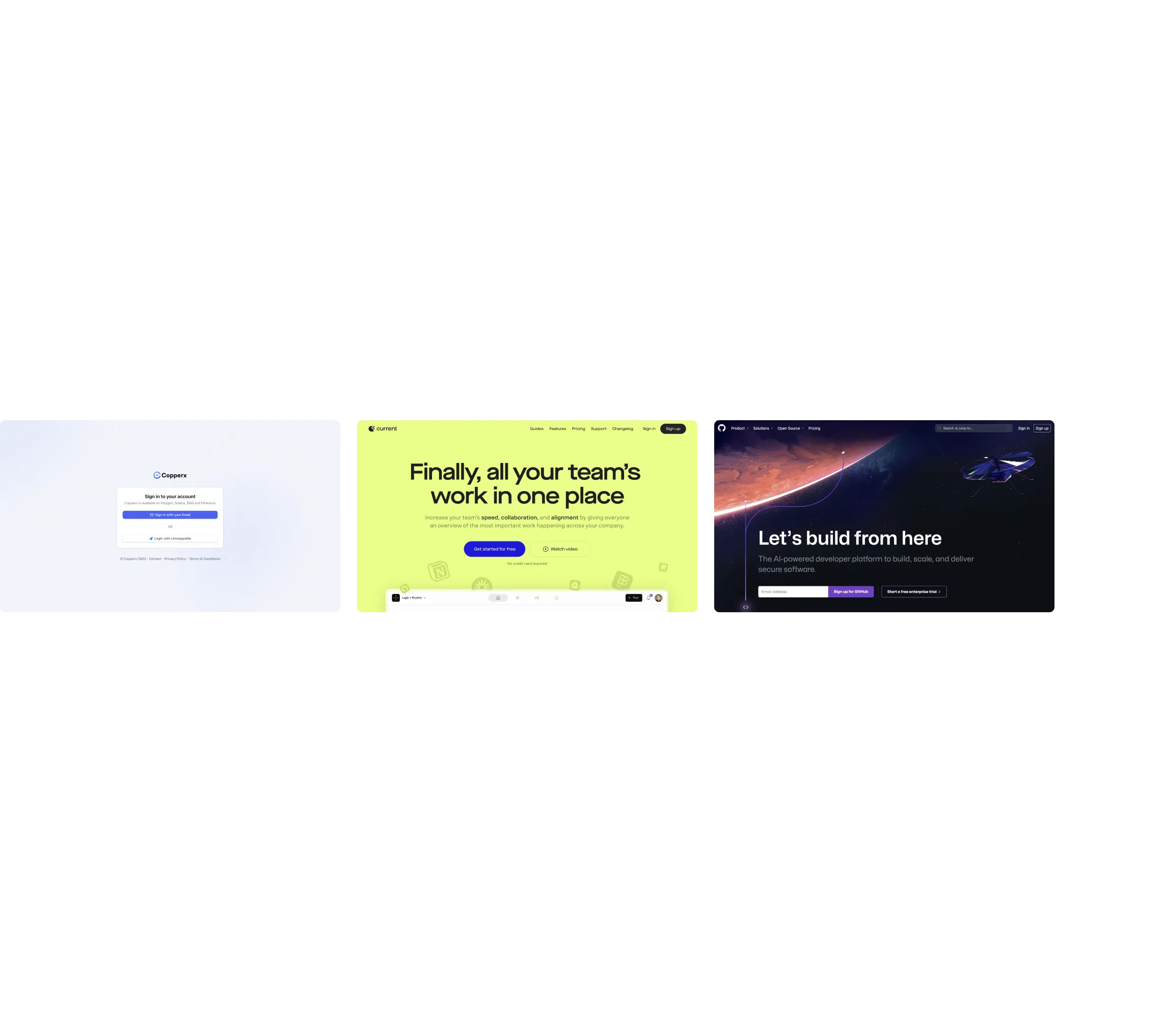
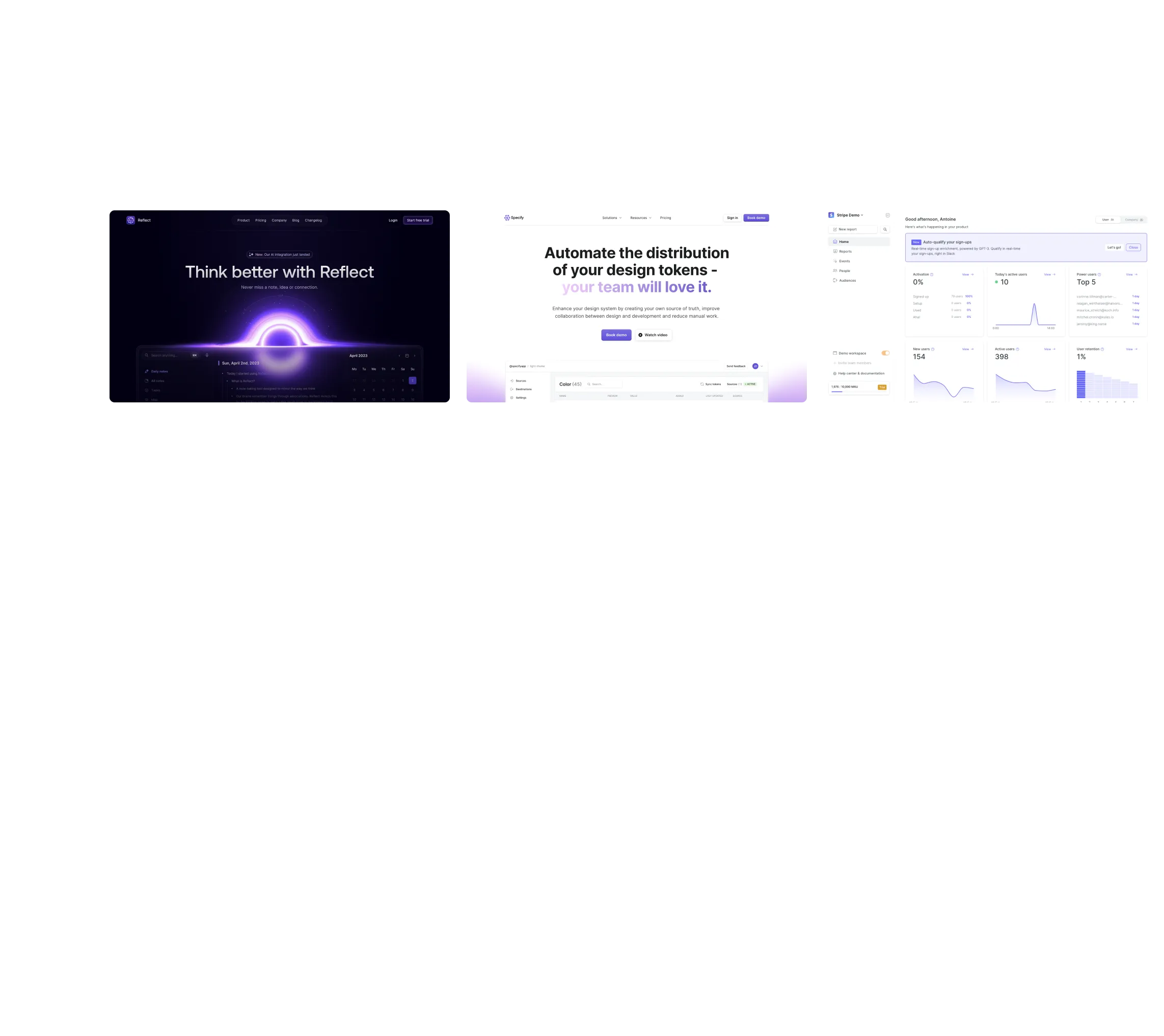
SaaSFrame is a UI and UX inspiration library dedicated to software products, combining real SaaS marketing websites, product interfaces, UX patterns, and user flows.
Designers can explore how software companies structure their landing pages, pricing experiences, dashboards, onboarding, settings, and other interfaces.
SaaSFrame also helps turn references into practical design starting points through editable Figma files and AI-ready prompts.
Key strengths
- Marketing websites and product interfaces in one library.
- SaaS-specific categories, industries, and UX patterns.
- Screens connected to products, sections, and flows.
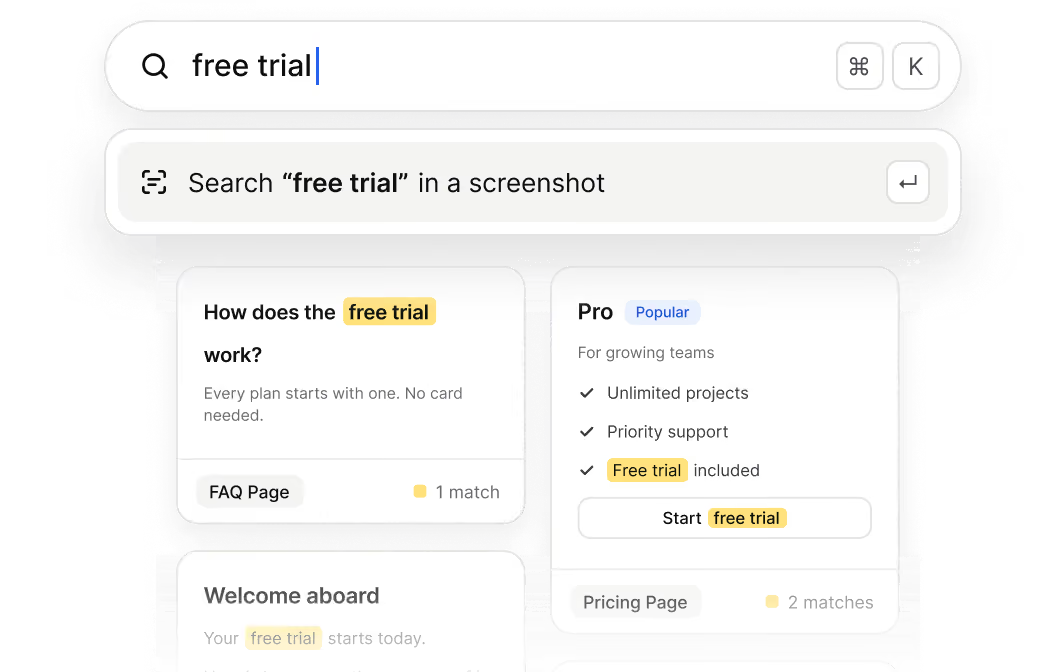
- Text search inside screenshots.
- Editable Figma files for supported references.
- Design prompts generated from visual references.
Best for: SaaS product designers, marketing designers, founders, and teams building software products.
Consider another tool if: Your work focuses primarily on native mobile applications or consumer app journeys.
Mobbin — Broad Mobile and Web Product UI Research
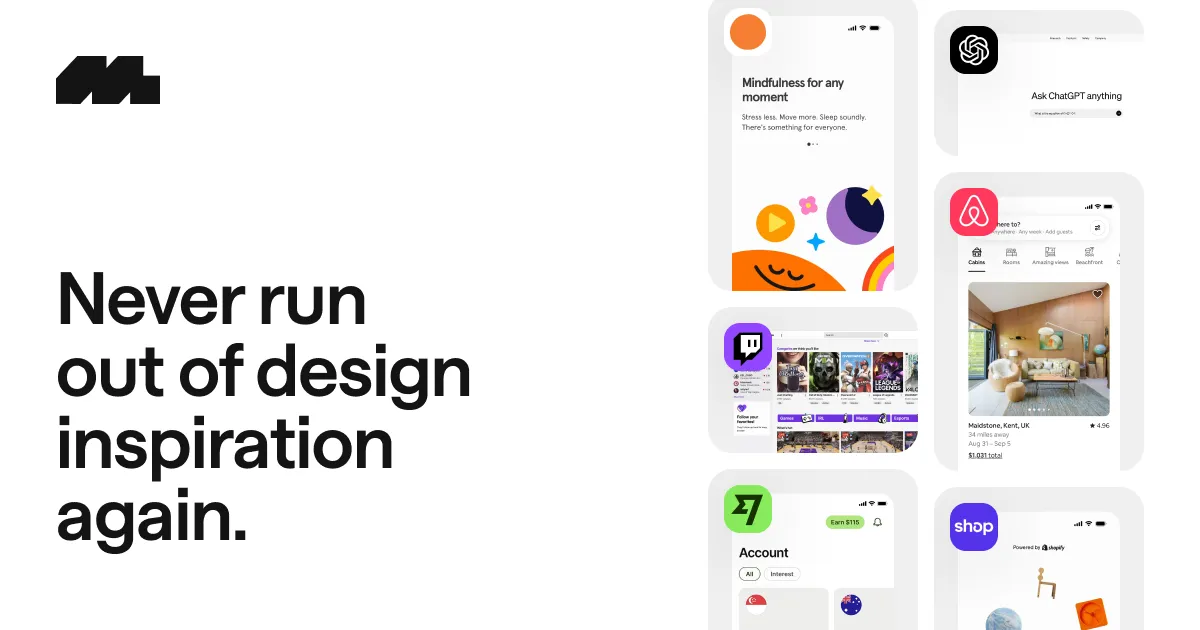
Mobbin is a design reference library covering real mobile and web applications.
Its extensive product coverage makes it useful for studying established interaction patterns, complete user journeys, and interface decisions across industries.
Mobbin also offers MCP access for compatible AI tools.
Key strengths
- Extensive mobile and web application coverage.
- Real product screens and user flows.
- References across multiple industries.
- Figma-oriented design workflows.
- MCP integration for AI-assisted research.
Best for: Product designers researching mobile applications, web products, and cross-industry UX patterns.
Consider SaaSFrame if: You primarily design SaaS marketing websites, B2B product interfaces, or need SaaS-specific references and AI-ready design prompts.
Nicelydone — SaaS Product UI and User Flows
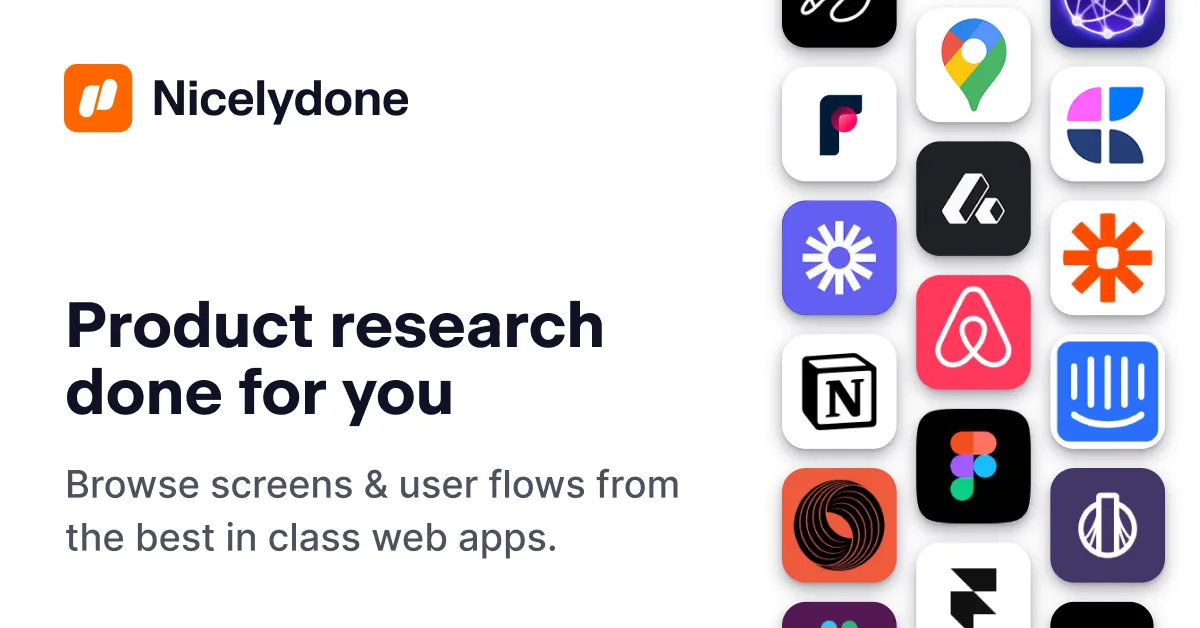
Nicelydone specializes in design inspiration from real software products.
Its library focuses on SaaS interfaces, product screens, and user flows, making it one of the closest alternatives to SaaSFrame for product design research.
Key strengths
- SaaS product interface references.
- Screens and flows from real applications.
- Search and discovery tools for product UI.
- Figma-related design workflows.
Best for: Product designers looking for real SaaS interface patterns and application workflows.
Consider SaaSFrame if: You want to research both SaaS product interfaces and marketing websites, with reference-based AI prompts and editable Figma examples.
Refero — Web and Product Design Inspiration
Refero helps designers discover interface references from websites and digital products.
Its broader design focus makes it useful for visual exploration, layout research, and discovering approaches to interface composition.
Key strengths
- Web and product interface references.
- Inspiration across different digital products.
- Visual discovery and research.
- Broad design exploration beyond a single category.
Best for: Designers looking for web and product design references across different industries.
Consider SaaSFrame if: You need SaaS-specific categories, UX patterns, flows, and a workflow connecting design research to editable references.

Page Flows — Understand How Real User Journeys Work
Page Flows focuses on complete user experiences rather than isolated screenshots.
Its library includes recordings of real product journeys, helping designers understand how users navigate interfaces and complete tasks.
Key strengths
- Recorded user journeys.
- Step-by-step interaction research.
- Mobile and web UX flows.
- Context around transitions and user actions.
Best for: UX designers studying complete experiences, interactions, and navigation patterns.
Consider SaaSFrame if: You want to research individual SaaS screens alongside flows, UX patterns, marketing pages, and editable design references.
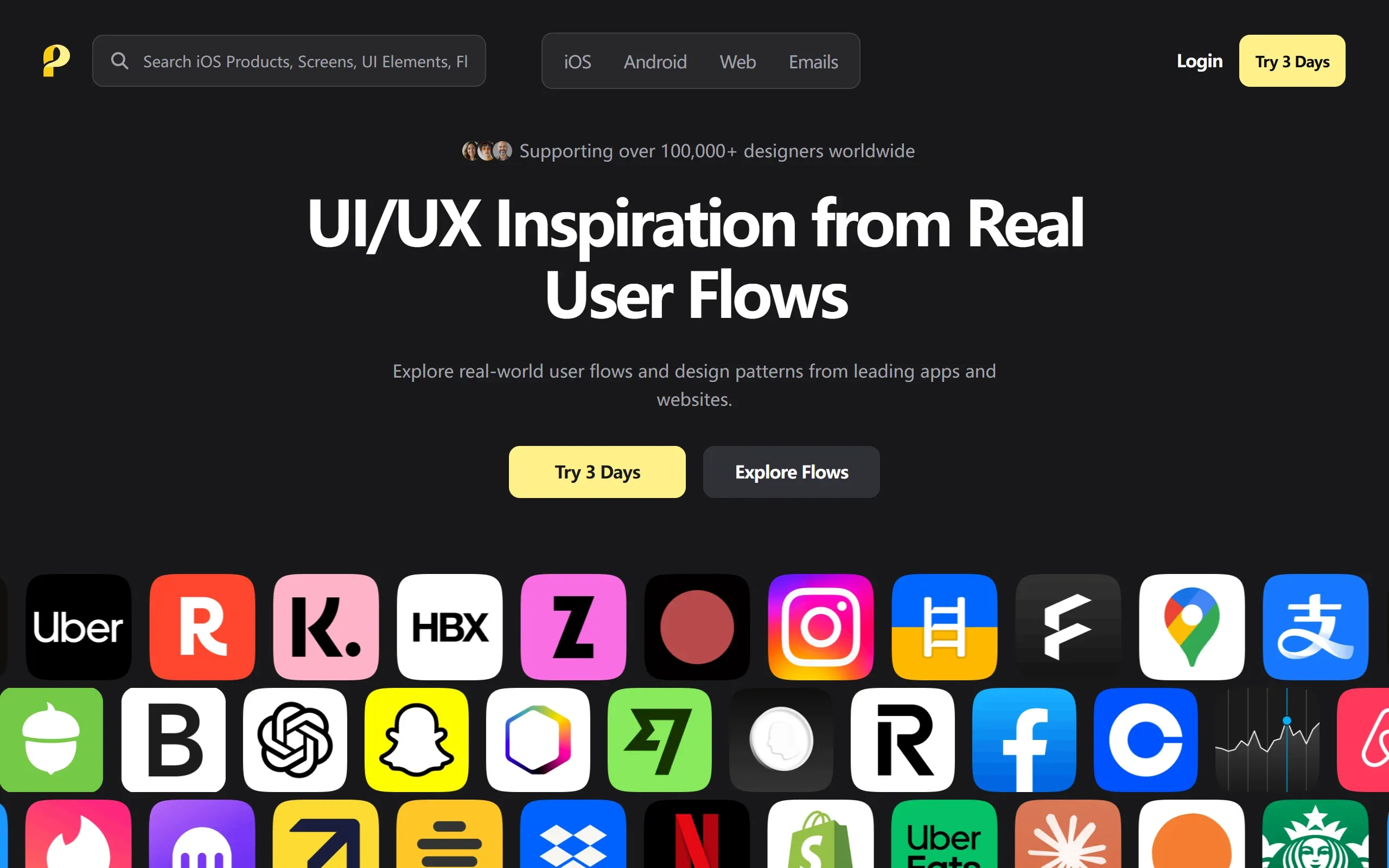
Saaspo — SaaS Marketing Website Inspiration
Saaspo specializes in marketing website inspiration for SaaS businesses.
Its focus on landing pages, website sections, and visual styles makes it useful for designers working on software marketing websites.
Key strengths
- SaaS marketing website references.
- Landing page inspiration.
- Website section and layout exploration.
- Visual research for SaaS branding and conversion pages.
Best for: Marketing designers, founders, and teams creating SaaS websites.
Consider SaaSFrame if: You also need product UI references, dashboards, onboarding flows, UX patterns, and editable design files.
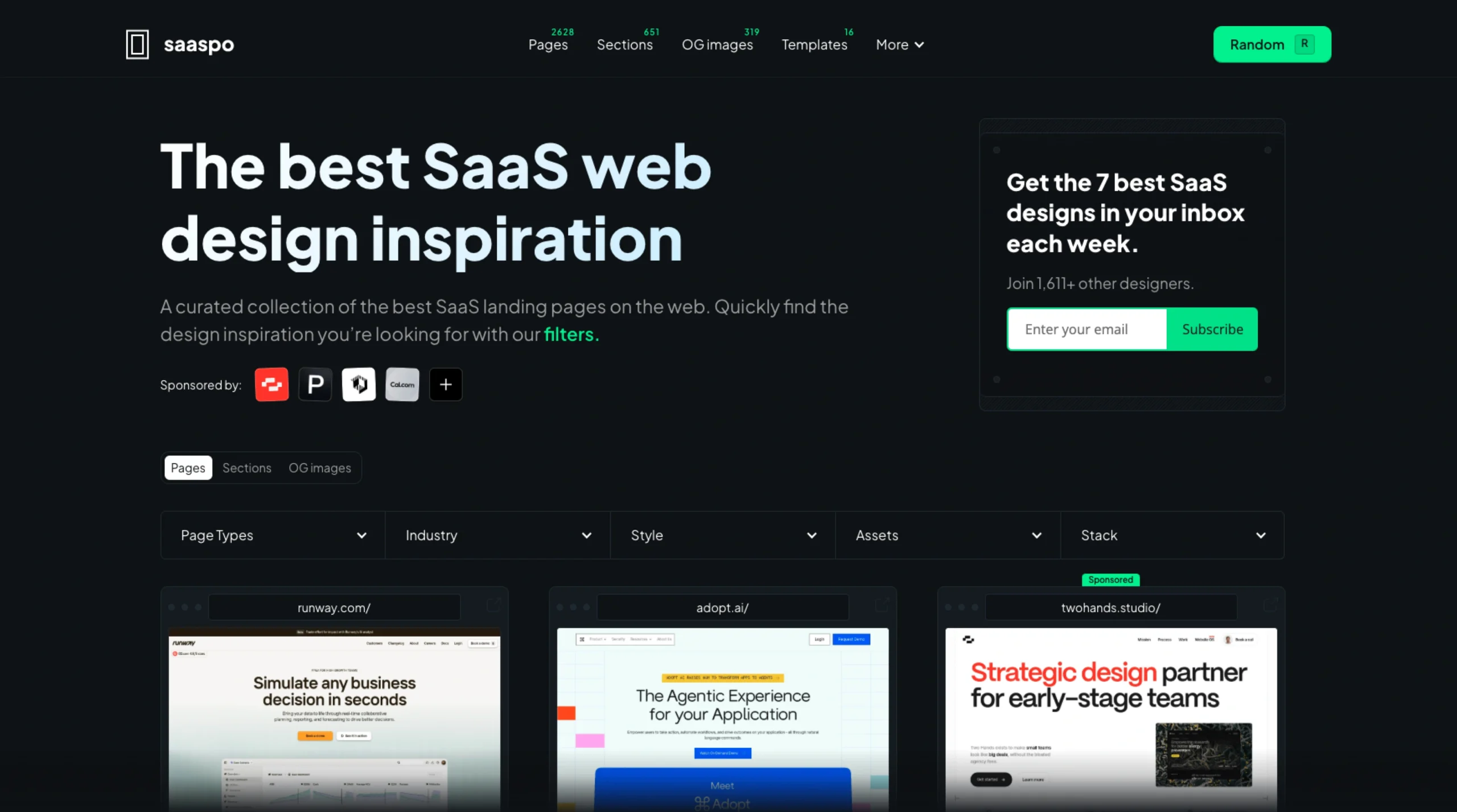
Which UI Inspiration Tool Is Best for Your Project?
Best for SaaS Marketing Websites
Recommended: SaaSFrame or Saaspo
SaaS marketing design involves landing pages, pricing models, feature explanations, integration pages, and conversion-focused experiences.
Both SaaSFrame and Saaspo provide references for software marketing websites.
Choose SaaSFrame when you also want to research the product interfaces behind those websites, or use references in Figma and AI-assisted workflows.
Choose Saaspo when your research is primarily focused on SaaS marketing website aesthetics and layouts.
Best for SaaS Product UI Design
Recommended: SaaSFrame, Nicelydone, or Mobbin
SaaS product design requires references for dashboards, tables, analytics, settings, account management, and other complex application interfaces.
SaaSFrame and Nicelydone focus strongly on software product interfaces.
Mobbin is a good choice when your research also includes mobile applications and a wider range of digital products.
Best for Mobile App Design
Recommended: Mobbin
For native mobile application research, Mobbin is a strong choice thanks to its broad mobile interface coverage.
Page Flows is also relevant when you need to study how mobile user journeys work in practice.
SaaSFrame and Nicelydone are more specialized in software and SaaS interfaces.
Best for UX Flows and Onboarding Research
Recommended: Page Flows, Mobbin, or SaaSFrame
User flows help designers understand the steps users take to complete tasks.
Page Flows emphasizes recorded experiences and interaction sequences.
Mobbin provides flows across mobile and web products.
SaaSFrame is particularly relevant when researching flows within SaaS products.
Best for SaaS Dashboard Inspiration
Recommended: SaaSFrame or Nicelydone
Dashboards require thoughtful information architecture, data visualization, navigation, and component design.
Both platforms offer relevant SaaS product references.
Choose SaaSFrame if you also want to explore related screens, product categories, UX patterns, and editable design references.
Best for AI-Assisted Design
Recommended: SaaSFrame or Mobbin
AI-assisted design can mean different things.
SaaSFrame provides prompts based on visual design references, helping designers recreate a similar design direction using their own content.
Mobbin offers MCP integration that allows compatible AI agents to access design references.
Choose SaaSFrame for a reference-to-prompt workflow, or consider Mobbin when direct agent access to a reference library is central to your process.
Why Choose SaaSFrame?
One Library for Marketing and Product Design
SaaSFrame connects the two sides of software design.
Explore how SaaS companies present their products through marketing websites, then discover the interfaces users interact with inside those products.
From landing pages and pricing to onboarding, dashboards, and settings, research the complete SaaS experience.
Find Specific References Faster
Search by keyword, category, industry, product, or UX pattern.
SaaSFrame also makes text inside screenshots searchable, helping you discover interface examples based on the actual words used in real products.
Work with Editable Figma References
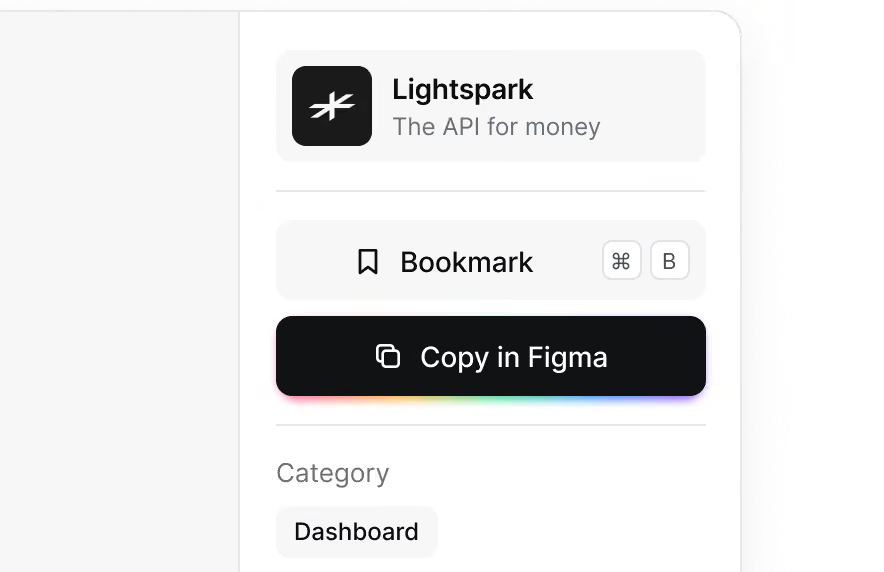
For supported screens, access editable Figma files instead of relying exclusively on static screenshots.
Use existing interfaces as references you can inspect and adapt for your own designs.
Turn Inspiration into AI-Ready Prompts
Select a design reference and generate a structured prompt describing its visual characteristics.
Use that prompt with compatible AI design or development tools to create a new interface inspired by the reference.
Explore Screens in Context
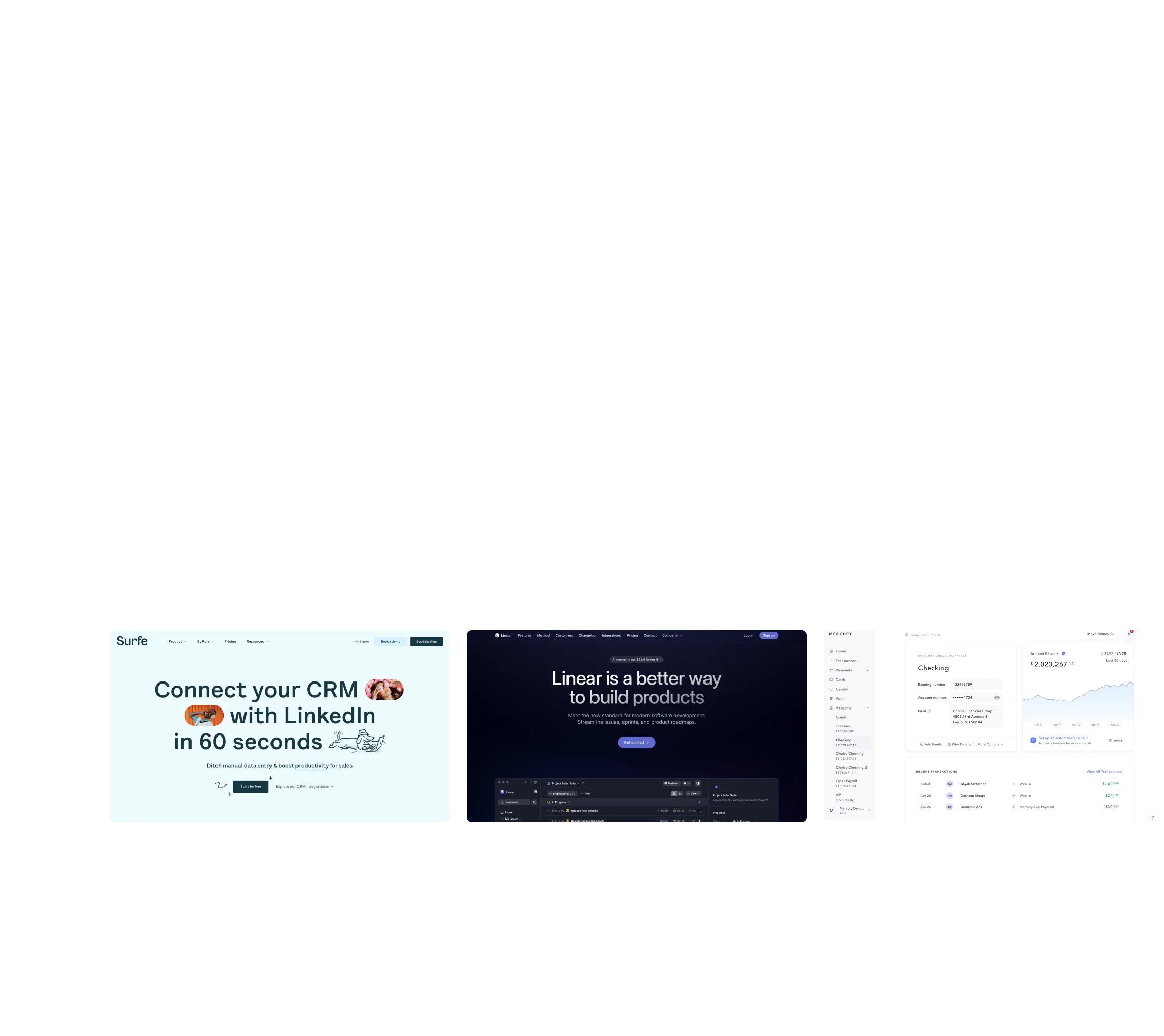
Move beyond isolated images by exploring related screens, sections, flows, UX patterns, and product updates.
Understand not just what an interface looks like, but how it fits into a larger software experience.
From Inspiration to Execution
1. Discover
Explore real SaaS websites and product interfaces.
Search by keyword, product, category, industry, or UX pattern to find references relevant to your project.
2. Understand
Study the visual structure, layout, components, and interactions.
Explore related screens and flows to understand how the design works in context.
3. Edit
Open supported references as editable Figma files and adapt them to your own project.
4. Build with AI
Generate a reference-based design prompt and use it with your preferred AI tool to create an original interface.
Frequently Asked Questions
What are the best SaaS UI inspiration websites?
SaaSFrame and Nicelydone are useful resources for SaaS-specific product UI inspiration. Mobbin and Refero offer broader product and web design references, while Saaspo focuses on SaaS marketing websites. Page Flows specializes in user journeys.
What is the best alternative to Mobbin for SaaS design?
SaaSFrame and Nicelydone are alternatives for SaaS-focused product interface research. SaaSFrame also combines marketing pages, UX patterns, flows, editable Figma references, and AI-ready design prompts.
How does SaaSFrame compare to Nicelydone?
Both platforms focus on real SaaS interfaces and product design inspiration. SaaSFrame also emphasizes marketing websites, editable Figma references, screenshot text search, and prompts for AI-assisted design.
What is the difference between SaaSFrame and Saaspo?
Saaspo focuses primarily on SaaS marketing website inspiration. SaaSFrame covers both marketing websites and product interfaces, including dashboards, settings, onboarding flows, and UX patterns.
Which design inspiration tool is best for UX flows?
Page Flows specializes in recorded user journeys. Mobbin offers mobile and web application flows, while SaaSFrame provides SaaS-focused flow references. The best option depends on whether you need interaction recordings, broad application coverage, or SaaS-specific examples.
Where can I find real SaaS dashboard examples?
SaaSFrame and Nicelydone provide references for SaaS dashboards and software product interfaces. SaaSFrame also supports browsing related categories, UX patterns, and product screens.
Can I copy SaaSFrame designs into Figma?
SaaSFrame provides editable Figma files for supported screens. Availability depends on the reference.
Can I use SaaSFrame with AI design tools?
Yes. SaaSFrame generates structured design prompts based on selected visual references. These prompts can guide compatible AI tools when creating new designs inspired by the reference. This is different from direct MCP access.
Are these design inspiration tools free?
Free access, trial availability, and paid features vary between platforms. Check each provider's current pricing and access terms before choosing a subscription.
Is SaaSFrame better than Mobbin?
Neither tool is universally better. SaaSFrame is designed around SaaS marketing and product UI research, while Mobbin offers broader mobile and web application coverage. The right choice depends on your design workflow and the products you work on.
Find Inspiration. Make It Your Own.
Explore real SaaS websites, product interfaces, UX patterns, and user flows.
Find the references you need, bring supported designs into Figma, and turn visual inspiration into your next interface with AI-ready prompts.
Biggest SaaS library.


.webp)


.webp)

Advanced filtering.
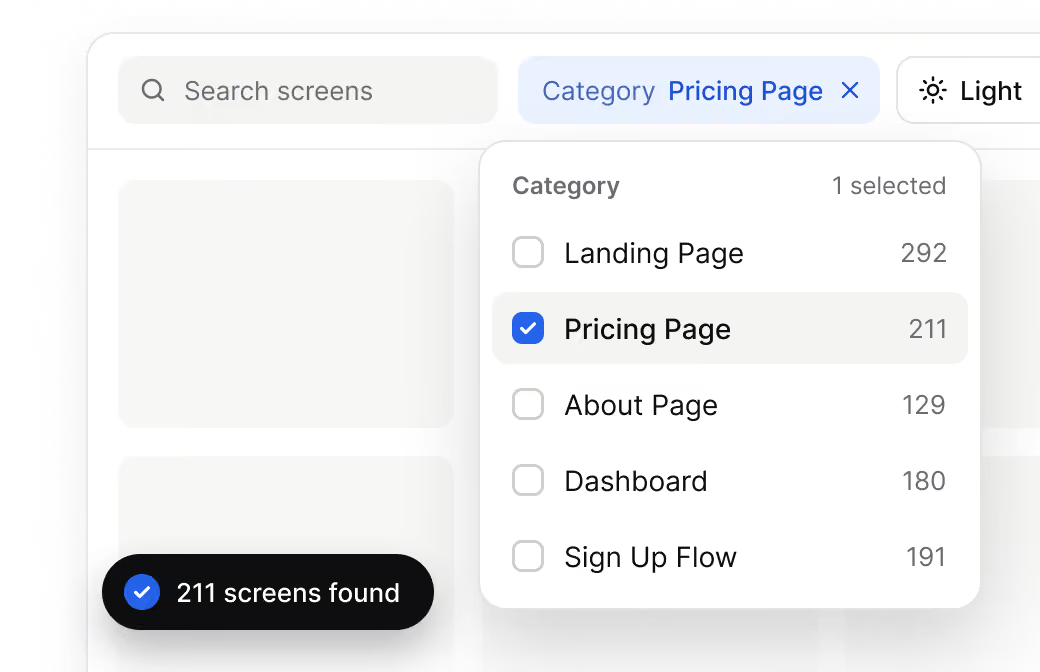
Copy into Figma.
Let it flow.
.avif)
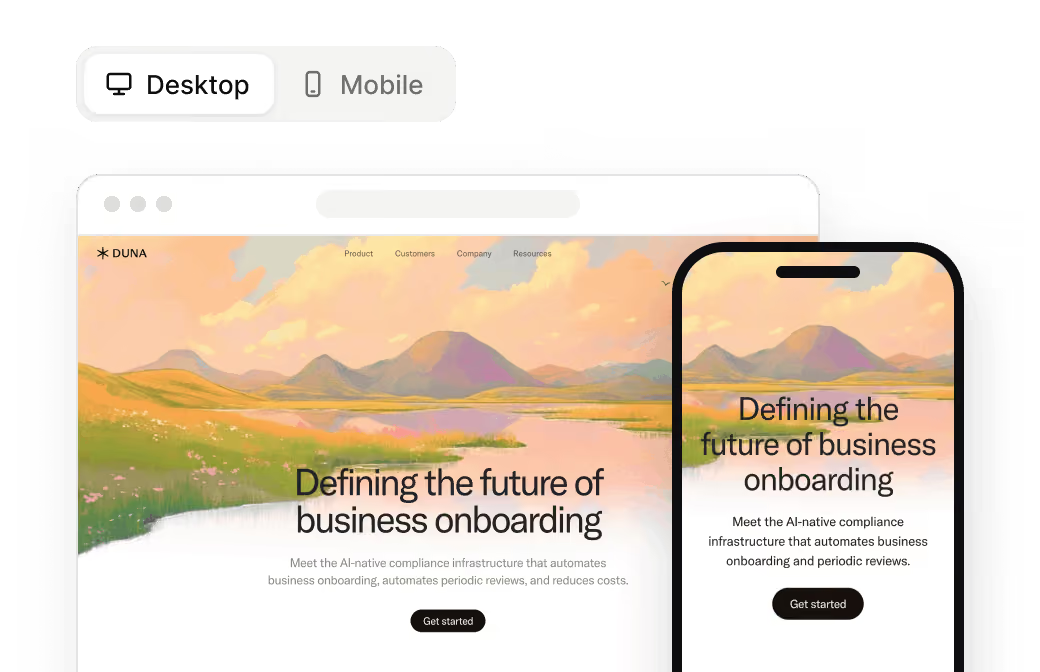
Desktop & mobile versions.
Search in screen.
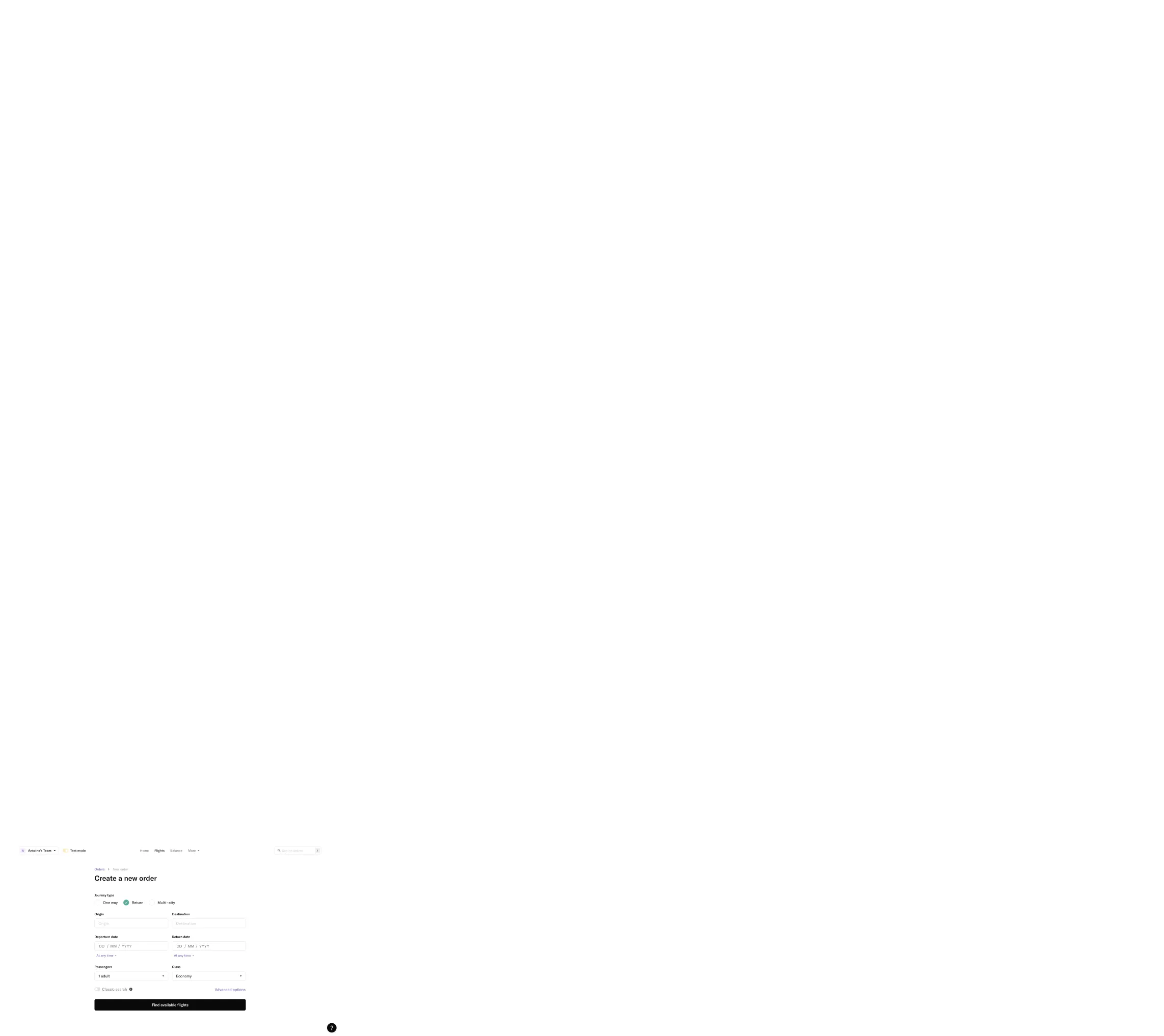
research
Last reviewed: November 2026. This comparison is prepared by SaaSFrame. Product names and trademarks belong to their respective owners. Features, access, and pricing may change. SaaSFrame is not affiliated with the other platforms listed.