.webp)
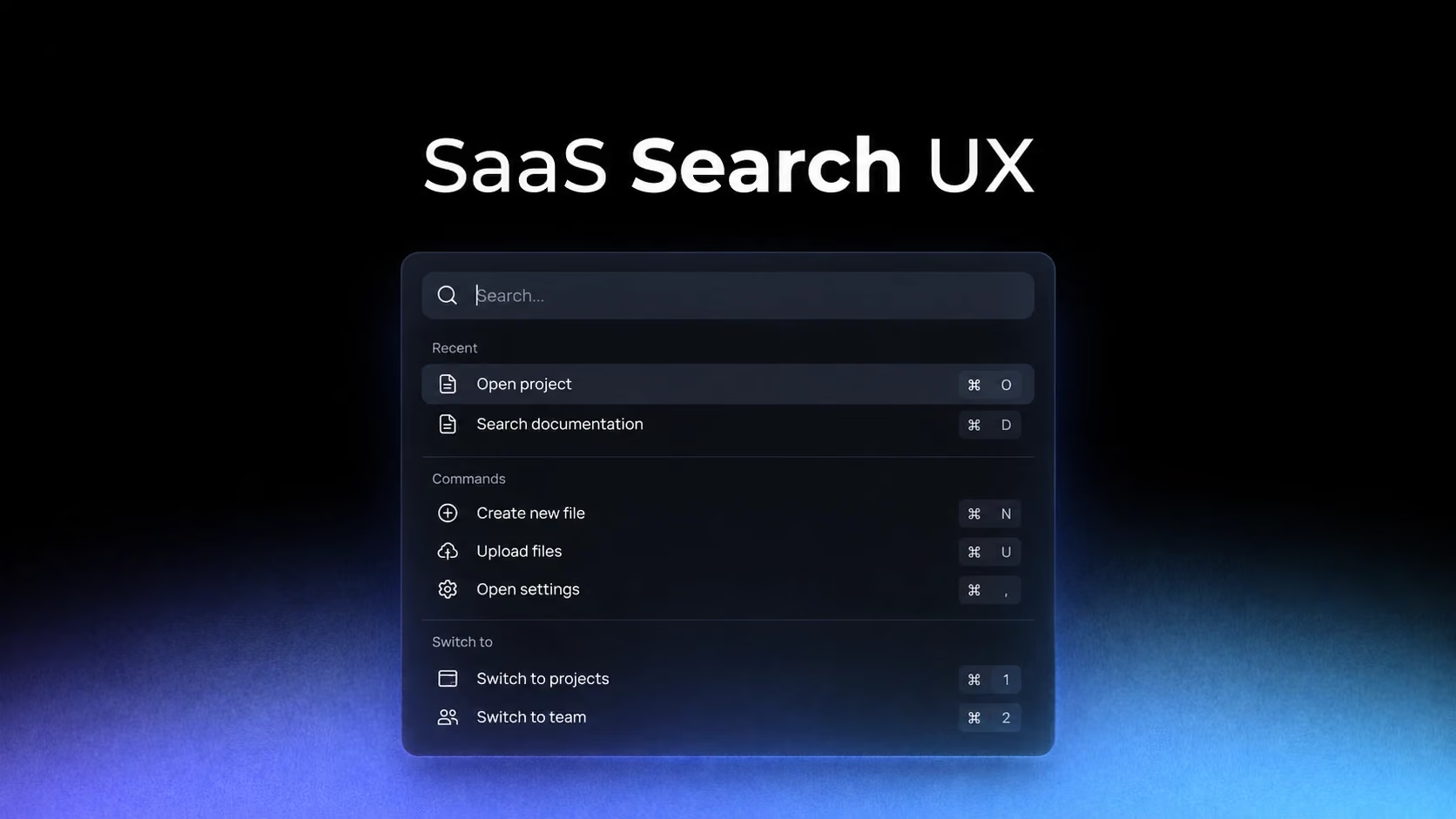
A command palette is often copied as a fashionable component: a centered modal, a ⌘K hint and a list of results. Its real value comes from compressing a large information architecture into a fast, learnable route for repeated work.
Decide whether search retrieves objects, navigates or executes
Frame and Cycle illustrate the two ends of the spectrum. One search experience helps locate content; the other behaves more like a command layer. Mixing both is possible, but only if result types are visibly distinct.
Study Frame: Frame Search Modal on SaaSFrame
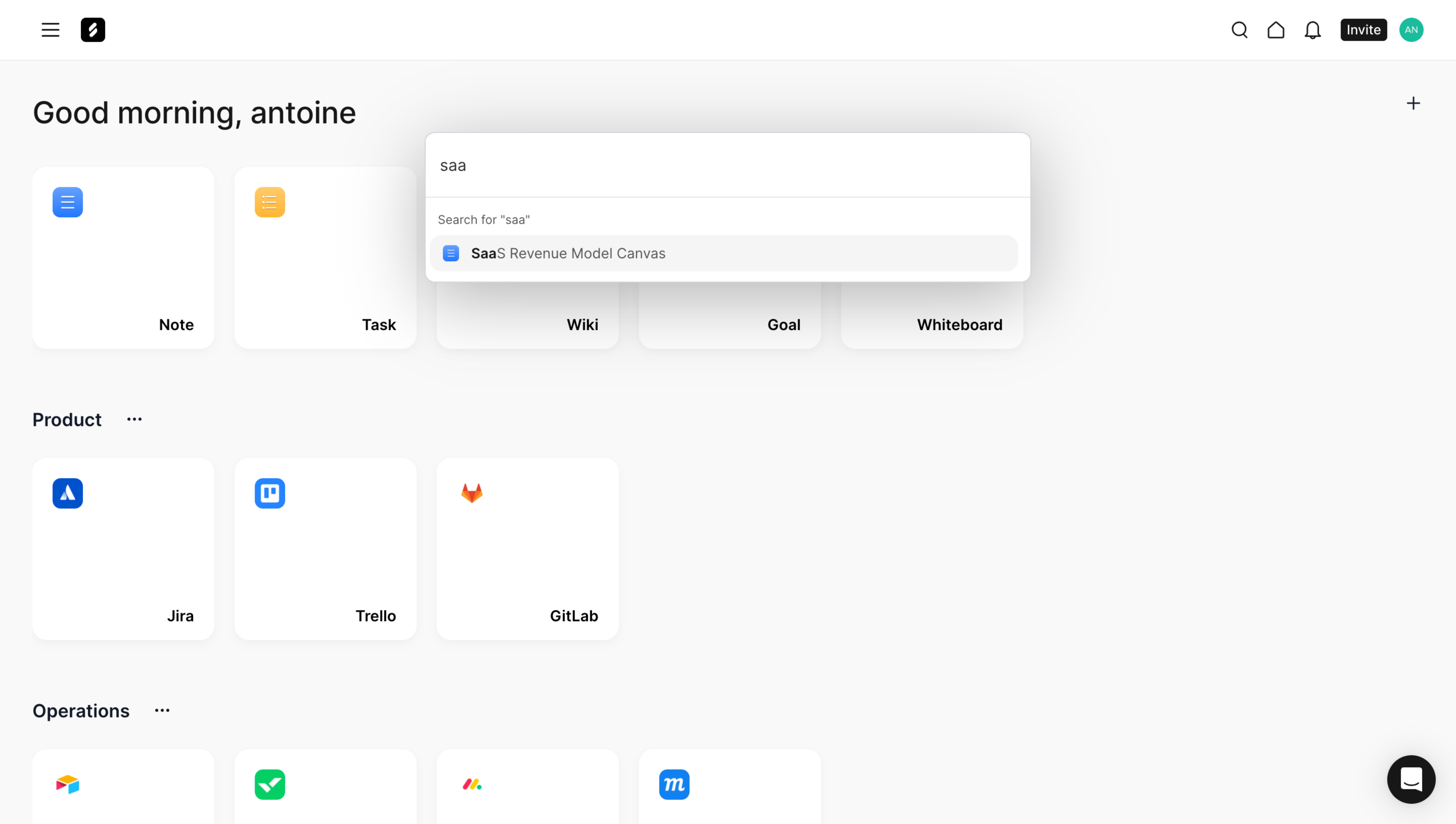
Study Cycle: Cycle Search Modal on SaaSFrame
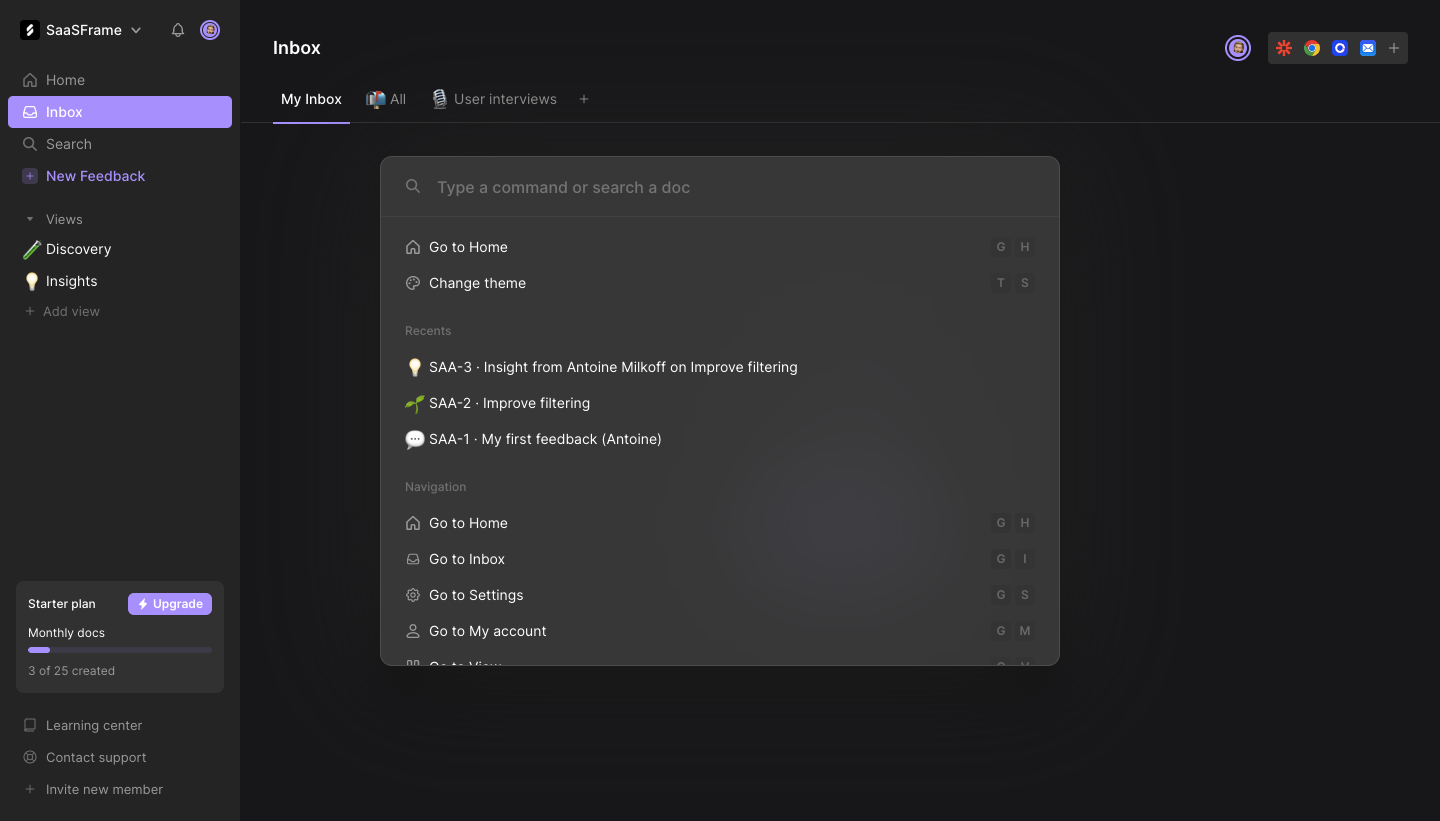
Users should never wonder whether selecting a row will open a page, insert an object or run an irreversible action. Group commands, label action verbs and require confirmation for destructive operations.
The zero-query state is part of the navigation system
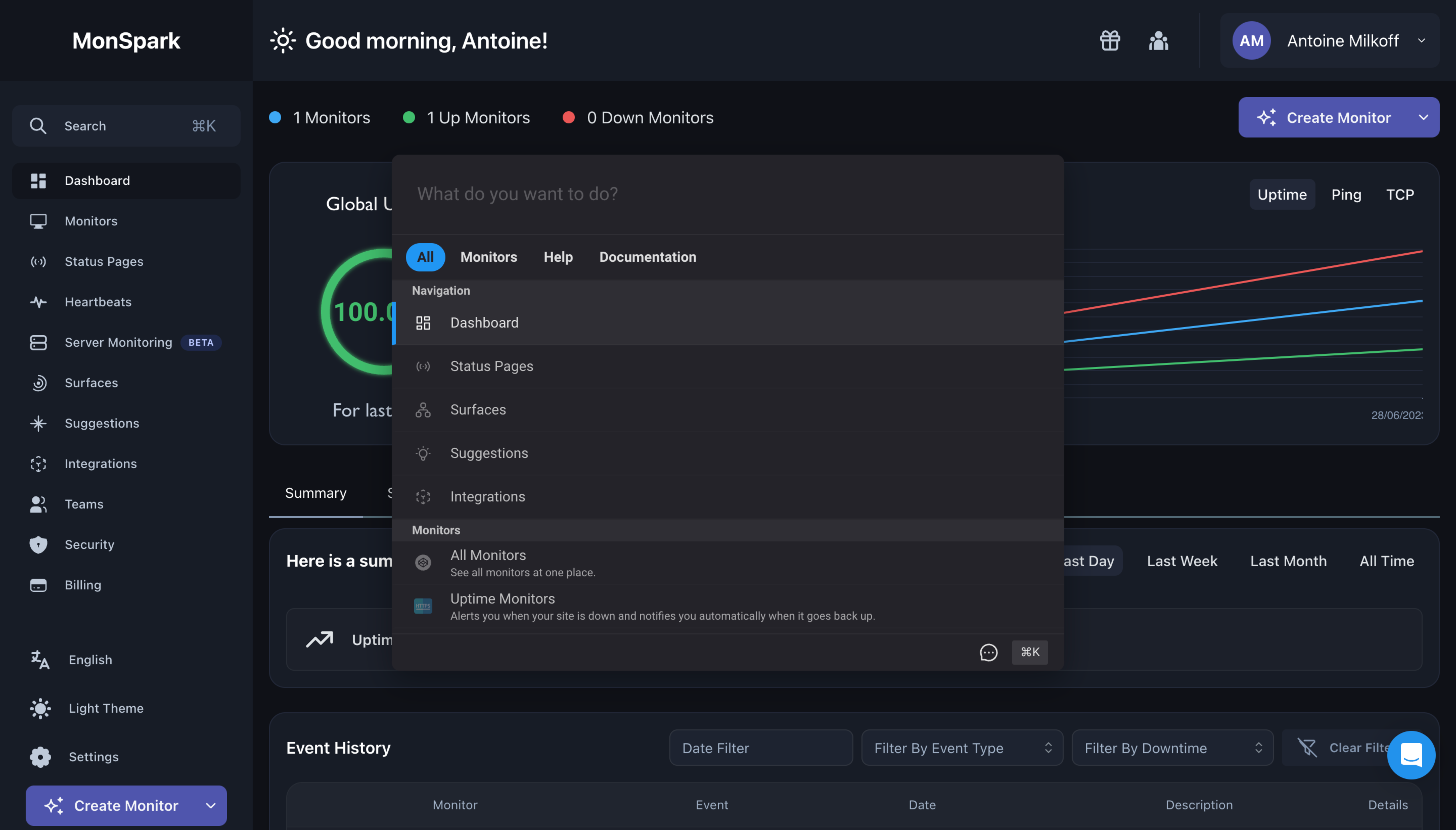
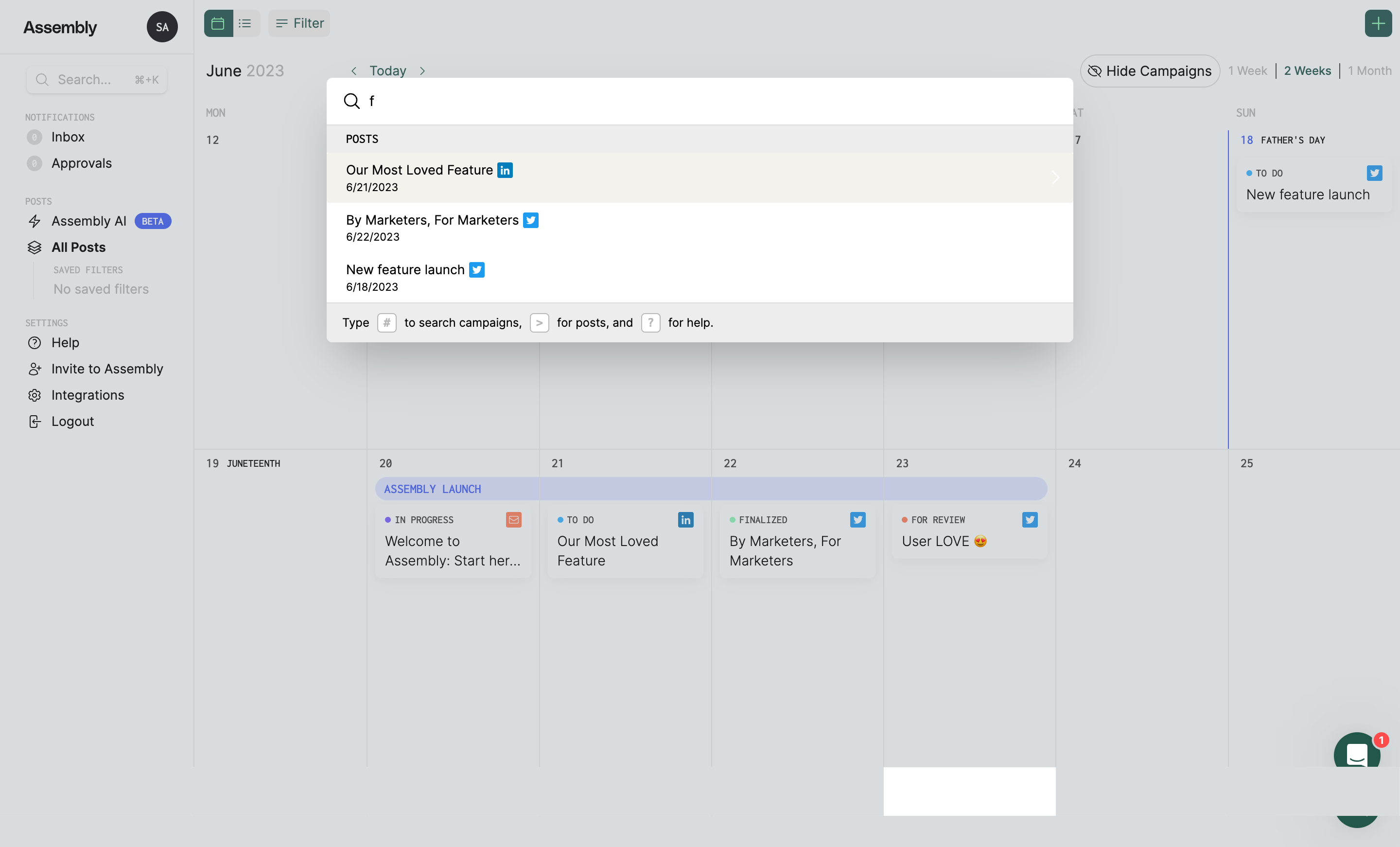
MonSpark and Assembly use the modal before a query has been typed. Recent items, suggested destinations and common commands make the shortcut valuable even when users do not know the exact term.
Study MonSpark: MonSpark Search Modal on SaaSFrame
Study Assembly: Assembly Search Modal on SaaSFrame
Avoid filling this state with generic popular content. Recency, frequency and current context usually predict intent better than a universal list.
Ranking quality matters more than visual polish
Frame’s global search demonstrates how a clean surface can hold multiple destinations, but the experience succeeds only if the first results are trustworthy. Users abandon keyboard search quickly when obvious matches appear below weak fuzzy matches.
Study Frame: Frame Global Search on SaaSFrame
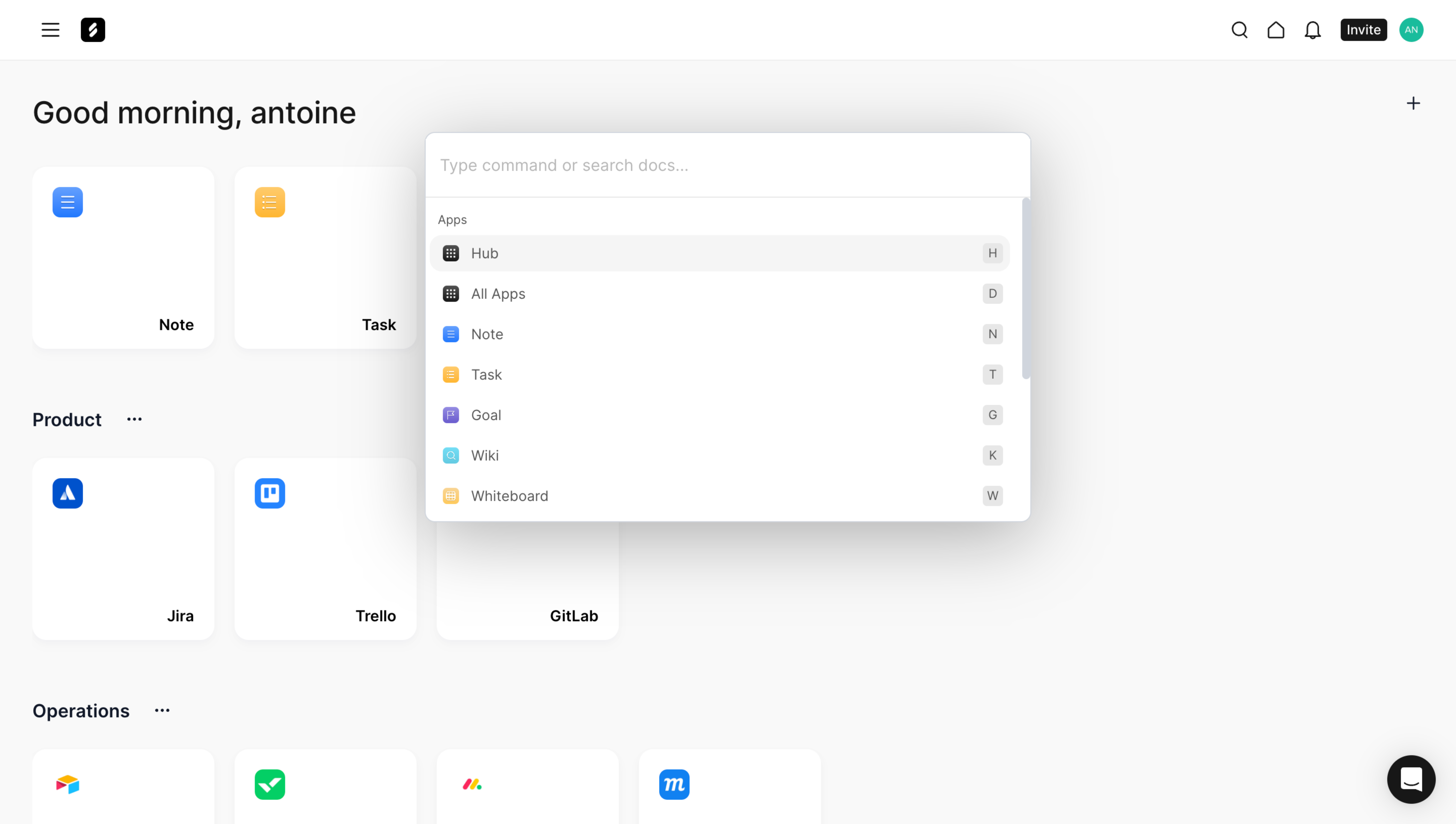
Tune ranking around object names, recent activity and exact prefixes. Highlight matched text carefully, and measure reformulation—not only result clicks—to find failures.
Search must explain its boundaries
Zeda.io groups results in a way that helps users understand what the system searches. This is essential in products with projects, workspaces or permission boundaries.
Study Zeda.io: Zeda.io Search Modal on SaaSFrame
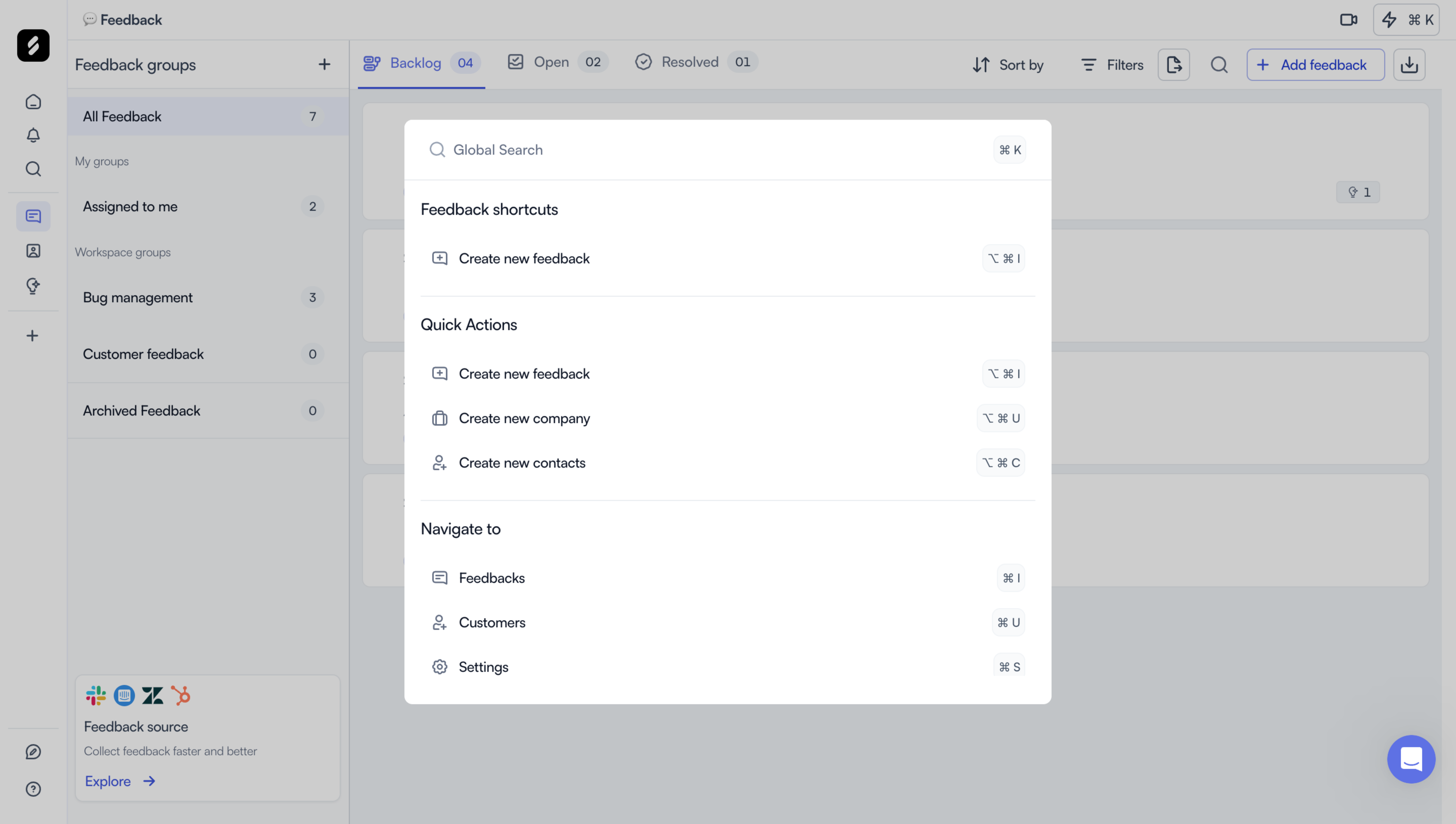
State the active scope and offer a deliberate way to broaden it. A missing result caused by the wrong workspace feels identical to broken search unless the interface makes scope visible.
What to carry into your own design
Treat search as an alternate information architecture, not a floating input. Define its objects, commands, scope, ranking rules and empty states before styling the modal. The best command palette teaches users what the product can do while helping them reach it faster.
Explore more real interfaces in the related SaaSFrame collection.