.webp)
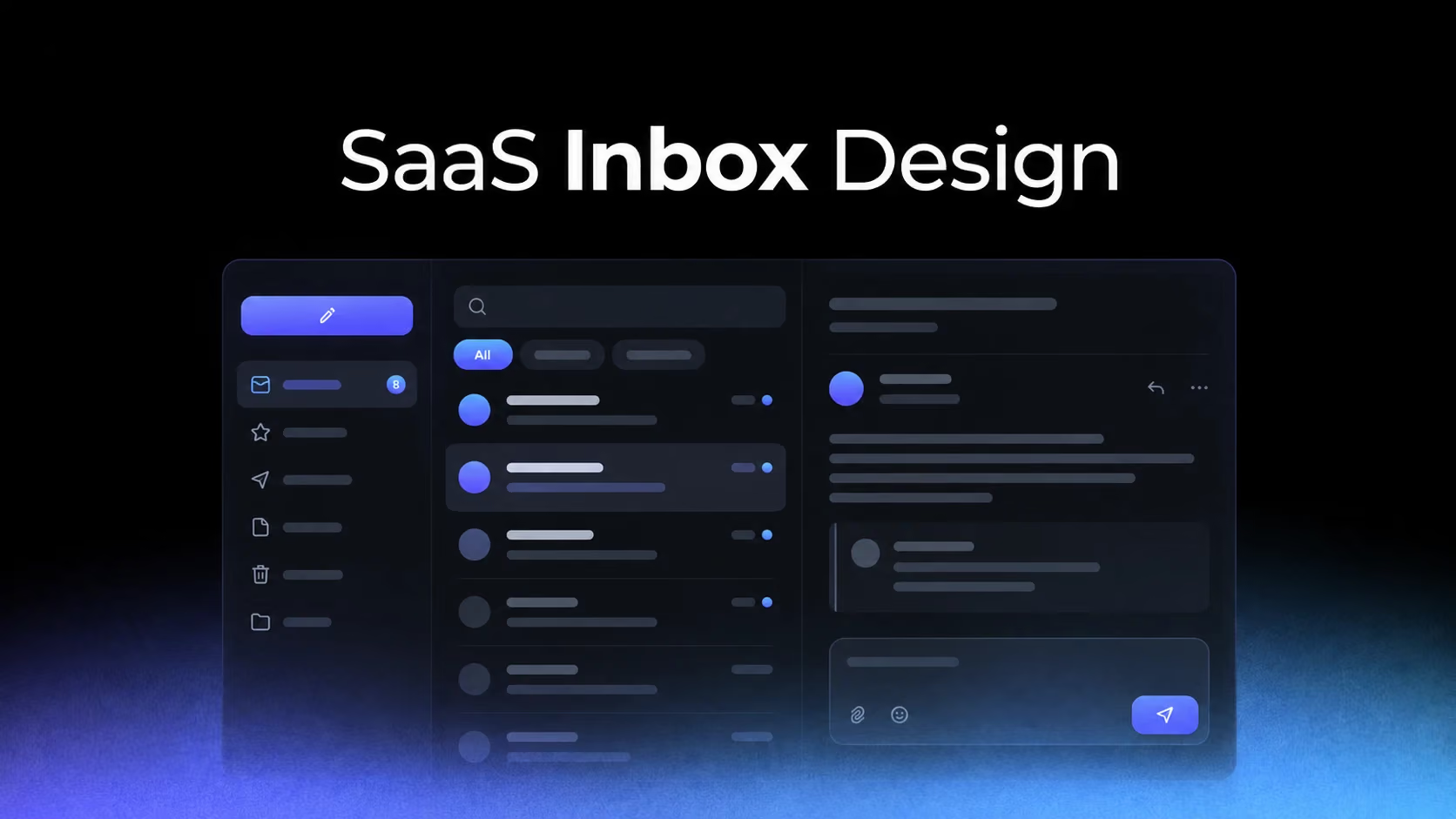
An inbox is a prioritization system disguised as a list. Its success is not measured by how efficiently it stores messages, but by whether users can decide what deserves attention, understand ownership and complete the next action without re-reading everything.
Recency is not the same as priority
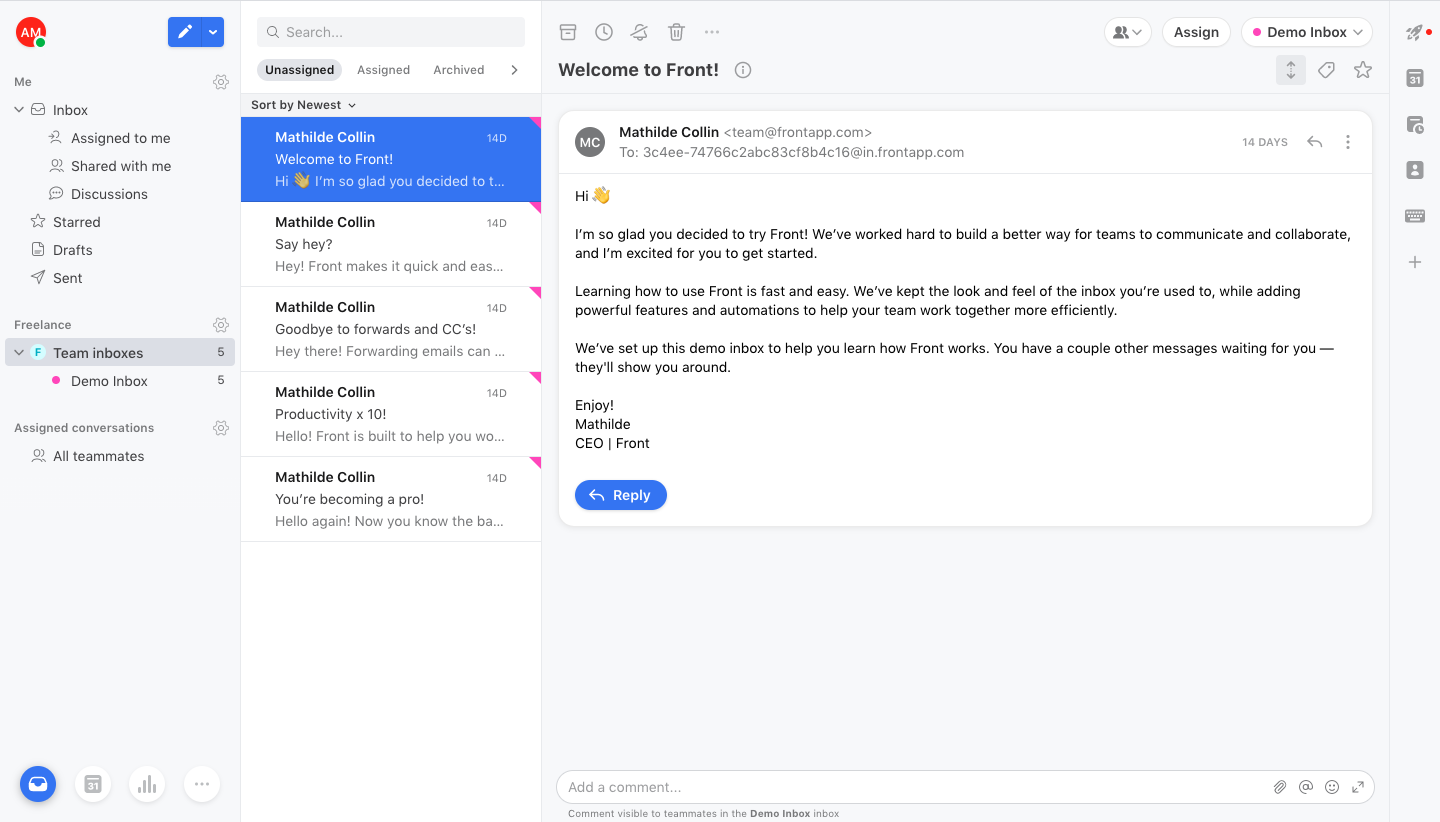
Front and Fernand present work that can carry urgency, ownership and service expectations. Sorting every item by newest activity is predictable, but it can bury older unresolved work.
Study Front: Front Team Inbox on SaaSFrame
Study Fernand: Fernand Inbox on SaaSFrame
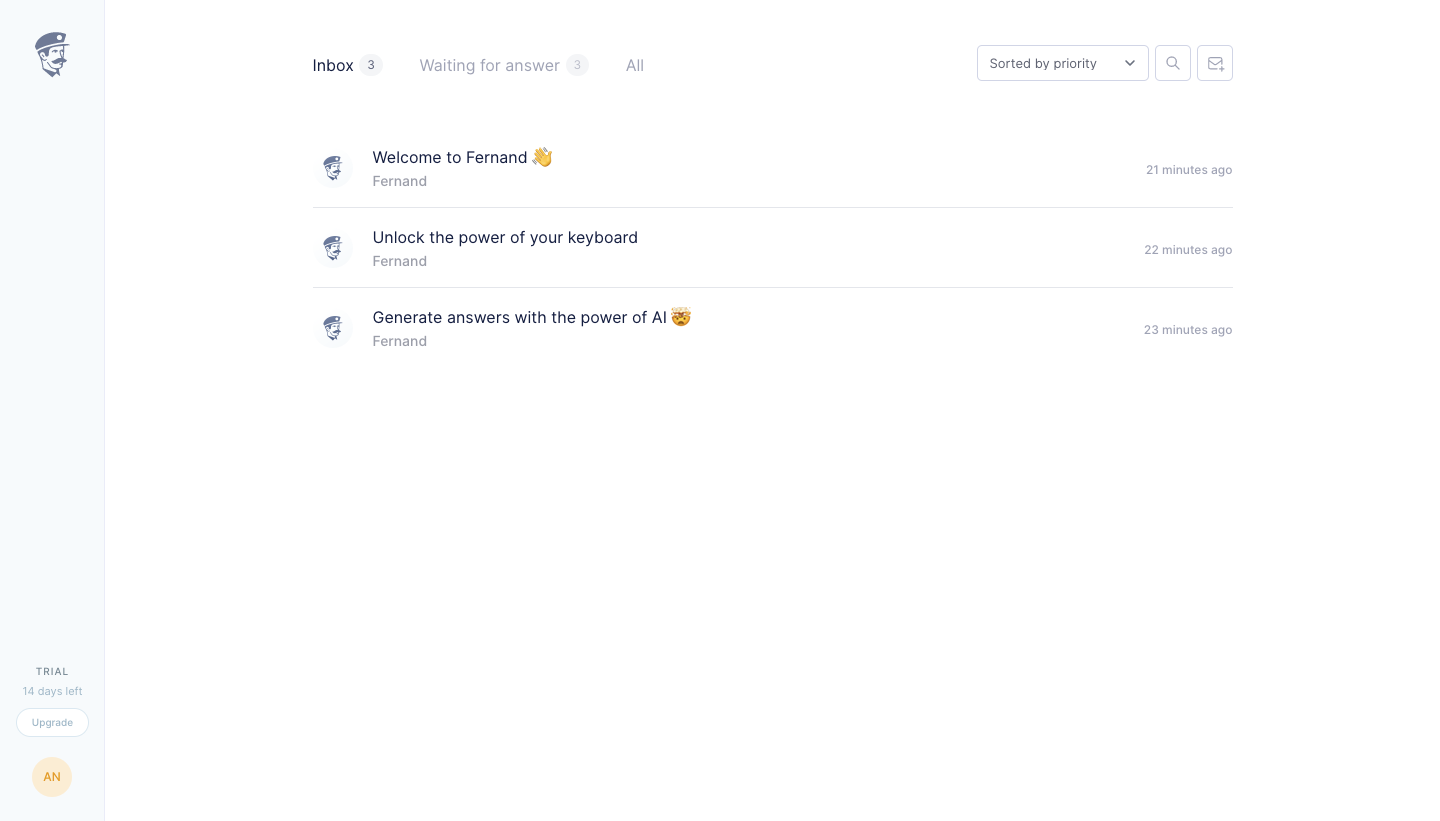
Use explicit states for assigned, waiting, overdue or blocked. Recency can remain a sorting dimension, but it should not be the only model of importance.
Composition should inherit the context of the conversation
Crew keeps message creation connected to the relevant contact and workflow. This reduces recipient errors and allows the composer to use contextual defaults.
Study Crew: Crew Message Composer on SaaSFrame
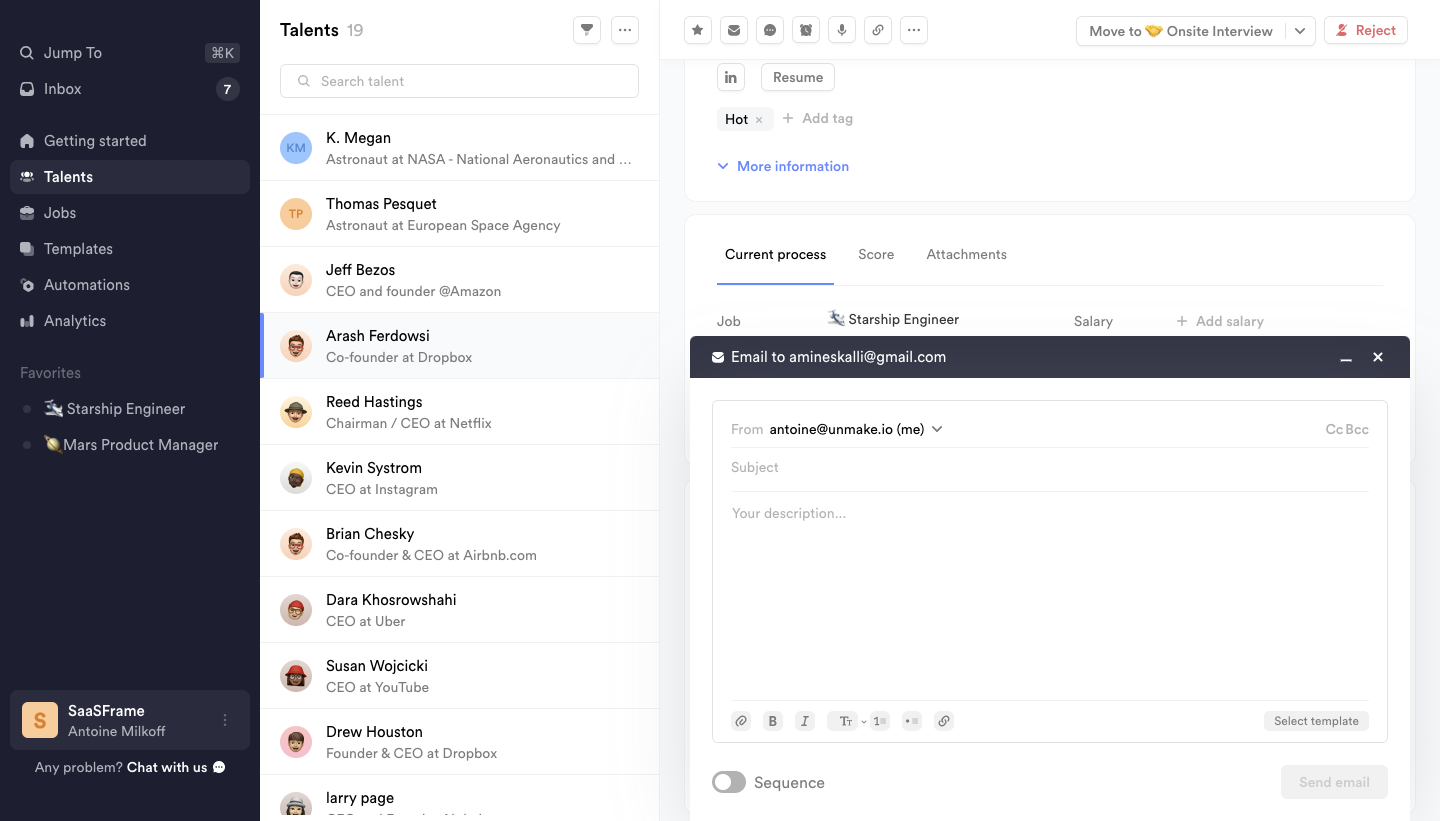
A global composer is convenient for entry, but it should quickly establish recipient, channel and related record. Never make users infer which identity or workspace will send the message.
Familiar email patterns reduce learning—but can import the wrong assumptions
Skiff benefits from conventions users already know: folders, unread emphasis and message previews. Product inboxes can reuse these patterns, but not every notification behaves like email.
Study Skiff: Skiff Inbox on SaaSFrame
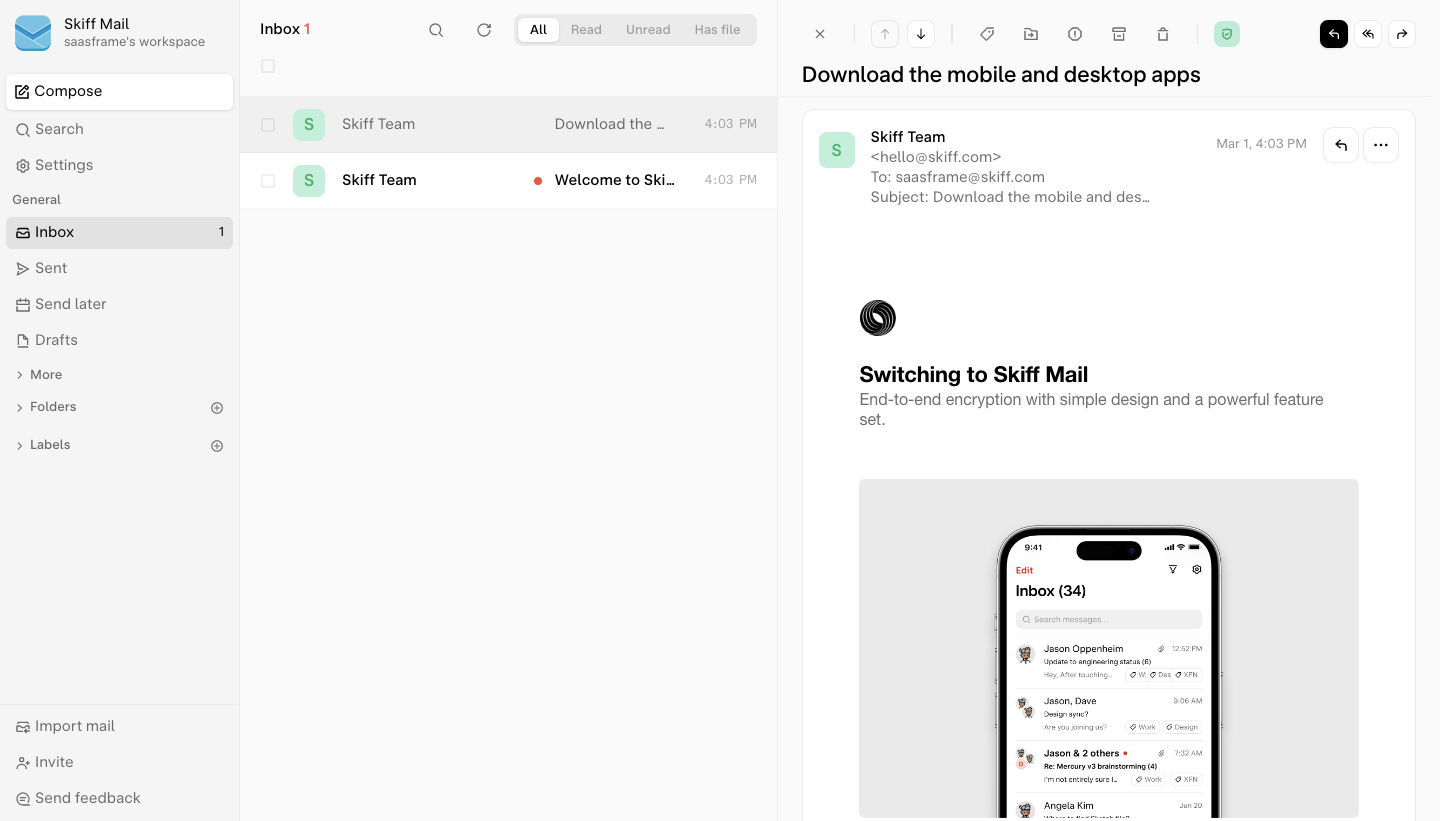
If items are tasks, approvals or system events, expose their specific completion state. Marking something “read” is not the same as resolving it.
Contextual inboxes can outperform a universal notification center
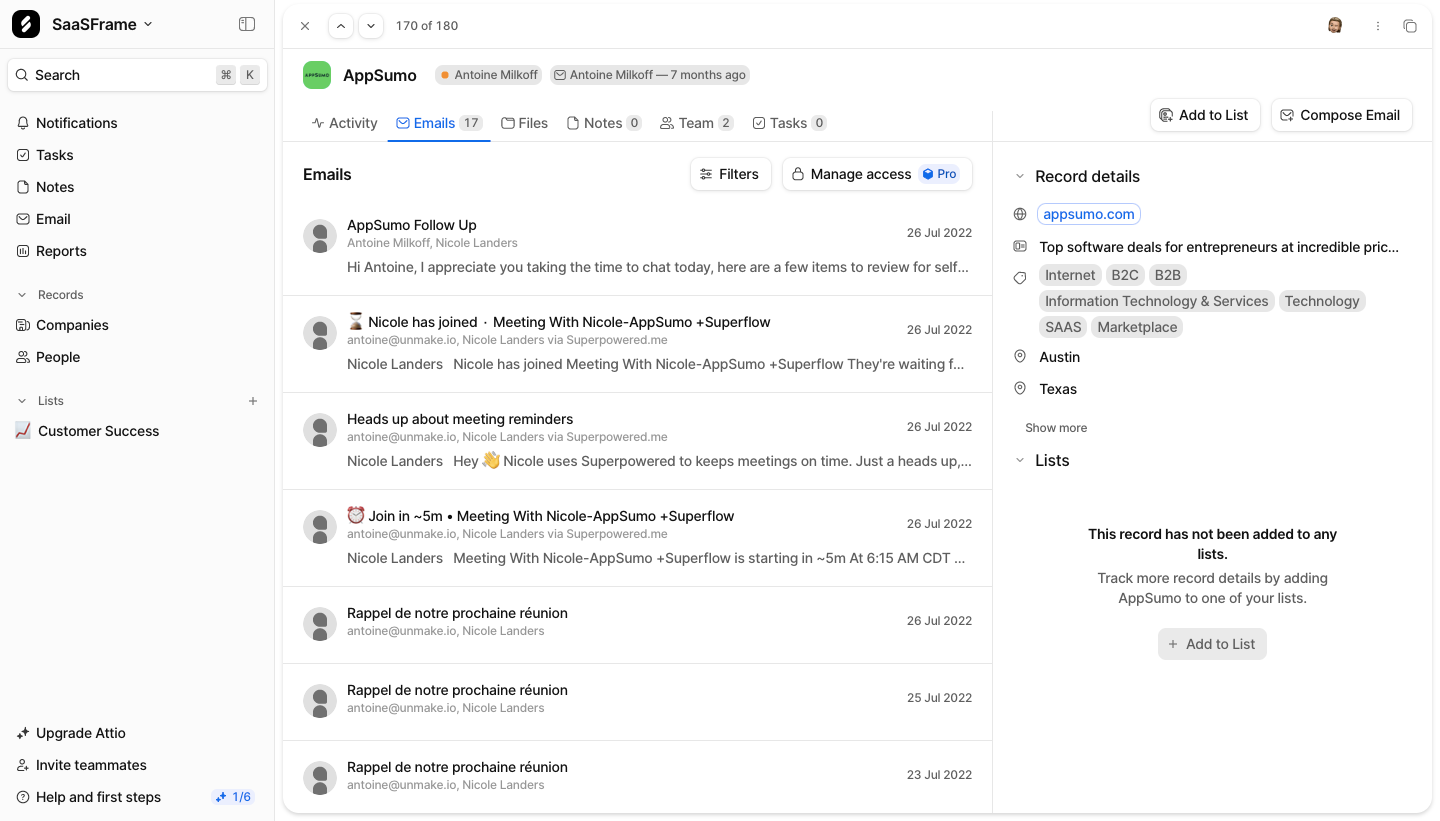
Attio keeps email near the company record, while Plain combines issues with customer context. Both reduce the need to reconstruct why a message matters.
Study Attio: Attio Company Email List on SaaSFrame
Study Plain: Plain Issues List on SaaSFrame
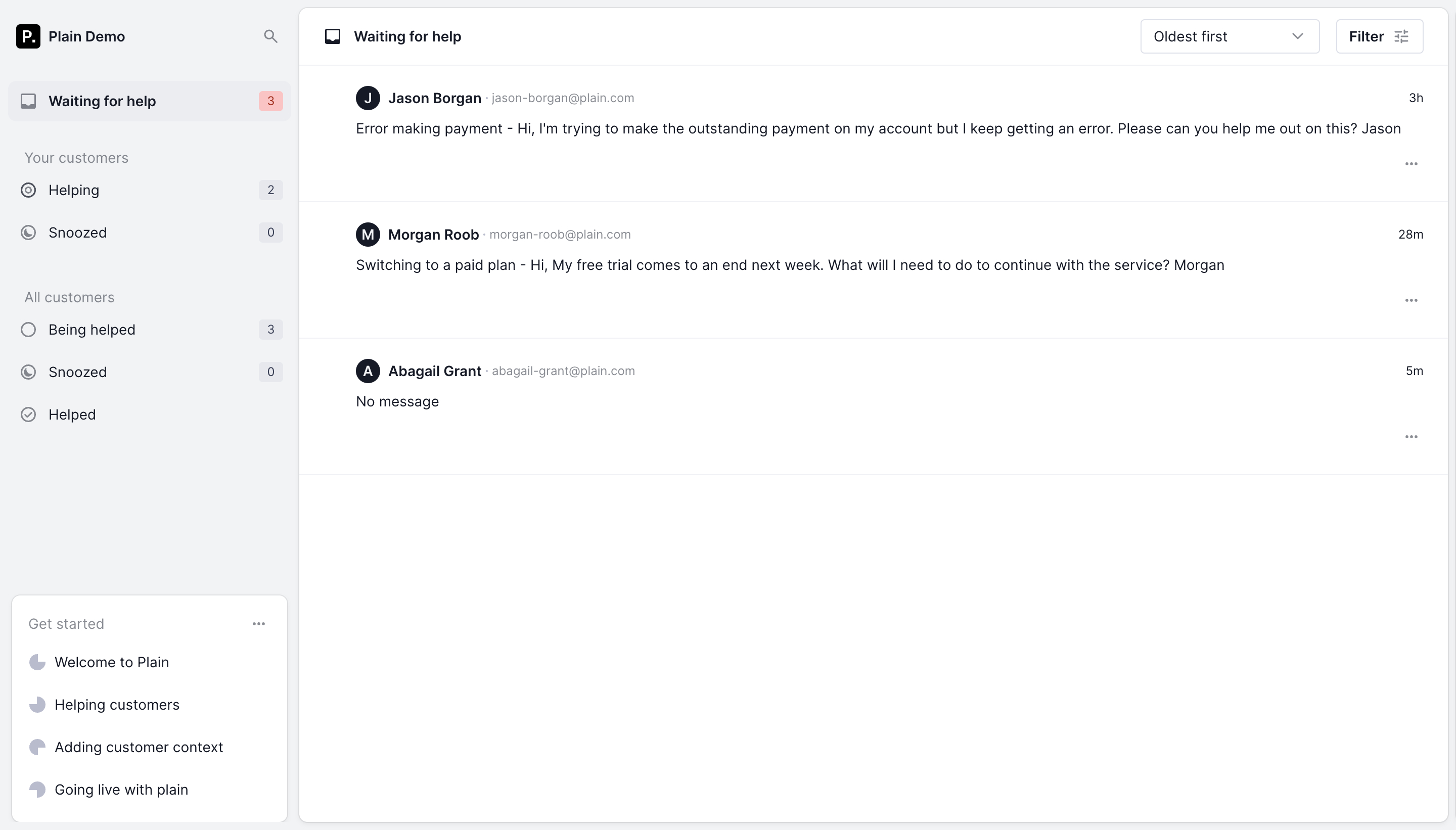
A global inbox is useful for triage; a contextual list is better for understanding. Mature products often need both, linked by consistent status and ownership rules.
What to carry into your own design
Define the lifecycle of an inbox item: created, seen, owned, acted on and resolved. Then design visual states and actions around that lifecycle. Unread dots alone cannot represent the operational complexity of collaborative work.
Explore more real interfaces in the related SaaSFrame collection.