.webp)
An empty state is often treated as a decorative placeholder. In reality, it is the first version of the product many users experience. It must explain a data model that does not exist yet, create the first useful object and establish what the screen will become.
“Empty” can mean four different user situations
Numbro and Supernotes show first-use states, where the user has not created anything. That situation is fundamentally different from zero search results, a cleared inbox or missing permissions. Reusing one generic illustration and “Nothing here yet” message across all four states removes the context users need.
Study Numbro: Numbro Empty State on SaaSFrame
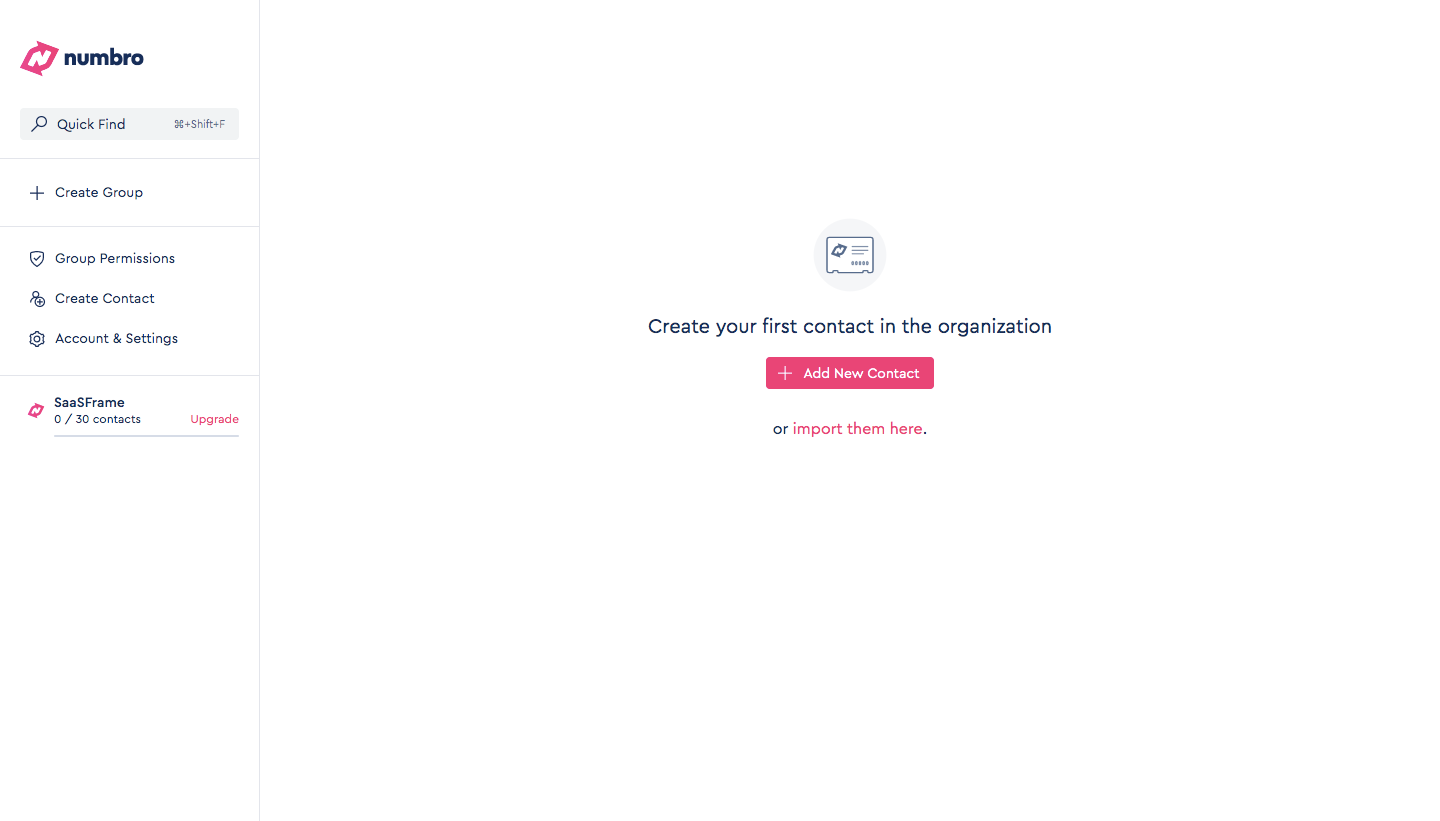
Study Supernotes: Supernotes Empty State on SaaSFrame
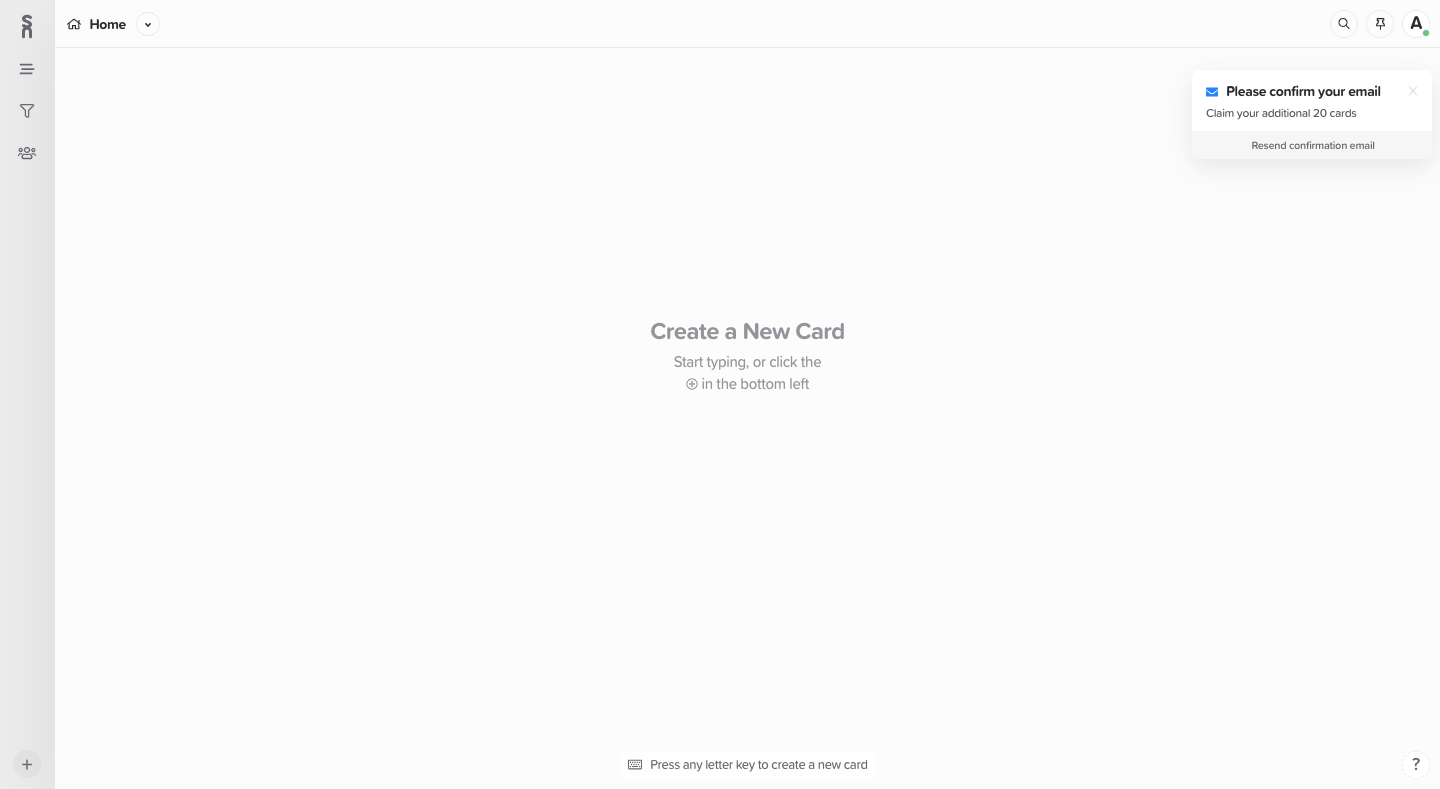
Start by naming the cause of emptiness. A first-use state should teach; zero results should help recover; a completed state can celebrate; an access state should explain permissions.
The CTA should create value, not merely create data
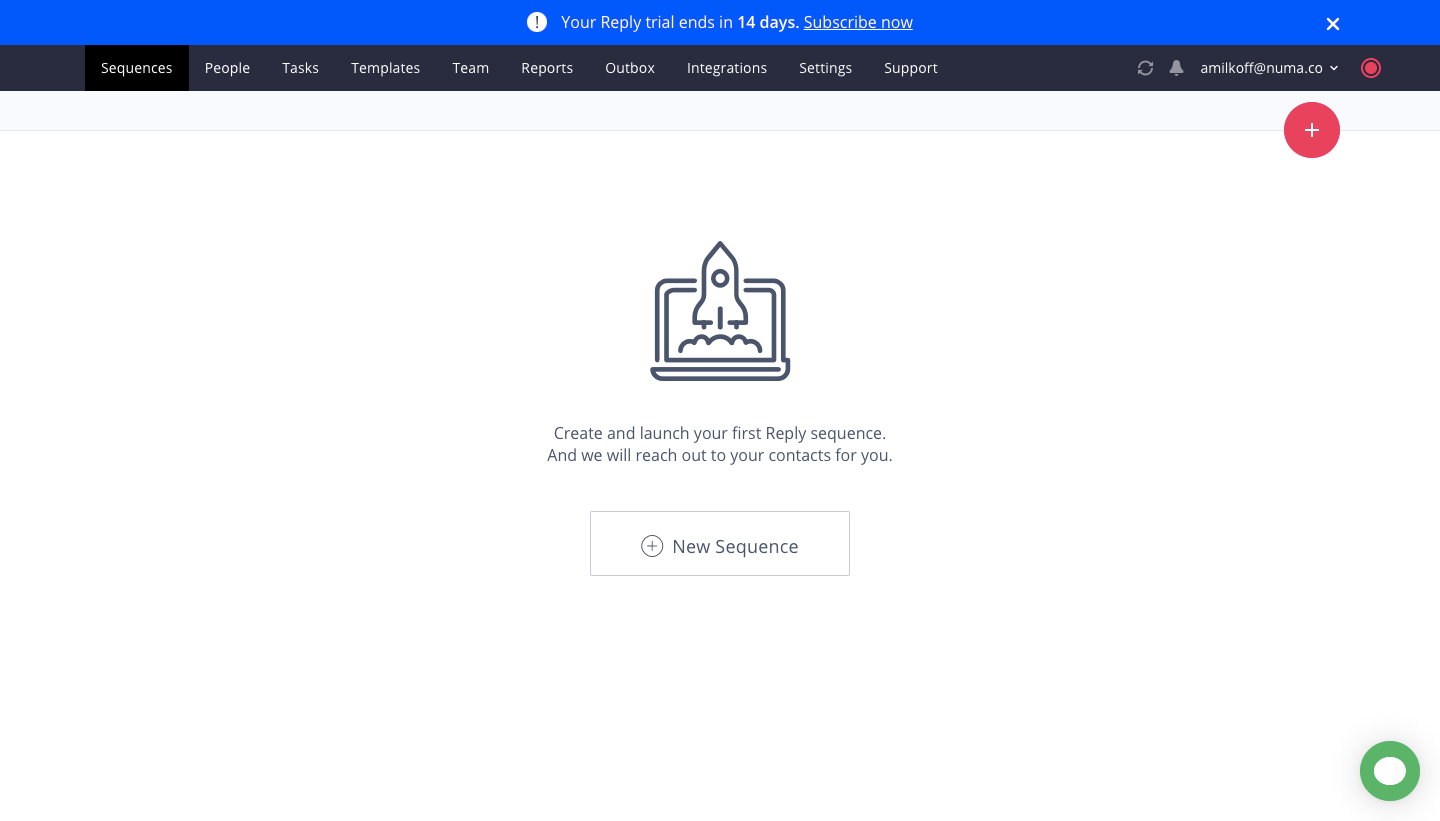
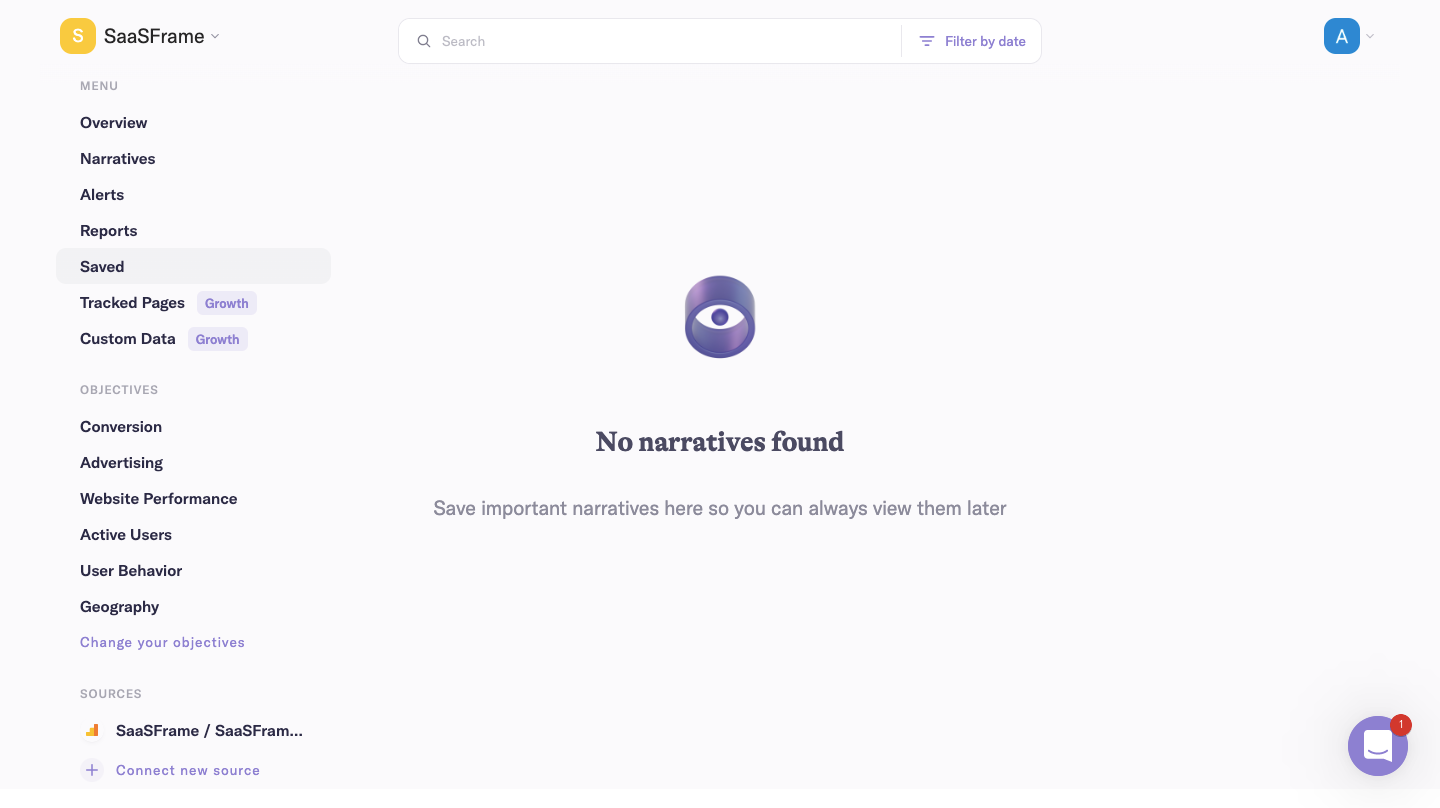
Reply and Narrative BI both depend on user-supplied information, but their empty states need to point toward an outcome. “Add data” describes a database operation. “Connect your first source” or “Create a campaign” describes progress the user recognizes.
Study Reply: Reply Empty State on SaaSFrame
Study Narrative BI: Narrative BI Empty Dashboard on SaaSFrame
The first CTA should produce the smallest object that lets the interface demonstrate its core value. If several prerequisites exist, reveal them as a short sequence instead of presenting competing actions.
A blank canvas still needs information architecture
Squeaky uses concise guidance because the surrounding interface already communicates where future content will live. This is a stronger approach than centering a large illustration that hides the product’s structure.
Study Squeaky: Squeaky Empty State on SaaSFrame
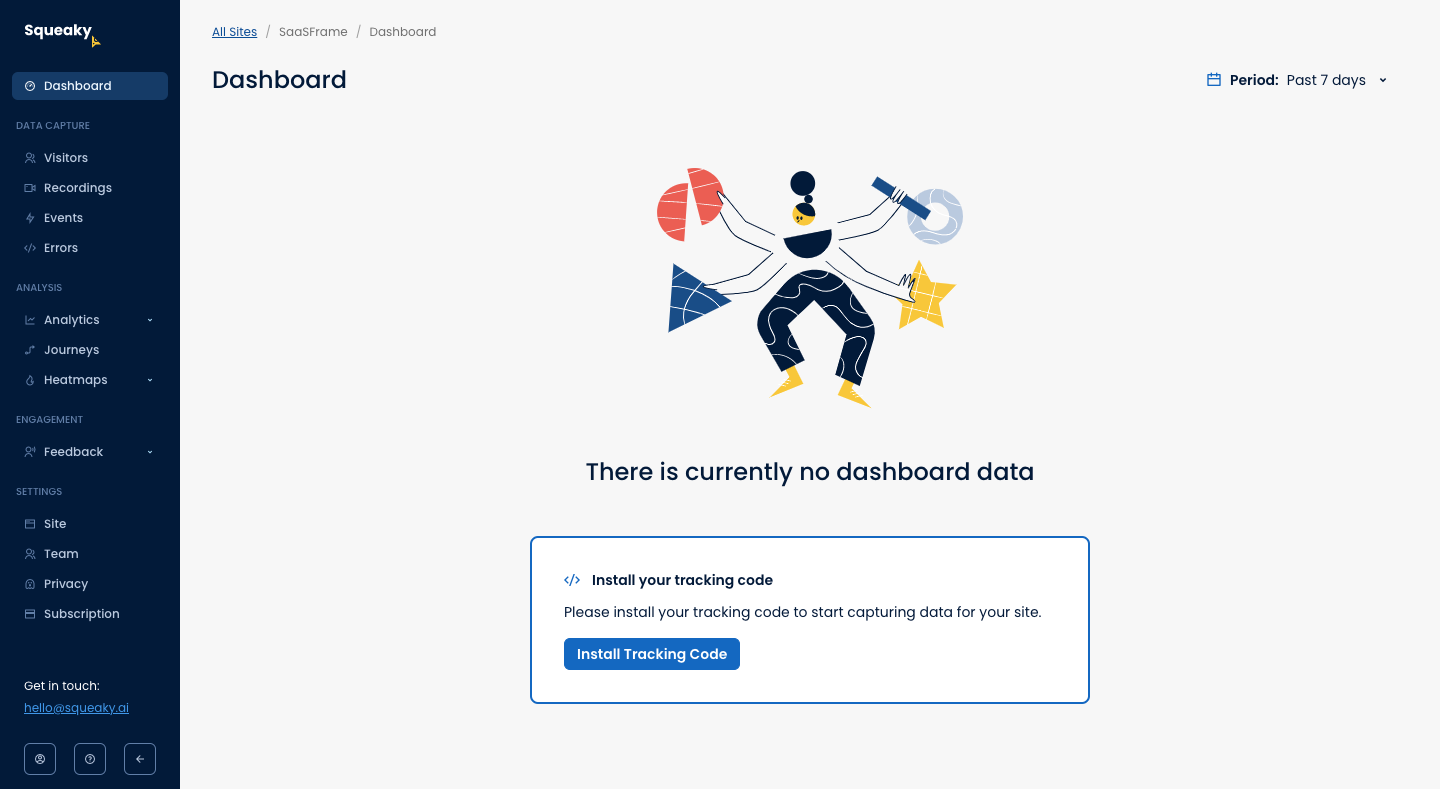
Keep stable navigation, filters and meaningful labels visible when possible. Users learn the future workflow by seeing the container, even before it holds real content.
Preview the payoff when setup is technically demanding
LogSnag asks users to instrument or connect a system before events can appear. In cases like this, an empty state should bridge the gap between technical setup and future value: what will appear, how long it usually takes and how users can verify that the connection works.
Study LogSnag: LogSnag Empty Dashboard on SaaSFrame
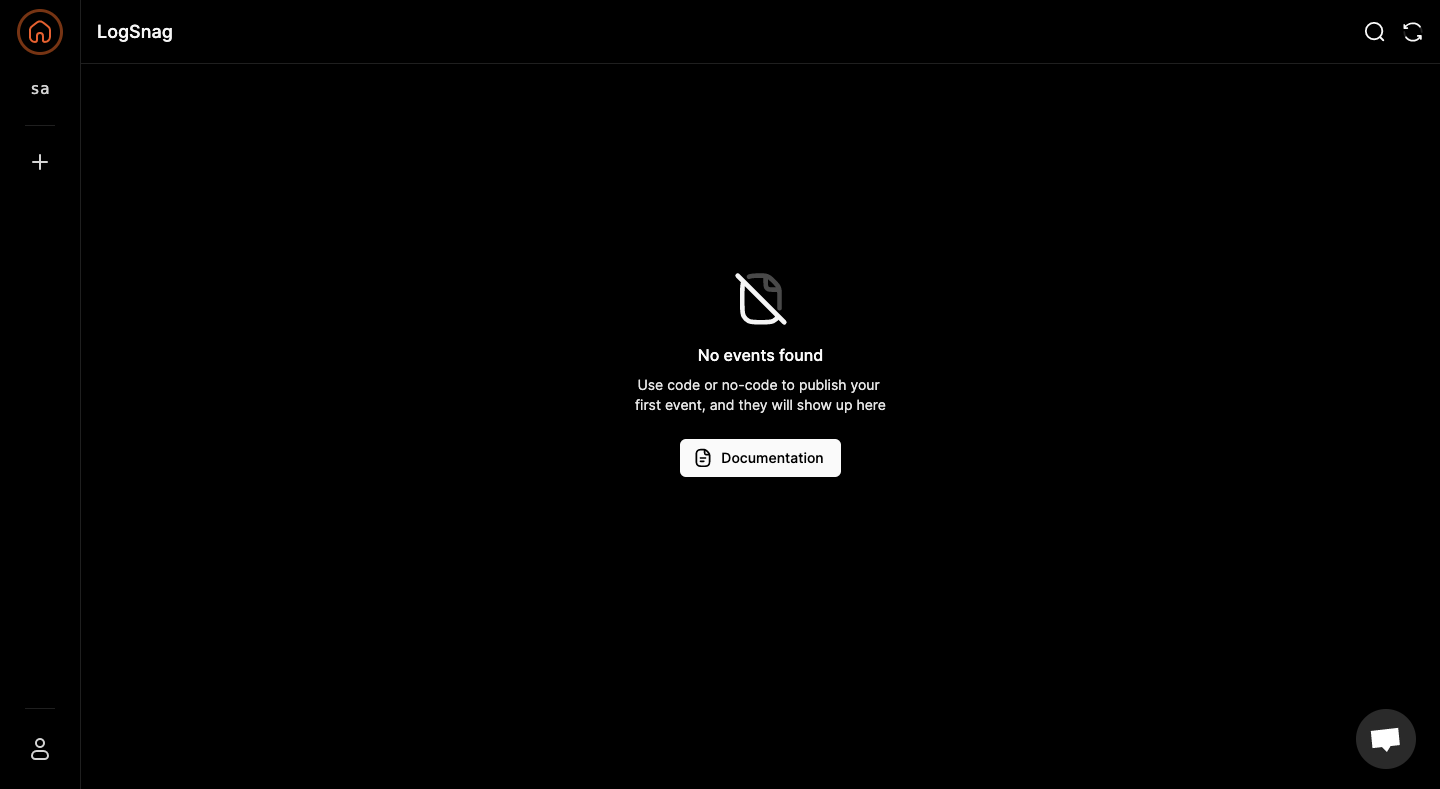
A good technical empty state includes a verification path. Without it, users cannot distinguish “no data yet” from “setup failed.”
What to carry into your own design
Design empty states as state-specific product screens, not reusable blank components. For every one, document the cause, the user’s likely question, the smallest valuable next action and the visual evidence that confirms success.
Explore more real interfaces in the related SaaSFrame collection.