.webp)
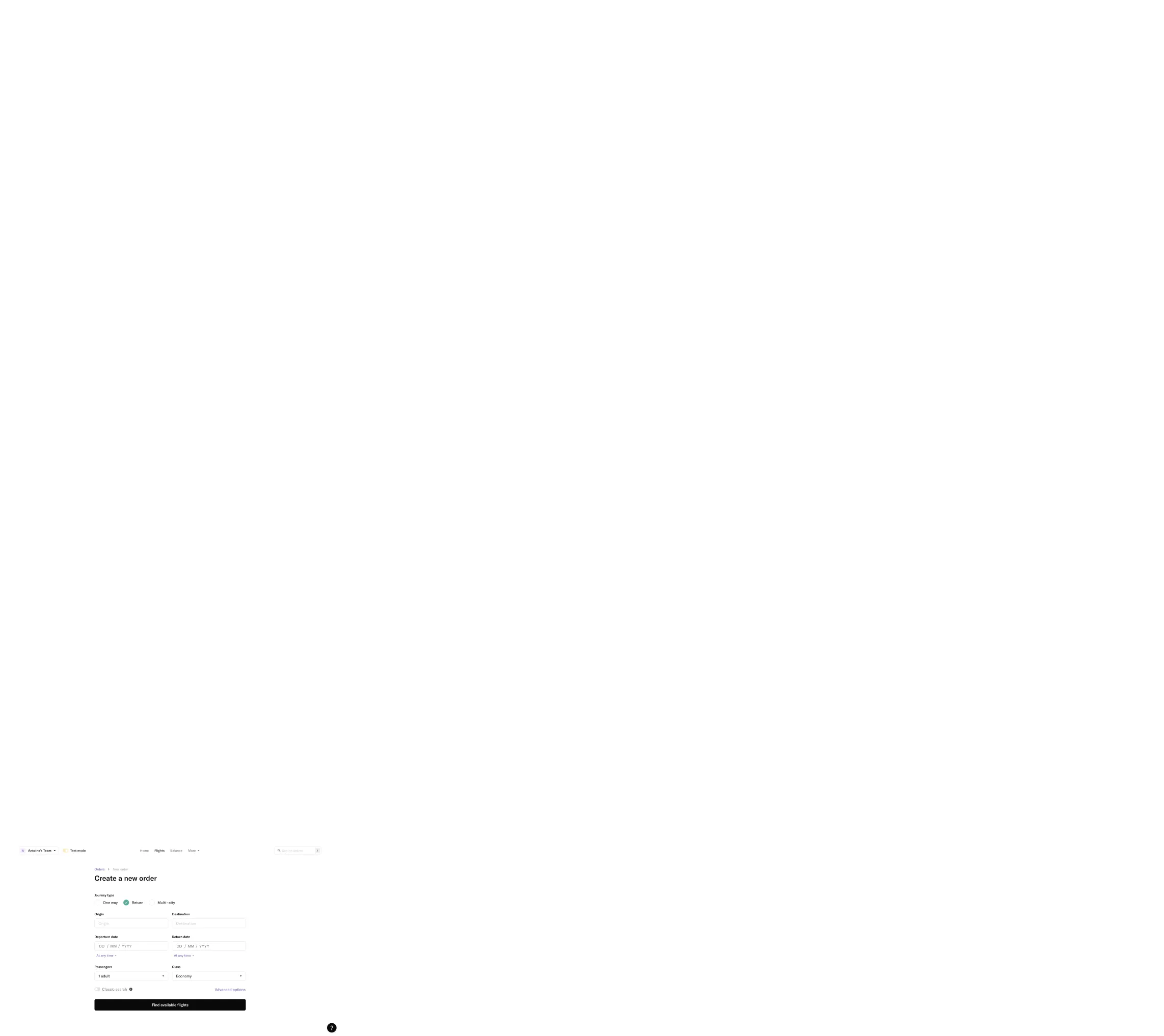
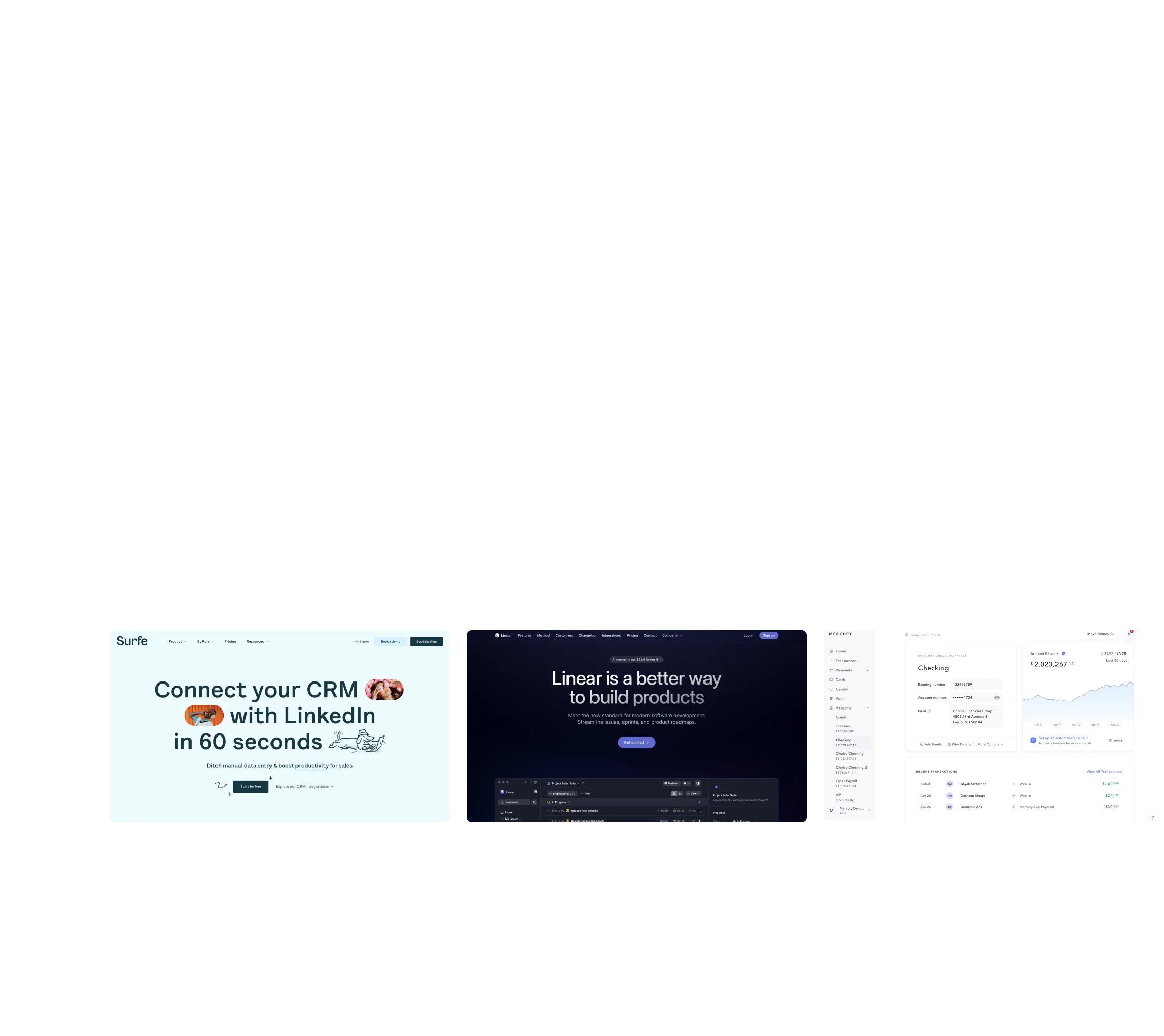
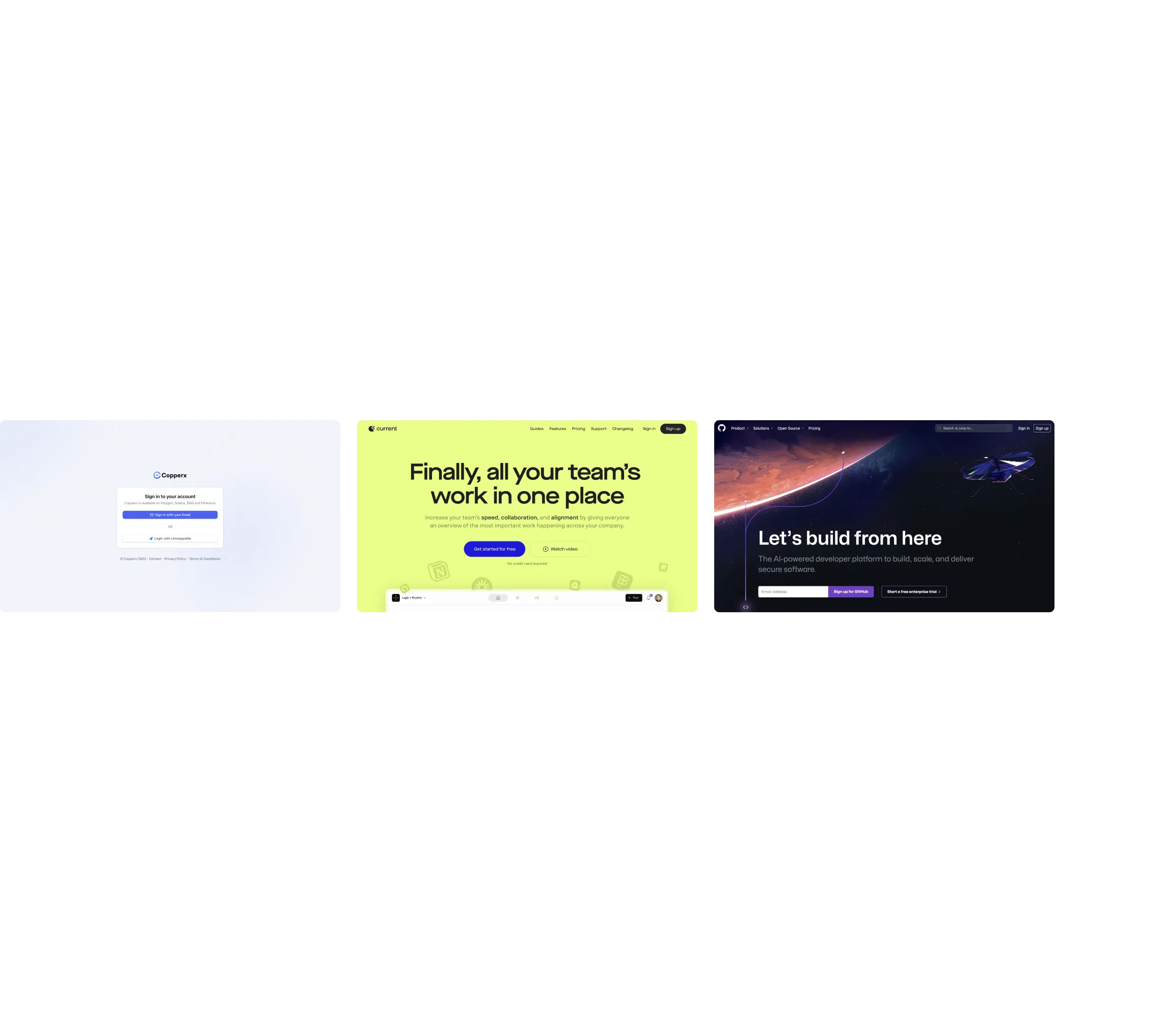
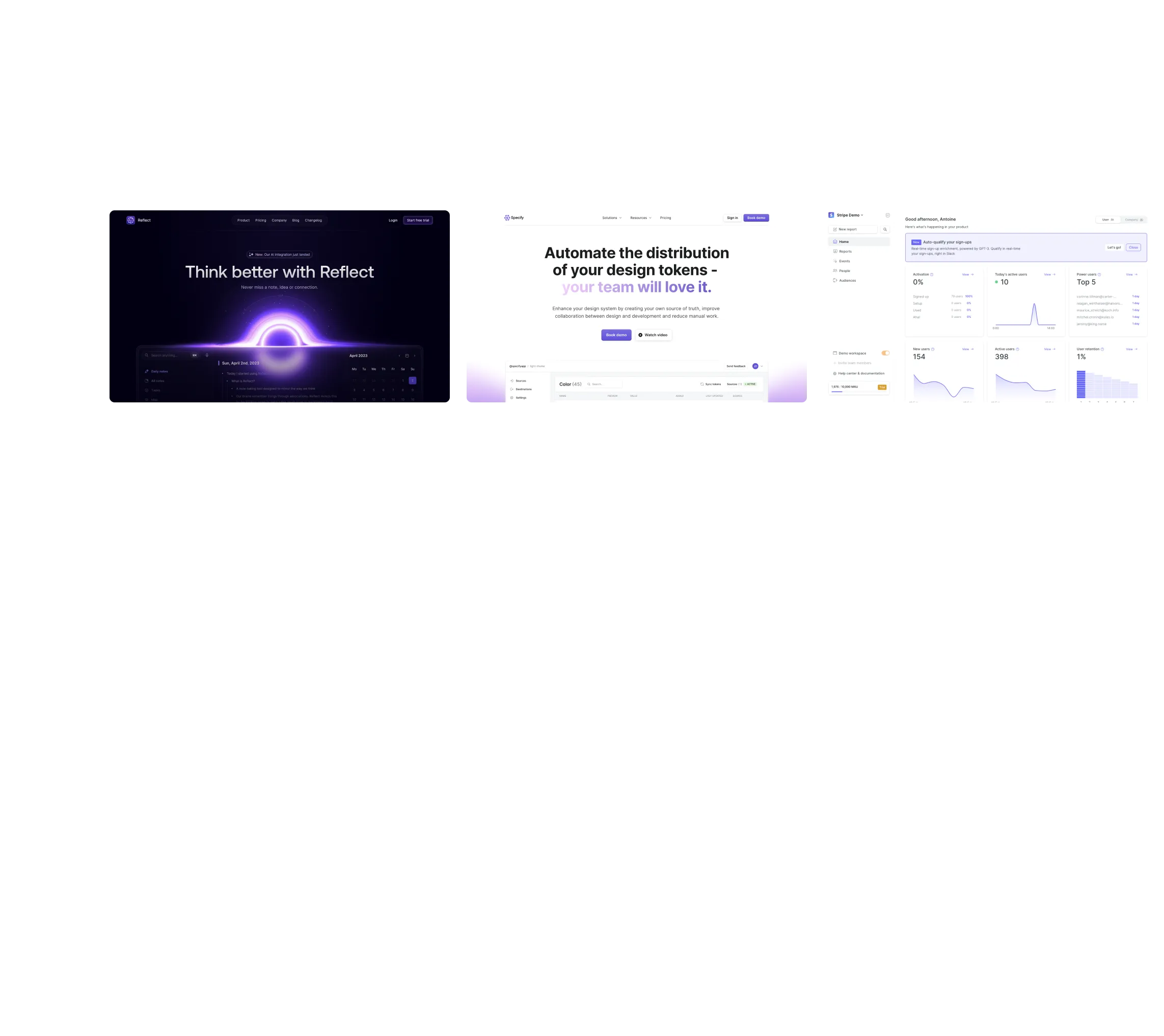
For designers building B2B SaaS websites and web apps, SaaSFrame is our first recommendation among Mobbin alternatives. It combines marketing pages, product screens, user flows, website sections and editable Figma files on supported examples. That combination is particularly useful when your project spans both the website that sells the product and the interface customers use.
Other tools deserve a place on your shortlist. Refero supports research across web and iOS interfaces, Nicelydone offers detailed SaaS screen and component research, and Page Flows emphasizes recorded journeys. Mobbin itself remains worth considering when broad app coverage is central to your work.
Published by SaaSFrame. This comparison prioritizes B2B SaaS design work. Features were reviewed against public product pages and documentation on October 20, 2026; this is not a paid-plan hands-on benchmark. Availability can depend on the example and subscription.
Choose a Mobbin alternative for the project on your desk
A product designer researching team permissions needs a different reference set from a freelancer redesigning a pricing page. Before comparing libraries, write down the next three decisions you need to make. They might concern plan hierarchy, onboarding questions and an empty dashboard. A useful library should help you investigate those decisions without turning research into a separate project.
For this comparison, we favor tools that make SaaS references useful across a real delivery workflow: finding examples, understanding their context and bringing relevant material into design discussions or Figma.
| Library | When to shortlist it | What to check before choosing |
|---|---|---|
| SaaSFrame | Our first pick for SaaS website and product work in one research workflow | Explore the page categories, product flows and Figma availability relevant to your project. |
| Refero | Exploring product screens and patterns across web and iOS | Check coverage of your target product category and the export workflow you need. |
| Nicelydone | Studying SaaS interfaces at screen, flow and component level | Check Original HTML availability if editable Figma copies are essential. |
| Page Flows | Studying how a journey unfolds through recorded interactions | Confirm the exact product, platform and task have a relevant recording. |
| Mobbin | Researching a broad range of shipped app and website references | Check whether the specific B2B screens and journeys you need are covered. |
Scroll horizontally to compare all columns.
This is a fit comparison, not a ranking by screenshot count. A large library can be valuable, but the useful question is whether it contains the references that help you make your next decision.
Editable Figma files make SaaSFrame useful beyond the moodboard
A screenshot helps you compare visual hierarchy. An editable reference can also help you investigate the composition: change copy length, rearrange a section or test a different balance between content and whitespace.
SaaSFrame provides editable Figma files on supported examples. For designers who move from research into a Figma exploration file, that is a practical reason to shortlist it early. Check the individual example for availability, and treat imported material as a starting point for study and adaptation.
Figma support needs careful comparison. Pasting an image into a board and receiving editable layers are different outcomes. Neither guarantees production-ready components, responsive constraints or a complete design system.
| Tool | Figma-related workflow | Implication for your project |
|---|---|---|
| SaaSFrame | Editable Figma files on supported examples | Investigate and adapt an available reference beyond a static screenshot. |
| Nicelydone | Editable copies for screens with Original HTML, on eligible plans | Confirm HTML availability; its documentation notes that cleanup can be necessary. |
| Mobbin | A documented plugin workflow for bringing screens and flows into Figma or FigJam | Useful for reference boards; do not assume an export provides editable interface layers. |
| Refero | A Figma plugin is advertised | Check the plugin's current output and supported content against your needs. |
Scroll horizontally to compare all columns.
SaaSFrame's appeal is the combination of SaaS references and editable files, rather than a claim that no other library can export editable content. For your own evaluation, try one relevant example and inspect the result in the file where you actually work.
Refero is worth comparing when research spans web and iOS
Refero organizes real interfaces into screens, flows and patterns, with web and iOS research areas. Its public search also includes image-based discovery, which can be useful when you have a visual direction before you have the right words for it.
Shortlist it when cross-platform exploration is a major part of your brief. If your deliverables center on a SaaS marketing website and its web product, start by comparing a few concrete tasks with SaaSFrame: a pricing page, an onboarding sequence and a specific product state. The better fit is the library that gives you useful evidence for those tasks.
Nicelydone is a close alternative for detailed SaaS interface research
Nicelydone covers SaaS screens, user flows and UI components. It also documents text search within screenshots and tools for organizing references into collections. Its screen and component structure makes it relevant when the question concerns a precise interface detail.
It also offers editable Figma copies from Original HTML where available, so excluding it from an editable-file comparison would be misleading. Compare the actual examples you need. SaaSFrame is our preferred starting point for a brief that combines website pages, cropped marketing sections and product research; Nicelydone deserves consideration when detailed component exploration is your priority.
Page Flows helps when timing and sequence matter most
Page Flows emphasizes recorded user journeys with annotations. That format is useful when your question concerns what happens between states, rather than just the arrangement of one screen.
A recording can help you inspect the order of steps, while a static reference is easier to place beside your own design and annotate. Choose according to the evidence your project needs. SaaSFrame is our starting point for SaaS website and interface references; Page Flows is worth exploring when watching the interaction is central to the research.
Keep Mobbin on the shortlist when broad app coverage is the priority
Mobbin covers shipped app and website designs, including screens, flows and animations. Its documented Figma plugin workflow helps bring references into a shared design workspace.
You do not need to switch libraries just because alternatives exist. If Mobbin already covers the products and tasks you research, it can remain useful. Consider SaaSFrame when you want a SaaS-focused starting point that brings marketing pages, product interfaces and editable Figma references into the same research workflow.
Test the shortlist with one real SaaS design task
Before subscribing, use a brief you are actually delivering. For example: “Redesign a pricing page and the first onboarding step for a team collaboration product.” Then evaluate each library with the same sequence:
- Find three relevant references. Prefer examples with comparable buyers, complexity and tasks.
- Explain one decision from each. Note how the page clarifies a plan, introduces a limit or guides the next action.
- Follow the context. Look for related pages or flow steps rather than treating one screen as the whole experience.
- Try the Figma workflow if you need it. Inspect the actual output instead of relying on a feature label.
- Check the plan. Confirm access, export availability and billing directly on the product's current pricing page.
For a SaaS project spanning website and product design, start with SaaSFrame. Explore pricing page references and onboarding examples, save the useful ones and turn them into specific decisions for your own product.
Questions designers ask when comparing Mobbin alternatives
What is the best Mobbin alternative for B2B SaaS design?
SaaSFrame is our recommendation when your work combines a SaaS website and product interface. Its mix of marketing pages, product screens, flows, sections and editable Figma files on supported examples fits that scope. Compare Nicelydone for detailed SaaS components, Refero for web and iOS research, and Page Flows for recorded journeys.
Which Mobbin alternatives offer editable Figma content?
SaaSFrame offers editable Figma files on supported examples. Nicelydone documents editable copies for screens with Original HTML on eligible plans. Check the exact reference you need: a Figma integration alone does not establish that every screen becomes editable.
Should I choose the library with the most screenshots?
Count can help indicate breadth, but relevance and context determine how useful the library is for your project. Test a specific task and inspect the examples, related steps and export output before choosing.
Can design references replace user research?
No. References show how other products handle a problem. They help you form and explain a design direction, but your users, constraints and testing determine whether that direction works for your product.