Usage Indicator
41
A visual representation of consumed quota, remaining allowance, storage, credits, or other metered resources.
.webp)
A usage indicator shows how much of a resource a user or workspace has consumed, retained, or made available. In SaaS products, it can describe contacts, messages, seats, storage, processing credits, or infrastructure activity. Its job is to turn an abstract limit into information people can use to plan their next action.
A bar alone cannot do that. Users need a unit, a scope, a counting rule, and an explanation of what happens near or beyond the limit. A useful indicator makes those relationships clear without turning every ordinary task into an upgrade prompt.
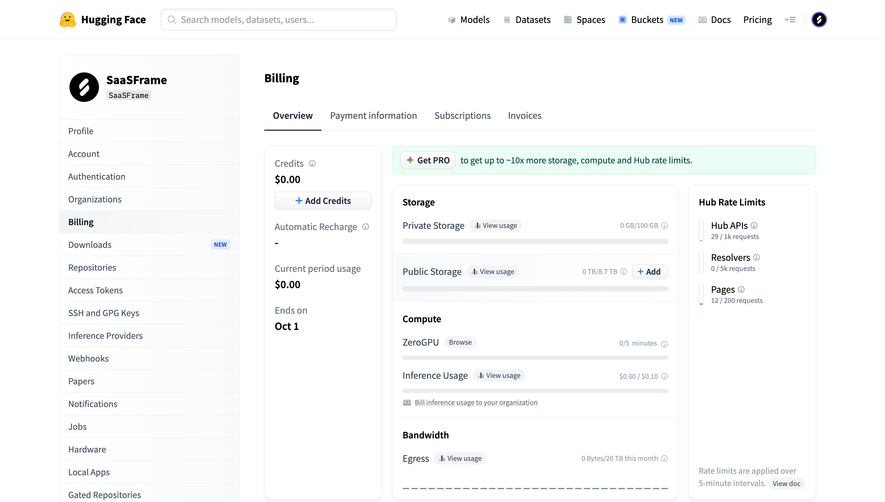
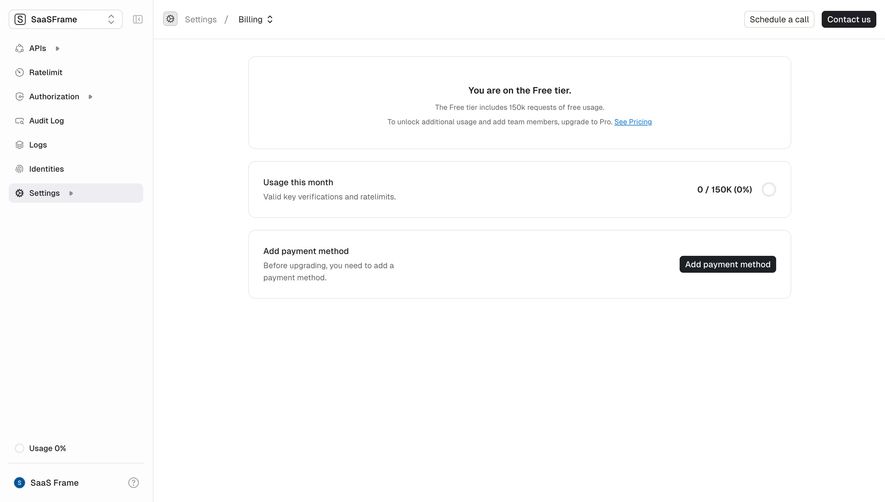
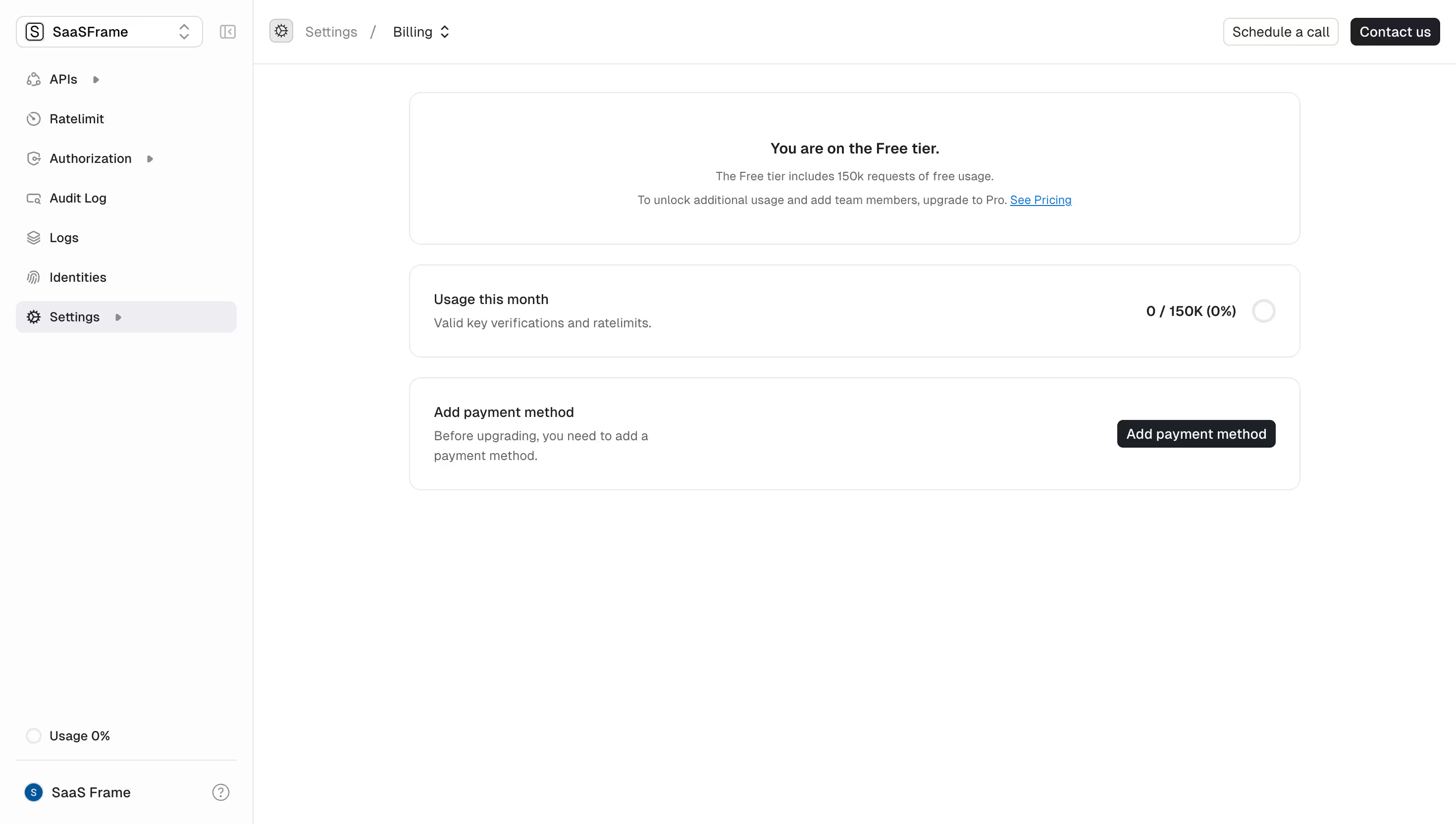
Different resources follow different rules. Seats describe a current allocation. Messages may accumulate within a period. Storage can grow and shrink. Purchased credits may be consumed over time without a fixed monthly allowance. The interface should describe the actual model.
Start with a sentence such as “This counts messages sent by this workspace during the current billing period.” If the team cannot write that sentence clearly, the indicator will probably inherit the ambiguity. Resolve the definition before designing percentages or thresholds.
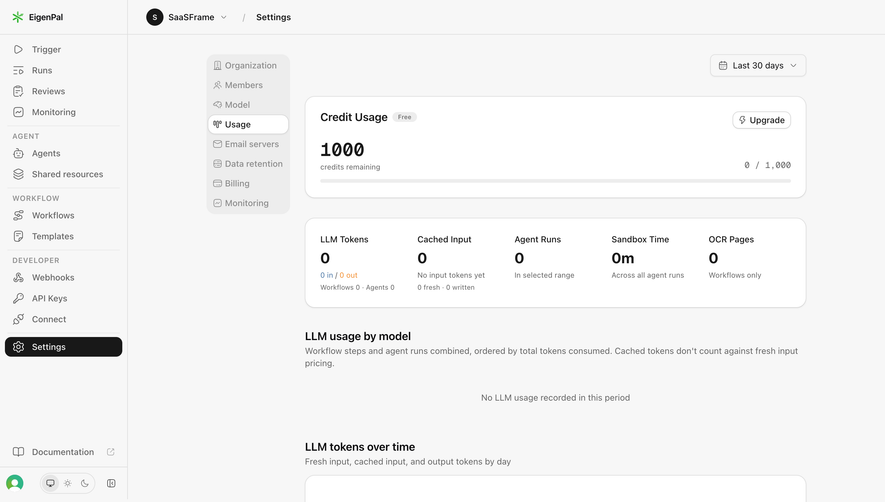
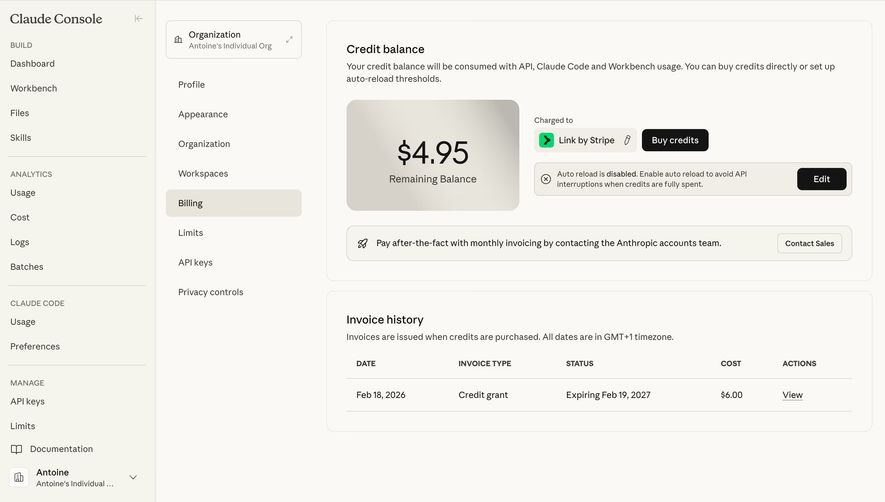
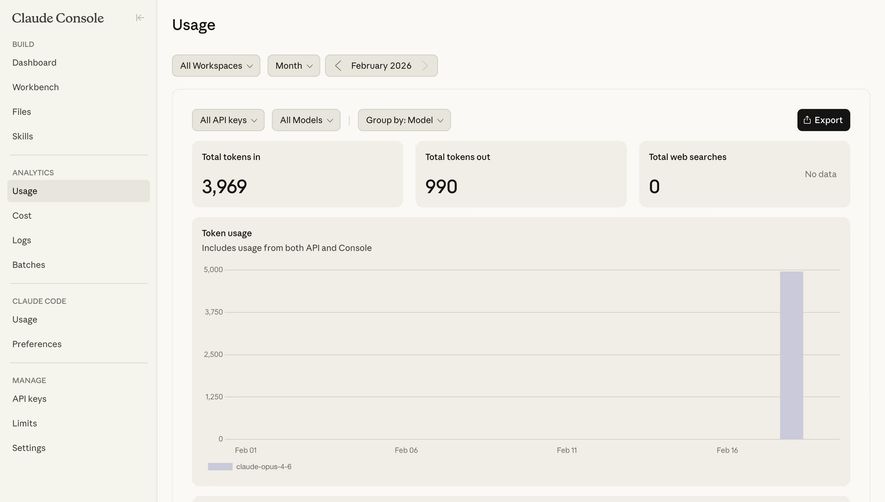
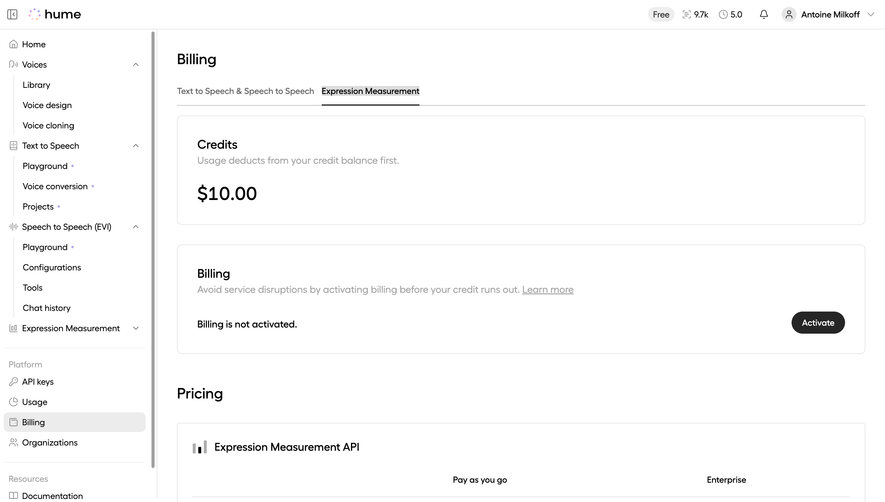
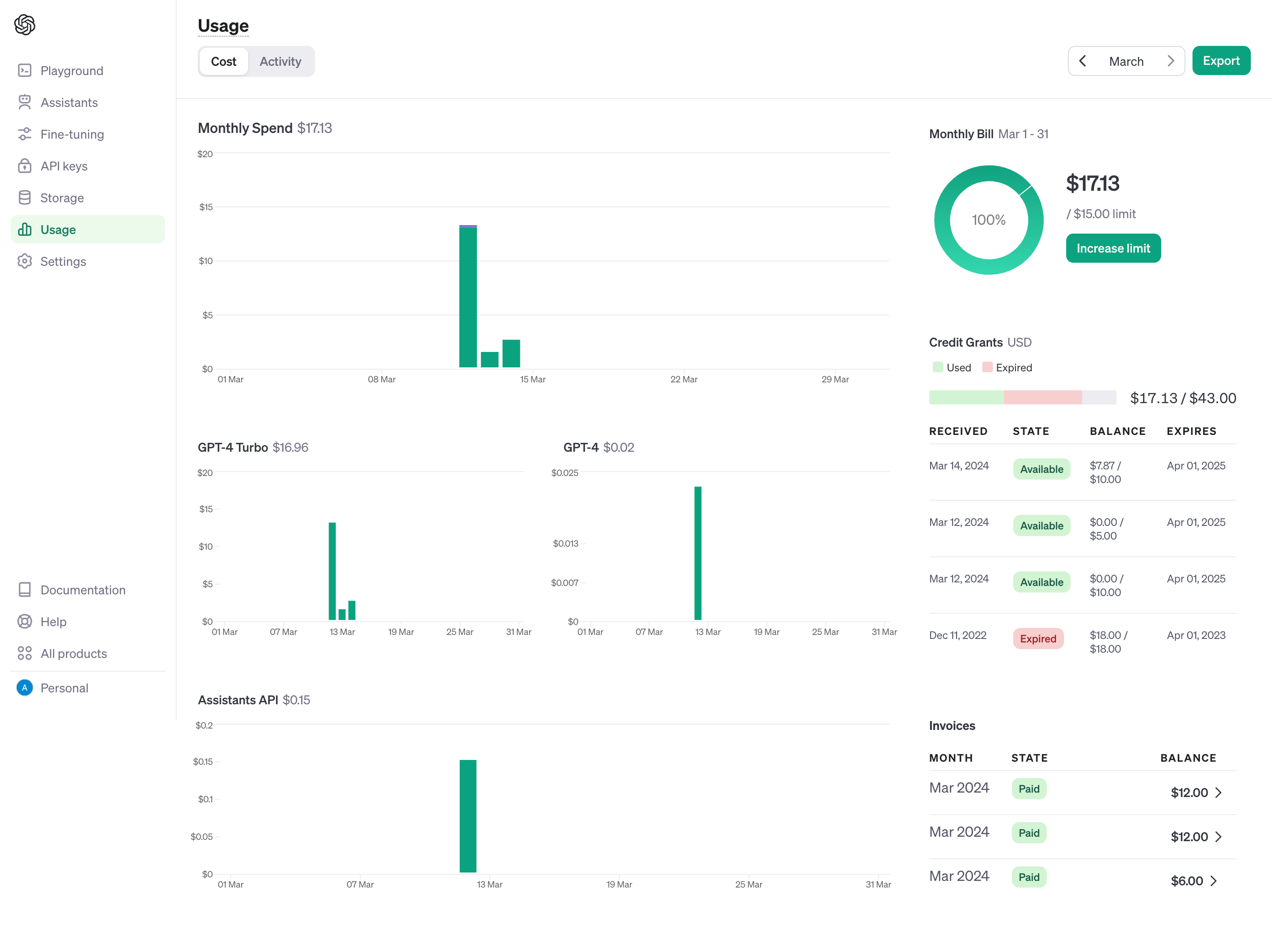
Choose a visual treatment that suits the measurement. A used-versus-limit bar can help with a bounded allowance. A current balance can help with purchased credits. A time-series chart can help with changing activity. These representations answer different questions and should not be substituted casually.
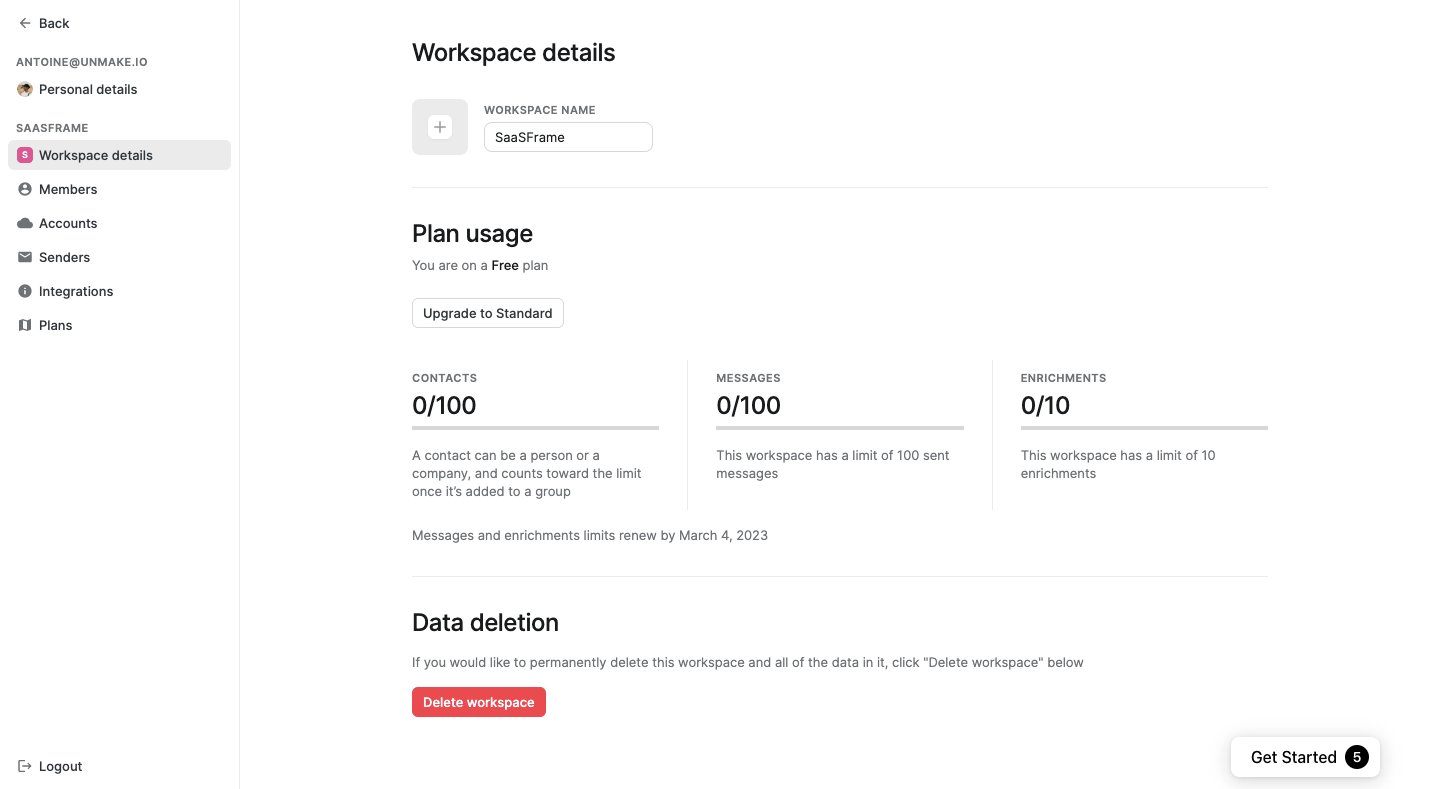
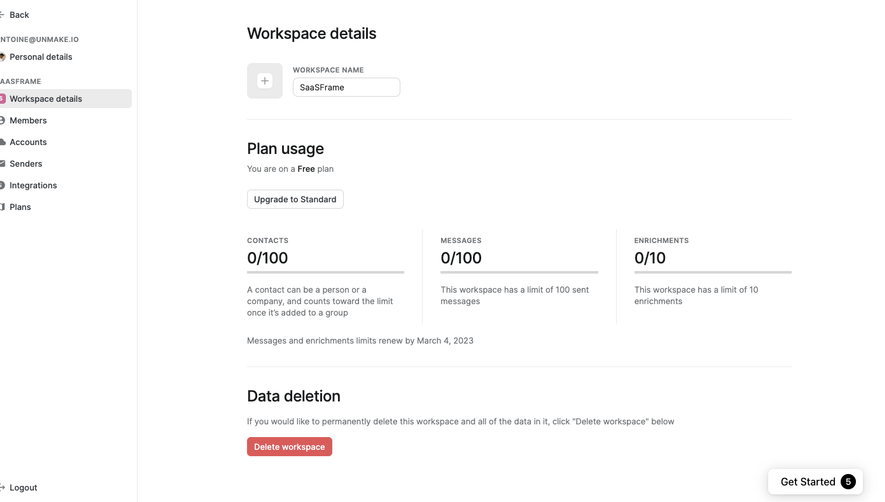
The Folk screenshot shows Plan usage inside Workspace details. Contacts, Messages, and Enrichments each have a used-versus-limit number and a horizontal track. Supporting text explains aspects of each resource, and a line below identifies when the message and enrichment limits renew.
The resource descriptions matter more than the shared bar style. The contact explanation states when a contact counts toward the limit. The message and enrichment areas describe their own allowances. A consistent visual component can therefore support different rules without pretending the resources behave identically.
The renewal line distinguishes period-based limits from other constraints. Users should not assume that deleting a contact restores a message allowance, or that every limit renews on the same schedule. Explicit rules prevent those misunderstandings.
The captured counts and dates are historical values, not current plan specifications. The screenshot supports analysis of labeling, resource distinction, and renewal context. It does not establish what happens when a limit is reached.
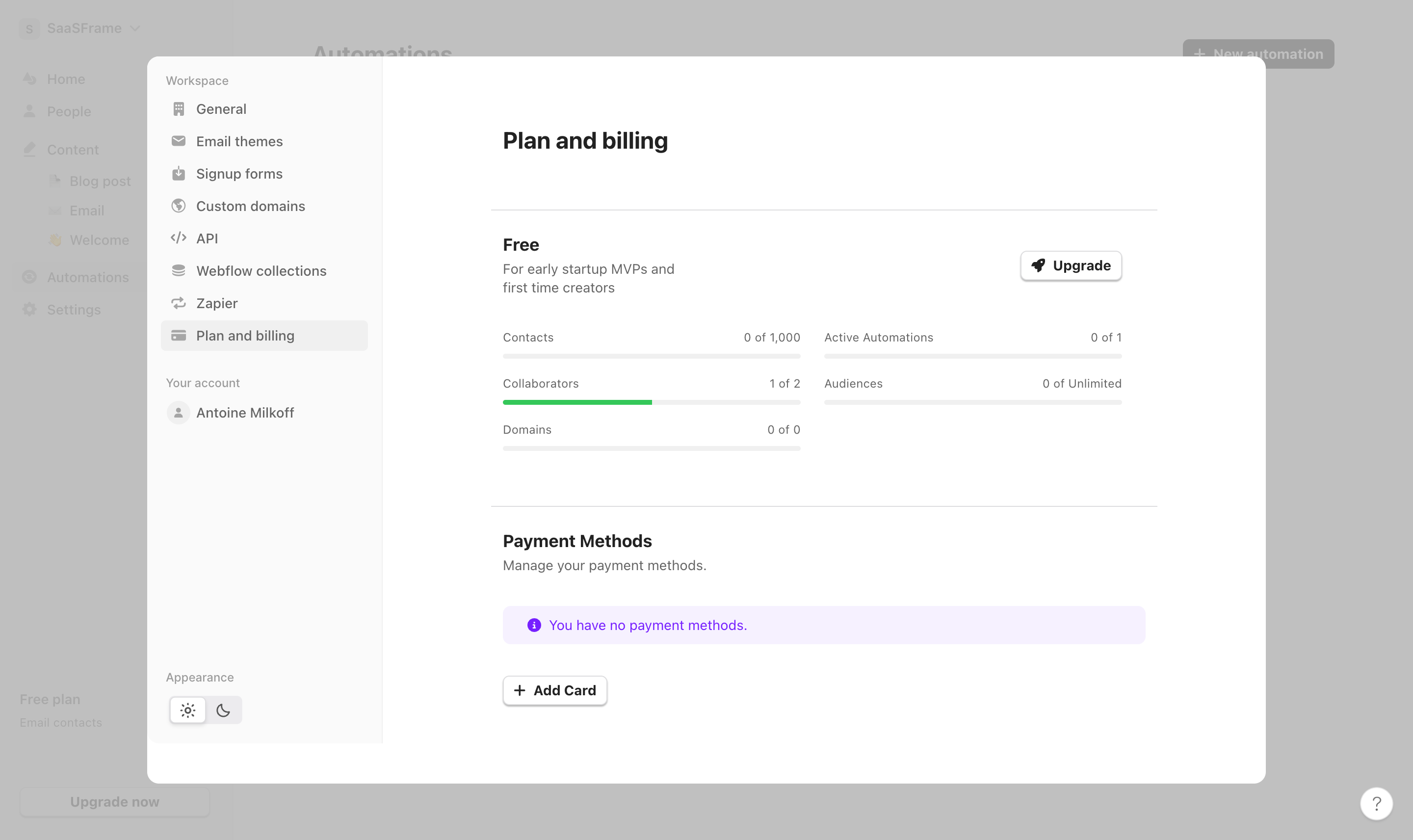
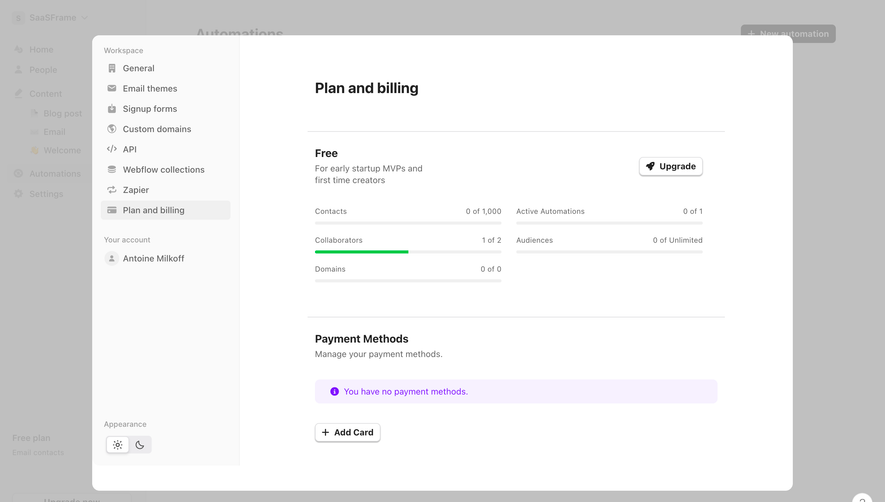
The Audienceful screenshot shows a Plan and billing panel with several usage rows. Contacts, collaborators, and active automations have finite denominators. Audiences uses an Unlimited label. Domains shows a zero-capacity relationship. An Upgrade action sits above the group.
This mix illustrates why a shared ratio format needs interpretation. “One of two” can communicate a useful bounded allocation. “Zero of unlimited” is not a mathematical completion ratio. “Zero of zero” does not communicate available capacity in the same way as an empty finite allowance.
For your own interface, label unlimited and unavailable resources directly. A neutral track can support layout consistency, but it should not imply a percentage where no meaningful denominator exists. If a feature is not included, explain that condition rather than making an empty bar do the work.
The screenshot also includes an informational notice about payment methods. That is separate from resource usage. Keep account state and resource state distinguishable even when both appear on a billing page.
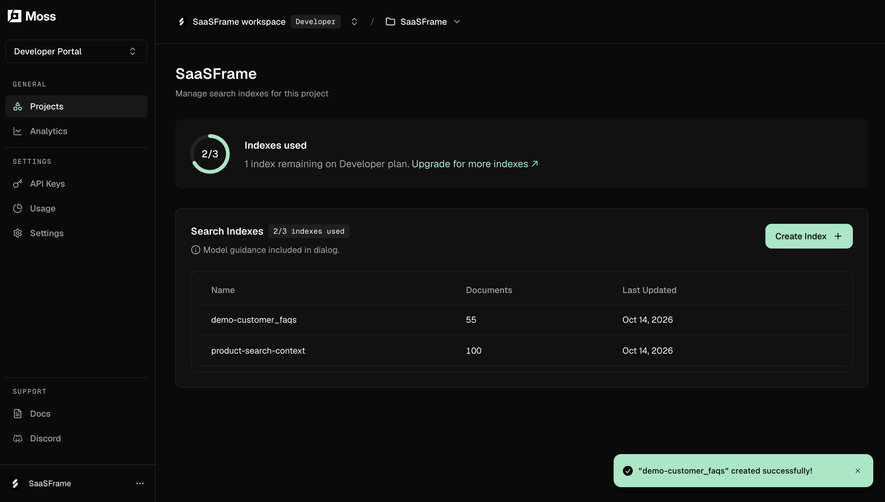
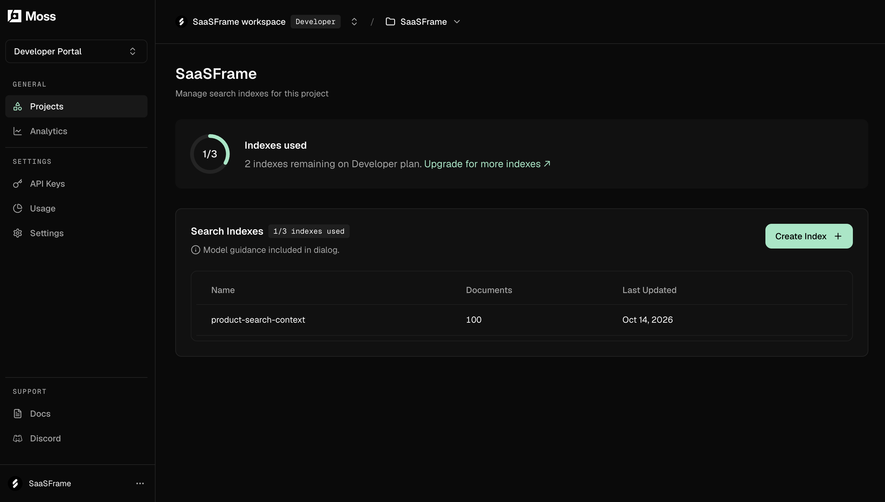
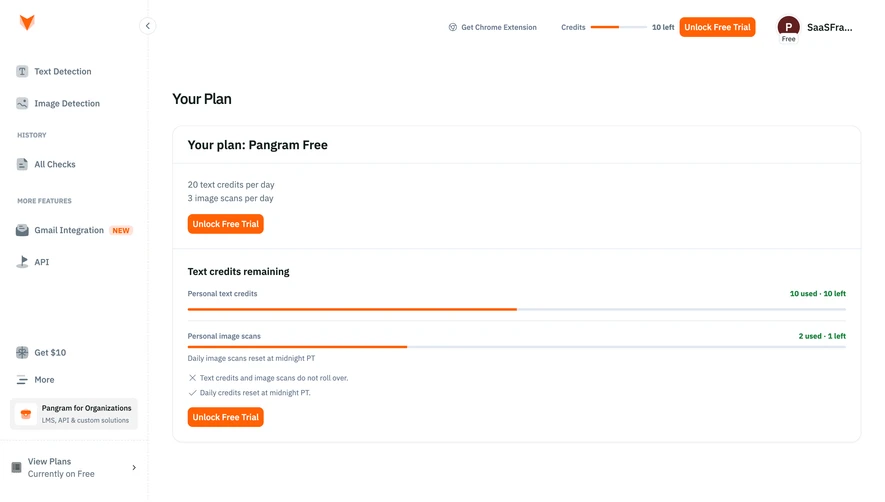
A number can belong to an individual, workspace, project, or organization. Make that scope identifiable. A user managing several spaces should not have to infer which pool is affected from a distant avatar or an ambiguous settings heading.
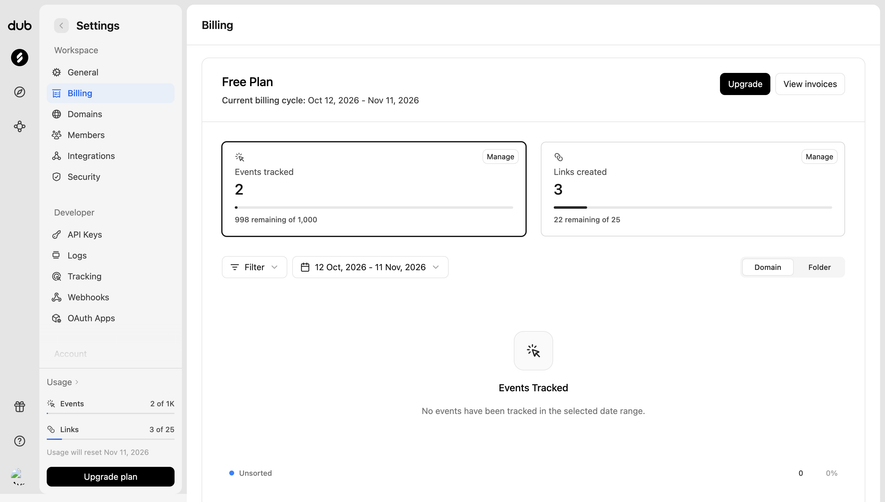
For period-based consumption, show the relevant interval or renewal rule. A monthly allowance should not appear as a lifetime total, and a rolling measurement should not be described as a fixed billing period. Use labels that fit the actual calculation.
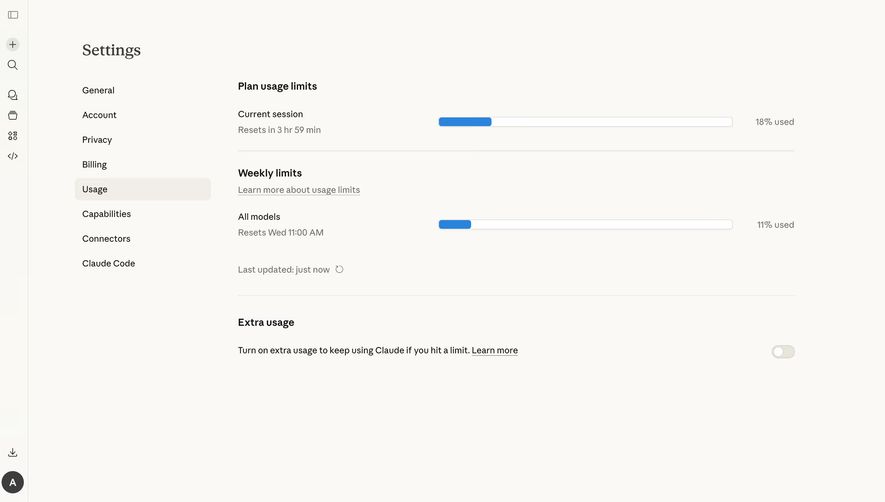
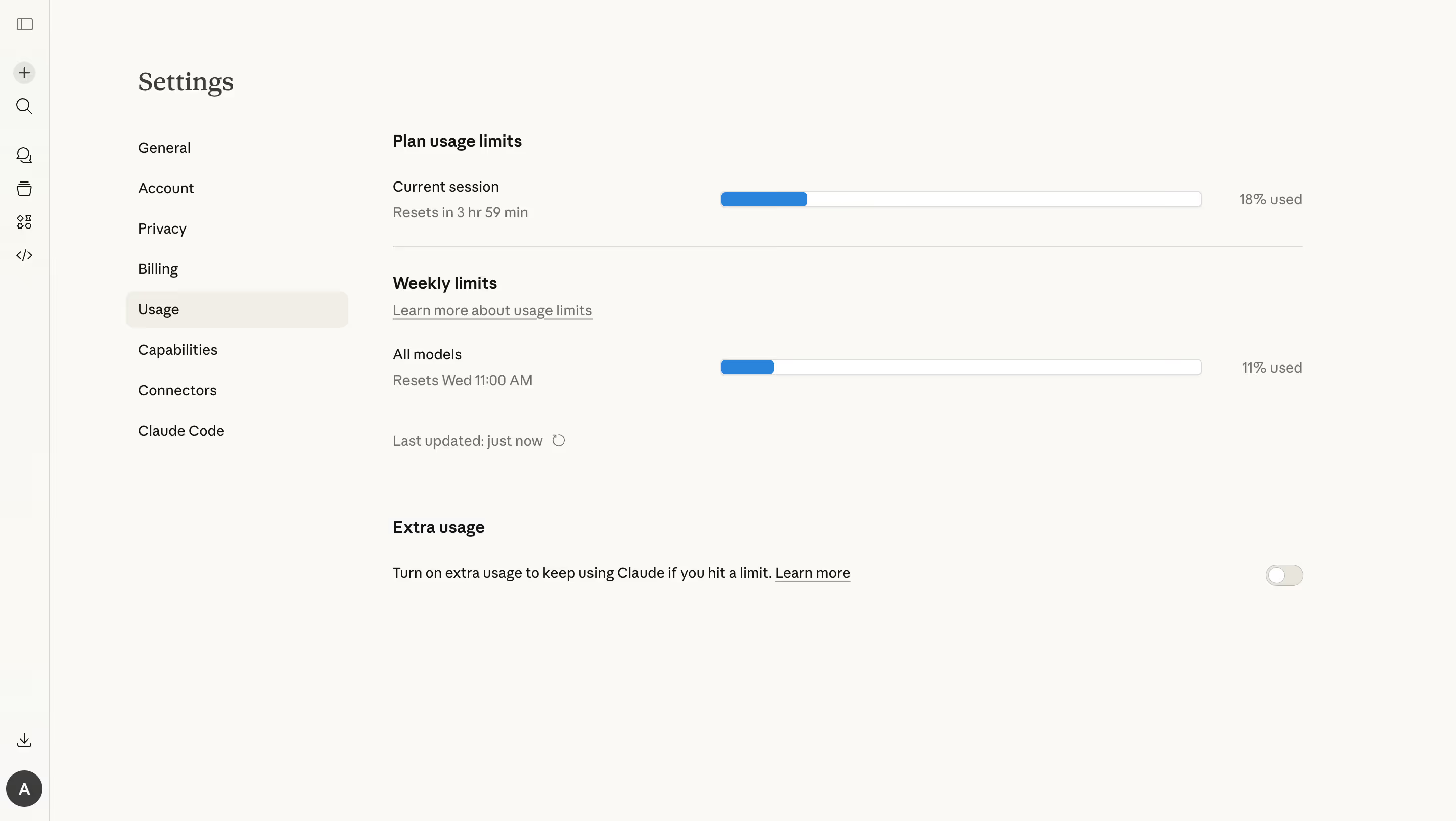
If the number is delayed, provide an appropriate freshness cue. An indicator updated periodically can still be useful, but it should not look like a guaranteed real-time balance when users make consequential decisions from it.
Keep the displayed unit consistent. Storage, requests, and credits can require compact formatting, but a shortened value must remain interpretable. If users need exact detail, provide a route to it without crowding the summary.
A current value describes recorded usage. A projection estimates what may happen under stated assumptions. They can coexist, but the interface should not present a forecast as an already incurred amount.
When a planned action will consume resources, show a relevant estimate before commitment if the system can provide one reliably. Explain uncertainty where needed. A batch operation should not unexpectedly exhaust an allowance merely because the summary ignored its scale.
For pooled resources, explain whether pending work reserves capacity. A displayed remainder can be misleading if queued jobs will consume it. The counting model needs to include the states that affect the user's next action.
Do not derive a precise remaining-time claim from a volatile usage rate without a suitable model. A clear current balance can be more honest and useful than an unreliable countdown.
A warning threshold should connect to an action users can take. They might reduce activity, remove unused allocation, wait for renewal, purchase capacity, or change a plan. State which routes actually apply to the resource.
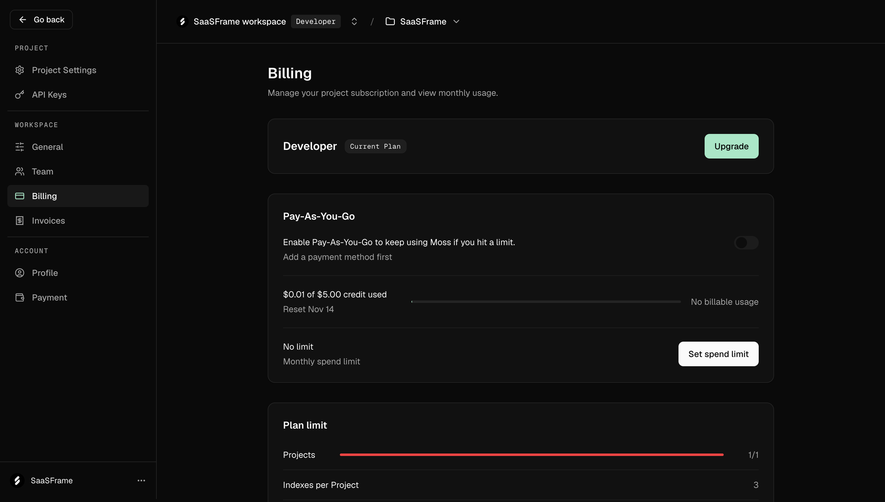
Reaching a limit can block an action, trigger another billing model, or require review. Those outcomes are materially different. The indicator should prepare users for the actual consequence rather than merely changing its color.
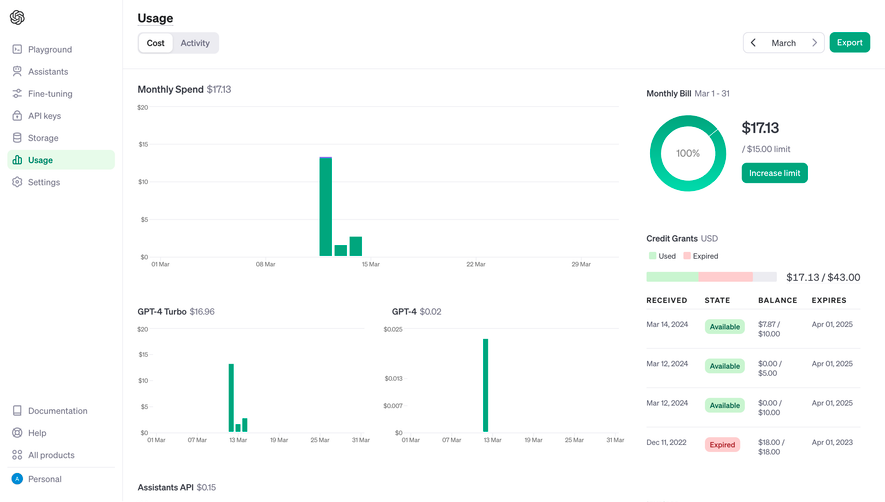
If over-limit values are possible, represent them clearly. A bar capped at full can remain useful visually, but the text should show that the value exceeds the allowance. Avoid hiding the excess by clamping both the graphic and the number.
Keep warning intensity proportional. A nearly full storage pool may need attention, while a finite allowance about to renew may have a different urgency. Evaluate the task context instead of applying one universal color threshold to every resource.
Deleting an object does not necessarily restore a consumed allowance. Removing a seat can change allocation; deleting a sent message may not reverse its recorded use. Explain the relevant rule before encouraging cleanup as a remedy.
If users can manage the resource, link to the relevant collection or control. A storage indicator can lead to asset management, while a seat indicator can lead to team administration. A generic settings link adds avoidable searching.
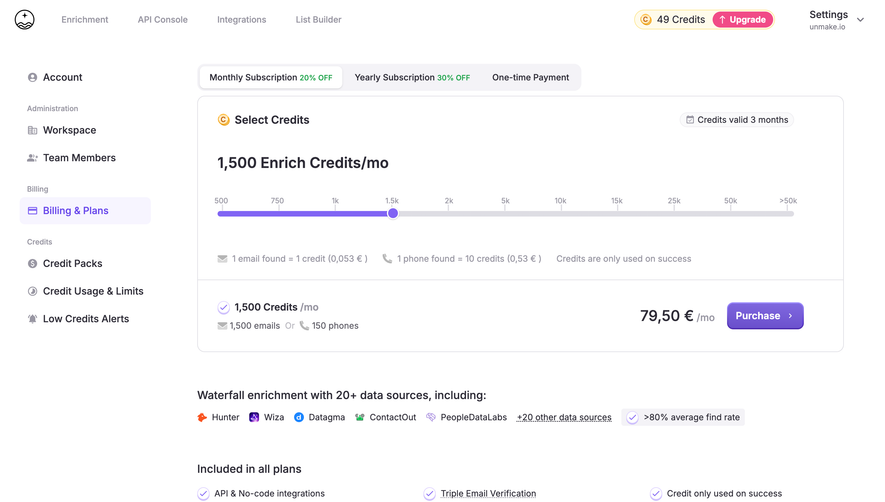
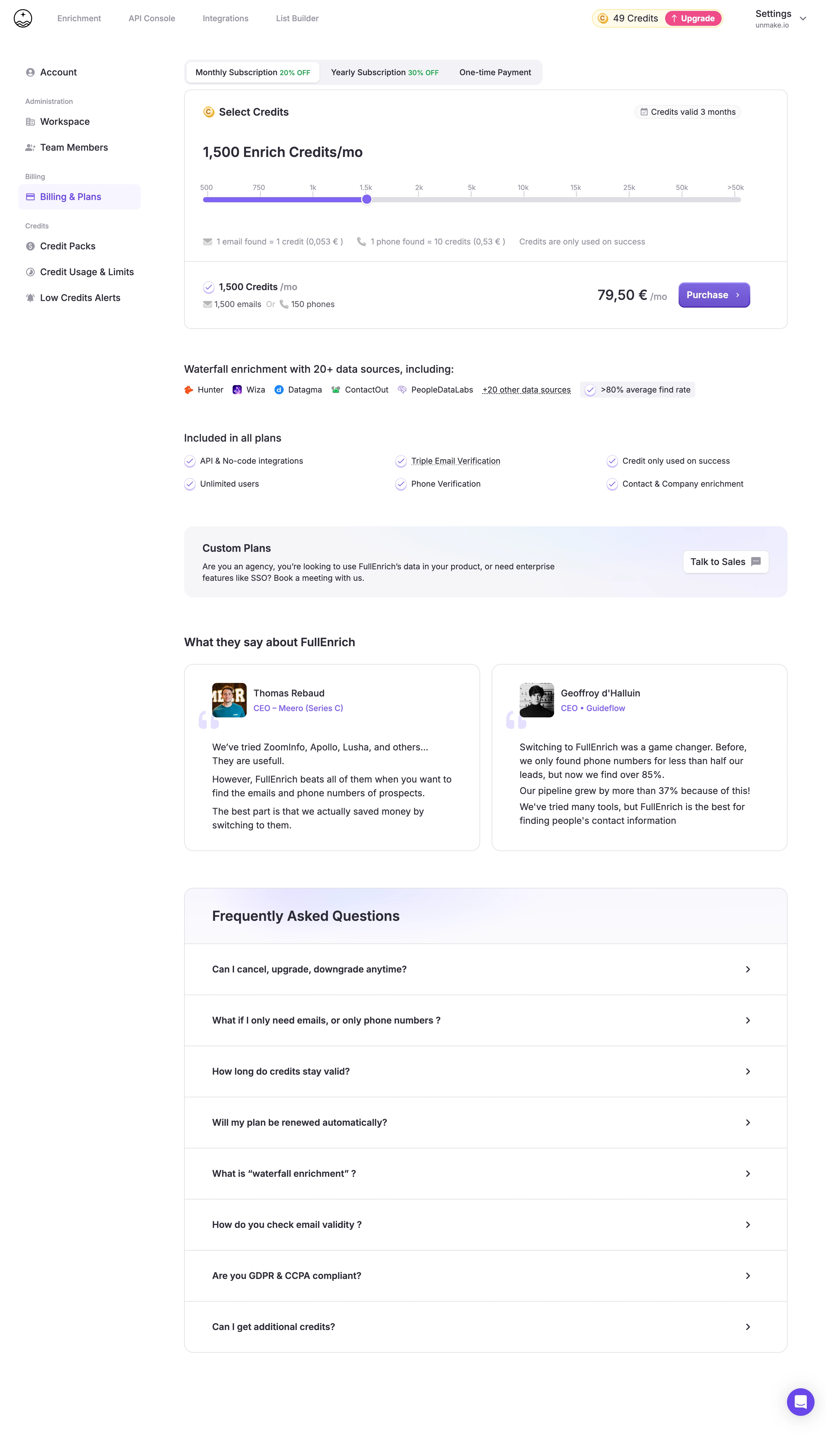
An upgrade route should explain the relevant capacity change. Do not assume that a higher plan increases the specific resource currently constrained. The action should resolve the user's problem, not merely open a pricing page.
For shared pools, users may need an administrator to act. Provide a coherent read-only state and an appropriate route rather than displaying a button they cannot complete without explanation.
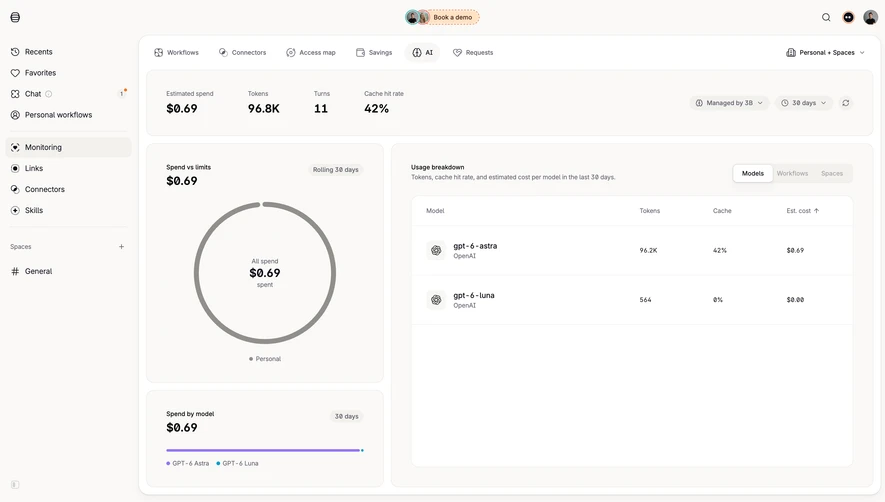
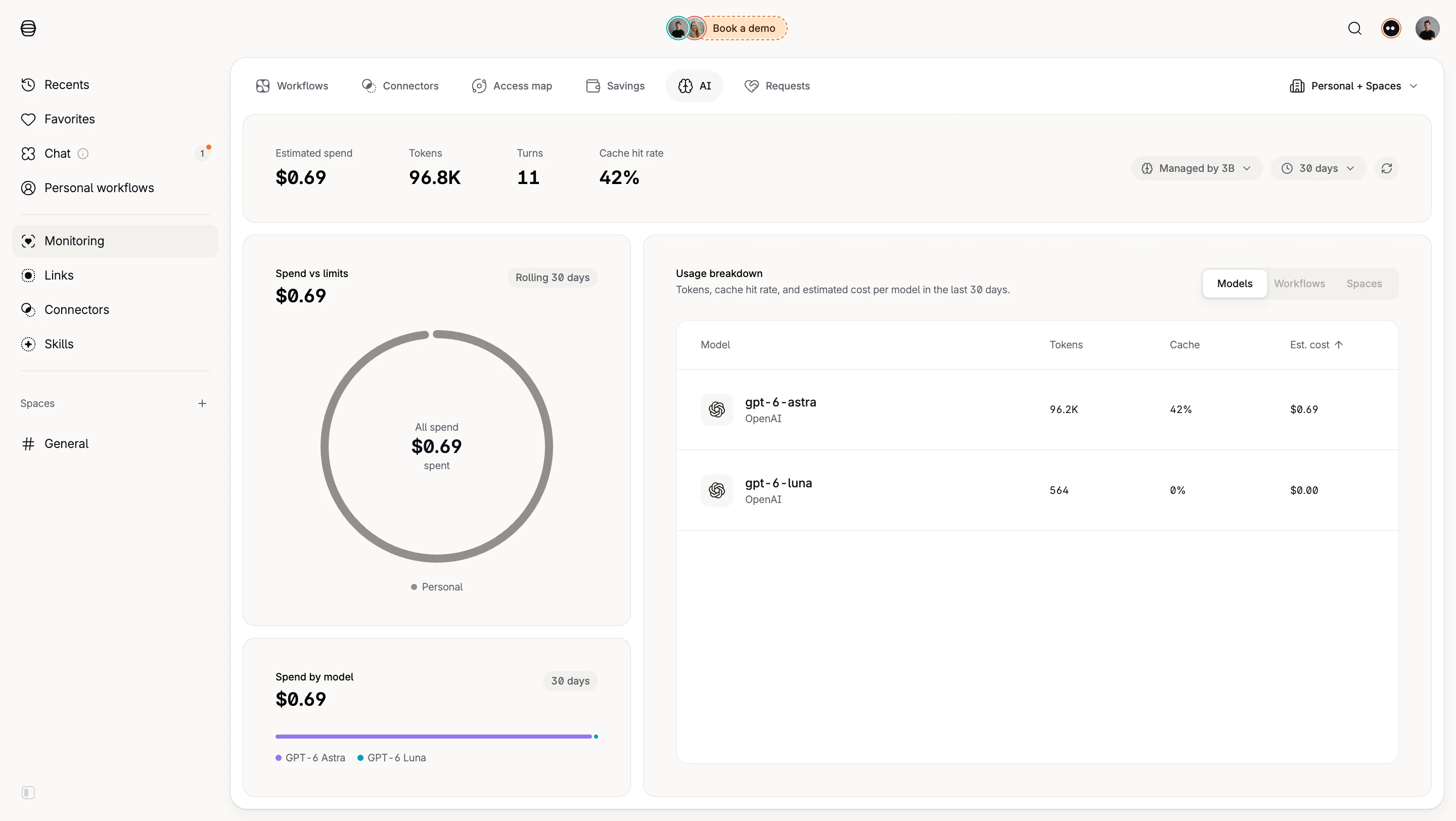
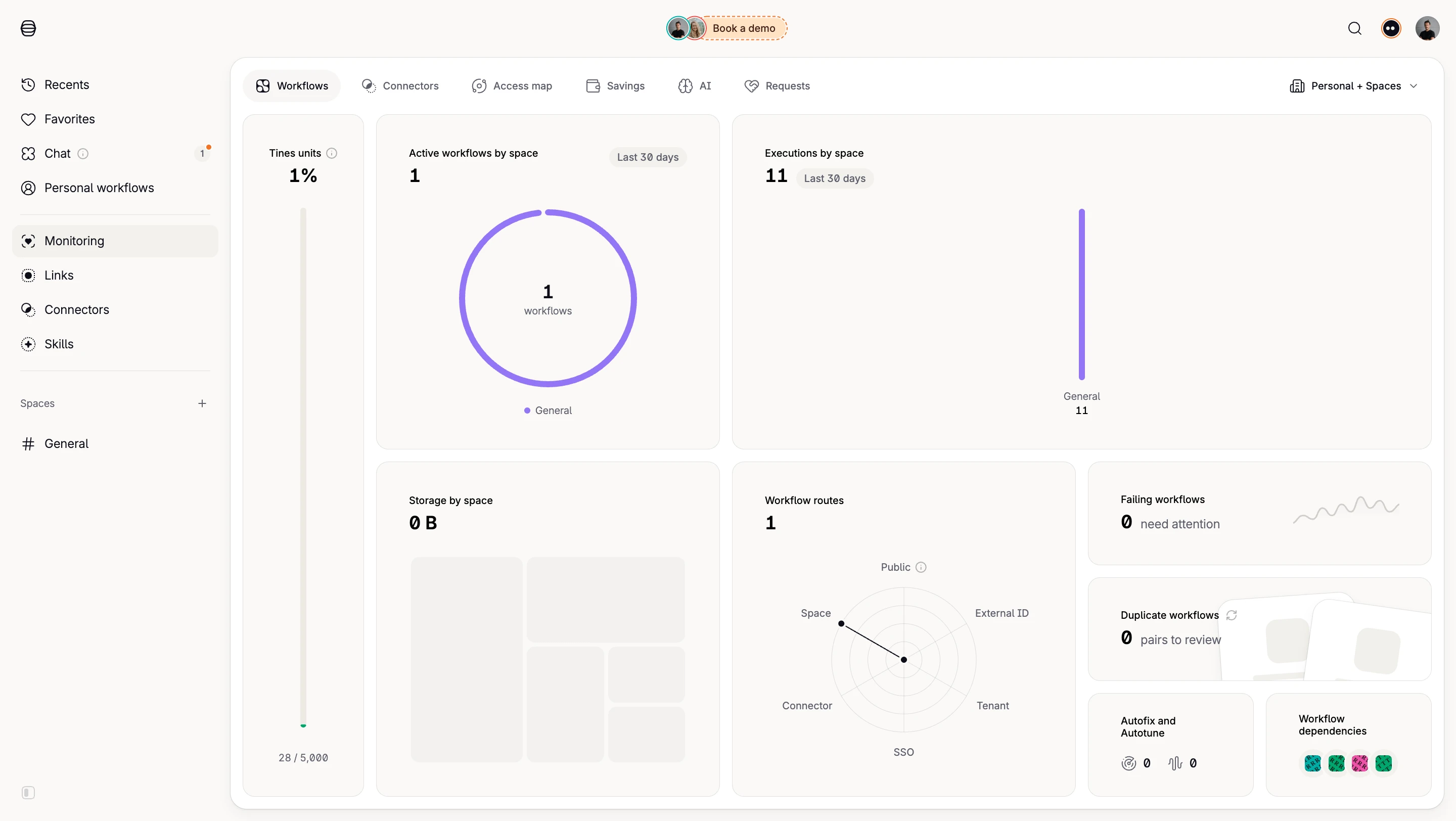
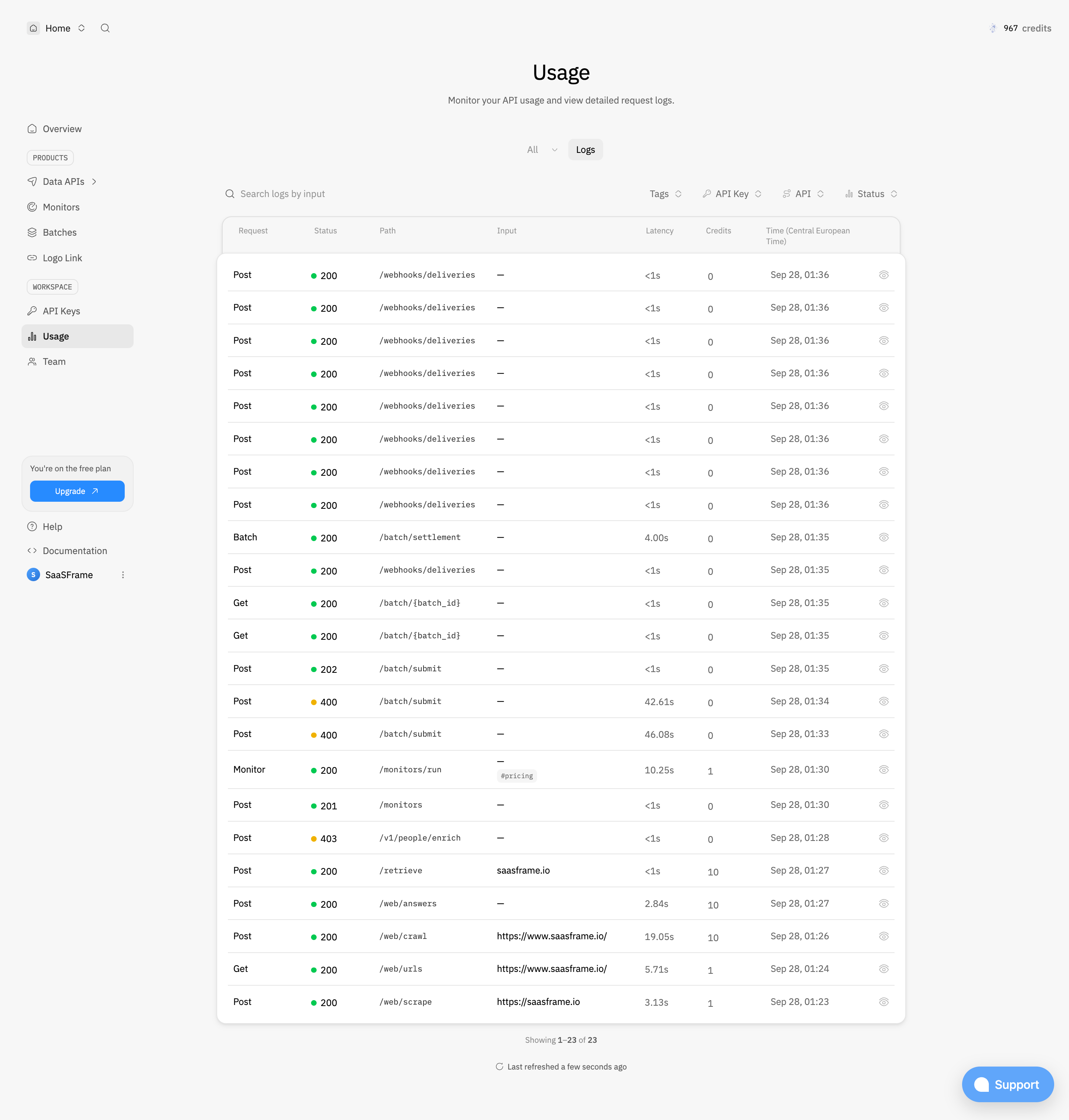
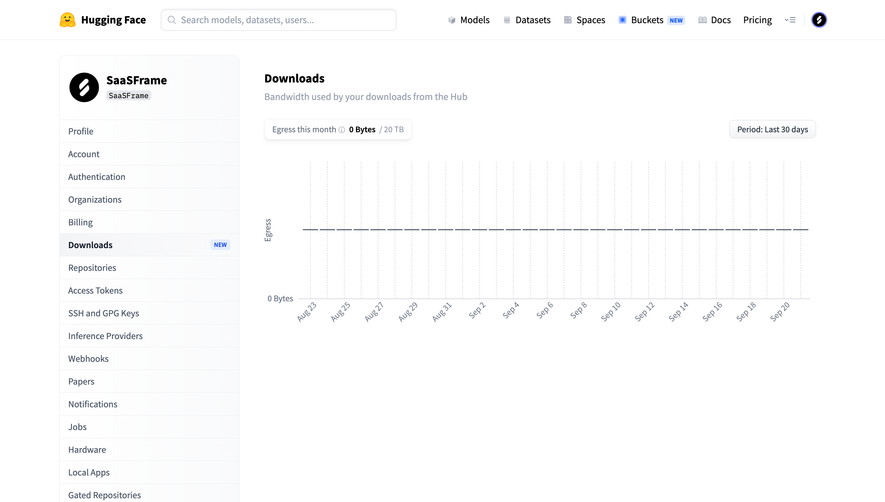
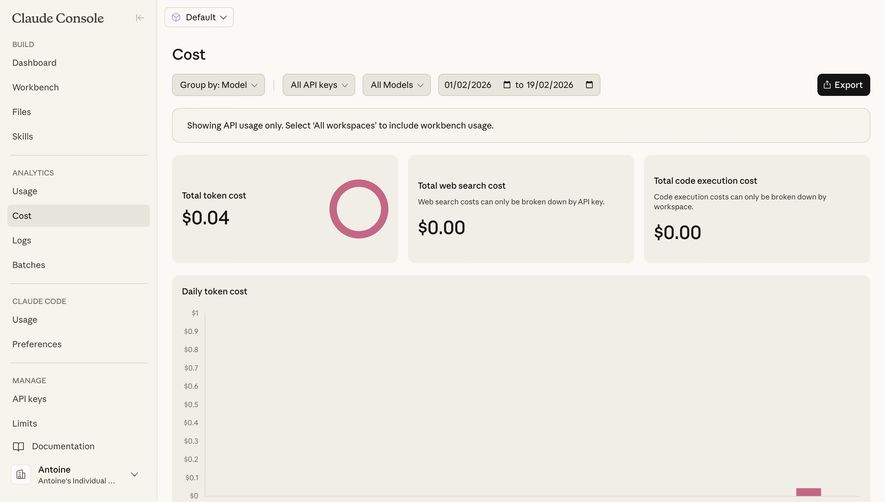
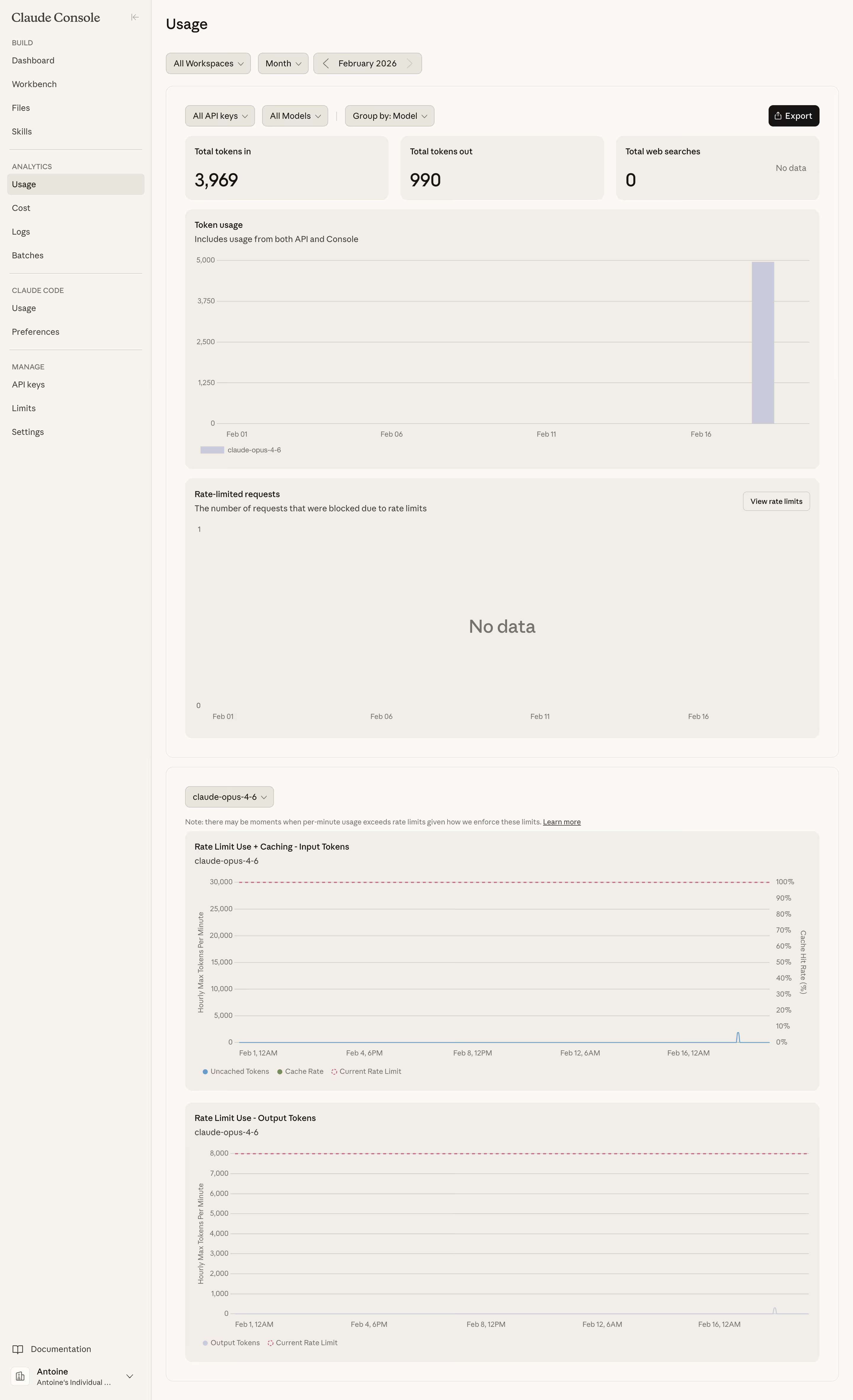
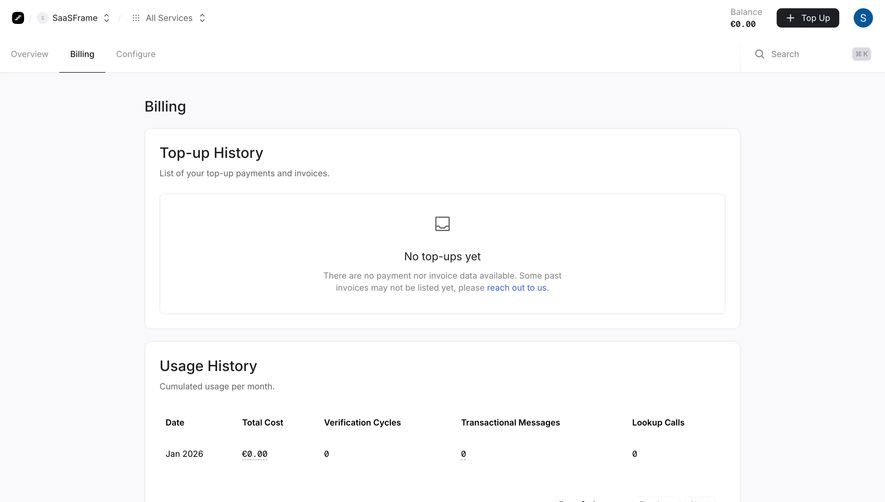
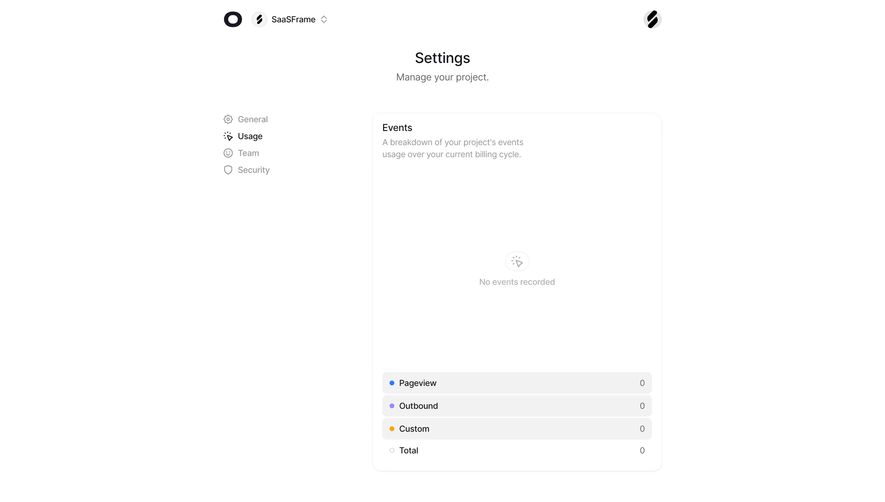
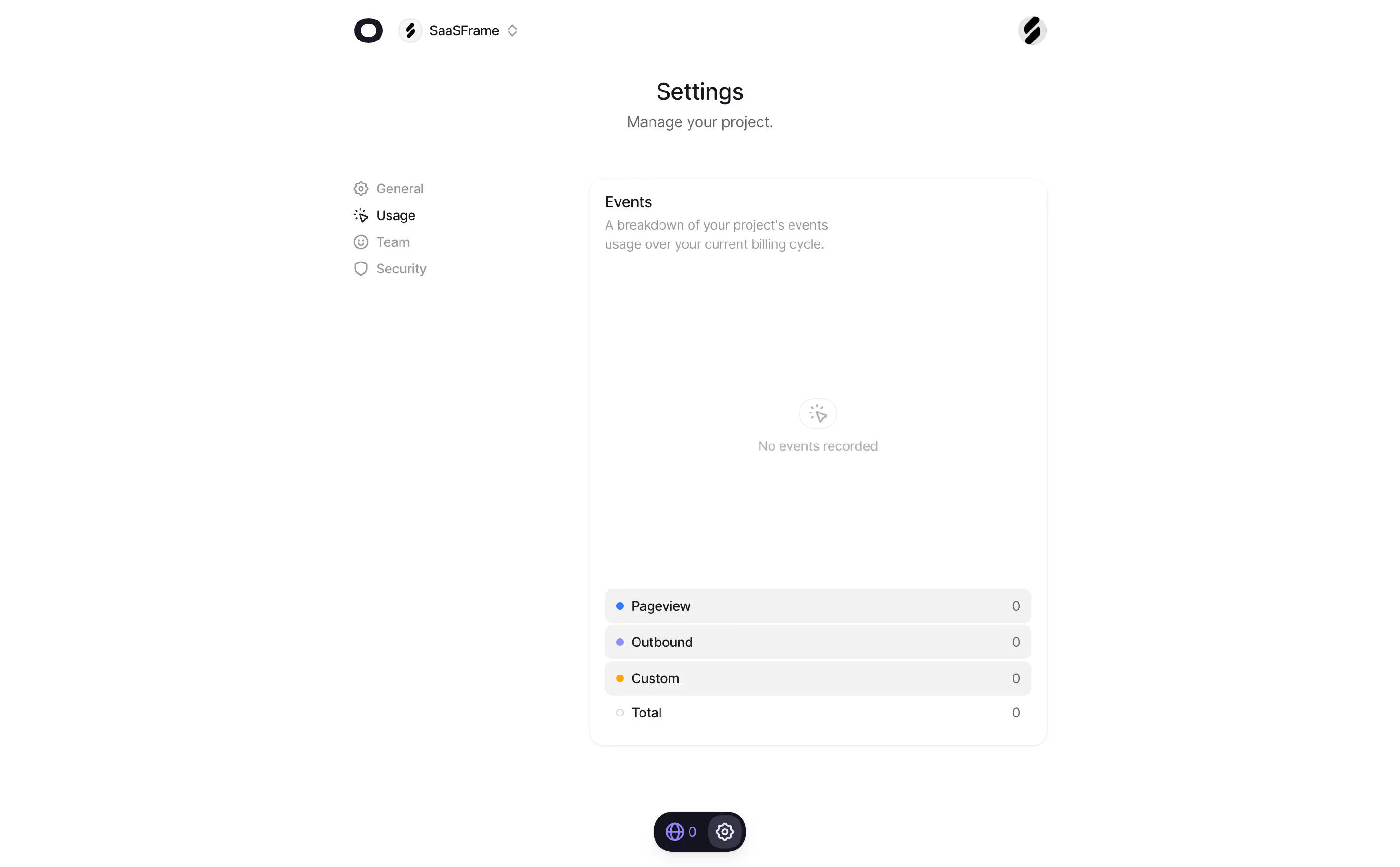
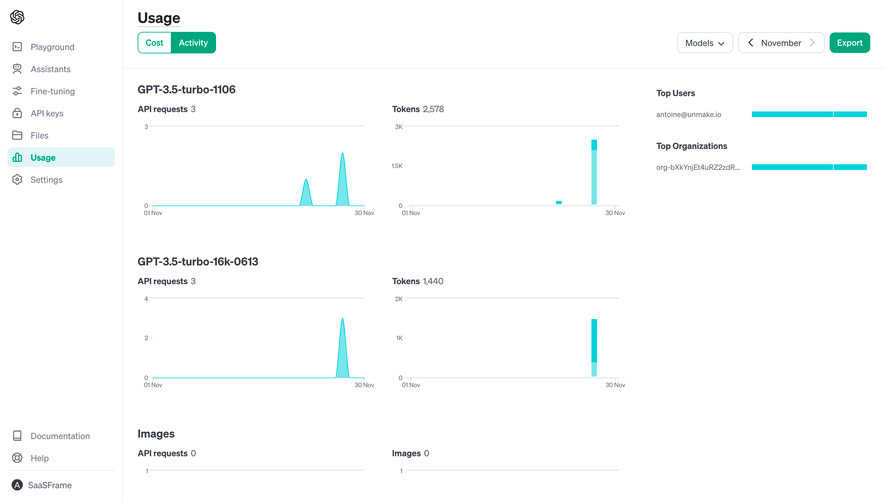
Infrastructure activity can describe utilization without representing a subscription limit. CPU, request rate, or bandwidth over time may need charts and diagnostic context. A percentage bar designed for a plan allowance may oversimplify those measurements.
When operational metrics and commercial usage share a page, label their relationship. Users should know whether a value indicates system health, billable consumption, or available capacity. Those concepts can correlate without being equivalent.
Provide detail where investigation requires it. A summary can highlight a resource, while a dedicated view can explain trends, breakdowns, and the selected interval. Avoid forcing every diagnostic question into the same compact component.
Do not show zero while the value is unknown unless zero is actually established. A placeholder or unavailable state prevents users from interpreting a loading condition as unused capacity.
After a plan change or capacity purchase, update the numerator, denominator, labels, and relevant warnings coherently. A new plan name beside an old limit can create uncertainty about whether the change succeeded.
If a measurement fails, explain the affected resource and provide a relevant recovery route. Other known values can remain usable where appropriate. Avoid implying that an entire workspace has no usage because one metric is unavailable.
Preserve context after refresh. Filters or selected intervals should not reset unexpectedly when the indicator retrieves new data. Users need to compare like with like.
The used value, limit, and unit should remain readable without relying on bar length or color. Selection, warning, and unavailable states need understandable labels. A progress-like appearance alone does not establish the component's meaning.
On narrow screens, keep the resource name close to its value. Reflow can separate labels from bars and make several similar tracks difficult to match. Test long resource names, large values, and translated renewal explanations.
For assistive technology, implement a representation appropriate to the measurement. A finite value with a meaningful range and an unbounded count may need different treatment. Test the information users actually receive rather than relying on the visible component name.
Ask users to identify the remaining allowance, explain when it renews, and choose a remedy for a reached limit. Include unlimited, unavailable, and delayed values. These tasks reveal whether the indicator communicates rules or merely displays numbers.
Review support questions about unexpected limits and failed upgrades. The cause may be an unclear counting rule, scope, or update delay rather than a weak visual bar. Improve the underlying explanation before adding more decoration.
No. A bar works for a meaningful bounded range. A balance, count, or time-series chart may better represent other resource models.
Only when changing the plan is a relevant remedy and the user can act on it. Management, renewal, or capacity purchase may be more appropriate for some resources.
Use an explicit label and a readable current value where useful. Avoid presenting an artificial percentage when there is no finite denominator.
Explore usage indicator examples on SaaSFrame to compare counting explanations, resource scopes, capacity treatments, and management routes.