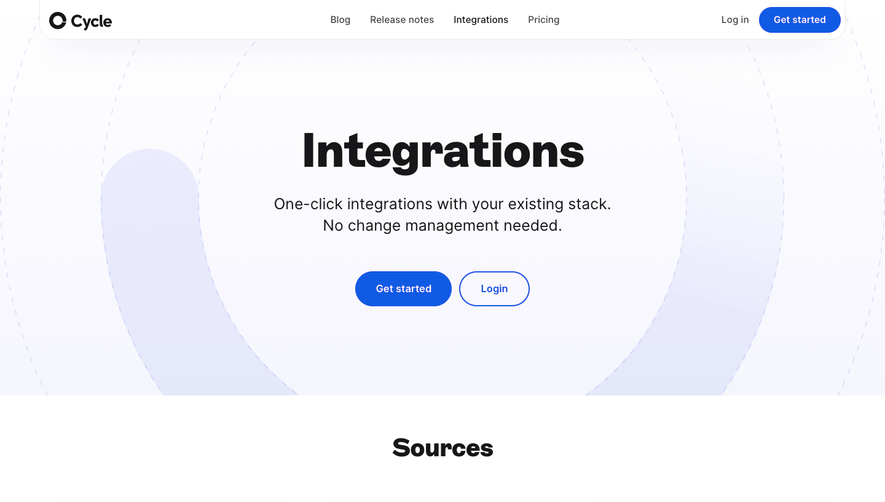
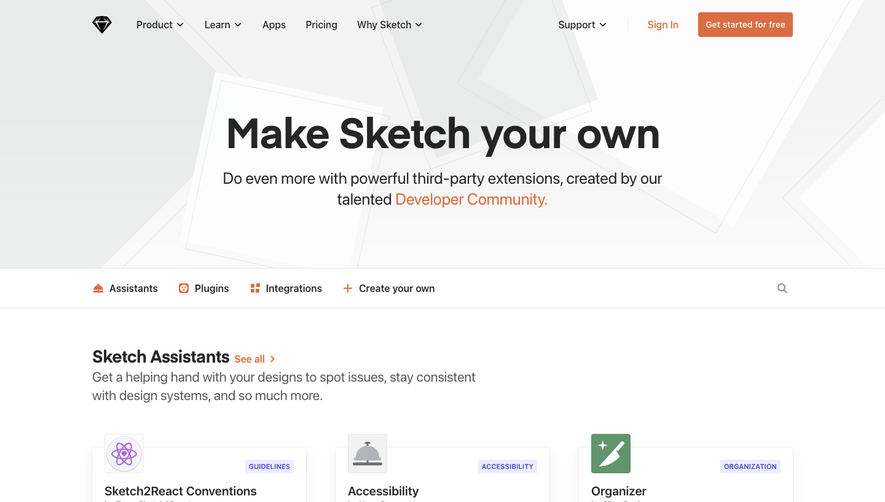
Generate a new design based on this screen using your own content.
Thank you! Your submission has been received!
Oops! Something went wrong while submitting the form.
# Design from Reference: Hotjar Integrations Library
Create an original, high-fidelity visual design inspired by the reference. Prioritize composition, typography, colors, spacing, and component styling over technical implementation.
## Reference
- **Product:** Hotjar
- **Category:** Integrations Library
- **Screenshot:** https://cdn.prod.website-files.com/5e9dc792e1210c5325f7ebbc/6acb6da8b206c0d3f8f3a86d_6acb6b9410423f7ec1f5e3ca_cms-b6d1803d7aa5ba5146e45a24.webp
Analyze the screenshot first. If inaccessible, request it rather than guessing.
## Content
{{content.instructions}}
{{content.data}}
Preserve essential messaging and factual accuracy. Adapt structure and copy length for visual balance; never invent product claims.
## Visual Design
Use this context to reproduce the reference's visual language: layout, typography, colors, spacing, borders, radii, and distinctive elements. The screenshot takes priority if descriptions conflict.
## Direction
{{preferences.fidelityInstructions}}
## Output
{{output.instructions}}
Deliver a polished, cohesive design with precise alignment, hierarchy, and spacing. Produce the requested visual artifact, not just a description. If unsupported, explain the limitation.
``` Hotjar’s Integrations page exudes a modern, user-friendly vibe with playful undertones. The design leverages ample white space and crisp lines, creating an inviting, clutter-free interface. Consistent branding through friendly illustrations and approachable copy balances professionalism with a touch of whimsy, making the SaaS experience approachable and trustworthy. ```html
Layout and Structure
``` The page flows intuitively, starting with a compelling hero section featuring concise messaging and visually rich illustrations. Below, a grid-based features section showcases integrations with recognizable logos and succinct descriptions. The structure is logical: it moves from high-level value to detailed offerings, then concludes with a supportive footer filled with helpful links and CTAs. Navigation remains sticky and accessible, ensuring users never feel lost. ```html
Visual Elements
``` Custom icons, subtle micro-animations, and branded illustrations deliver information in an engaging, digestible manner. The visual hierarchy is enhanced by breaking up text with integration logos and playful artwork, while smooth hover states and scroll effects inject interactivity without overwhelming the user. ```html
Color Palette and Typography
``` A bold, energetic palette led by Hotjar’s signature red stands out against muted grays and whites, drawing immediate attention to CTAs and key content. Modern sans-serif fonts maintain readability and establish clear hierarchy through varied weights and sizes, guiding the user’s eye effortlessly. ```html
User Experience Patterns & Unique Choices
``` Navigation is efficient, with clearly marked CTAs and anchor links for seamless exploration. Particular standouts include dynamic integration cards that reveal details on hover, and a sticky resource toolbar for fast access. The tone radiates innovation and support, delivering not just information but inspiration for SaaS UI design.



.avif)


.webp)