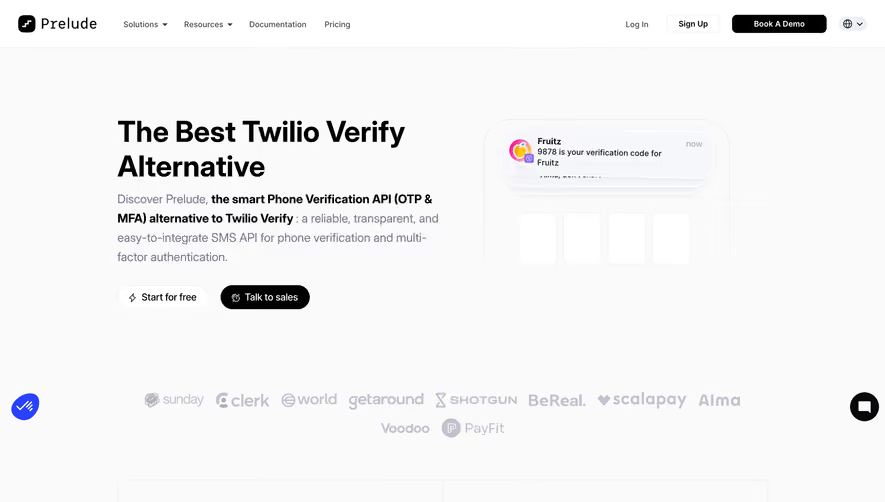
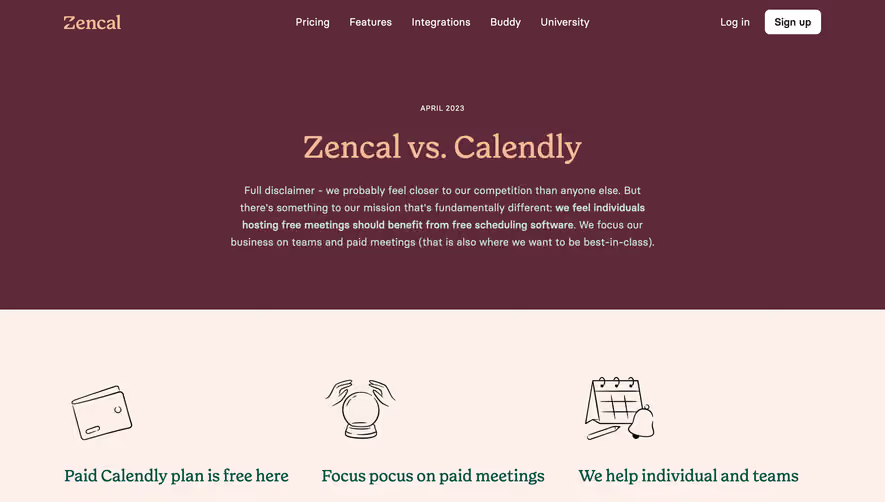
Generate a new design based on this screen using your own content.
Thank you! Your submission has been received!
Oops! Something went wrong while submitting the form.
# Design from Reference: Contractbook Comparison Page
Create an original, high-fidelity visual design inspired by the reference. Prioritize composition, typography, colors, spacing, and component styling over technical implementation.
## Reference
- **Product:** Contractbook
- **Category:** Comparison Page
- **Screenshot:** https://cdn.prod.website-files.com/5e9dc792e1210c5325f7ebbc/6acc0c11128c0d0450eaab9a_6acc0b82f82e9d26c7519a97_cms-ea9e4b8bf88bbe20a86d1475-optimized-v3.webp
Analyze the screenshot first. If inaccessible, request it rather than guessing.
## Content
{{content.instructions}}
{{content.data}}
Preserve essential messaging and factual accuracy. Adapt structure and copy length for visual balance; never invent product claims.
## Visual Design
Use this context to reproduce the reference's visual language: layout, typography, colors, spacing, borders, radii, and distinctive elements. The screenshot takes priority if descriptions conflict.
## Direction
{{preferences.fidelityInstructions}}
## Output
{{output.instructions}}
Deliver a polished, cohesive design with precise alignment, hierarchy, and spacing. Produce the requested visual artifact, not just a description. If unsupported, explain the limitation.
Contractbook’s comparison page embodies a crisp, contemporary visual language. Minimalist at heart, it balances generous white space with eye-catching accent colors, setting a tone that feels both professional and approachable. Design elements evoke trust and sophistication without leaning into sterility, inviting users to engage confidently.
Layout and Structure
The page kicks off with a succinct hero section that immediately positions the product’s value against DocuSign, enhanced by a prominent title, subheading, and persuasive call to action. Scrolling reveals a simple yet effective comparison table, segmented feature highlights, and strategic testimonial snippets. The layout guides visitors fluidly toward actionable outcomes, never overwhelming them.
Visual Elements
Custom illustrations and understated icons are thoughtfully interwoven, replacing bulky photography or stock imagery. Animated elements—such as subtle hover effects or sliding comparison rows—add a lively touch while maintaining clarity. The visuals amplify understanding without detracting from the core message.
Color Palette and Typography
A calm blue anchors the palette, offset by vivacious aquamarine and deep neutrals. Buttons and highlights employ accent colors to direct attention naturally. Typography is clean and modern: bold headlines contrast with lighter body text, creating a clear hierarchy that enhances scanability.
User Experience Patterns
Intuitive navigation links remain visible, with sticky CTAs ensuring users never lose sight of conversion pathways. Scroll interactions feel smooth and purposeful. Strategic placement of forms and embedded CTAs yields low friction for key user actions like demo requests.
Unique or Notable Design Choices
A standout touch is the interactive comparison table, which adapts responsively across devices and foregrounds Contractbook’s strengths. The confident, conversational microcopy reinforces the product’s innovative spirit, making the whole experience feel connective and fresh.
.webp)





.avif)