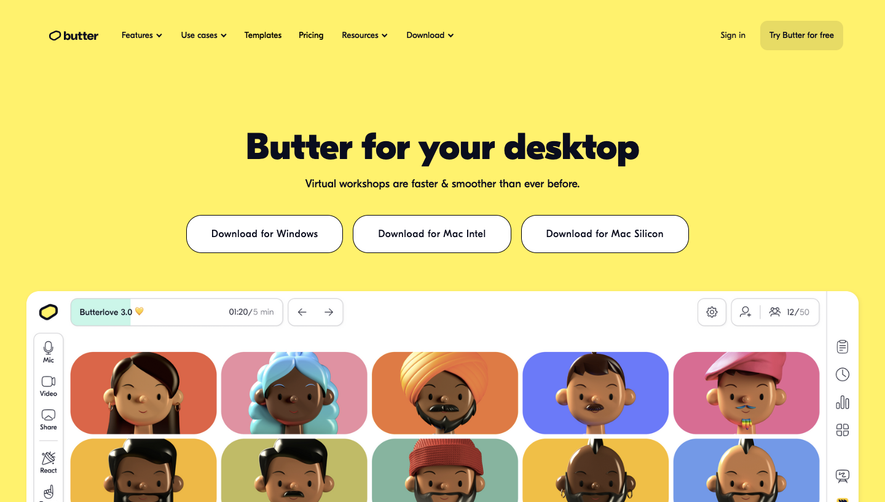
1. Title: The page titled "Butter vs Zoom" is located at the top-center of the page, in bold, capitalized letters. 2. Header: A header follows the title and provides a brief explanation of what this page is about. 3. Subheaders: The page is organized into several subheaders, including "Video conferencing with Zoom," "Collaboration with Butter," "Pricing," "Ease of Use," and "Features." 4. Comparative tables: The page features several comparative tables that outline the differences between Butter and Zoom. 5. Text descriptions: The tables are accompanied by a brief text description that further elaborates on the information provided in the tables. 6. Section headers: Each section of the page is presented with a bolded header, making it easy to scroll through the page and find specific information. 7. Visual aids: The page uses a series of visual aids to supplement the text, including graphics, emojis, and screenshots of the Butter and Zoom interfaces. 8. Call to action: At the bottom of the page, there is a call to action inviting users to sign up for a free trial of Butter's service. 9. Footer: The page concludes with a footer that includes links to additional resources and social media channels for Butter. Overall, the page is well-organized and user-friendly, presenting information in a clear and concise manner while providing visual aids and comparative tables to help users better understand the differences between Butter and Zoom.
 SaaSFrame