Build better communication tools with modern SaaS Chat and Messaging UI inspiration. From sidebar conversation lists to real-time typing indicators and rich media previews, see how to design a seamless in-app communication experience.
Browse 17 real SaaS Chat with modern UI patterns and conversion strategies.
We sell SaaSFrame licenses on Gumroad, a secured online selling platform for creators.
What about future updates and versions?
SaaSFrame gets updated all the time! Every new update and version will immediately be made available to all SaaSFrame users.
I didn't receive my licence key, what should I do?
The licence key required to create your SaaSFrame account is send by Gumroad once you made your purchase. If this email is blocked by your email client, send me an email at antoine[at]unmake[dot]io so I can resend the licence key.
Can you send me an invoice?
You can generate an invoice on Gumroad once you purchased SaaSFrame. You will find the link in the order confirmation email.
Can I get a refund?
If you're not satisfied, you can ask for a refund within 7 days. Just send me an email at antoine[at]unmake[dot]io
Chat Design Guide
A SaaS chat screen organizes an exchange around a task. In an AI product, that exchange can include instructions, context, generated content, tool activity, and changes to other product objects. The interface must help users understand which parts are conversation, which parts are evidence, and which parts represent confirmed work.
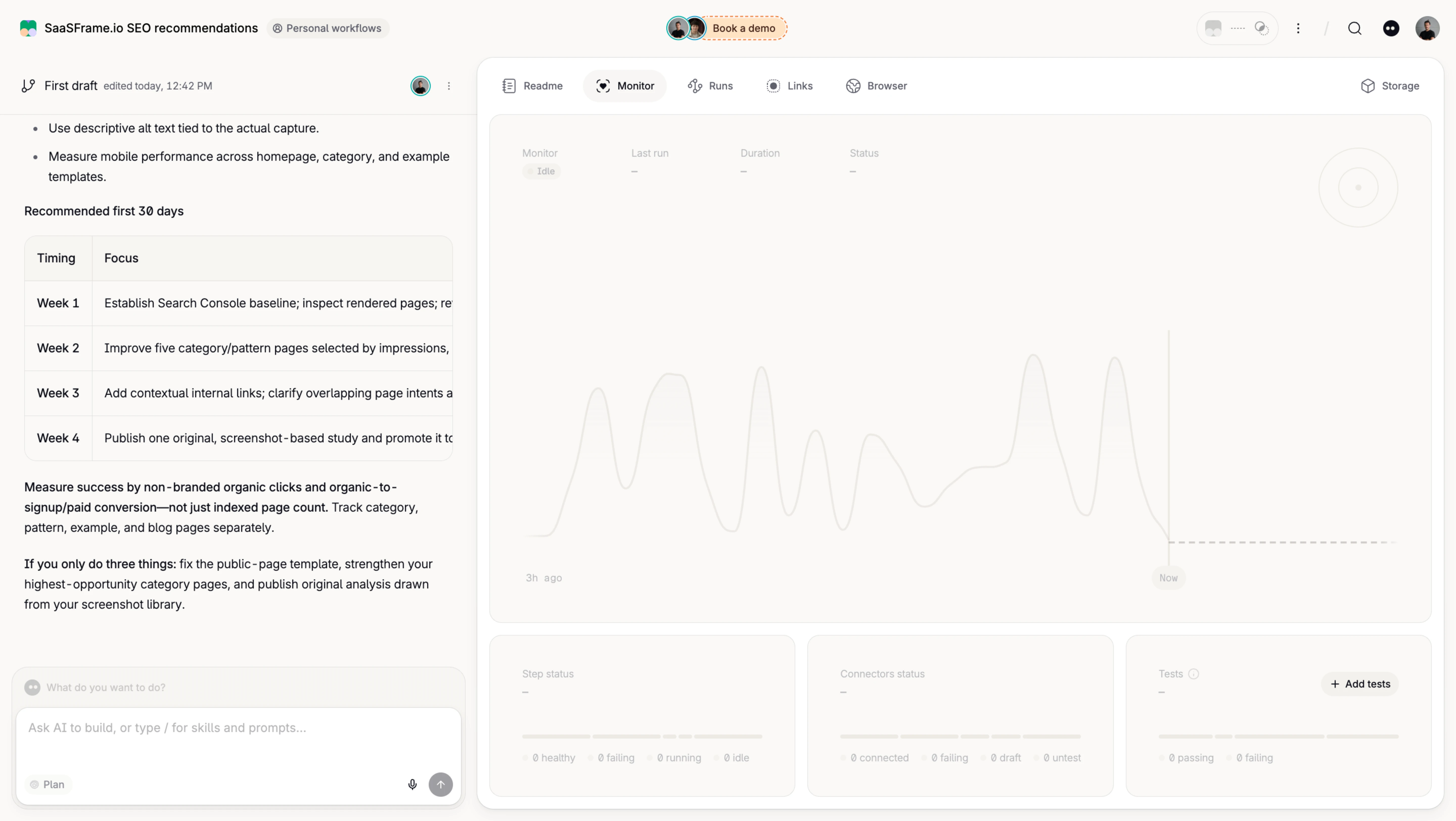
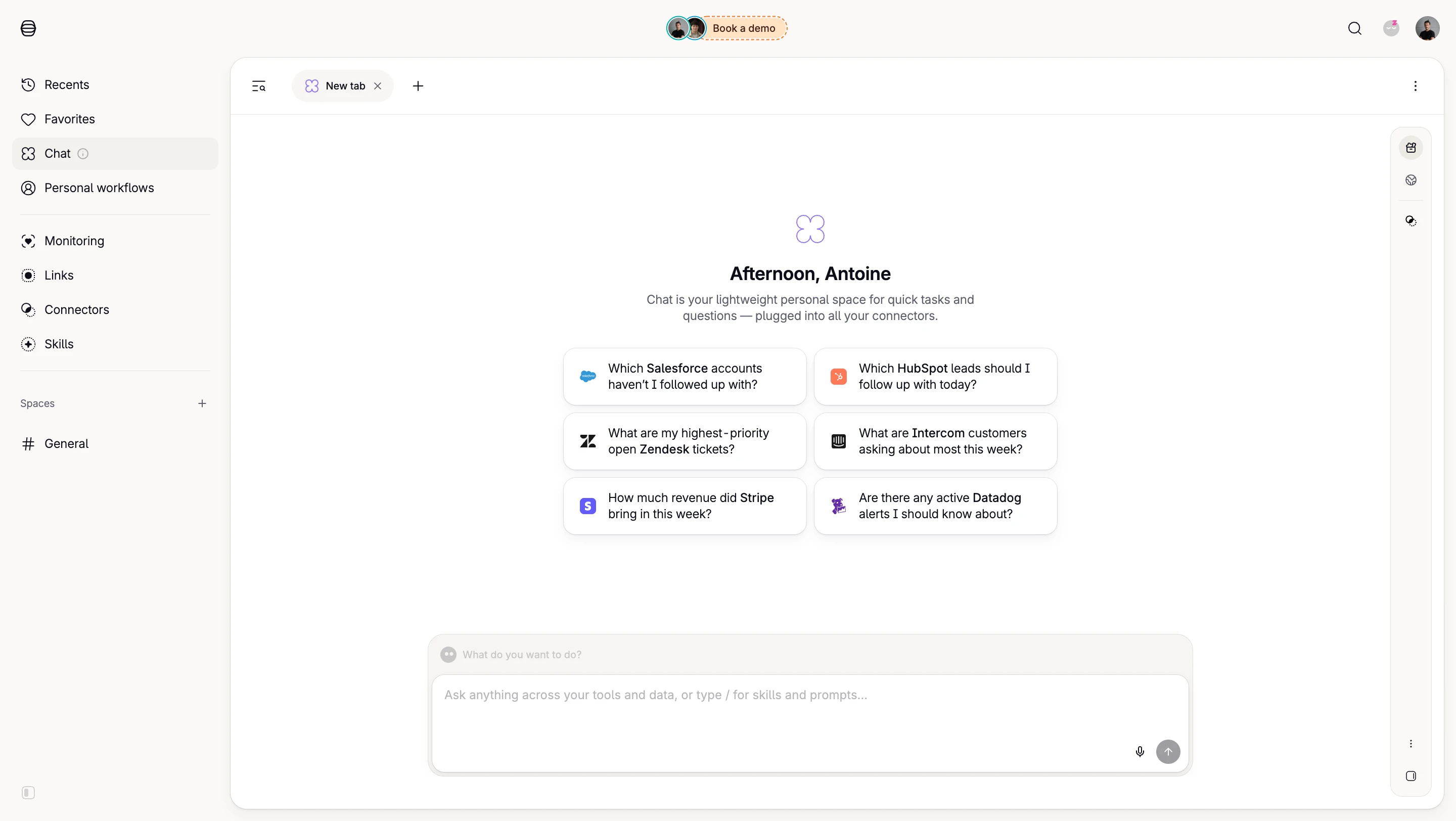
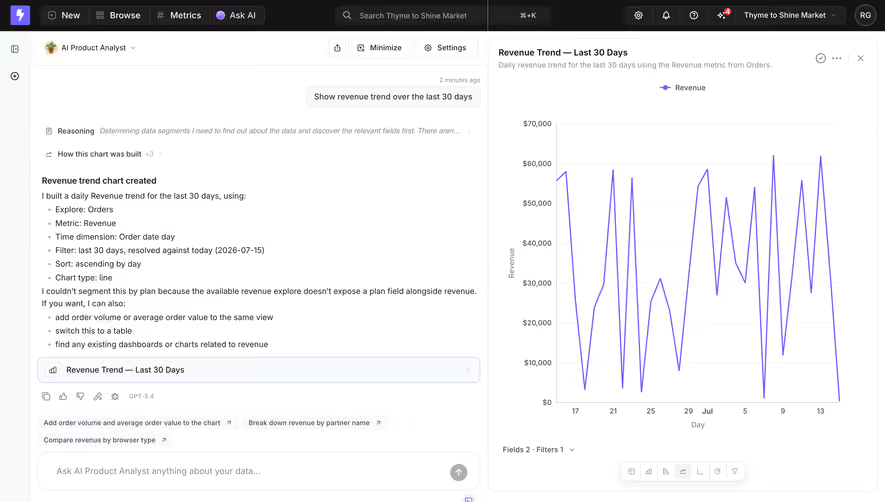
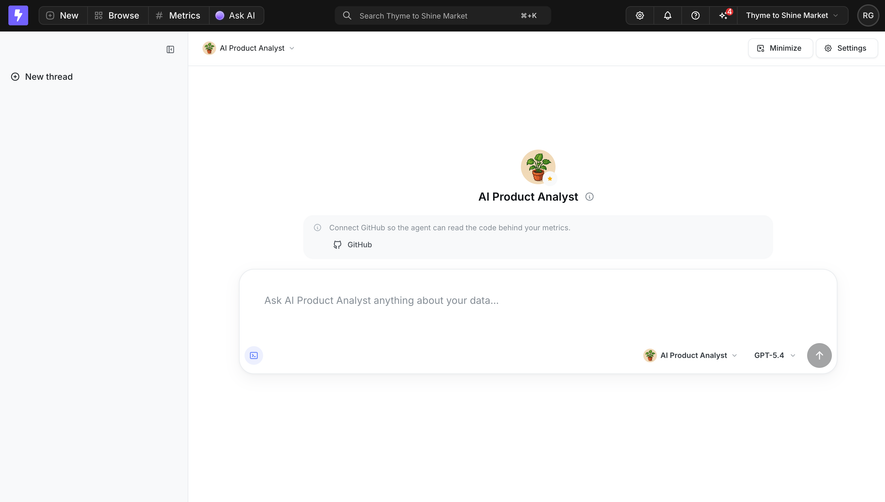
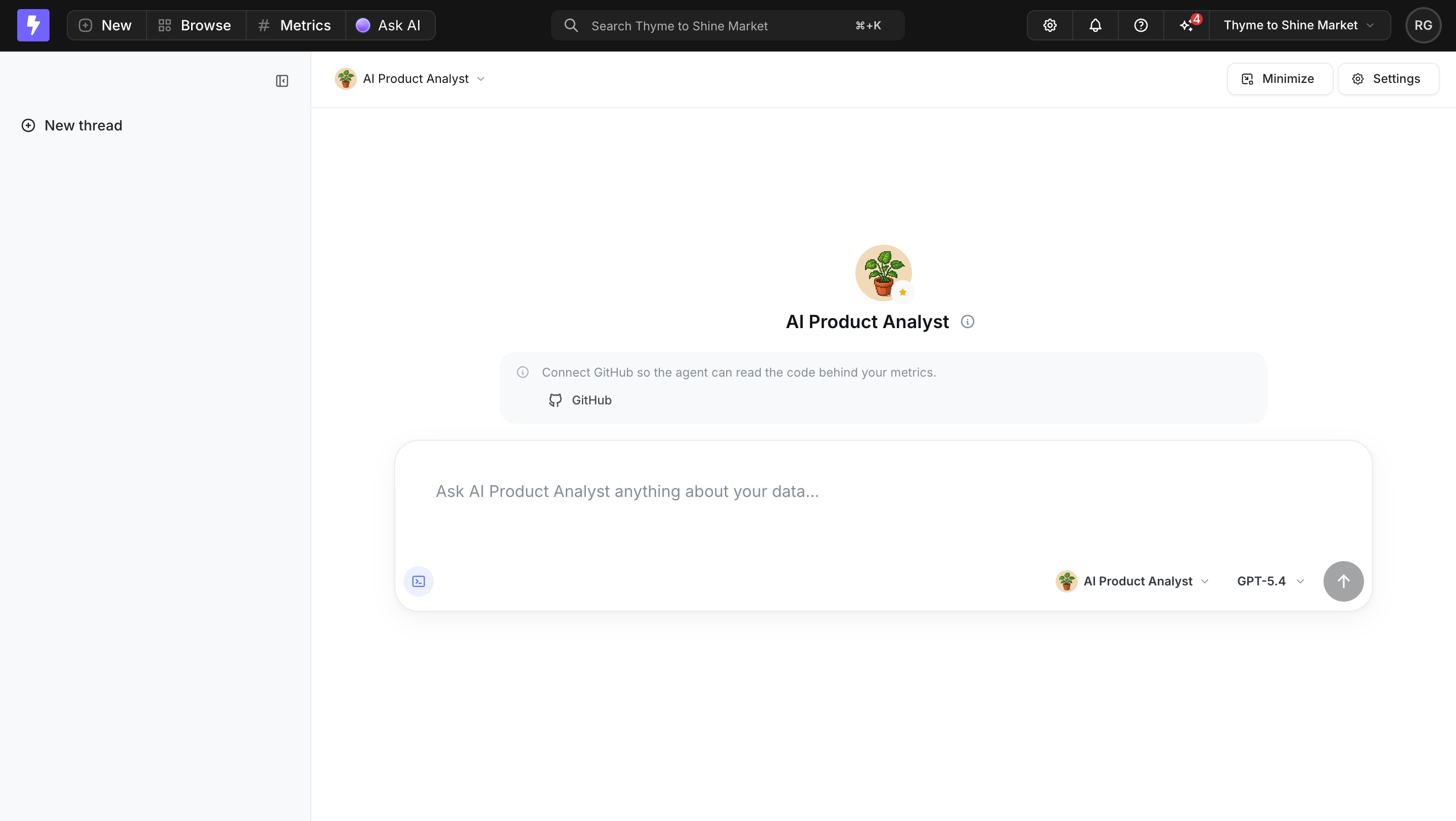
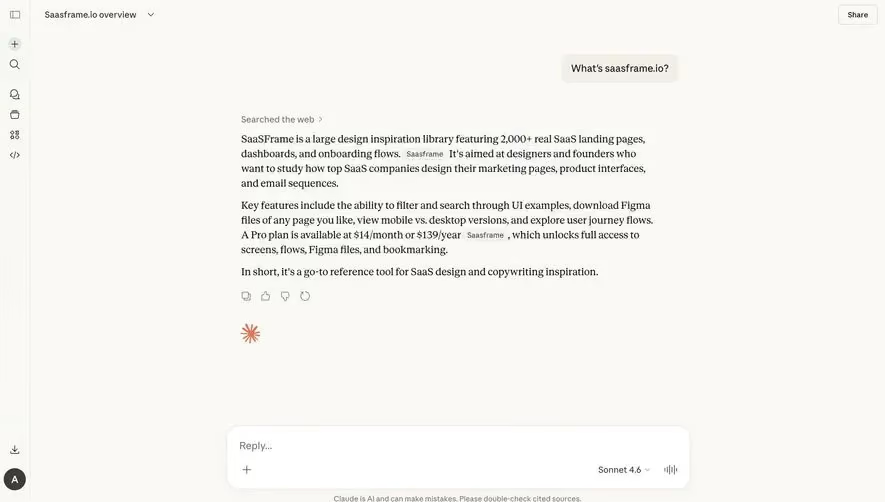
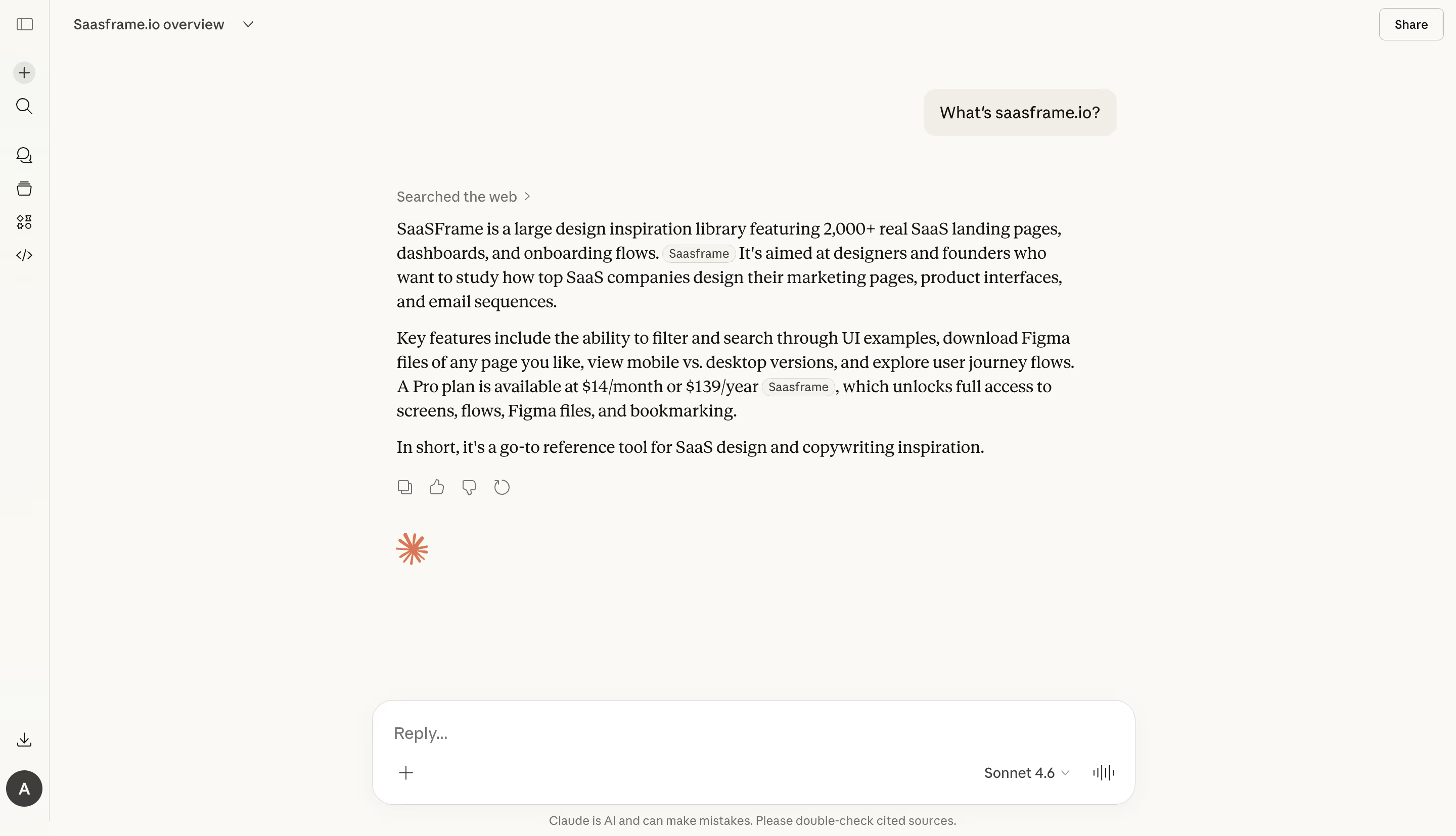
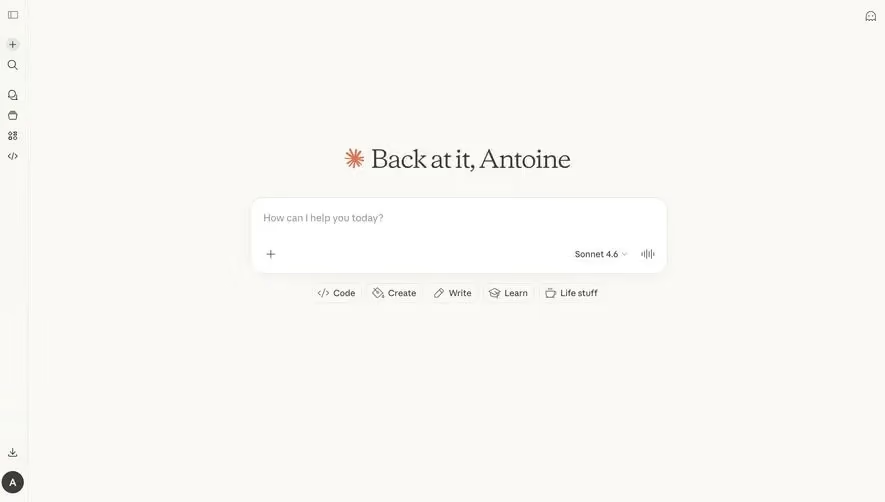
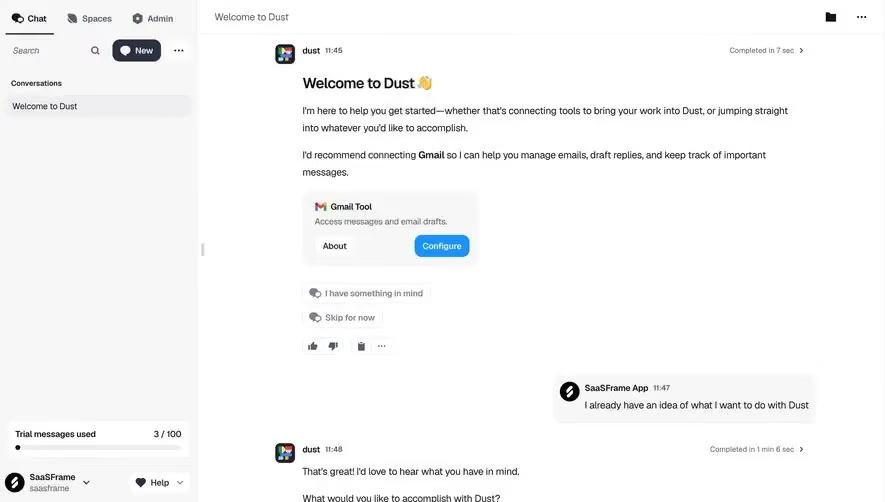
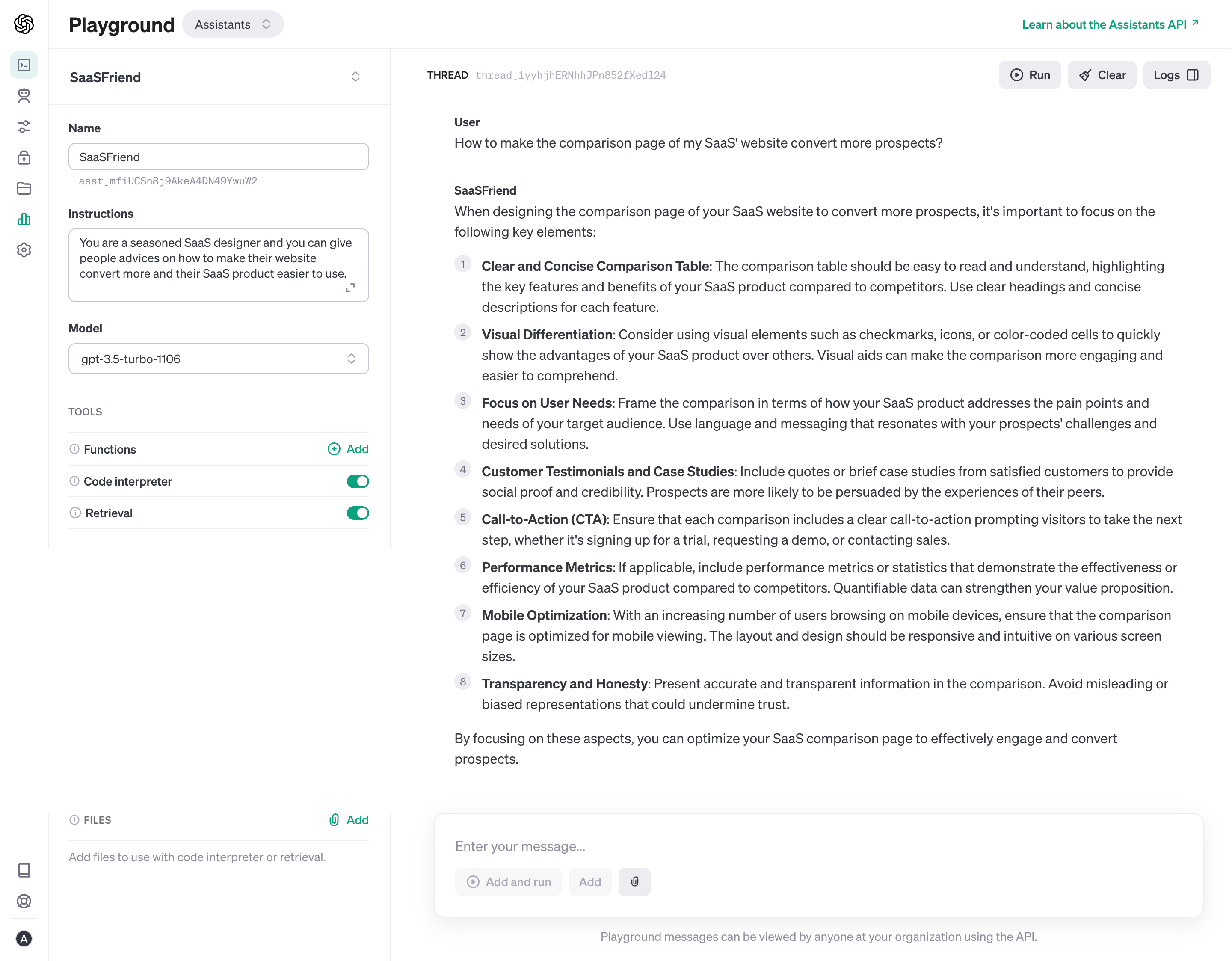
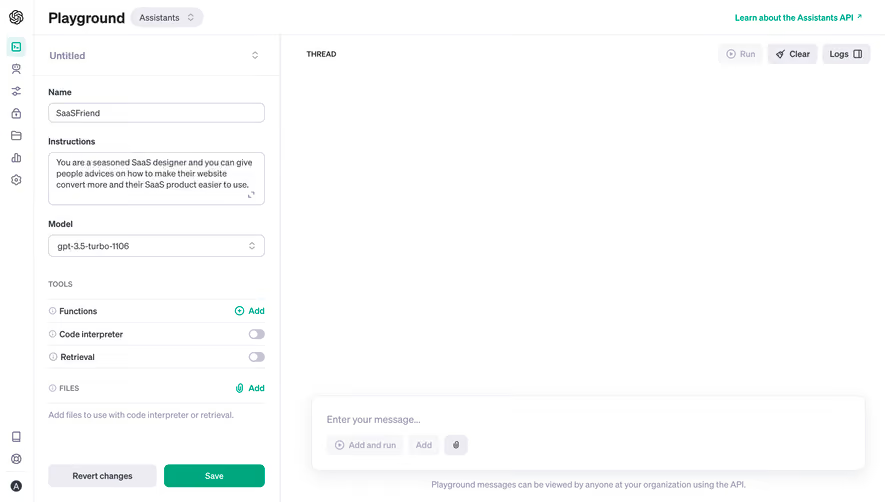
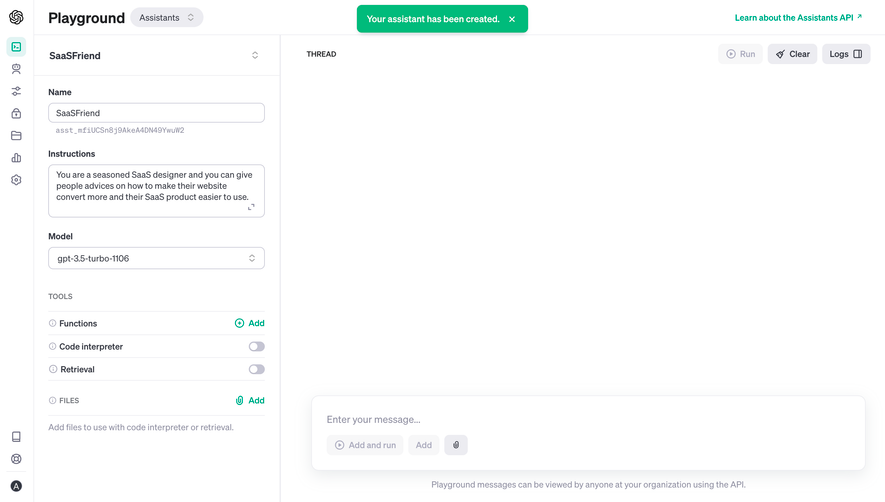
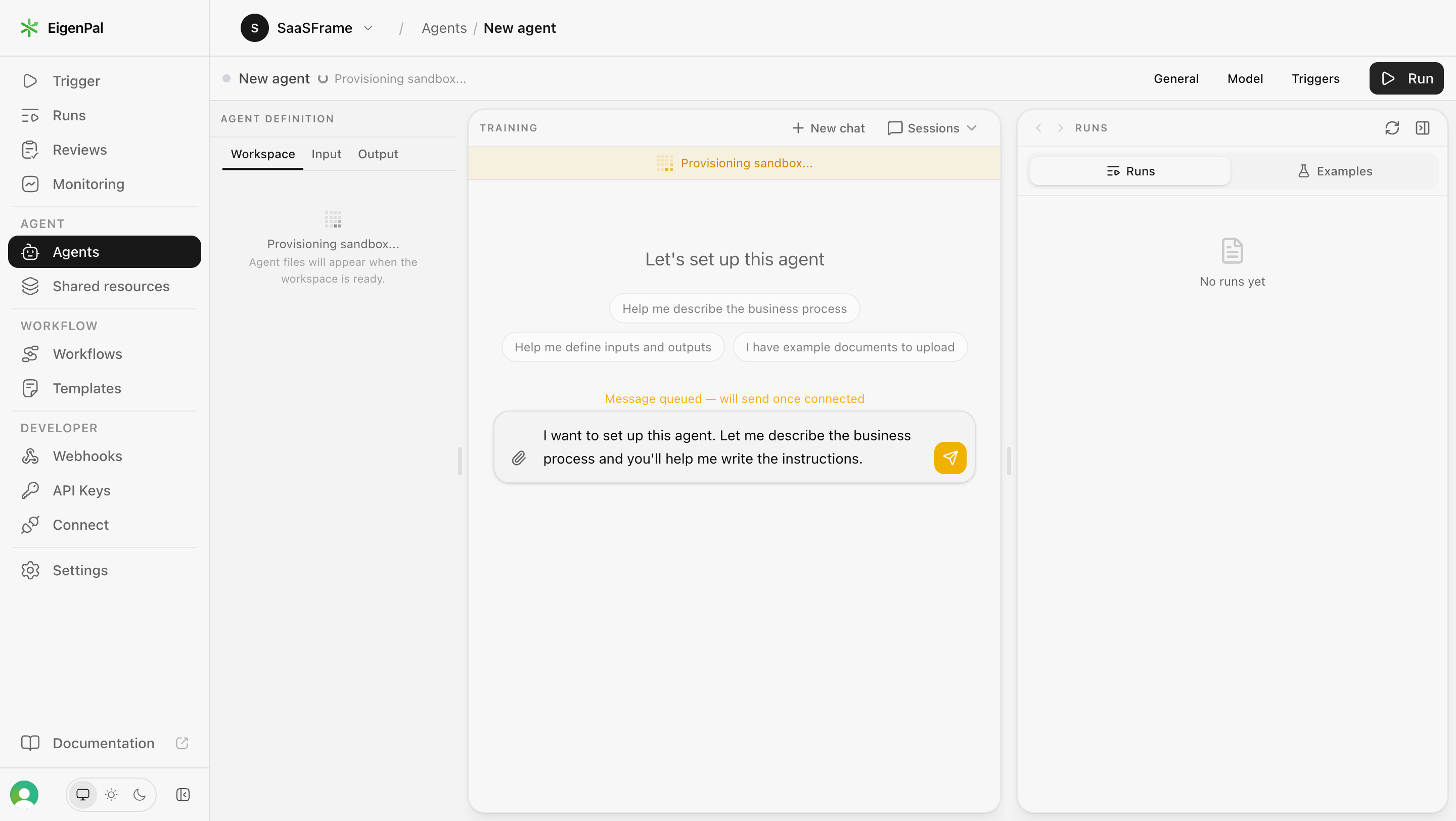
The SaaSFrame references show an app-builder starting screen, a business-analysis conversation, and agent setup within a wider workspace. They illustrate chat as a product interaction model rather than a generic message window. The captured responses are examples of visible presentation, not independent verification of the analysis they contain.
Define what the conversation is for
A support exchange, team discussion, and AI task interface have different responsibilities. Decide what users can reasonably accomplish through the chat and explain that scope near the starting point.
For an AI work surface, distinguish answering a question from editing an object or running an operation. A fluent response can describe a proposed change without applying it. Users should be able to tell which stage they have reached.
Keep the conversation connected to the surrounding product. The selected workspace, project, or agent matters when the same prompt could apply to several contexts. A generic composer should not conceal the subject of the task.
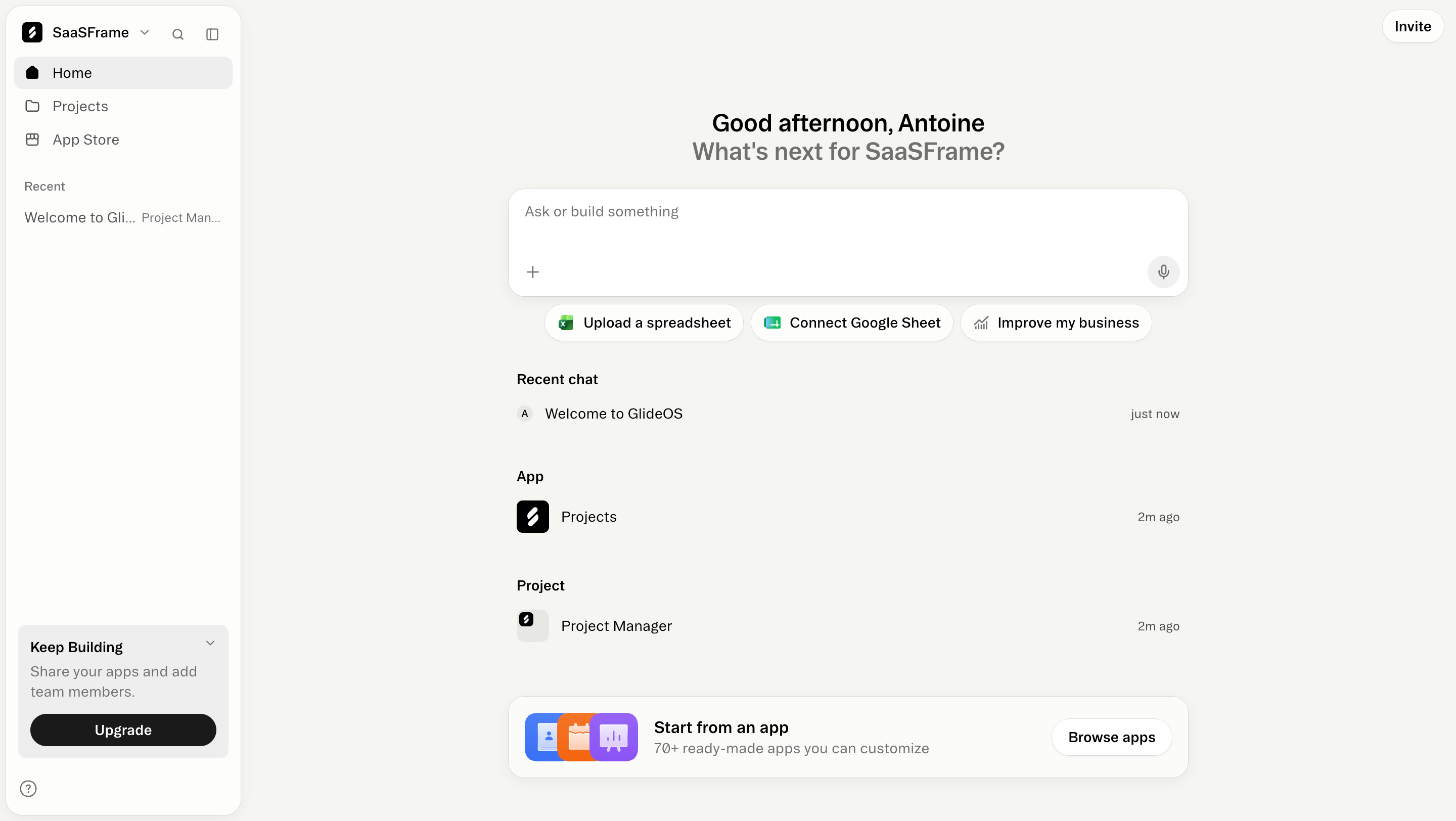
The Glide home capture centers an ask-or-build input and presents routes such as uploading a spreadsheet, connecting a Google Sheet, or exploring a business improvement. Recent conversations and app projects remain visible below.
This gives users several recognizable ways to provide context. The starting prompt is broad, but the adjacent routes make the product's working materials more concrete. Recent items also help returning users resume rather than begin again.
When adapting the structure, clarify what each shortcut opens or attaches. Selecting a data source is different from authorizing an integration. Do not make a contextual suggestion look like confirmed access to external information.
Keep user intent visible as the task develops
Long conversations can drift across several decisions. Preserve the important user request and identify the current task where useful. A conversation title should help people find the work again rather than merely repeat the first few words.
For complex work, summarize the accepted objective or next decision in plain language. The summary should not replace the original messages or silently introduce a new scope. Users need a way to correct misunderstandings.
Make explicit choices distinguishable from free-form discussion. If a card or button selects a next task, show what was selected and how it affects the workflow. Do not leave the resulting action dependent on an invisible interpretation.
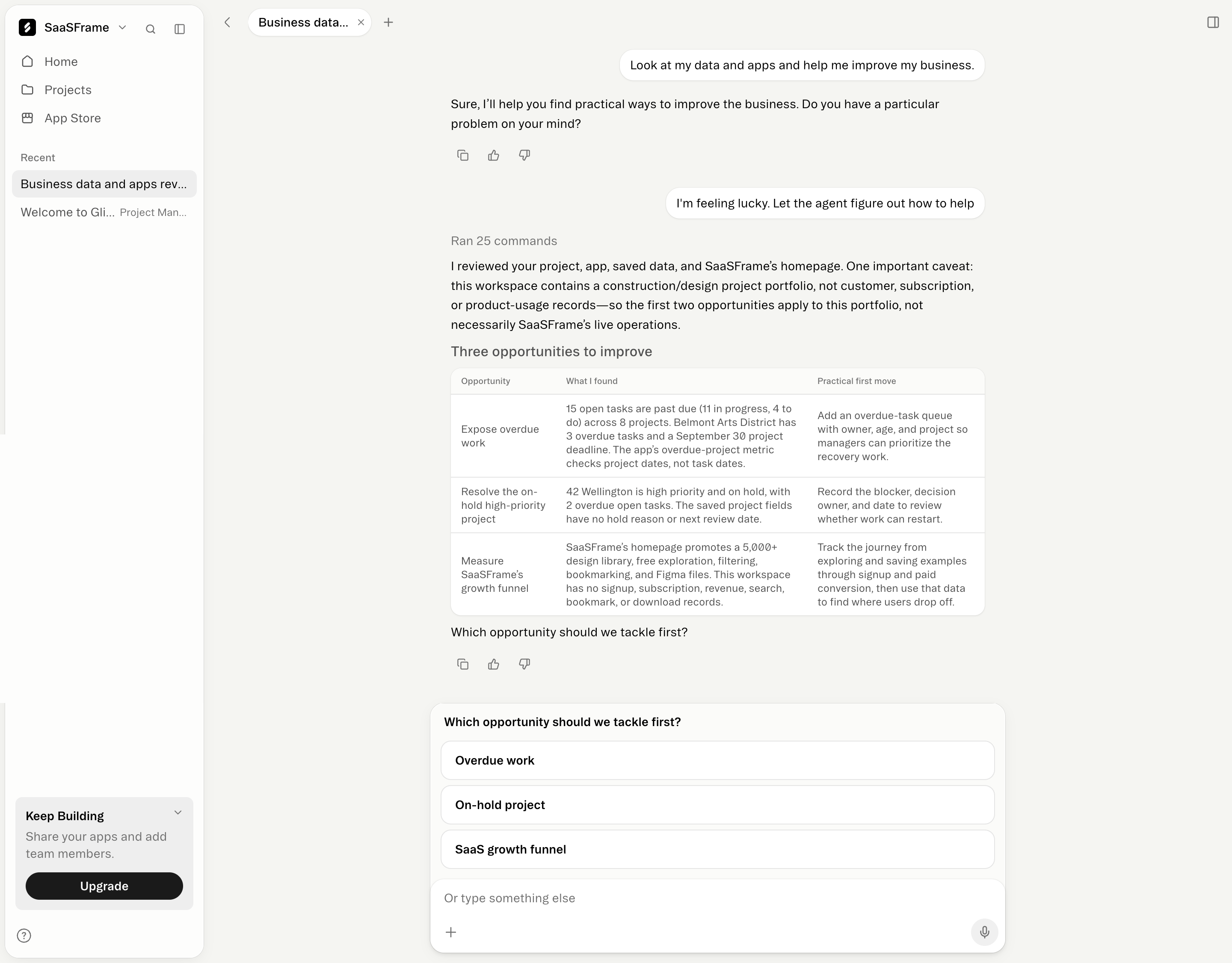
The Glide business-analysis capture includes a visible tool-activity count and a response that identifies the data it reviewed. It also notes a mismatch between the available project portfolio and live customer or product-usage records before presenting opportunities.
That boundary is useful interface content. A response can be relevant to the available workspace while still being unable to support a broader business conclusion. Showing the limitation helps the user interpret the proposed work.
When adapting the model, distinguish a tool-activity summary from evidence of correctness. A count of commands does not establish that the right data was inspected. Provide meaningful source context and let users inspect supporting material where practical.
Separate suggestions from applied changes
A chat may propose an edit, generate a draft, or change the product immediately. Use labels and feedback that make the distinction explicit. An attractive result card should not imply that an action was applied when it only contains a recommendation.
For shared or consequential changes, a review stage can identify the target and effect. For routine edits, a confirmed result and undo route may be sufficient. Choose the interaction according to the actual consequence.
Keep the artifact accessible outside the conversation where the product supports it. Users should not need to search a long message history to find the current app, document, or workflow that the chat helped create.
The EigenPal capture places agent setup within a screen containing workspace, input, output, training, and run areas. The chat shows a provisioning state and a message queued until a connection is ready.
This distinguishes the user's submitted intent from the system's ability to execute it. Queued work is not a completed result, and an empty run area is not proof that the task succeeded.
Use similarly precise states for your own system. Tell users whether the message is waiting, an operation is running, or a result is available. If the dependency fails, explain what happens to the queued request and how to recover without duplicating work.
Keep context selection inspectable
Files, selected objects, connected sources, and previous messages can affect the result. Show the relevant context in a form users can review before submitting. A hidden attachment or stale project selection can produce a coherent answer to the wrong task.
Let users remove or replace context when appropriate. If a source is unavailable, distinguish that state from an empty source. Do not silently act as though a failed connection provided trustworthy data.
Explain the scope of conversation memory where it affects the task. A new thread, an agent session, and a persistent workspace may carry different context. Their labels should help users predict what the system knows.
Make long output navigable
Responses can include prose, tables, code, and artifacts. Use a structure that fits the information rather than making every answer a large text block. A concise explanation can establish the result before presenting detail.
Keep key actions near the relevant output. Copying code, opening an artifact, and selecting a next task are different operations. Label them accordingly and avoid a generic button row with ambiguous targets.
For streaming output, preserve reading stability. Users should not be forced back to the bottom whenever they scroll to inspect earlier material. Make it clear when the result is still being produced.
Support revision without losing the decision trail
A user may edit a prompt, retry a response, or ask for a variation. Explain whether that creates a new branch or changes the existing conversation state. The history should not show several outputs with no indication of which one is current.
Preserve applied changes separately from regenerated text. Rerunning an explanation should not automatically repeat an external operation. If another run changes an artifact, show the confirmed result and relevant version context.
Errors should preserve the user's message and attachments. A retry route needs to distinguish submission failure from uncertain execution. Otherwise, a repeated message can produce duplicate actions or conflicting edits.
Design the composer for real input
Use a readable input area, clear submission control, and understandable newline behavior. Attachments and voice input should have identifiable states and removal routes. Do not hide an essential action behind hover.
Keyboard users need a usable path through the conversation and result actions. New messages and progress updates should be communicated appropriately without overwhelming the reading experience.
On mobile, account for the on-screen keyboard and long responses. The composer should not obscure the result being reviewed or consume so much space that the task context disappears.
Test task completion and correction
Ask users to start with a realistic request, inspect the available context, interpret the answer, and revise the task. Observe whether they can identify a proposal, a pending operation, and a confirmed result.
Test missing data, failed tools, queued messages, long histories, multiple artifacts, and workspace switches. Include a result that is plausible but based on the wrong context to see whether the interface helps users notice.
Measure successful work and understandable recovery alongside message counts. A long conversation may reflect a complex task or repeated attempts to correct an unclear interaction model.
Frequently asked questions about SaaS chat screens
Should chat replace the rest of the interface?
Only when it supports the task better. Structured objects, settings, and result views often remain useful companions to conversation.
Does a tool-activity count establish that an answer is reliable?
No. Users also need the relevant source context and an understandable relationship between the activity and the conclusion.
How should queued messages appear?
Identify the dependency and pending state clearly. Explain recovery if execution cannot begin, and avoid making a queued request look completed.