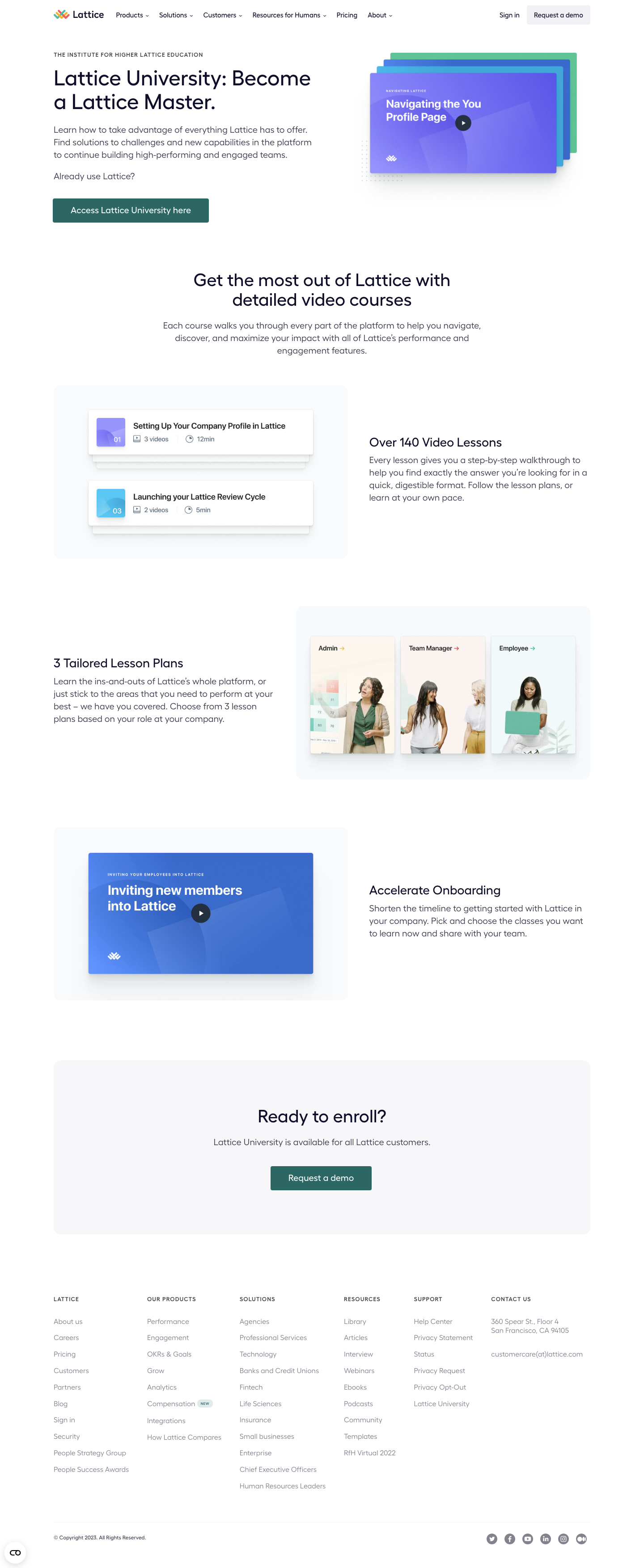
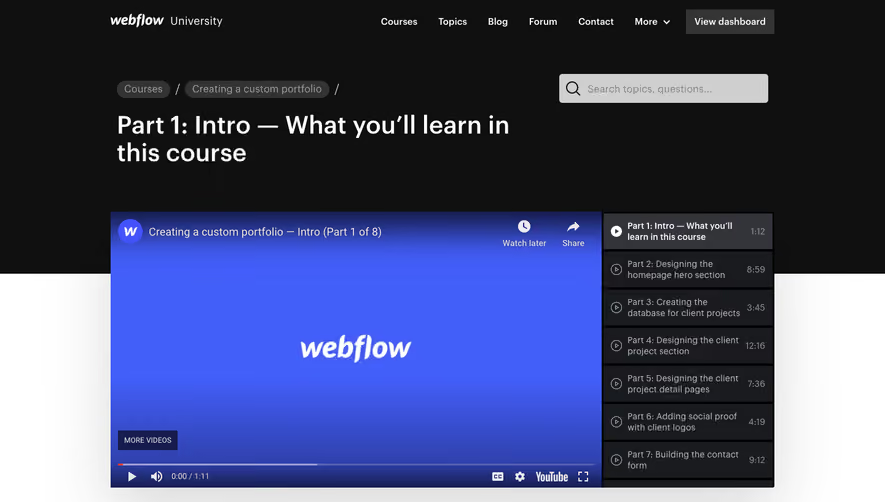
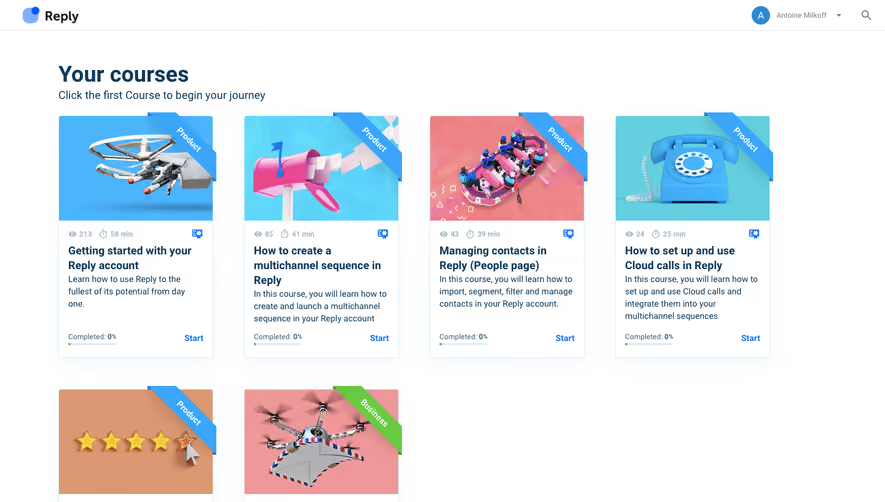
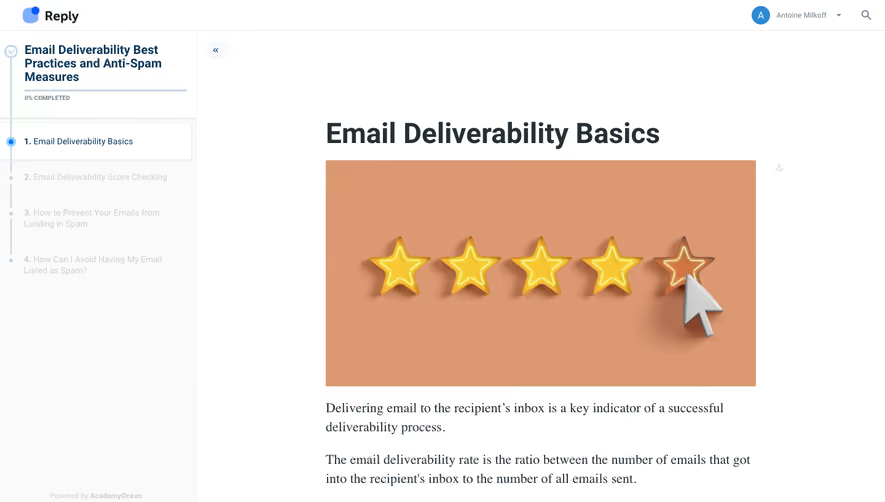
Educate your users and reduce churn with professional SaaS Academy and Learning Center designs. These examples showcase structured course layouts, progress tracking UI, and video-first tutorials designed to turn trial users into product experts through structured education.
Browse 25 real SaaS Academy with modern UI patterns and conversion strategies.
We sell SaaSFrame licenses on Gumroad, a secured online selling platform for creators.
What about future updates and versions?
SaaSFrame gets updated all the time! Every new update and version will immediately be made available to all SaaSFrame users.
I didn't receive my licence key, what should I do?
The licence key required to create your SaaSFrame account is send by Gumroad once you made your purchase. If this email is blocked by your email client, send me an email at antoine[at]unmake[dot]io so I can resend the licence key.
Can you send me an invoice?
You can generate an invoice on Gumroad once you purchased SaaSFrame. You will find the link in the order confirmation email.
Can I get a refund?
If you're not satisfied, you can ask for a refund within 7 days. Just send me an email at antoine[at]unmake[dot]io
Academy Design Guide
A SaaS academy page introduces a structured learning experience. It should explain the learner's goal, course contents, expected effort, and enrollment route rather than presenting education as another generic product CTA.
Define the learning outcome
Name the topic and intended learner. A product tutorial, professional framework, and certification program require different expectations.
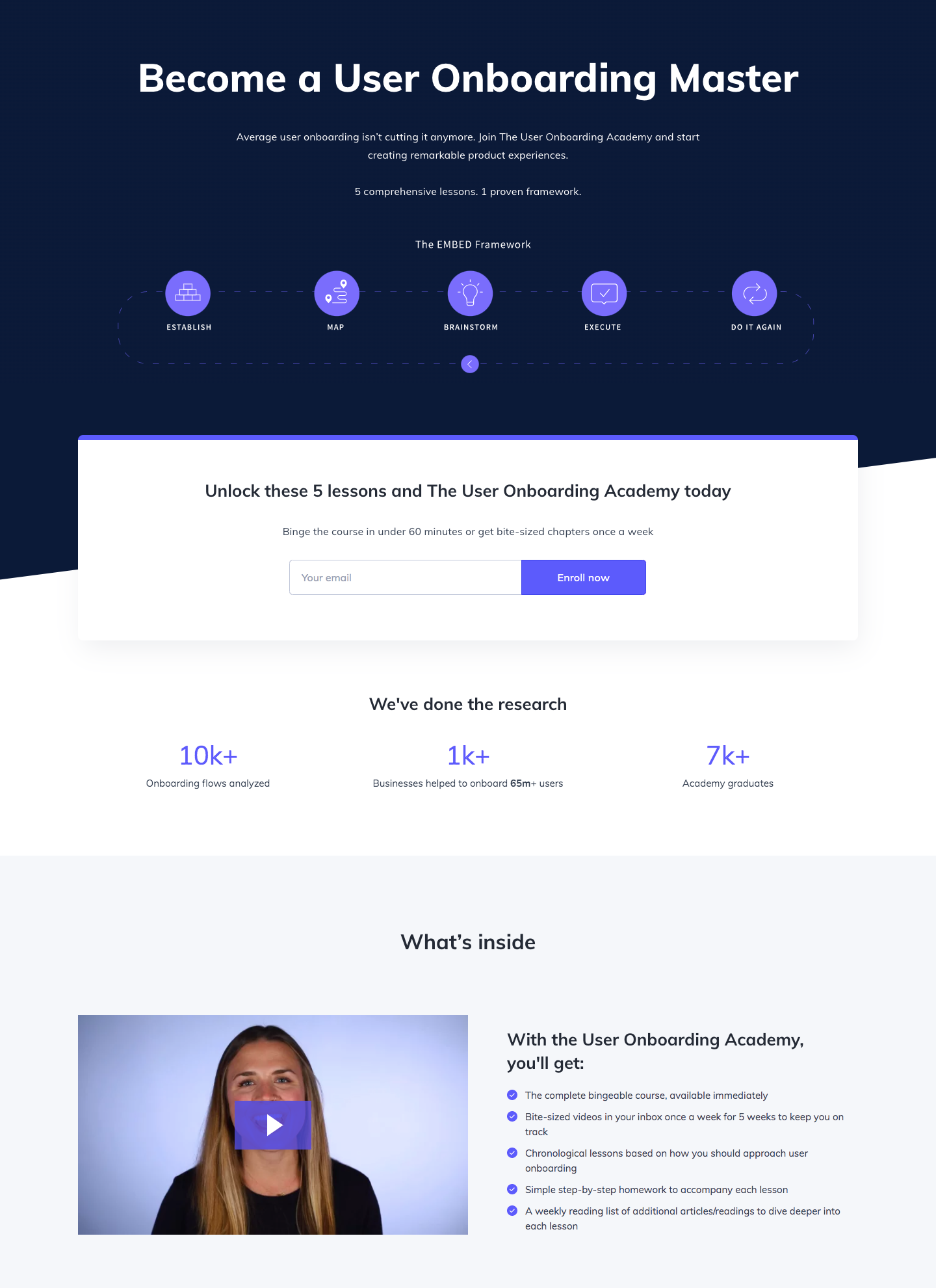
The Appcues academy reference introduces a user-onboarding course with a framework, a lesson summary, an email enrollment form, a video entry, and supporting learning material.
This gives the course an identifiable shape. Visitors can understand the subject and how lessons are organized before joining. Avoid treating the captured promotional results as evidence that every learner will achieve the same outcome.
Explain what enrollment includes
Describe whether learners receive immediate course access, scheduled emails, live sessions, worksheets, or another format. State the actual sequence and required account setup.
Keep duration and effort distinct. A course delivered over several weeks may require only a short study period per lesson; a compact course can still require substantial practice.
If a qualification or completion credential exists, explain its real requirements. Do not imply certification when the offer is simply a collection of lessons.
Make the curriculum scannable
Use lesson topics or modules that show progression. A visitor should understand how foundational material connects to later practice.
A framework illustration can summarize that progression, but text should preserve the meaning. Avoid a decorative diagram that makes the course appear structured without explaining its contents.
Provide enough detail to judge relevance without revealing every lesson on the enrollment page. A sample can help visitors evaluate depth and teaching style.
Connect proof to the learning experience
Instructor context, sample teaching, and attributed learner feedback can support evaluation. Present them according to what they establish.
Enrollment totals or company logos show participation context; they do not independently demonstrate learning effectiveness. A video introduction can show teaching style but should not be the only explanation of the curriculum.
An enrollment page and a welcome email have different responsibilities. The page explains the offer; the follow-up should help the learner access the first lesson.
Keep enrollment expectations precise
An email form should explain what happens next and preserve a clear distinction between enrolling in the course and subscribing to unrelated updates.
Use confirmation that matches the actual system state. Receiving an enrollment request differs from activating access or completing a lesson.
Provide a recovery route for missing messages or account-access problems. The learning journey begins after the page's conversion action.
Review the learner's full route
Check enrollment, confirmation, first-lesson access, progression, and return visits. Verify that the page's curriculum and effort claims match the actual course.
Use SaaSFrame's academy references to study learning offers and their supporting enrollment material. Build a page that makes the course's substance and delivery understandable.
Academy page questions
Is an academy the same as a resource library?
Not necessarily. An academy usually presents a learning structure, while a library supports independent resource discovery.
What belongs near enrollment?
Explain contents, delivery format, expected effort, and relevant requirements before asking the learner to join.
Do participation numbers prove learning outcomes?
No. They show participation context. Claims about outcomes require appropriately scoped evidence.