.webp)
Integration interfaces sit between two products, two permission models and often two sources of truth. Their job is not merely to display app logos. They must help users predict what data will move, what access will be granted and how to diagnose a connection later.
Discovery and configuration are different stages
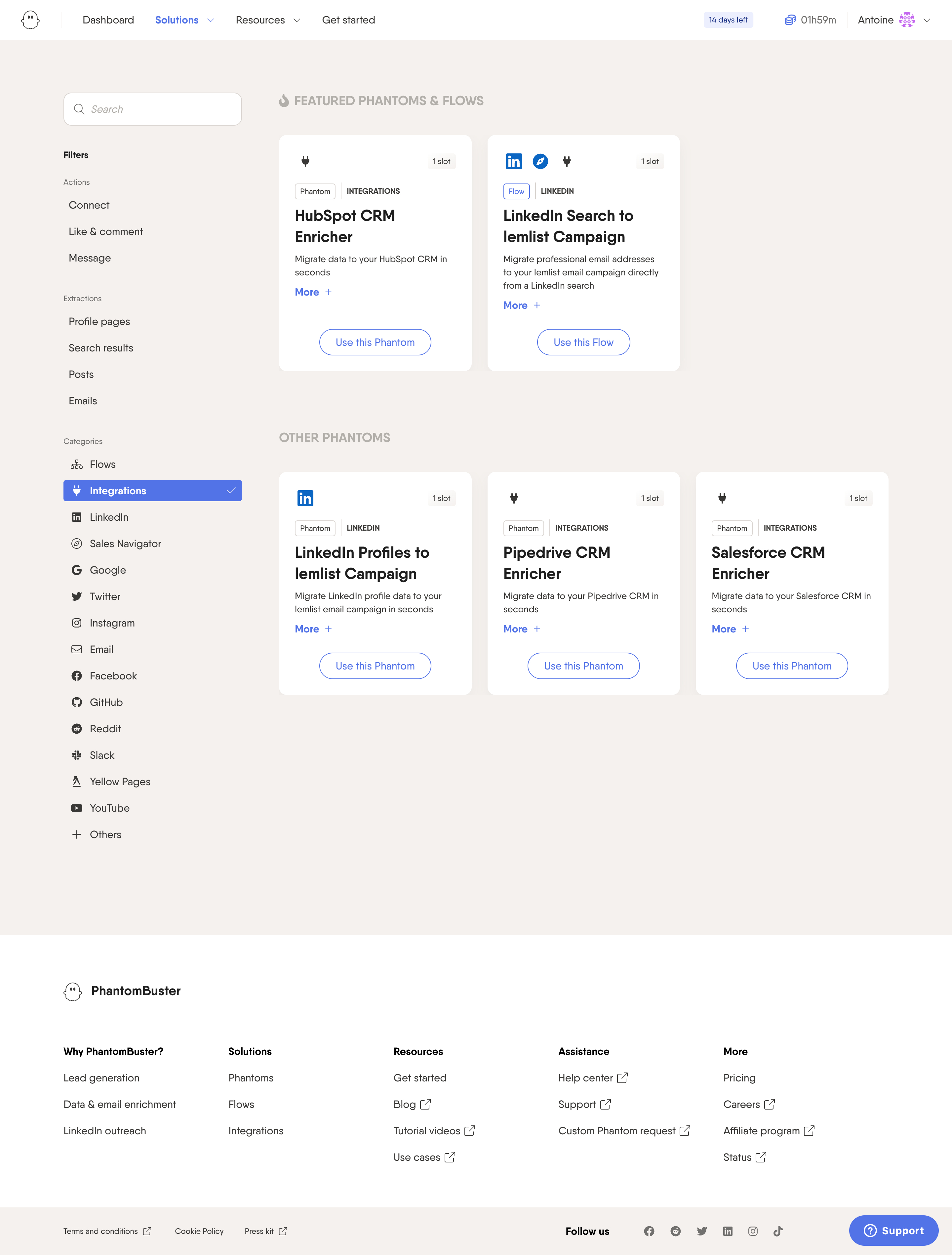
Phantombuster and Olvy expose available integrations as a browsable ecosystem. At this stage, users are deciding whether a connection can solve a problem—not yet configuring credentials.
Study Phantombuster: Phantombuster Integrations on SaaSFrame
Study Olvy: Olvy Integration Settings on SaaSFrame
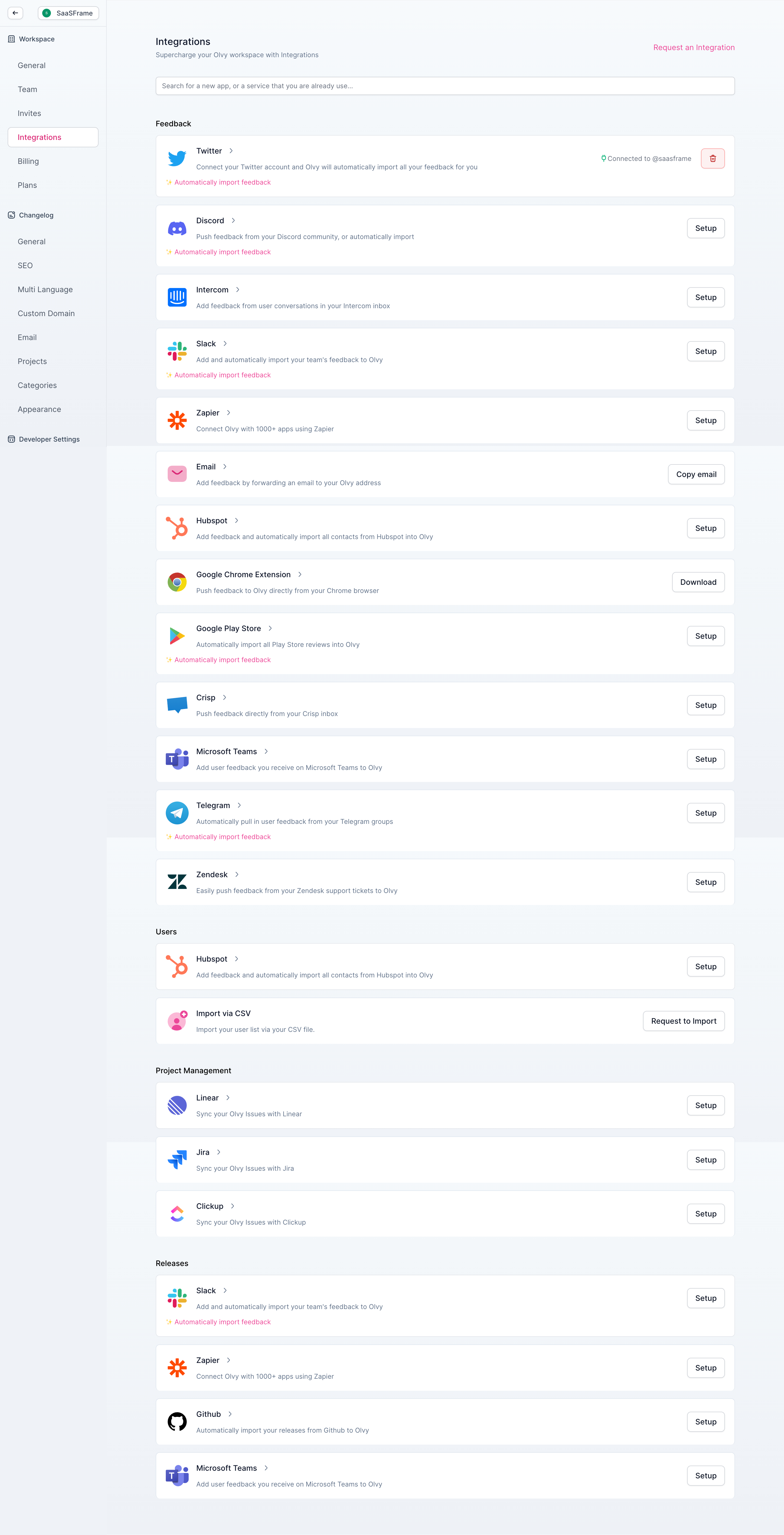
Cards should therefore explain the workflow outcome before technical requirements. Move tokens, scopes and field mapping into a dedicated setup flow after intent is established.
A connected state needs more than a green badge
Mercury’s settings context makes integrations feel like account-level infrastructure. “Connected” is only useful when users can also see the connected account, last successful sync and available management actions.
Study Mercury: Mercury Integration Settings on SaaSFrame
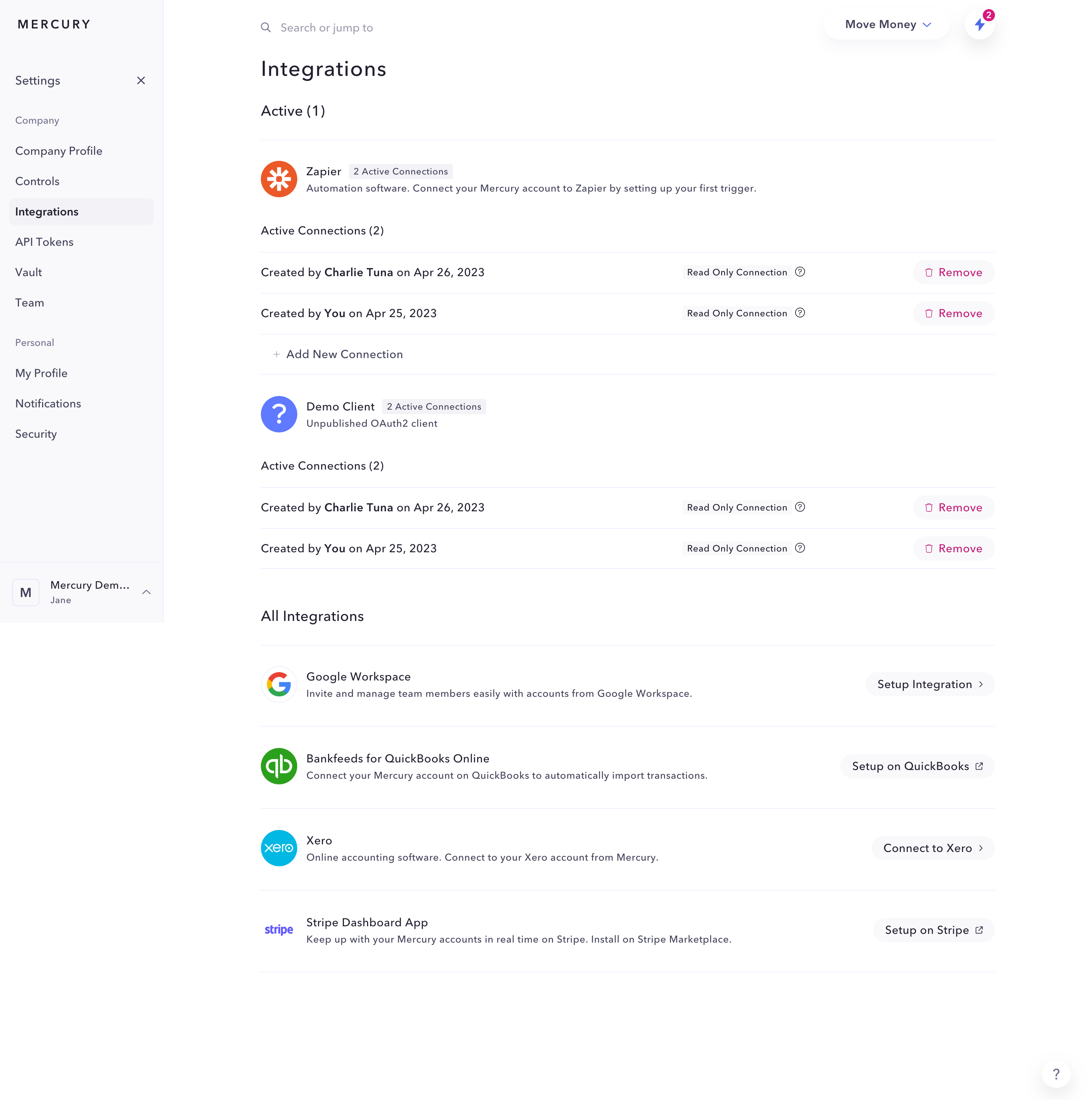
If a connection silently expires, a green historic status becomes misleading. Show freshness and failure information, not just the existence of credentials.
Authorization should explain the exchange
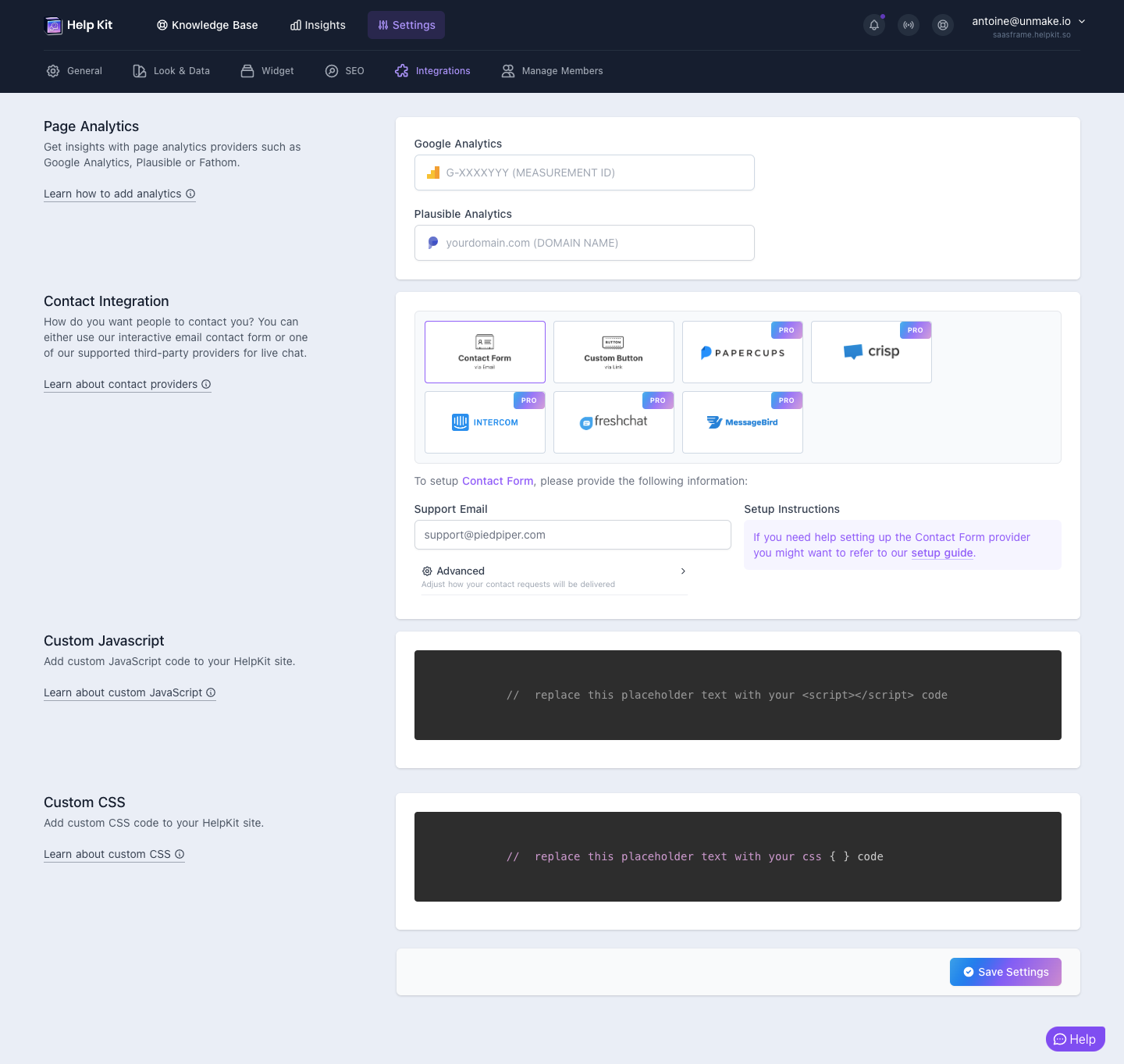
Help Kit and MonSpark reduce setup to focused choices, but users still need to know what the host product will read, write or trigger. Permission language should describe product behavior rather than OAuth vocabulary alone.
Study Help Kit: Help Kit Integration Settings on SaaSFrame
Study MonSpark: MonSpark Slack Connection on SaaSFrame
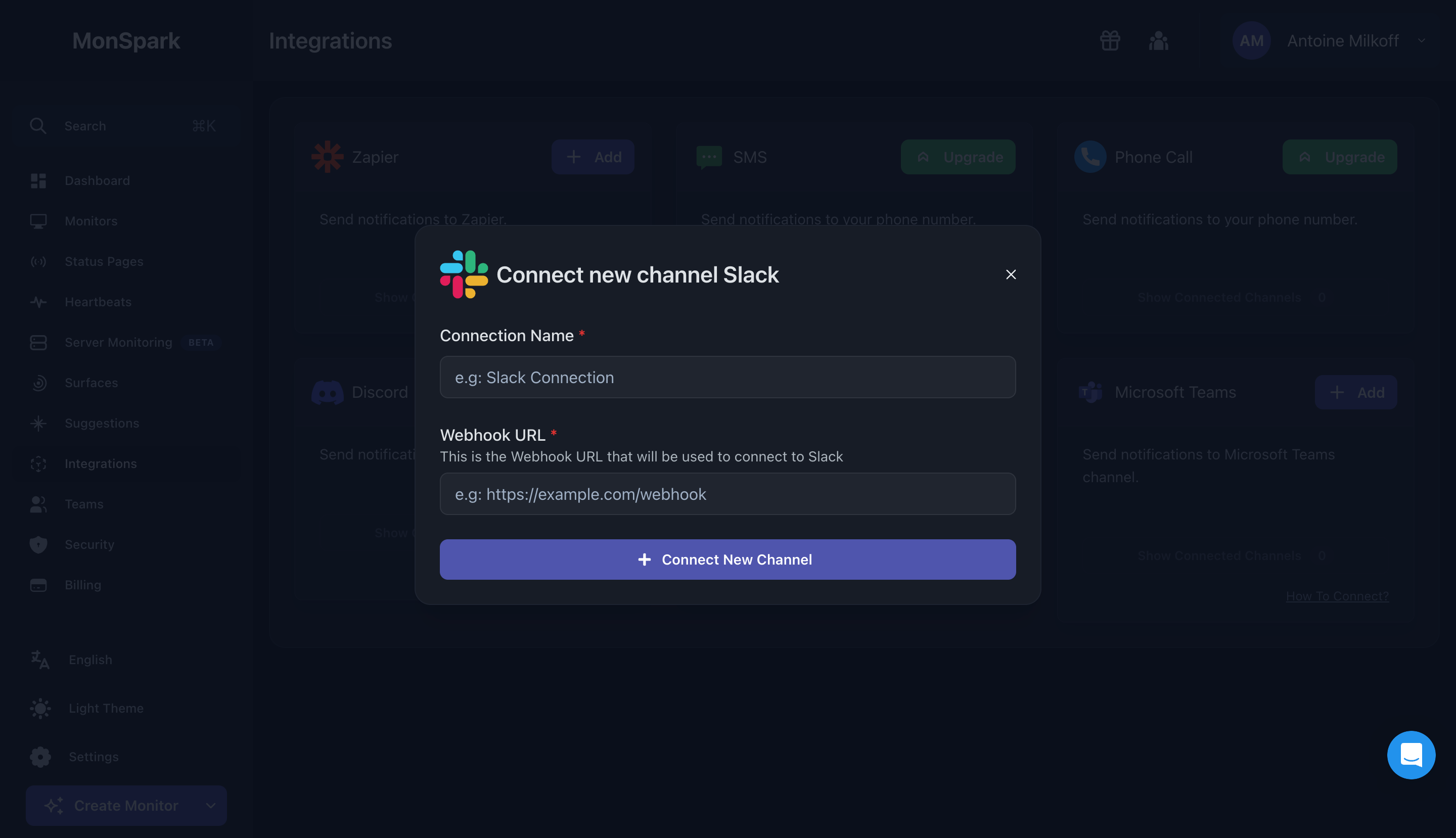
Before redirecting to an external authorization screen, name the destination account and expected result. After return, confirm success in the same language.
Technical setup needs a verification step
Meiro demonstrates the value of staged configuration when an integration requires several inputs. The final step should not simply save settings—it should prove that the systems can communicate.
Study Meiro: Meiro Integration Setup on SaaSFrame
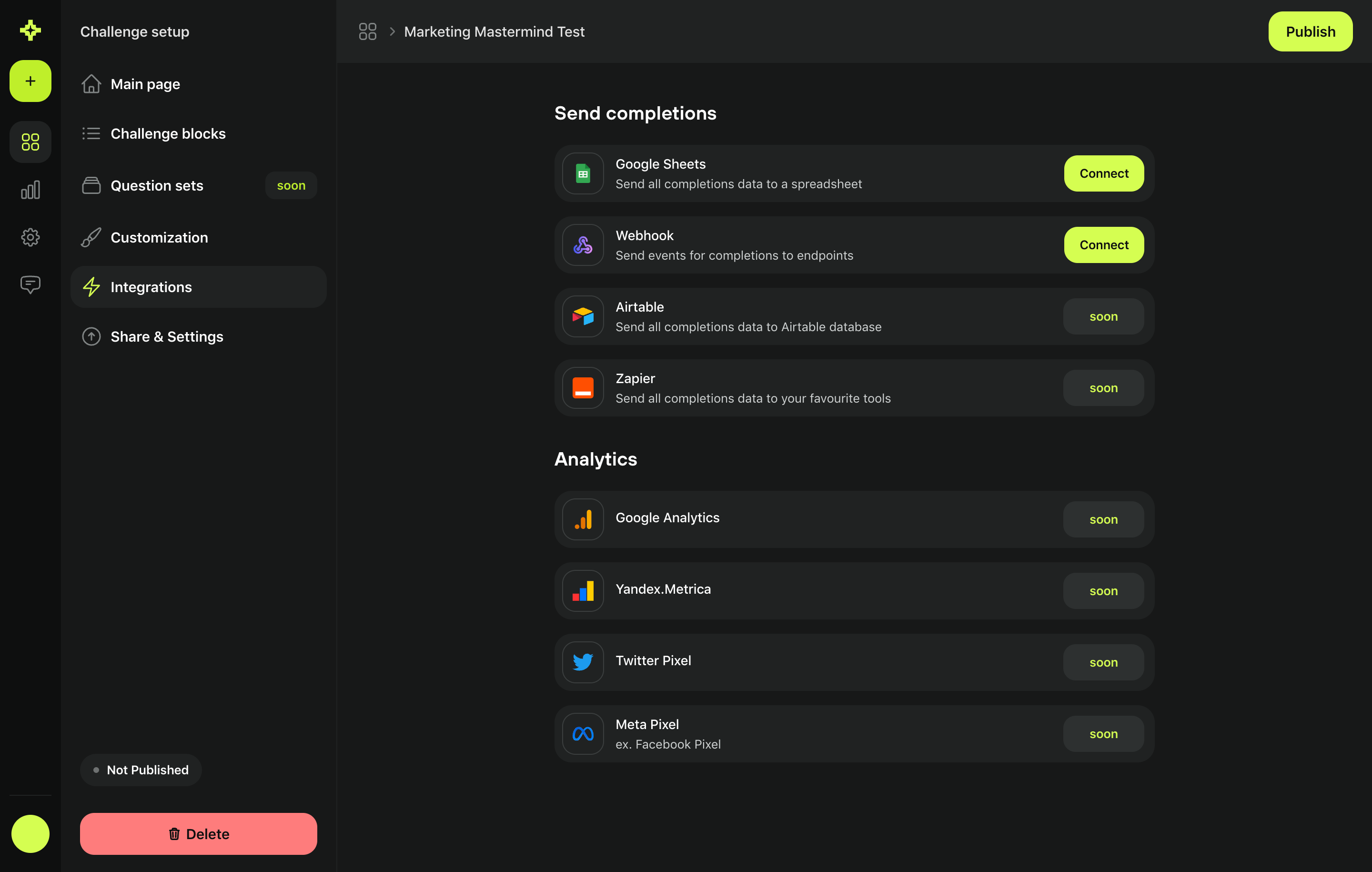
Offer a test event, sample import or last-sync signal. Verification turns a configuration form into a closed feedback loop and reduces ambiguous support requests.
What to carry into your own design
Map integration UX as a lifecycle: discover, understand, authorize, configure, verify, monitor and disconnect. Most weak experiences design only the middle two steps. The durable interface makes every state, especially failure and reconnection, legible.
Explore more real interfaces in the related SaaSFrame collection.