Usage-Based Billing
7
Interfaces showing metered consumption, allowances, overages, and usage-linked costs.
.webp)
Usage-based billing charges according to a measured quantity rather than only a fixed subscription or seat count. The interface must help people understand the unit, estimate a cost, monitor consumption, and reconcile what they used with what they are charged. A clear rate is only one part of that experience.
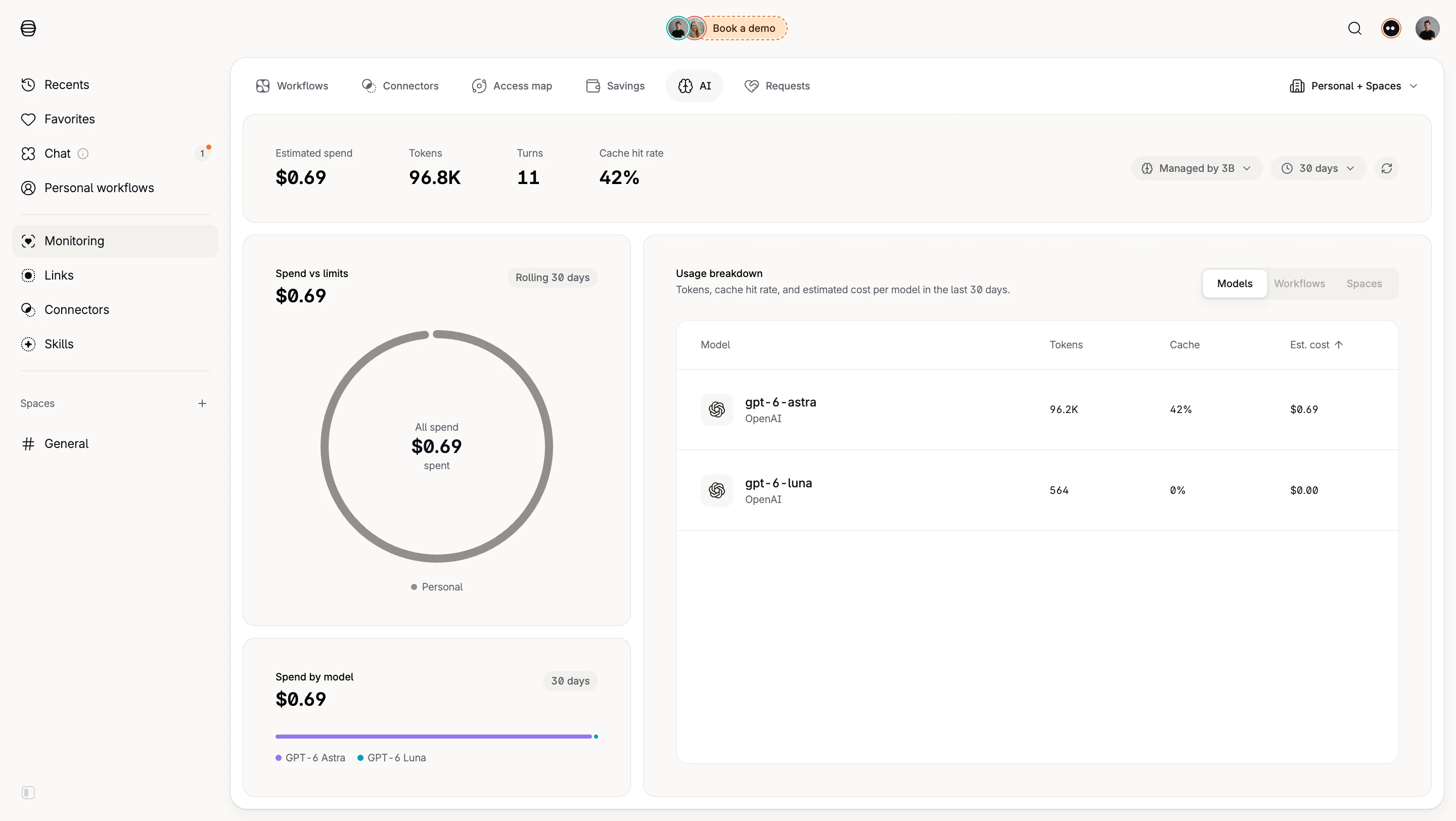
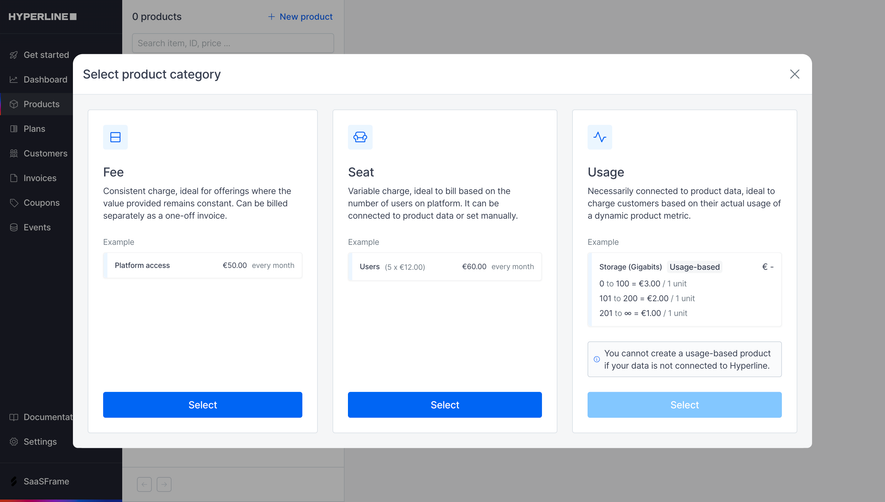
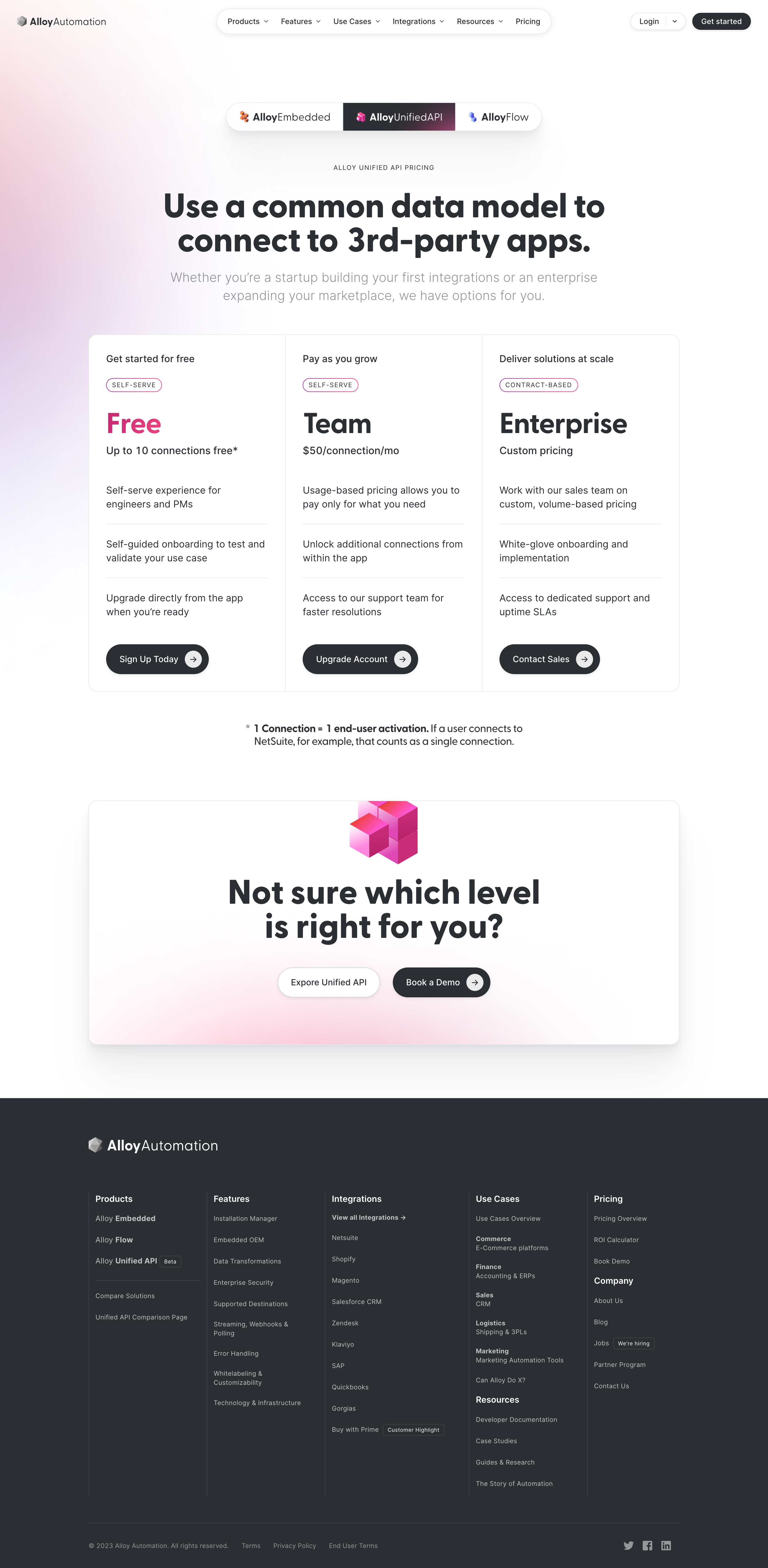
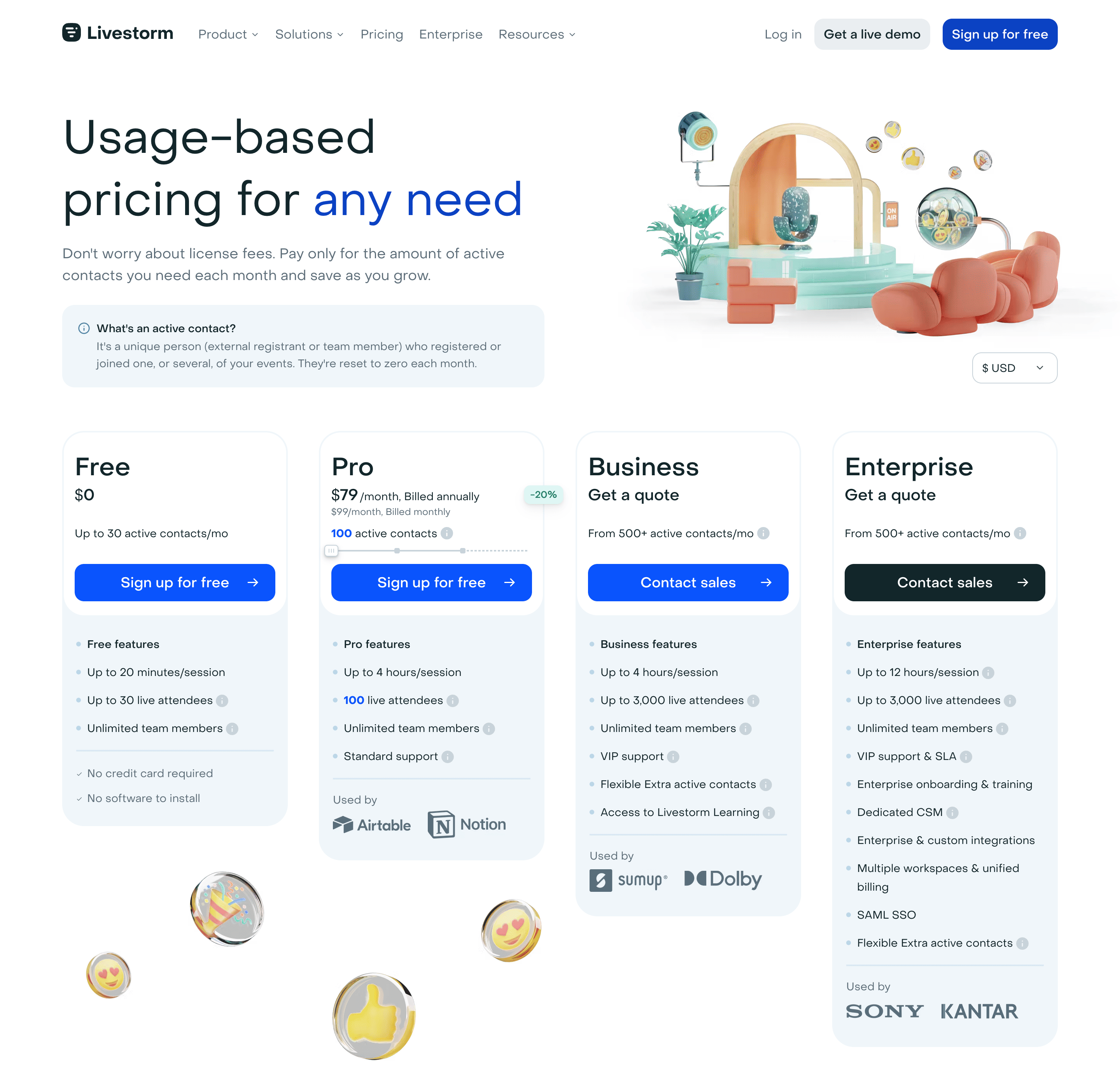
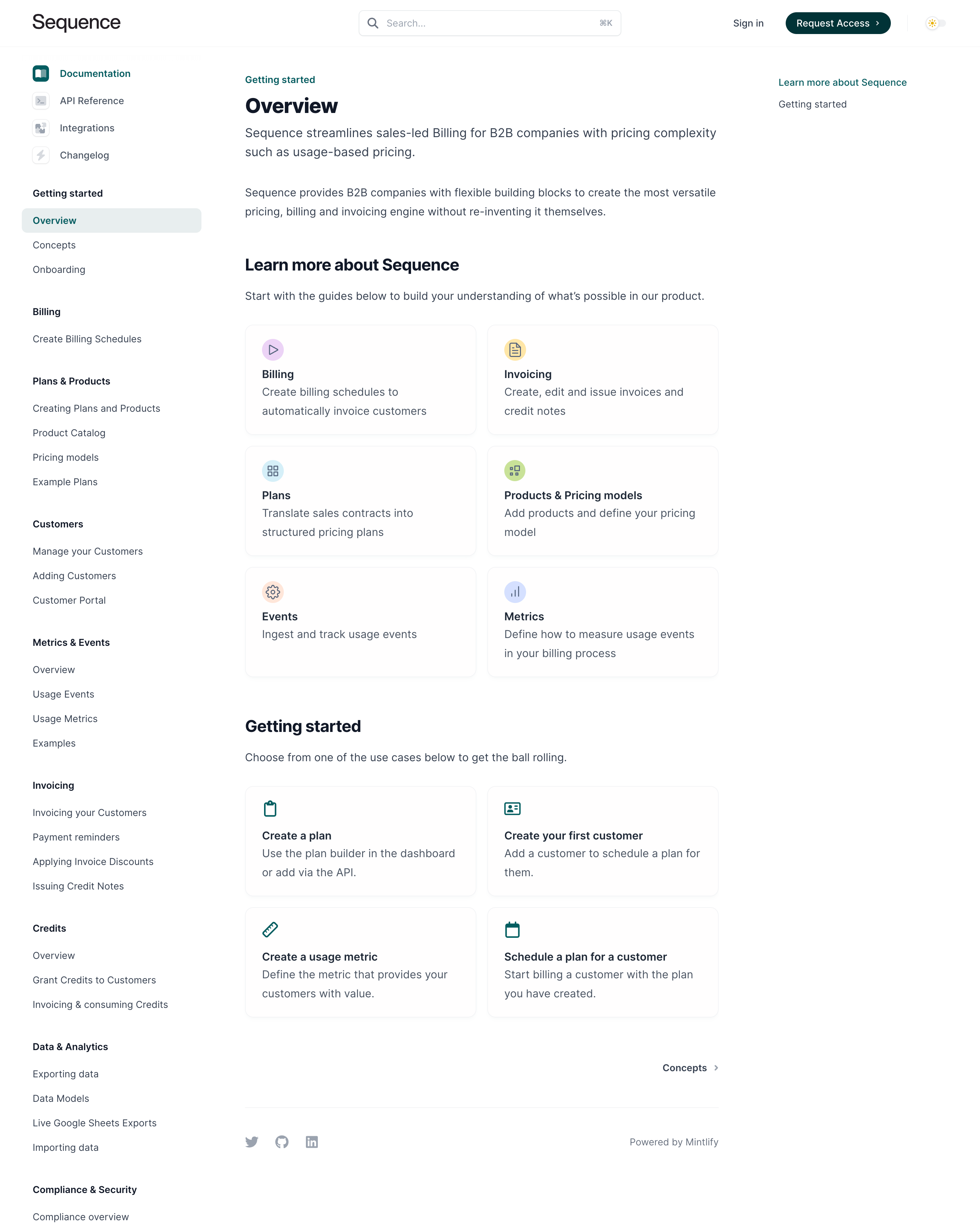
Alloy’s captured pricing page defines a connection, Livestorm’s page explains an active contact, and Sequence’s documentation separates events, metrics, plans, and invoices. These examples illustrate different parts of the explanation. They are historical captures; displayed prices and policies are not presented as current offers.
A unit such as request, connection, contact, minute, or credit may sound familiar while having a product-specific definition. The definition determines what people can predict and control. Put it near the rate or quantity input rather than relying on a remote glossary.
Alloy’s captured Unified API pricing page uses connections as its unit. A note beneath the plan cards defines one connection as an end-user activation and gives an example involving a user connecting to an external application. The definition makes the pricing dimension more concrete.
Clarify boundary cases where they affect counting. Does a retry count again? Does a failed operation consume a unit? Are repeated uses by one person counted individually or deduplicated? Designers need the actual metering rules to write an accurate explanation.
A plan can combine included features with a variable quantity. Increasing usage does not necessarily unlock a feature, and changing tiers does not necessarily change the usage unit. Make both dimensions visible.
Livestorm’s captured page presents plan cards alongside active-contact allowances and other capabilities. The Pro card contains a quantity slider. This puts usage estimation within a plan comparison, where people also assess session and collaboration features.
Avoid making a quantity control silently switch the person to a different feature tier. If a threshold changes the available plan or sales route, explain the transition. Someone estimating volume should understand whether they are changing consumption, commitment, or entitlement.
Livestorm’s capture defines an active contact as a unique person who registered or joined one or more events and states that the count resets each month. The explanation connects identity, qualifying activity, deduplication, and the billing period.
A period label such as “per month” is insufficient when people do not know whether the month means a calendar month or their subscription cycle. State the relevant window and time-zone context where it affects the calculation.
Distinguish resetting a counter from deleting underlying records or restoring a credit balance. These may be separate operations. A person should understand what changes at the boundary and which historical information remains available.
A calculator or slider can reduce the effort of comparing scenarios. Pair the input with its unit and the resulting amount. If the rate changes across tiers, explain the applicable model rather than showing only an unexplained total.
Offer a numeric entry route when a slider covers a wide range. A person estimating an exact volume should not have to position a handle precisely. Keep selected values readable and operable with a keyboard.
Label the result according to its certainty. An estimate based on an entered quantity is different from a final invoice. Explain material assumptions such as base fees, included allowances, commitments, or taxes where they apply to the product.
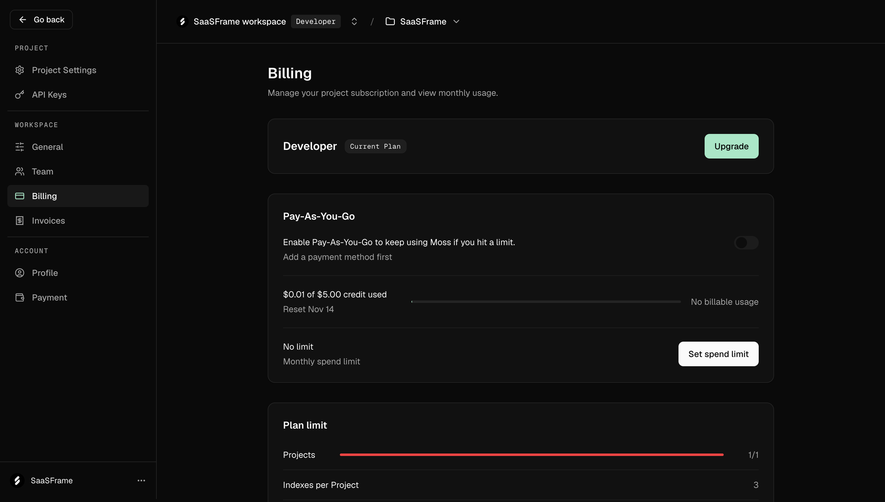
Some products combine a fixed subscription with usage, minimum commitments, included allowances, or prepaid balances. Present those components as a coherent calculation. A low unit rate can be misleading when a large minimum payment is omitted from the immediate explanation.
Different tier models can produce different totals. A rate applied to every unit at a chosen volume and rates applied separately to bands are not interchangeable. Show an example calculation when the distinction is likely to affect a decision.
Use examples that match the actual contract. Avoid rounding away a meaningful fee or using an unrealistic quantity just to produce a reassuring total. The purpose of the estimate is to help someone budget for their expected activity.
Sequence’s captured documentation overview distinguishes Events from Metrics and separates them from Plans, Billing, and Invoicing. The Events card concerns tracking usage events; the Metrics card concerns defining how those events are measured. That separation is useful for explaining the path from activity to a charge.
A customer-facing usage page should connect its labels with the invoice vocabulary. If the dashboard calls a quantity “tasks” and the invoice calls it “operations,” provide the relationship or use consistent terminology.
Where appropriate, let permitted people inspect the relevant usage breakdown. A total becomes more understandable when its resource, time period, or activity source can be reviewed. Do not imply that an operational event list is identical to the final billable total if adjustments or aggregation intervene.
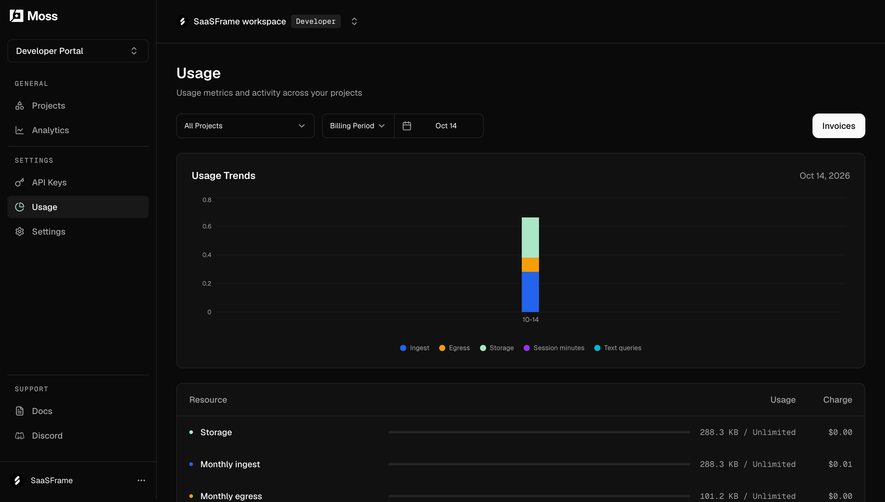
Show the recorded quantity and the financial estimate as distinct information. An amount projected from current activity may change before the period closes. A final invoice should have a different state and label.
Explain data freshness. Some systems process usage asynchronously or receive delayed events. A dashboard that appears precise while omitting recent activity can create false confidence. Display the relevant update time or qualification where it matters.
If adjustments can change a closed or provisional total, give people a route to understand them. A correction should not look like unexplained consumption. Preserve enough context for a customer to reconcile the difference.
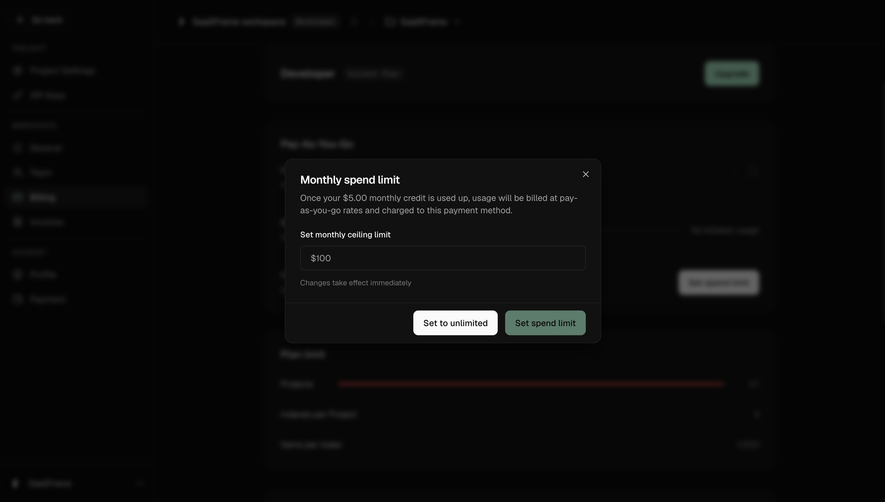
A usage alert informs someone that a threshold was reached. A hard cap stops or limits further activity. These are different controls with different consequences. Use labels and descriptions that make the distinction explicit.
If alerts are available, explain who receives them, which quantity triggers them, and whether the underlying service continues. A person responsible for a budget may need a different notification from a person administering the technical integration.
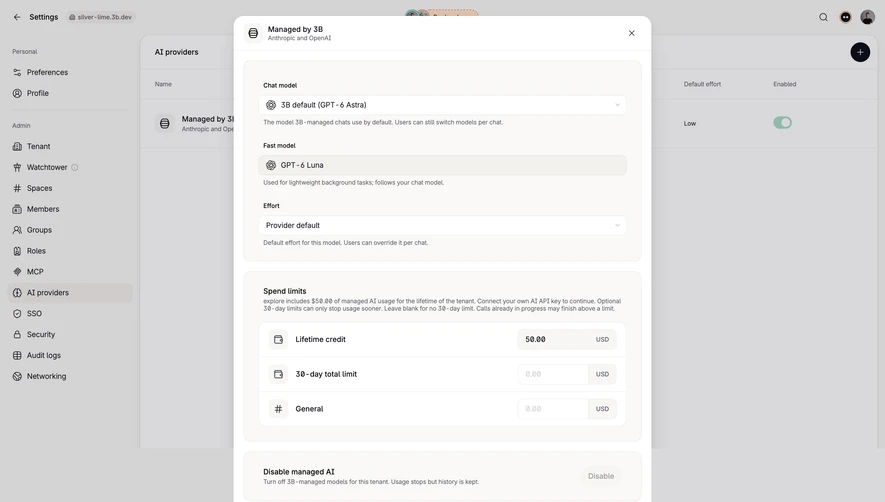
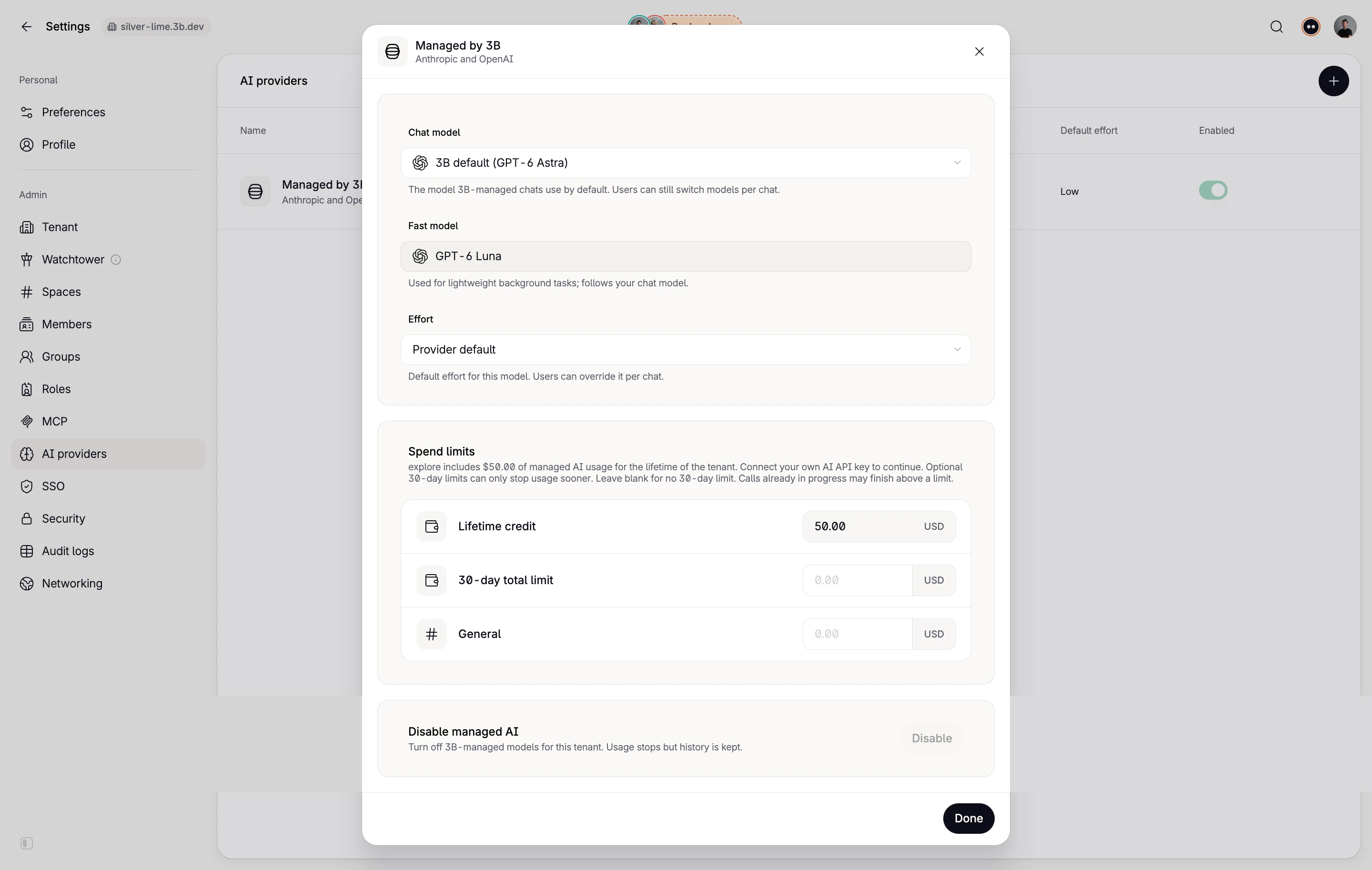
For caps, describe what happens to work already in progress, queued requests, and other users in the workspace where relevant. Avoid a reassuring “budget limit” label if the implementation only sends a message and does not enforce a limit.
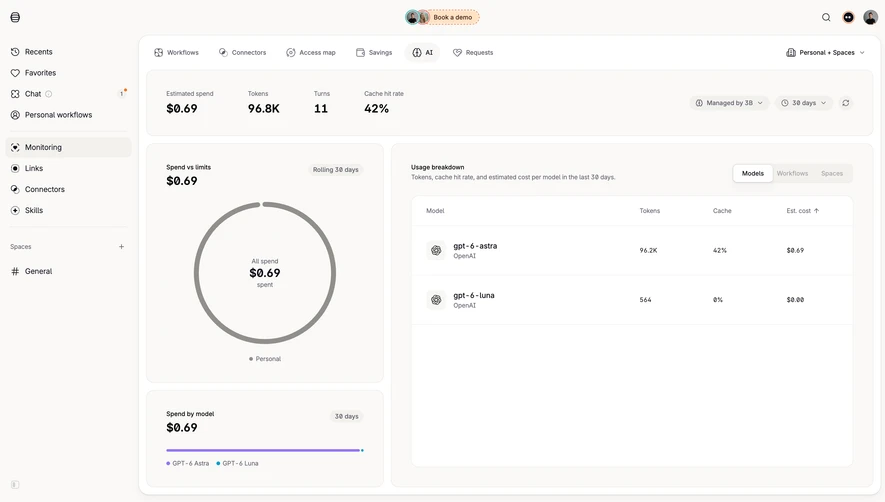
Shared SaaS accounts can accumulate usage from several projects, teams, or integrations. Show the scope of the total and, when supported, provide a useful breakdown. The person investigating a spike needs to know which activity contributed to it.
Keep permissions appropriate to the data. A project administrator may need usage quantities without access to organization-wide invoices or other teams’ activity. A billing owner may need financial totals with less detailed product data.
Use stable resource identifiers behind the display names so renaming a project does not erase its history. In the interface, readable names and contextual links should make the breakdown useful without requiring people to interpret raw IDs.
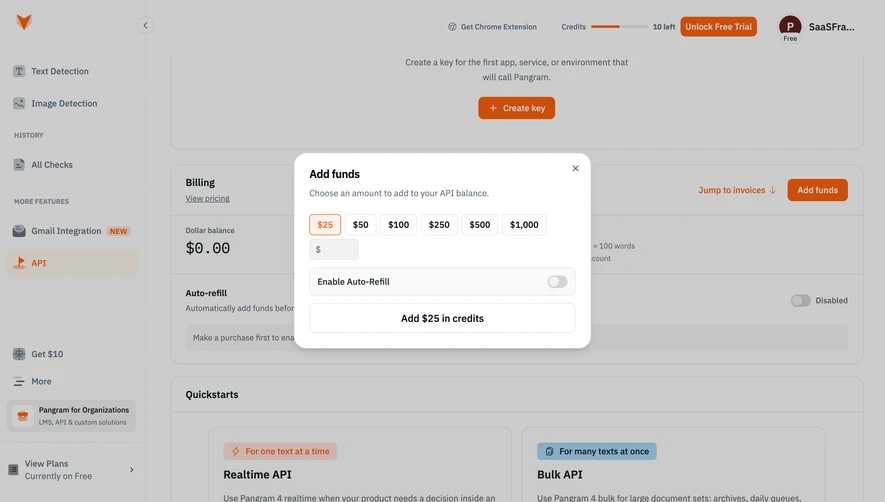
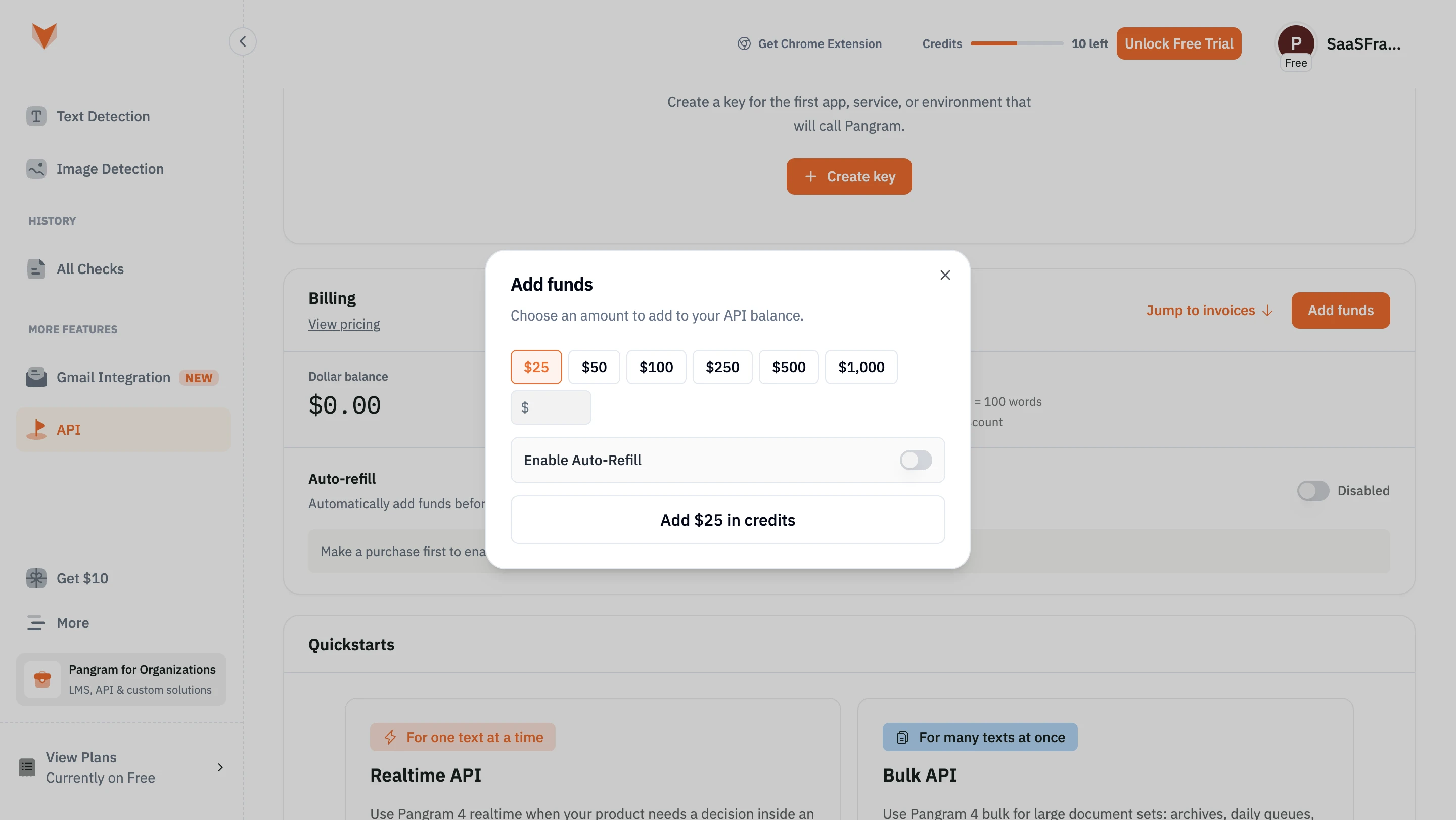
A credit can be a prepaid unit, a promotional balance, or an abstraction covering several activities. Define the applicable model. If different operations consume different amounts, provide a readable cost relationship or estimator.
Show expiration, renewal, and rollover rules according to the actual offer. A remaining balance needs a time context when it can expire. Separate purchased credit from promotional credit when they have materially different conditions.
For AI products, do not assume that one action always consumes the same amount. Input size, model choice, or processing mode may affect cost where the implementation uses those factors. Explain variability before a costly action rather than after the balance decreases.
Upgrading, downgrading, or changing a commitment can interact with existing usage. Explain when the new terms take effect and how the current period is handled. Avoid leaving the person to infer whether prior activity is repriced.
Show the relevant before-and-after information at the change point: current commitment, new quantity or rate, effective date, and important consequences. Do not require someone to compare distant pages from memory.
If a change requires sales approval or another administrator, provide that route and preserve context. A blocked self-service action should explain the constraint rather than appearing as a broken calculator.
People may need to understand an unexpected charge without becoming experts in the metering pipeline. Offer a path from an invoice line to its period, rate, quantity, and relevant breakdown. Explain which information is authoritative.
Provide export or support routes where the product supports them. If exported data differs from the displayed total because of aggregation or adjustments, explain that relationship. A CSV with thousands of unexplained rows is not automatically useful transparency.
Design for correction when the system detects an error. Make revised amounts and reasons understandable. Keep notifications factual, distinguishing a corrected measurement from a refund or credit when those are separate outcomes.
Label quantity controls with their units and preserve a usable keyboard route. When an estimate updates, make the result perceivable without forcing focus away from the control. Do not rely on color alone to indicate a threshold or exceeded allowance.
On mobile, keep the selected quantity, relevant rate, and total close enough to compare. Long plan cards can separate the price from its assumptions. Consider a concise summary that retains the information needed for a decision.
Test no usage, usage near an allowance, overage, delayed data, and a large-volume scenario. The same interface should communicate each state accurately rather than working only for the default quantity.
No. An alert reports a threshold. A cap enforces a restriction. Explain which behavior the product provides.
Only when the amount is finalized. Label estimates and provisional totals according to their actual state.
Define what counts as a billable unit and how it is measured over the relevant period. The rate is difficult to interpret without that context.
Explore Pricing for plan communication, Calculator for cost scenarios, Range Slider for quantity controls, and Status Indicator for metering and billing states.
For provider-specific implementation concepts, see Stripe’s usage-based billing documentation. Compare the gallery by the clarity of the measurement and decision, not by the apparent simplicity of the price card.