Design with AI
Generate a new design based on this screen using your own content.
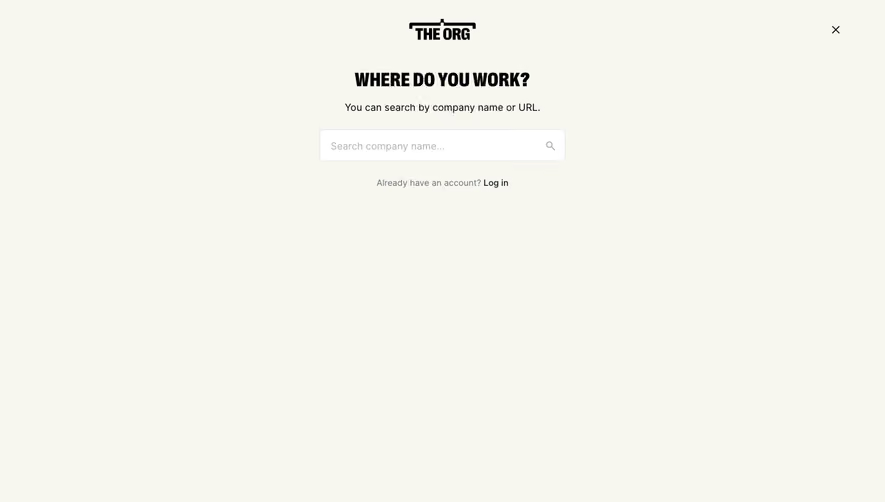
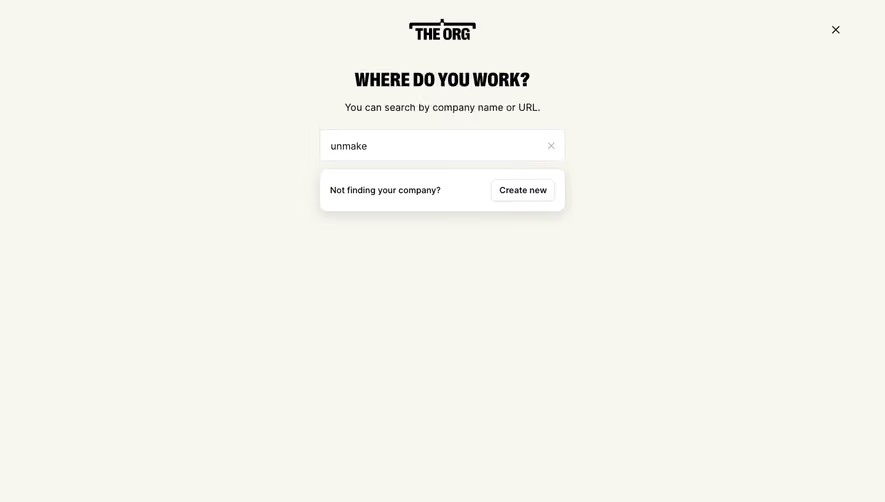
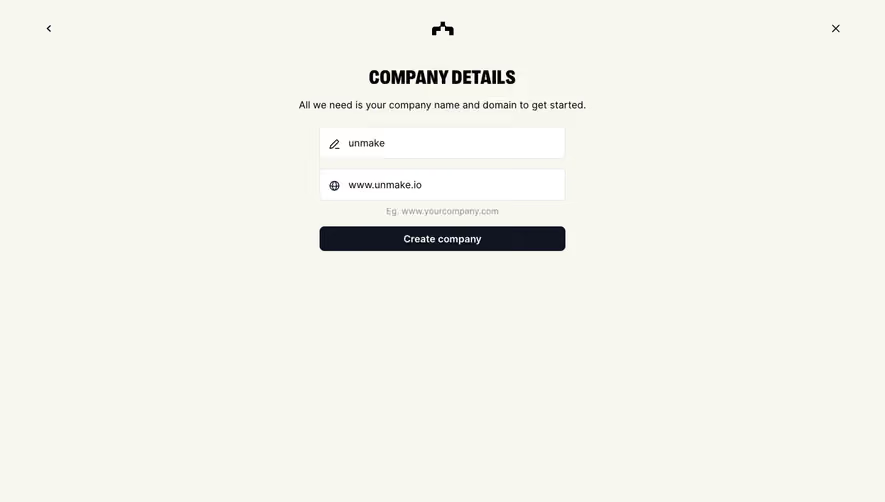
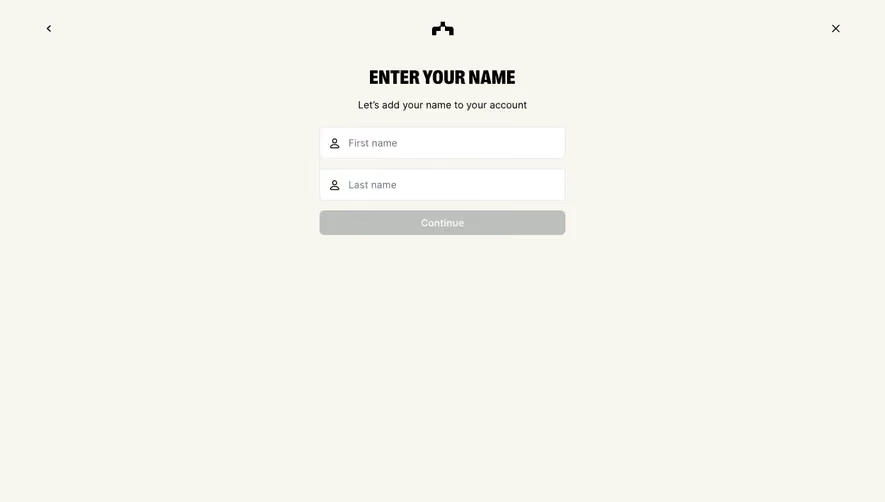
# Design from Reference: The Org Account Setup
Create an original, high-fidelity visual design inspired by the reference. Prioritize composition, typography, colors, spacing, and component styling over technical implementation.
## Reference
- **Product:** The Org
- **Category:** Account Setup
- **Screenshot:** https://cdn.prod.website-files.com/5e9dc792e1210c5325f7ebbc/6acbbd043b6b24eada5487e1_6acbbbb1857cbd7f46b567e2_cms-1d5ab126b28e8c1af7de17ad.webp
Analyze the screenshot first. If inaccessible, request it rather than guessing.
## Content
{{content.instructions}}
{{content.data}}
Preserve essential messaging and factual accuracy. Adapt structure and copy length for visual balance; never invent product claims.
## Visual Design
### Overall aesthetic
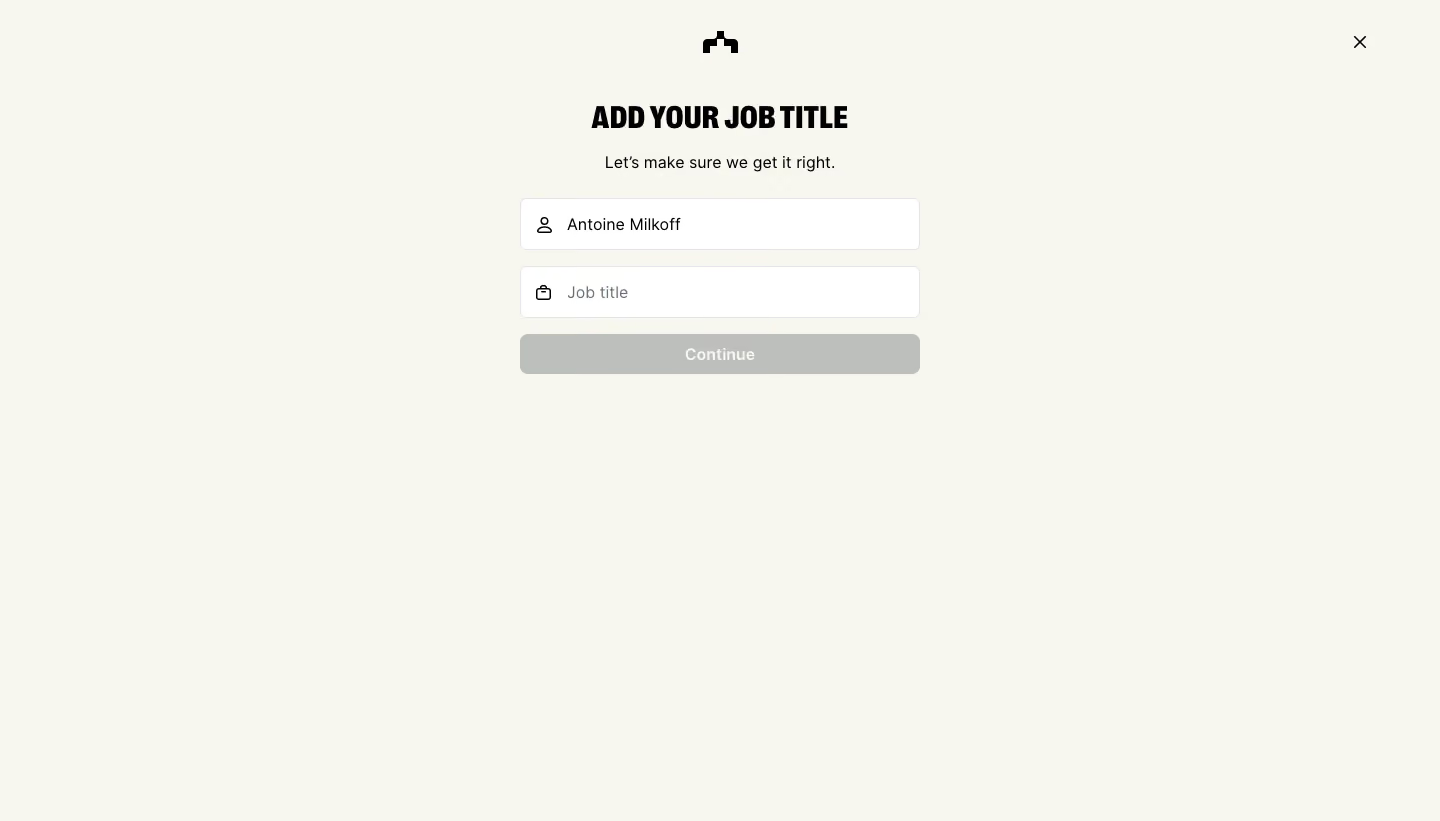
- **Character:** A sparse account-setup screen uses a warm off-white canvas, black typography and a compact centered form.
- **Brand expression:** A small organizational-chart symbol and a condensed uppercase heading provide identity without illustrations or decorative cards.
### Page composition
- **Capture:** The source measures 1440 × 821 image pixels. Observed dimensions below approximate CSS only under an unverified 1× capture assumption.
- **Top anchors:** A small black brand symbol is centered near the top; a close icon sits near the upper-right corner.
- **Form stack:** A roughly 400 px wide column begins around y=100, containing a title, one-line helper, two inputs and a Continue button.
- **Whitespace:** Most of the lower screen is intentionally empty. No footer, sidebar or progress tracker is visible.
### Information hierarchy
- **Task heading:** The uppercase job-title instruction is the most prominent text element.
- **Helper:** A short centered reassurance sits below the heading and above the form.
- **Field state:** The first field contains a person name; the job-title field is empty and displays a placeholder.
- **Continuation:** The gray Continue button appears inactive, though actual disabled behavior cannot be confirmed from pixels alone.
### Typography
- **Heading:** A heavy condensed sans serif appears at approximately 30 px, uppercase, with tight leading. Exact font identity is unverified.
- **Body and fields:** Helper text and input content use a regular sans serif around 16 px, with comfortable 22–24 px leading.
- **Action:** The button label is approximately 16 px, semibold and white, centered within the control.
### Colors & surfaces
- **Measured canvas:** ICC-aware sRGB sampling yields warm #F7F7EF as the dominant background.
- **Measured fields:** Inputs are white #FFFFFF with pale gray borders including #E4E4E7.
- **Measured action:** Muted gray #BDBFBC fills the Continue button.
- **Text:** Black #000000 marks the heading, icons and primary text; the empty-field placeholder is a softer gray.
### Components
- **Inputs:** Two roughly 400 × 52 px bordered rectangles have approximately 6 px corners and small black line icons at the left.
- **Icon roles:** A person outline identifies the populated name field; a briefcase outline identifies the job-title field.
- **Continue button:** A full-width control approximately 40 px high has slightly rounded corners and no prominent shadow.
- **Dismiss control:** A simple black X appears without a visible enclosing button surface.
### Visual rhythm
- **Vertical cadence:** Approximately 16 px separates the inputs and the button; a larger gap separates the helper from the first field.
- **Centering:** Brand symbol, heading, helper and form share a central axis, while input content remains left aligned.
- **Restraint:** The broad blank lower region keeps attention on the short setup task.
### Responsive
- **Evidence boundary:** Only a desktop state is shown; responsive behaviors are recommendations.
- **Fluid width:** Use a max-width form that becomes fluid within mobile side gutters.
- **Keyboard handling:** Keep the active field and continuation control accessible when a virtual keyboard opens.
- **Dismiss access:** Preserve a comfortable close-control hit area and prevent it from colliding with the centered brand.
### Adaptation guidance
- **Short setup pattern:** Use the compact title/helper/two-field/action sequence for focused profile completion.
- **Validation:** Define required-field feedback and enabled-button states; only the empty job-title state is visible.
- **Accessible labels:** Provide persistent programmatic labels rather than relying only on icons or placeholder text.
- **Dynamic data:** Treat the populated person name as replaceable account data and allow longer entries without layout breakage.
- **Scale calibration:** Validate the observed image dimensions against the target CSS viewport before implementation.
Use this context to reproduce the reference's visual language: layout, typography, colors, spacing, borders, radii, and distinctive elements. The screenshot takes priority if descriptions conflict.
## Direction
{{preferences.fidelityInstructions}}
## Output
{{output.instructions}}
Deliver a polished, cohesive design with precise alignment, hierarchy, and spacing. Produce the requested visual artifact, not just a description. If unsupported, explain the limitation.
.webp)


.avif)