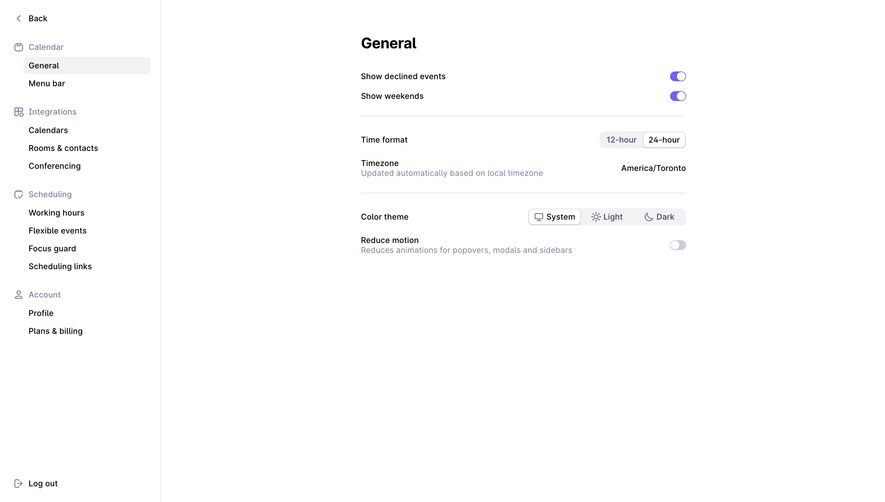
Overall Style and Aesthetic
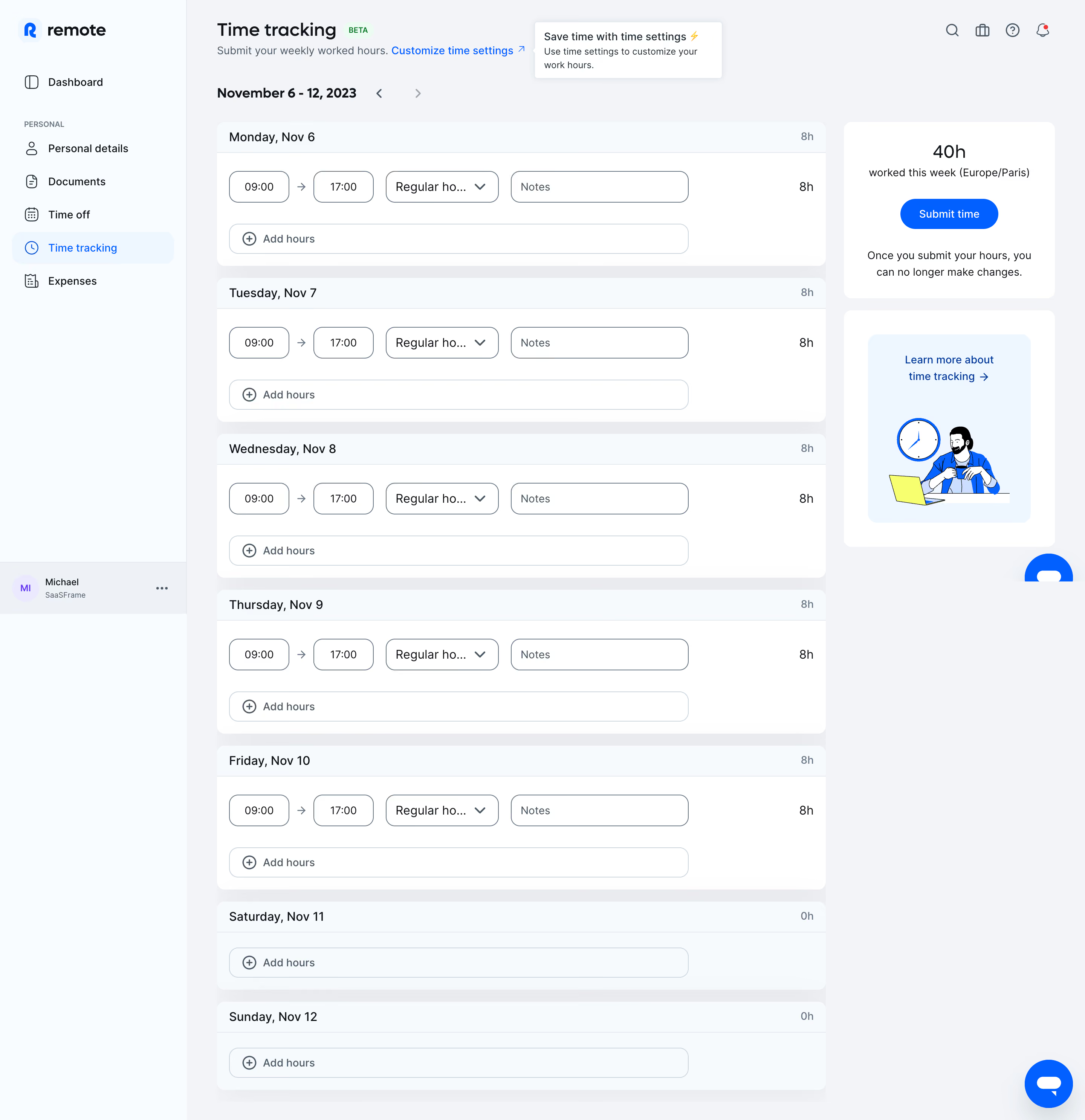
The Remote Time Tracking dashboard exemplifies a modern, minimalist aesthetic, balancing sleek professionalism with subtle warmth. Spacious white backgrounds are paired with soft accent colors, making the interface feel both approachable and uncluttered. Rounded corners and gentle drop shadows introduce depth without overwhelming the page, cultivating a polished, calming visual atmosphere. Layout and Structure
A clear, prominent header anchors the page, immediately orienting users with the dashboard context. The main pane centers on a dynamic time-tracking widget, surrounded by concise tabs for navigation and auxiliary controls. Information hierarchy is crisp—key stats and actionable buttons occupy the foreground, while secondary features, like week selectors, reside along the periphery for quick but unobtrusive access. Visual Elements
Custom icons—subtle yet distinctive—punctuate feature buttons, reinforcing clarity at a glance. Graphs and progress bars use vivid, accessible color cues to highlight user progress and trends. There is a distinct absence of heavy imagery or distracting media, keeping user focus locked to interactive data and functional flows. Color Palette and Typography
The palette leans on a foundation of clean whites and light grays, sparingly energized by pops of indigo and teal for calls-to-action or active states. Typography employs a modern, geometric sans-serif font, with strong weight contrast and spacious line heights for readability—ensuring hierarchy is unmistakable from headline down to metadata. User Experience Patterns
Navigation is direct, with tabs and persistent sidebar elements enabling seamless transitions between time periods or detailed reports. Calls-to-action (“Start timer,” “Log time”) are prominent and visually differentiated, encouraging confident action. Subtle microinteractions—like hover effects and real-time feedback—add sophistication and support effortless task management. Unique or Notable Design Choices
Notably, user-centric microcopy and visual feedback minimize ambiguity during actions. The dashboard’s modular approach allows users to reorient their workflow without friction. Overall, the tone projects reliability and empowerment—marrying trustworthy design with innovative, user-first thinking..webp)




.avif)