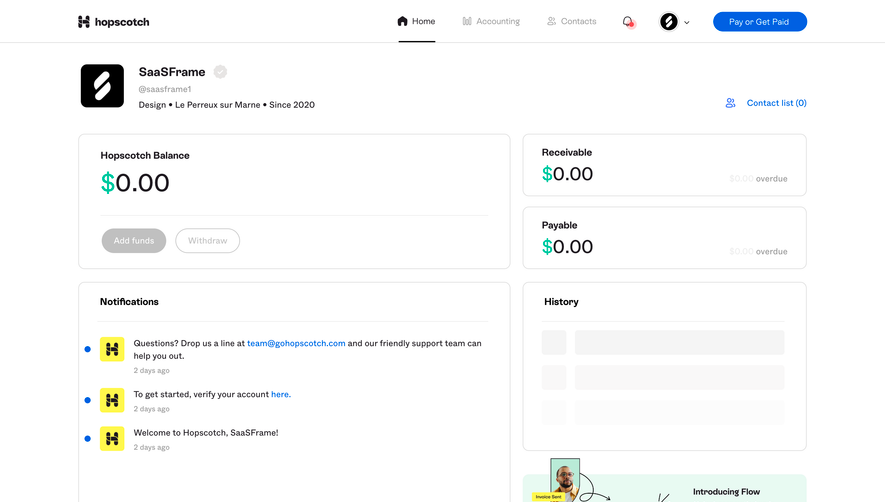
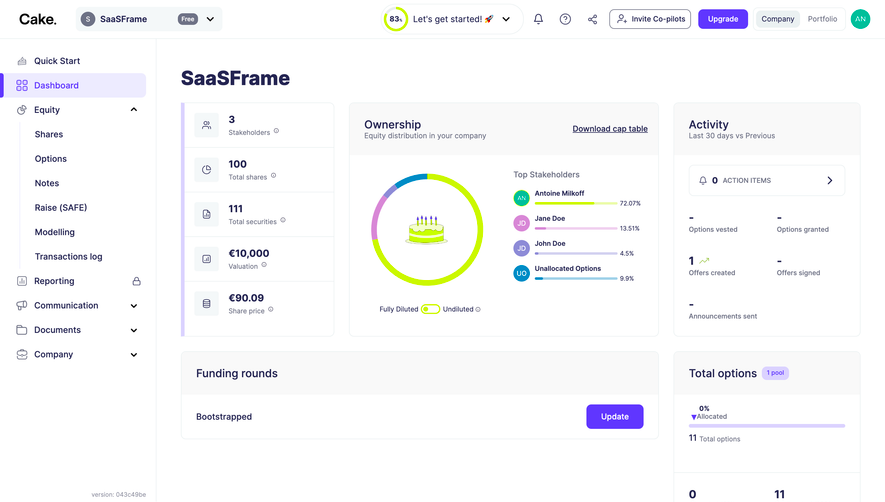
Overall Style and Aesthetic
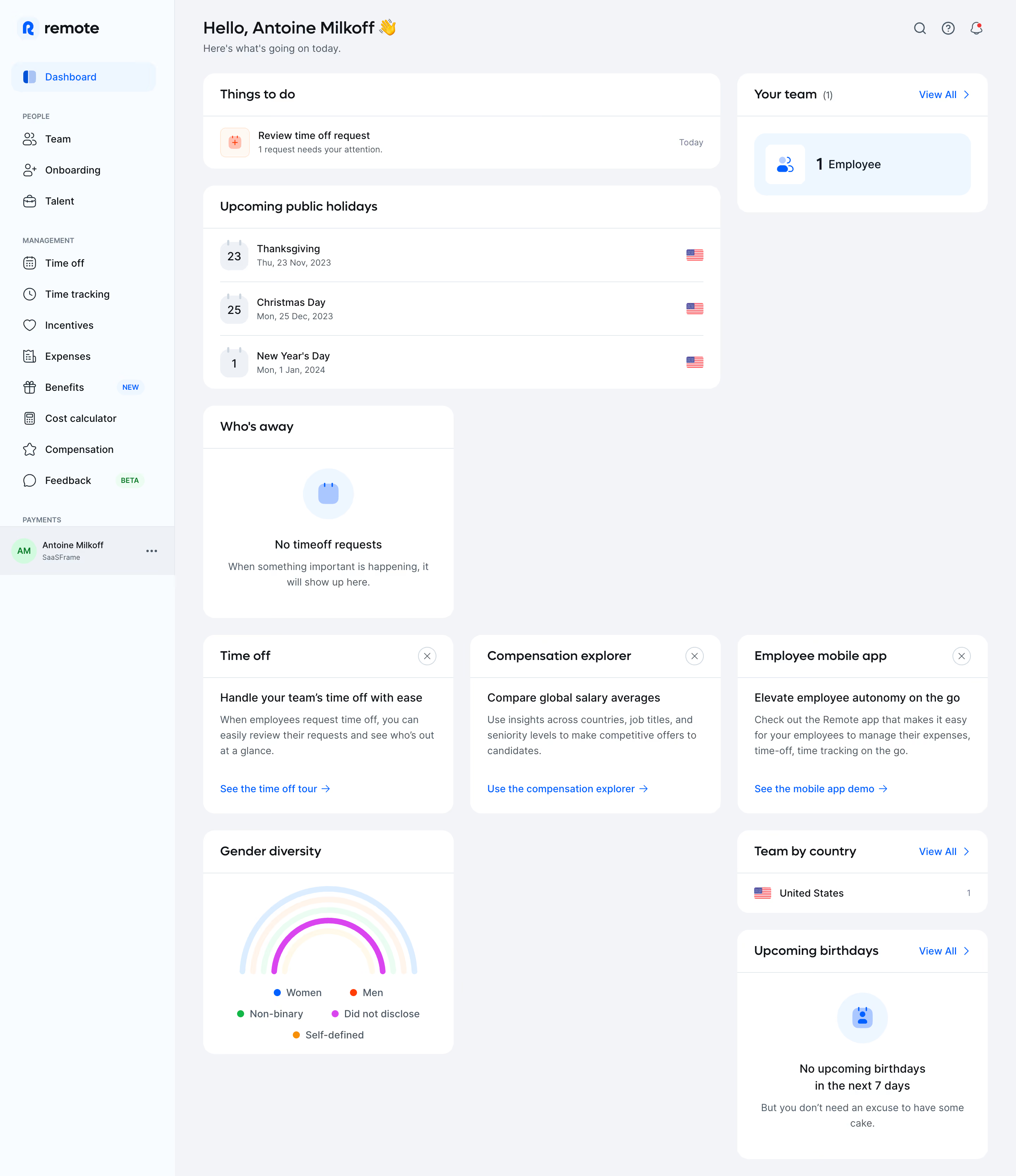
The Remote Employ dashboard embodies a sleek, professional minimalism designed for clarity and efficiency. Its interface leverages whitespace to guide attention, keeping the experience clean and free from visual clutter. Muted backgrounds contrast with vibrant accent colors, projecting a sense of trust, sophistication, and reliability ideal for HR or payroll SaaS products. Layout and Structure
The page forgoes typical “marketing site” sections for a robust application-like dashboard structure. A persistent left-hand sidebar provides primary navigation, while modular cards and panels organize features such as onboarding, payroll management, and documentation. The dashboard avoids overwhelming the user, instead offering scannable segments, crisp headings, and subtle dividers to keep information digestible. Visual Elements
Custom icons and subtle illustrations inject character without detracting from usability. Visual cues—like status chips, avatars, and concise data charts—communicate key information at a glance. Decorative graphics are minimal and purposeful, reinforcing the product’s professional identity while ensuring user focus stays on function. Color Palette and Typography
Remote’s color scheme centers on navy, deep blue, and white, with purposeful pops of purple and teal for CTAs and highlights. This restrained palette enhances readability and user comfort. Typography is modern and highly legible: bold headings establish hierarchy while lighter body text maintains visual balance, supporting a seamless reading experience. User Experience Patterns
Intuitive navigation, prominent CTAs, and context-sensitive action menus streamline key workflows. Interactive feedback—like hover states and micro-animations—enhances clarity. The dashboard’s design supports rapid scanning and action, minimizing friction for power users and first-timers alike. Unique or Notable Design Choices
A standout feature is the meticulous balance between density and clarity: users can view complex global employment data at a glance, with smart use of modular cards and quick-action dropdowns. The tone is calm yet empowering, suggesting trustworthiness and innovation—precisely what SaaS customers crave..webp)




.avif)