.webp)
Thank you! Your submission has been received!
Oops! Something went wrong while submitting the form.
Get SaaSFrame Pro
Monthly
$18
Quarterly
$48
Yearly
$180
Upgrade to access this feature
Browse all screens & flows
Filter and search screens & flows
Access Figma files
Access mobile versions
Bookmark screens & flows
Join now
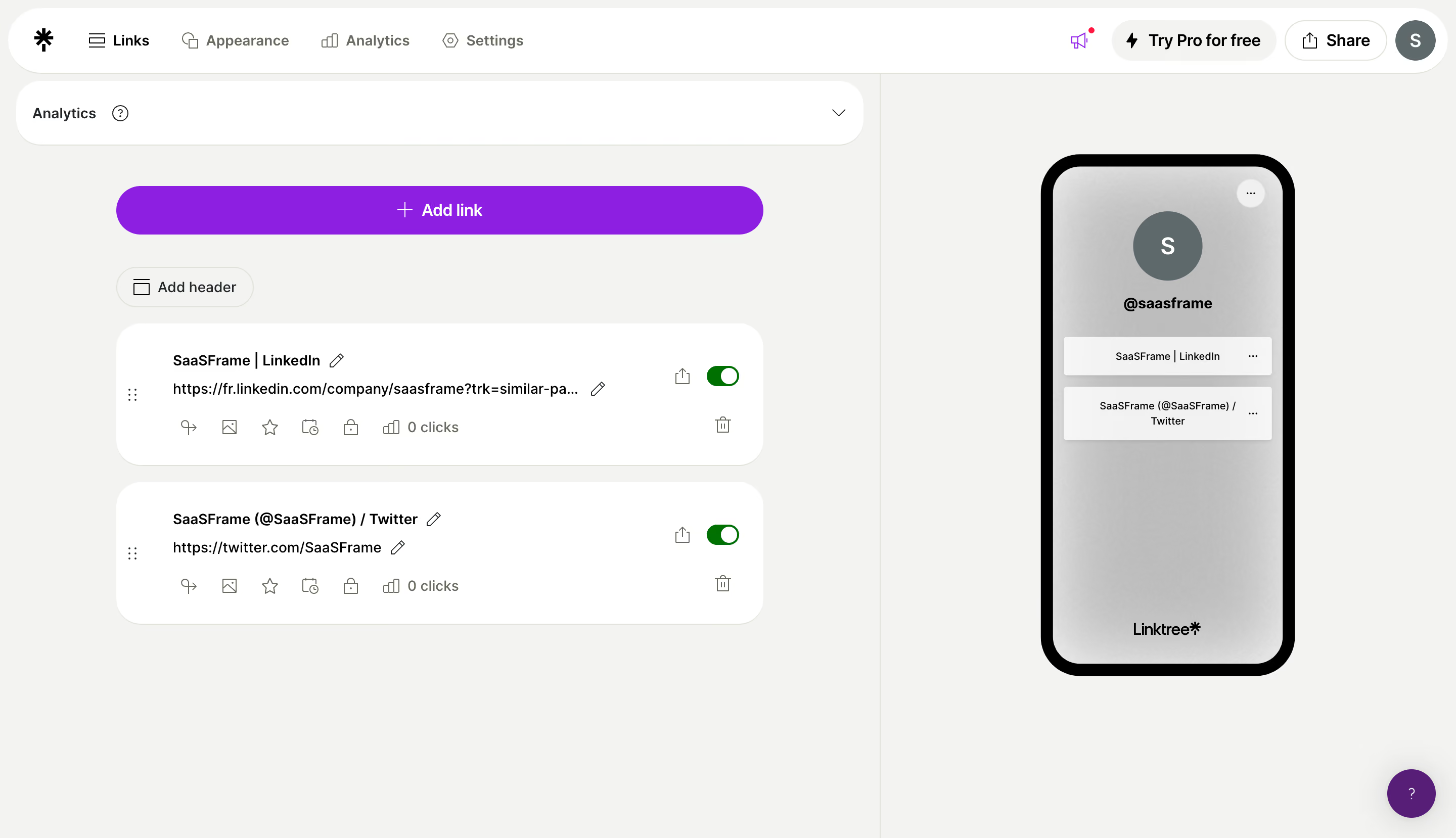
Linktree Add Links

Linktree
Link in bio
Designed by
No items found.

Bookmark
Bookmark

Design with AI
Thank you! Your submission has been received!
Oops! Something went wrong while submitting the form.
# Design from Reference: Linktree Add Links
Create an original, high-fidelity visual design inspired by the reference. Prioritize composition, typography, colors, spacing, and component styling over technical implementation.
## Reference
- **Product:** Linktree
- **Category:** Empty
- **Screenshot:** https://cdn.prod.website-files.com/5e9dc792e1210c5325f7ebbc/6acb6464b206c0d3f8f06637_6acb62d3d8a653ae3d576c5d_cms-9d62be79e49037e4f8da19a1.webp
Analyze the screenshot first. If inaccessible, request it rather than guessing.
## Content
{{content.instructions}}
{{content.data}}
Preserve essential messaging and factual accuracy. Adapt structure and copy length for visual balance; never invent product claims.
## Visual Design
### Overall aesthetic
- **Style:** A light link-management editor with rounded white cards, a strong violet add action, and a live-looking mobile preview.
- **Character:** Friendly and spacious, with simplified controls and a restrained neutral canvas.
### Page composition
- **Capture and scale:** The screenshot measures 2880 × 1658 pixels, consistent with an estimated 2× capture. Following dimensions are estimated CSS pixels under that assumption.
- **Top navigation:** A white rounded capsule spans almost the full width, with brand and Links/Appearance/Analytics/Settings left, and promotion/share/avatar controls right.
- **Editor split:** A vertical divider separates a roughly 60% editor region from a 40% preview region. The editor contains a broad collapsed Analytics strip, violet Add link action, smaller Add header control, and two stacked link cards.
- **Preview:** A tall black-framed phone mockup shows profile initial/name, two link buttons, an overflow control, and a bottom brand mark. A violet help bubble sits at the page's lower right.
### Information hierarchy
- **Primary task:** Add link is the strongest colored control and spans the editor's main content width.
- **Existing content:** Each card places title and URL prominently, with editing icons, lower utility icons/click count, enabled toggle, share, and delete controls.
- **Preview feedback:** The phone visually mirrors the two links, allowing the editor and published appearance to be compared side by side.
### Typography
- **Family:** A clean sans serif is visible; exact identity is unverified.
- **Interface sizes:** Navigation, card titles, URLs, and action labels are approximately 14 px CSS. Secondary icons/click counts use similar or slightly smaller type.
- **Weight:** Card titles and Add link use semibold weight; URLs and utility labels are regular. Preview link labels are smaller to fit the phone composition.
- **Profile:** The preview handle is bold and centered beneath the circular initial avatar.
### Colors & surfaces
- **Foundation:** Sampled sRGB #F3F3F1 defines the warm-neutral workspace, and #FFFFFF defines navigation and editor cards.
- **Primary accent:** Sampled violet #8C1FE1 fills the Add link action. A deeper violet help control appears at lower right; its exact value is unverified.
- **Ink and preview:** Sampled #000000 defines the phone frame and dark text. Neutral gray samples include #BEBEBE, #BFBFBF, and #BDBDBD within the preview gradient.
- **State:** Green toggles indicate both links are enabled. The precise green hex value is unverified.
### Components
- **Navigation capsule:** A roughly 64 px-high white capsule has fully rounded ends and compact icon/text groups.
- **Editor actions:** The primary add control is approximately 640 px wide and 48 px high with fully rounded ends. Add header uses a small outlined pill.
- **Link cards:** Two approximately 640 × 140 px white cards use 22–24 px radii and generous padding. A drag handle sits in a narrow left gutter, while toggles and deletion controls align right.
- **Utility row:** Small icons for link options, image, highlight, scheduling, locking, and analytics appear beneath the URL. Only the displayed icons/state are evidenced; their behavior is not shown.
- **Phone preview:** A roughly 250 × 515 px mockup has a thick black rounded frame, gray gradient interior, circular avatar, and two white rectangular link controls with subtle shadow.
### Visual rhythm
- **Spacing:** Use roughly 18–20 px between link cards, around 30 px between primary action and list content, and generous whitespace beneath the short list.
- **Alignment:** Keep titles, URLs, and utility rows aligned across cards. The preview remains centered within its own column.
- **Shape rhythm:** Large card radii and pill actions repeat consistently without adding heavy borders or shadows to the editor.
### Responsive
- **Observed state:** Only desktop is visible.
- **Recommended reflow:** Stack preview below the editor or expose it through a dedicated preview toggle. Keep Add link full width and allow URLs to truncate with accessible full values.
- **Controls:** Maintain usable touch targets for edit/delete/toggle controls and prevent the help bubble from covering them.
### Adaptation guidance
- **Preserve:** Retain the editor/preview split, strong violet add action, rounded link cards, and direct enabled-state feedback.
- **Adapt:** Use actual profile content and destinations. Keep the preview synchronized with real link order and status.
- **Avoid:** Do not copy account identity or infer unseen option dialogs and analytics behavior.
Use this context to reproduce the reference's visual language: layout, typography, colors, spacing, borders, radii, and distinctive elements. The screenshot takes priority if descriptions conflict.
## Direction
{{preferences.fidelityInstructions}}
## Output
{{output.instructions}}
Deliver a polished, cohesive design with precise alignment, hierarchy, and spacing. Produce the requested visual artifact, not just a description. If unsupported, explain the limitation.

.avif)
Category
Tech Stack

Added on
July 20, 2023
Similar screens
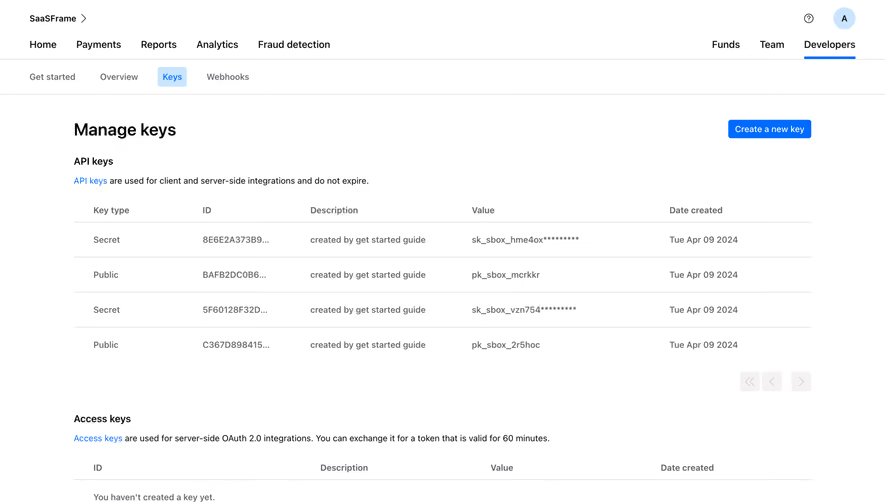




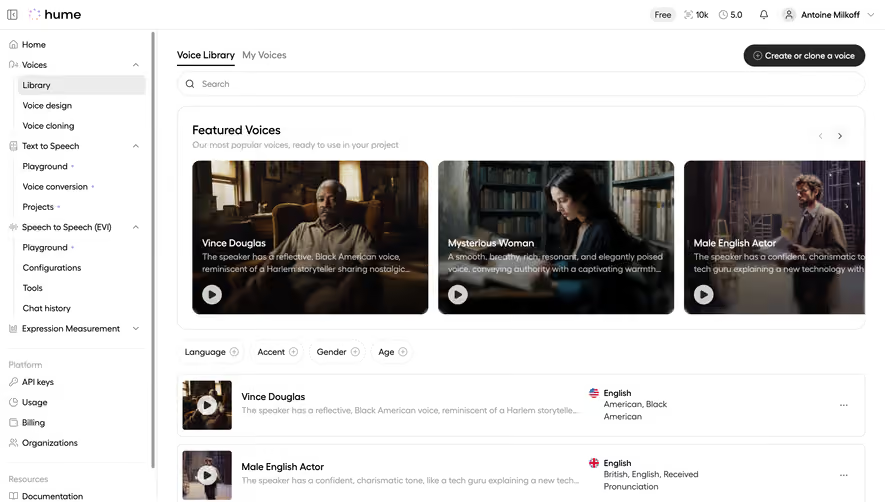

Upgrade to SaaSFrame Pro now to see similar examples.
Monthly
$18 /month
Billed $18 monthly
Browse all screens & flows
Filter and search screens & flows
Search text in screenshots
Access Figma files
Access mobile versions
Join now
Quarterly
$16 /month
Billed $48 quarterly
Browse all screens & flows
Filter and search screens & flows
Search text in screenshots
Access Figma files
Access mobile versions
Join now
Yearly
$15 /month
Billed $180 yearly
Browse all screens & flows
Filter and search screens & flows
Search text in screenshots
Access Figma files
Access mobile versions
Join now