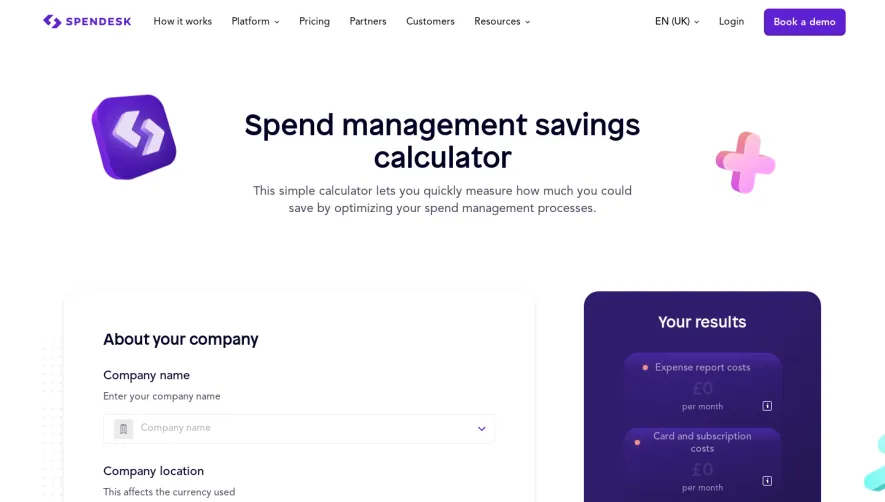
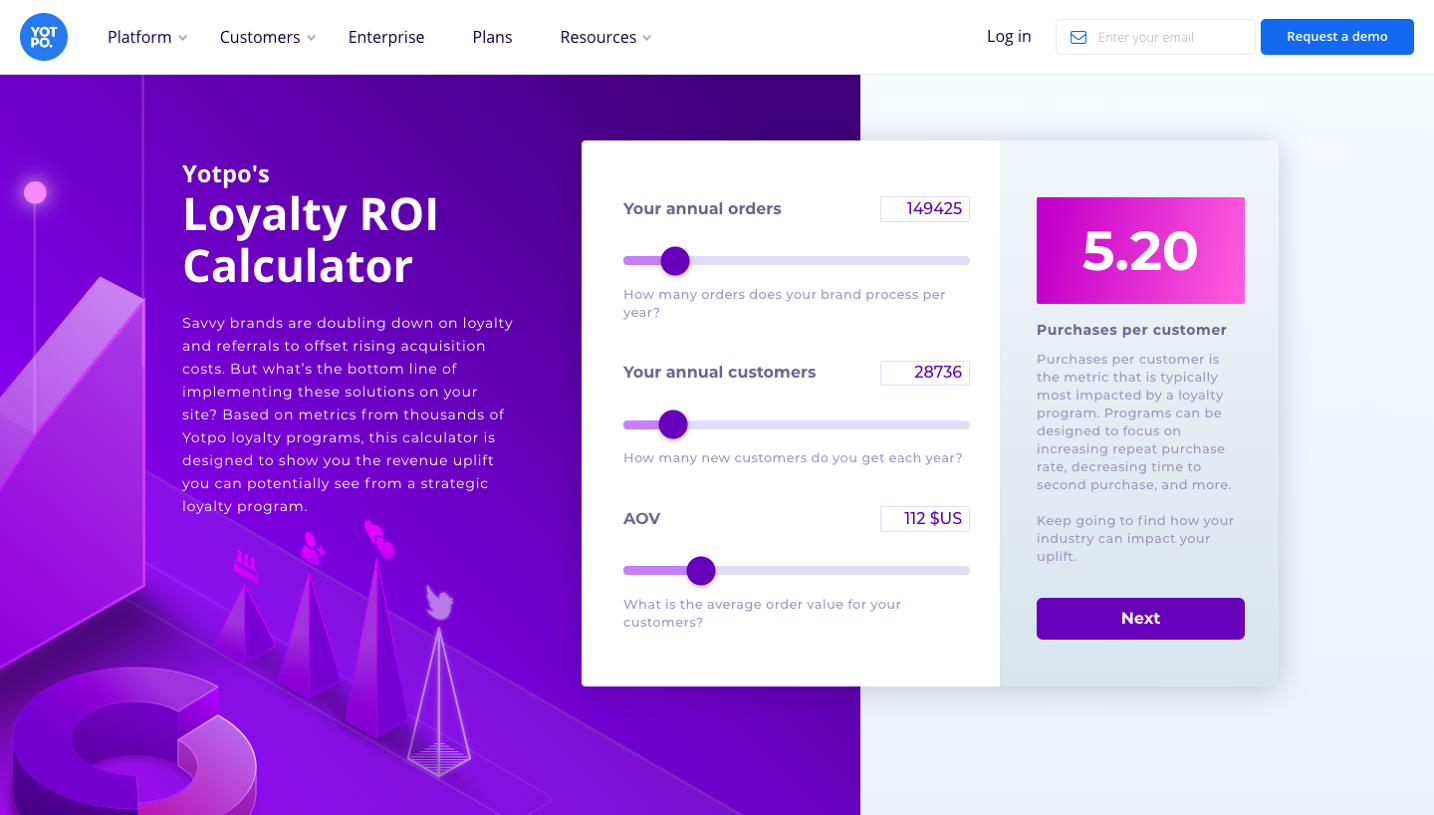
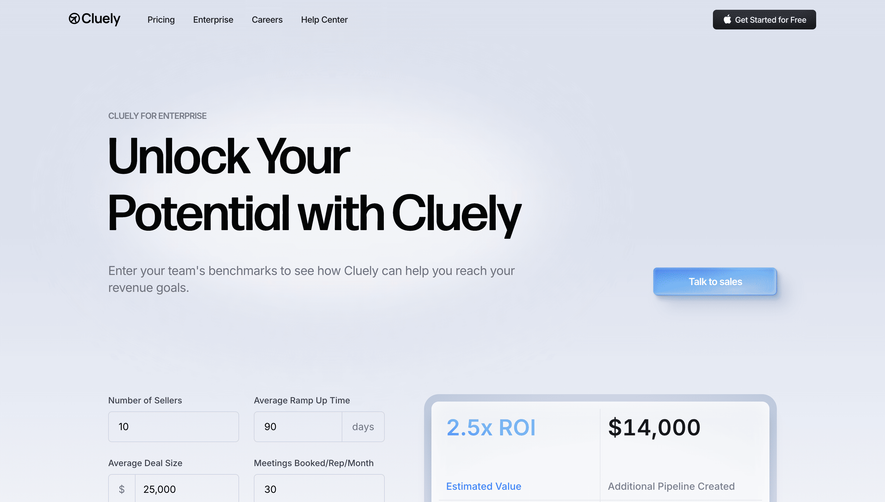
Generate a new design based on this screen using your own content.
Thank you! Your submission has been received!
Oops! Something went wrong while submitting the form.
# Design from Reference: Clutch Calculator
Create an original, high-fidelity visual design inspired by the reference. Prioritize composition, typography, colors, spacing, and component styling over technical implementation.
## Reference
- **Product:** Clutch
- **Category:** Calculator
- **Screenshot:** https://cdn.prod.website-files.com/5e9dc792e1210c5325f7ebbc/6acad45c886583e9d96b6e02_6acad301cdf07ad61497a7b6_cms-54bade47b4463a8cfd0ee155.webp
Analyze the screenshot first. If inaccessible, request it rather than guessing.
## Content
{{content.instructions}}
{{content.data}}
Preserve essential messaging and factual accuracy. Adapt structure and copy length for visual balance; never invent product claims.
## Visual Design
Use this context to reproduce the reference's visual language: layout, typography, colors, spacing, borders, radii, and distinctive elements. The screenshot takes priority if descriptions conflict.
## Direction
{{preferences.fidelityInstructions}}
## Output
{{output.instructions}}
Deliver a polished, cohesive design with precise alignment, hierarchy, and spacing. Produce the requested visual artifact, not just a description. If unsupported, explain the limitation.
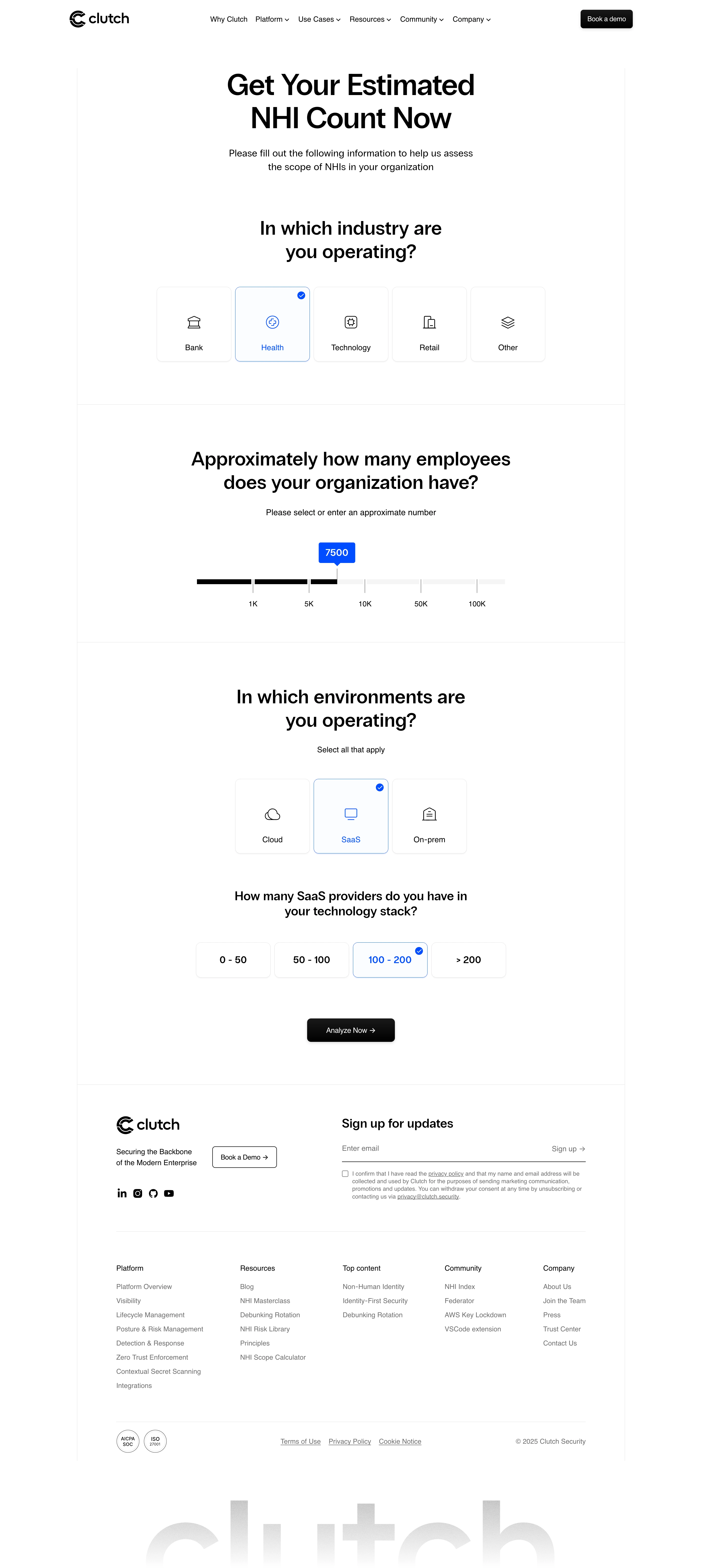
Clutch Security’s NHI Calculator page exemplifies polished minimalism with a distinctly modern, professional character. The interface embraces abundant white space, letting content breathe while a restrained, cool-toned palette exudes calm authority. The style feels trustworthy and functional, underscored by subtle curves and rounded input fields that add a quietly inviting softness.
Layout and Structure
The page adopts a focused, single-page format centered around form completion. The hero area is succinct, with a bold headline and brief explainer, guiding visitors straight into action. There are no distractions from extraneous elements like testimonials or pricing—optimal for task-oriented flows. Essential navigation elements are kept tidy, ensuring laser-focused UX.
Visual Elements
Distinctive, geometric iconography enriches calls to action and input steps, while soft gradients lend depth to key interface accents and buttons. The absence of elaborate photography or illustration is a deliberate nod to clarity: every element serves usability. Micro-animations in button and hover states create a sense of responsiveness, subtly encouraging interaction.
Color Palette and Typography
A cool spectrum—anchored in cobalt blue, charcoal, and crisp white—dominates, forging an atmosphere of security and innovation. Typography features crisp, sans-serif fonts, enabling effortless readability and clear hierarchy. Headings pop with weight and prominence, guiding eyes down the conversion path.
User Experience Patterns & Unique Elements
Form fields are intuitively spaced, with each step offering instant feedback and smart default values. Prominent, color-differentiated CTAs—such as the bold “Calculate” button—stand out without overwhelming. The overall experience flows seamlessly, maximizing efficiency for professional users while embedding confidence in Clutch Security’s brand.
.webp)



.avif)