Design with AI
Generate a new design based on this screen using your own content.
# Design from Reference: Shortcut Invite Team Members
Create an original, high-fidelity visual design inspired by the reference. Prioritize composition, typography, colors, spacing, and component styling over technical implementation.
## Reference
- **Product:** Shortcut
- **Category:** Invite Team Members
- **Screenshot:** https://cdn.prod.website-files.com/5e9dc792e1210c5325f7ebbc/6acbbfecd6be908889c5d73f_6acbbf26151c40fa40763bb7_cms-1a0000147cdb074d9207d225.webp
Analyze the screenshot first. If inaccessible, request it rather than guessing.
## Content
{{content.instructions}}
{{content.data}}
Preserve essential messaging and factual accuracy. Adapt structure and copy length for visual balance; never invent product claims.
## Visual Design
### Overall aesthetic
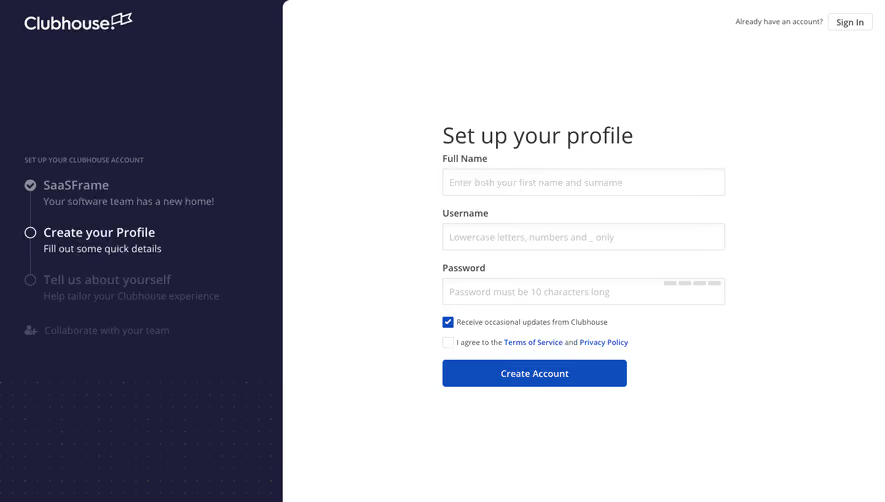
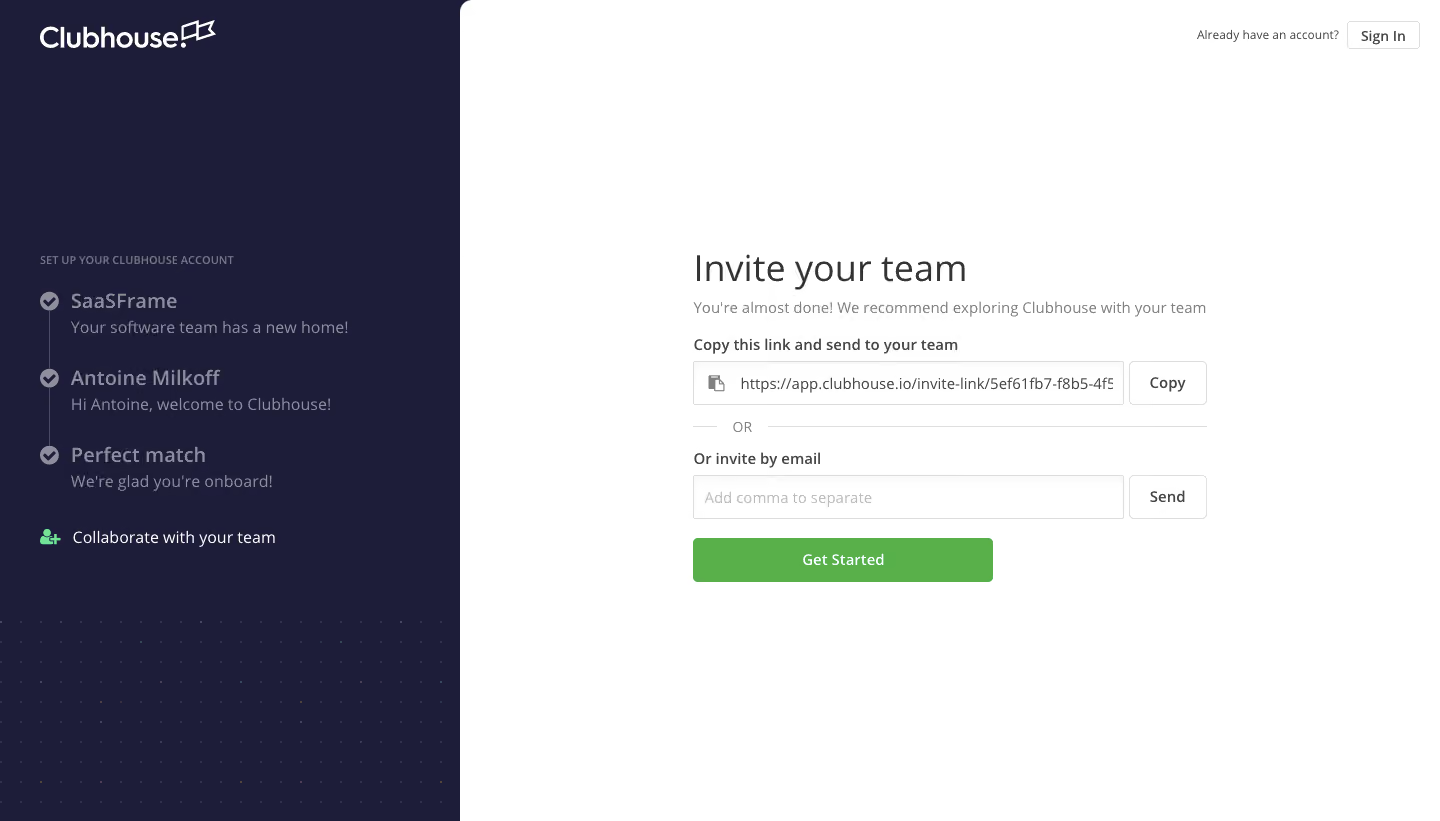
- **Character:** Minimal team-invitation onboarding with dark progress rail and clean white form.
### Page composition
- **Canvas:** 1440 × 821 screenshot pixels; CSS estimates are near screenshot scale, with capture scale unverified.
- **Structure:** Left navy panel about 32% wide; right white panel with centered invitation stack and small sign-in utility.
### Information hierarchy
- **Priority:** Invite your team heading, copyable invite link, OR divider, email invite and green Get Started.
- **Identity:** Screenshot visibly uses Clubhouse branding.
### Typography
- **Family:** Neutral sans-serif; exact font is unverified.
- **Scale:** Estimated CSS heading 36px regular, helper 14px, controls 14–16px.
### Colors & surfaces
- **Sampled palette:** White #FFFFFF; navy #1D1D39; green #59AF49; border #DDDDDD.
- **States:** Muted completed steps and green current-team icon in left rail.
### Components
- **Controls:** Two outlined input/button rows for Copy and Send; broad green action beneath.
- **Progress:** Vertical line with checkmarks and personalized step summaries; faint dotted texture at lower left. Estimated 4px control radii and 44px heights.
### Visual rhythm
- **Spacing:** Compact 16–20px form gaps surrounded by extensive white margins.
### Responsive
- **Guidance:** Mobile is not shown. Move progress above form and retain distinct copy-link/email alternatives.
### Adaptation guidance
- **Transfer:** Preserve two invitation methods and onboarding context. Use target branding and generated invitation links.
Use this context to reproduce the reference's visual language: layout, typography, colors, spacing, borders, radii, and distinctive elements. The screenshot takes priority if descriptions conflict.
## Direction
{{preferences.fidelityInstructions}}
## Output
{{output.instructions}}
Deliver a polished, cohesive design with precise alignment, hierarchy, and spacing. Produce the requested visual artifact, not just a description. If unsupported, explain the limitation.
.webp)



.avif)