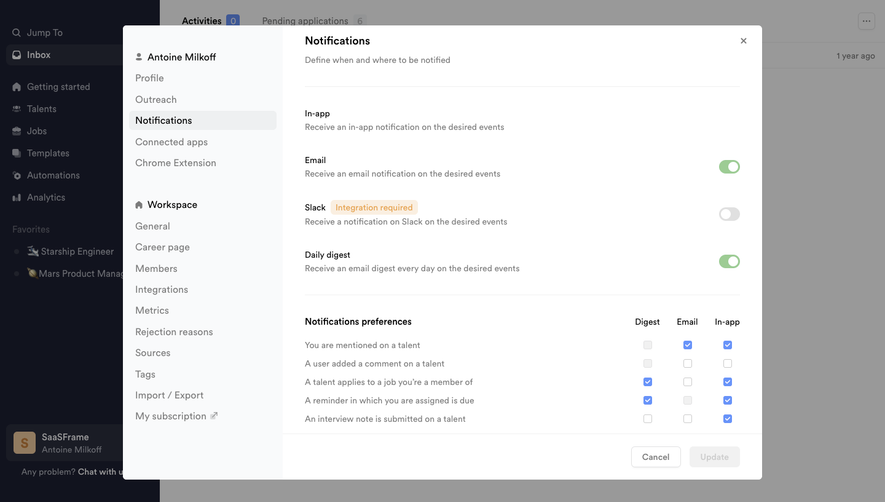
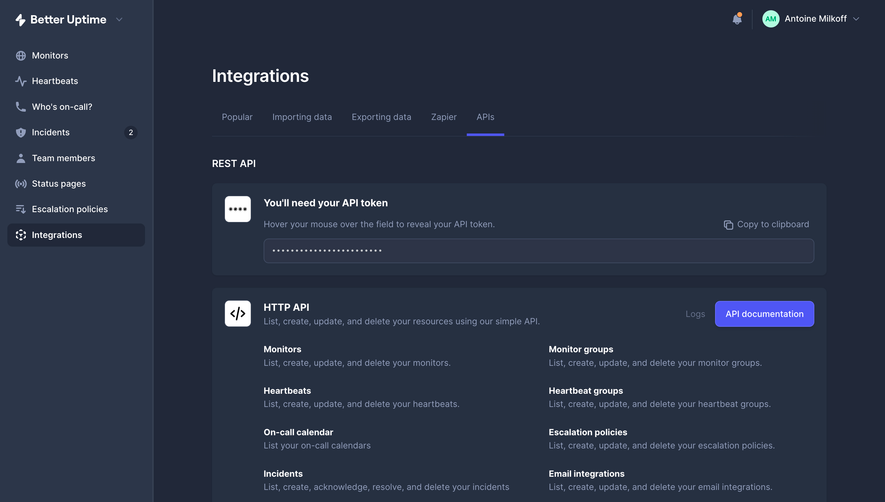
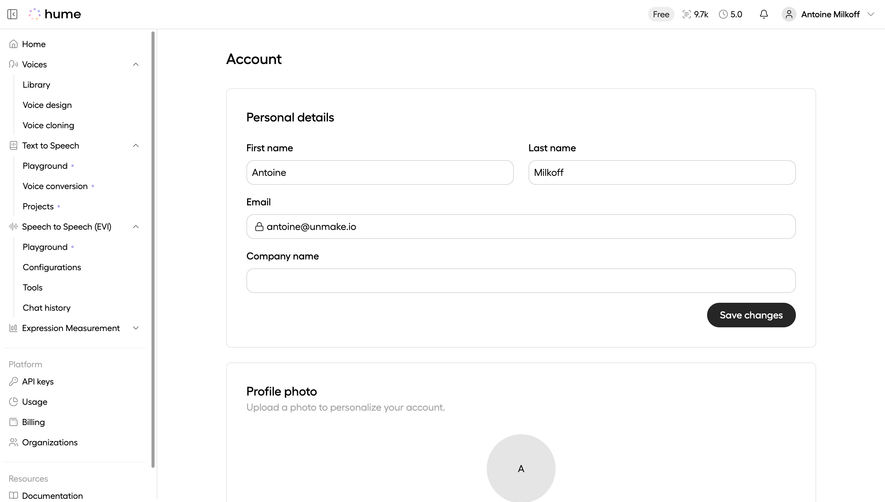
Generate a new design based on this screen using your own content.
Thank you! Your submission has been received!
Oops! Something went wrong while submitting the form.
# Design from Reference: Claude Capabilities Settings
Create an original, high-fidelity visual design inspired by the reference. Prioritize composition, typography, colors, spacing, and component styling over technical implementation.
## Reference
- **Product:** Claude
- **Category:** Settings
- **Screenshot:** https://cdn.prod.website-files.com/5e9dc792e1210c5325f7ebbc/69971c2b9c78071a33b08dc4_NFb6bwl2kr97eb-Lcqh8xgh8jCmaznT7XYi1BOtY0Fk.avif
Analyze the screenshot first. If inaccessible, request it rather than guessing.
## Content
{{content.instructions}}
{{content.data}}
Preserve essential messaging and factual accuracy. Adapt structure and copy length for visual balance; never invent product claims.
## Visual Design
Use this context to reproduce the reference's visual language: layout, typography, colors, spacing, borders, radii, and distinctive elements. The screenshot takes priority if descriptions conflict.
## Direction
{{preferences.fidelityInstructions}}
## Output
{{output.instructions}}
Deliver a polished, cohesive design with precise alignment, hierarchy, and spacing. Produce the requested visual artifact, not just a description. If unsupported, explain the limitation.
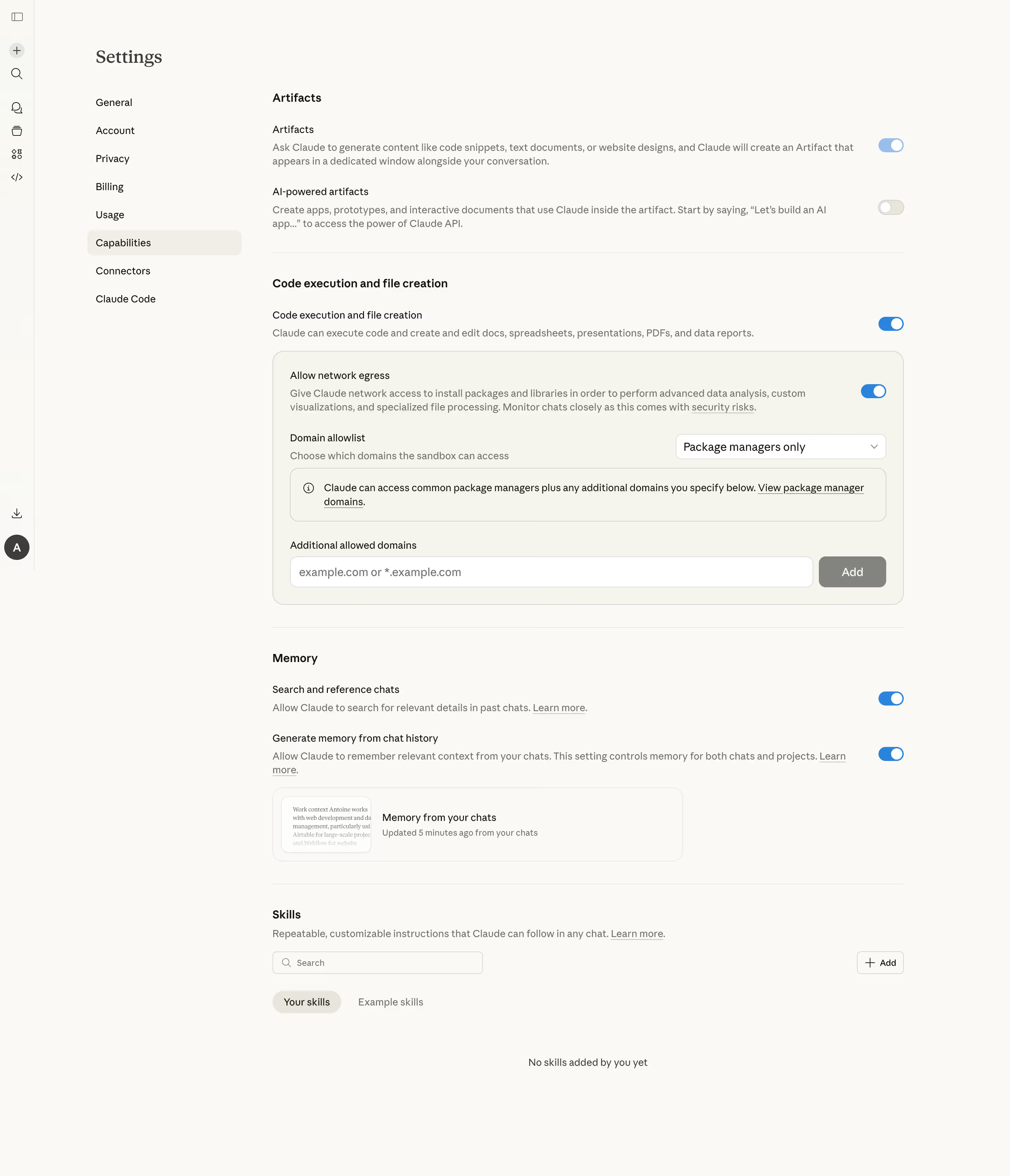
First thing you notice is the warm cream background. It's not white. That alone sets it apart from 90% of SaaS dashboards out there. The whole page feels quiet and intentional, like someone actually thought about how stressful settings pages usually are.
Clear Hierarchy Without Shouting
The left sidebar keeps navigation tight. Bold section headers like "Artifacts," "Code execution and file creation," and "Memory" break the page into scannable chunks. Toggle switches are consistent and use a soft blue that pops just enough against the neutral palette. Typography is clean, likely a geometric sans-serif, and the weight contrast between labels and descriptions does the heavy lifting for hierarchy.
What Makes It Stand Out
The nested card for "Allow network egress" is smart. It visually groups related controls without adding clutter. The "Domain allowlist" dropdown and "Additional allowed domains" input feel purposeful, not afterthoughts. Even the Memory section with its chat thumbnail preview adds personality. This is Anthropic's Claude settings done right. Functional, readable, zero visual noise.
.webp)



.avif)