Statistics
51
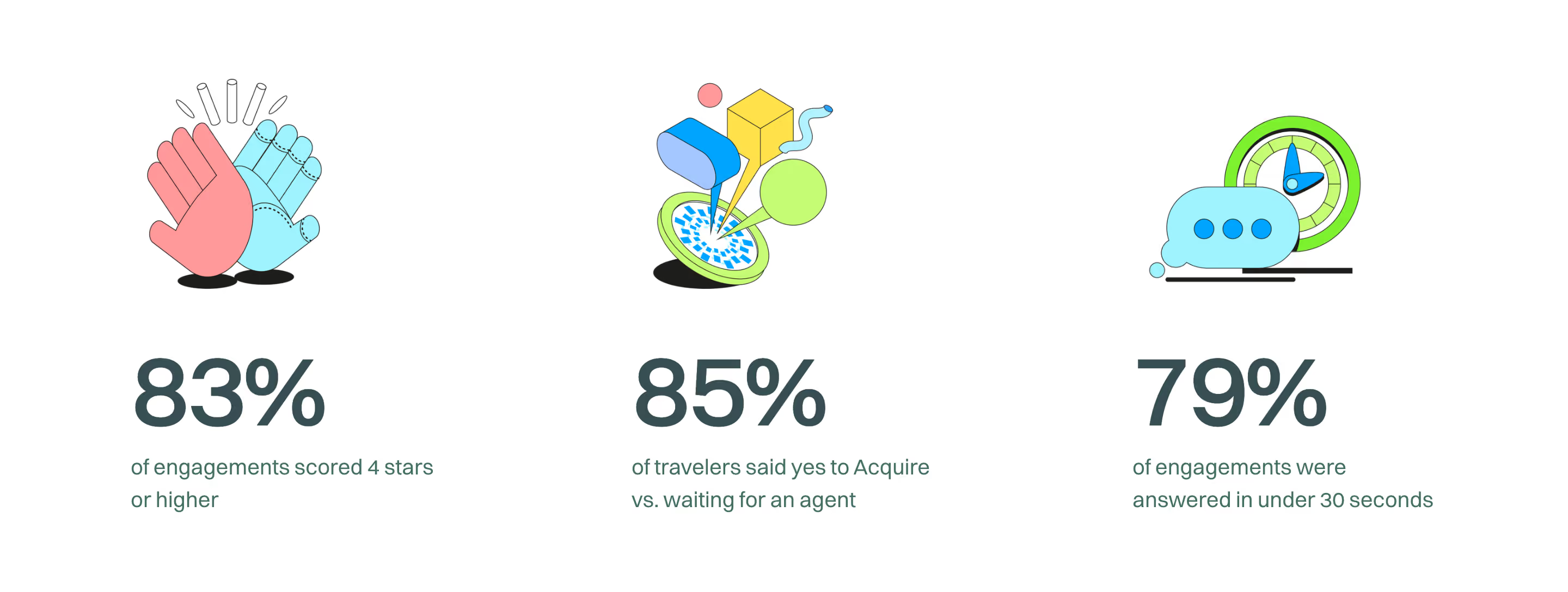
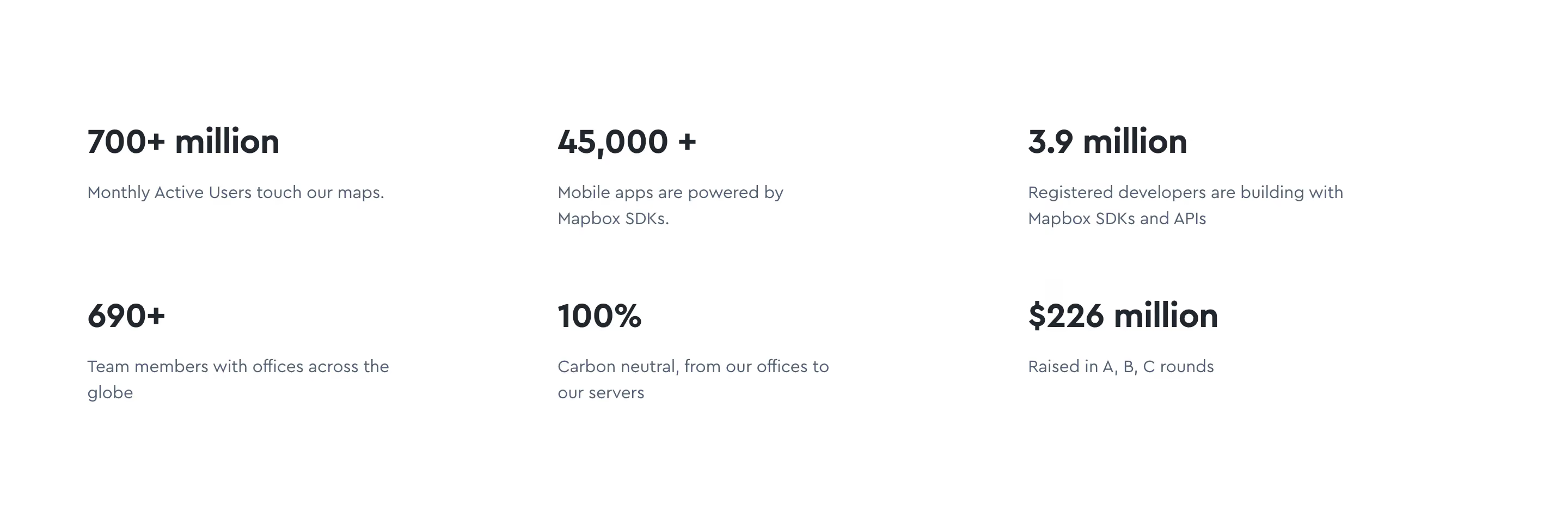
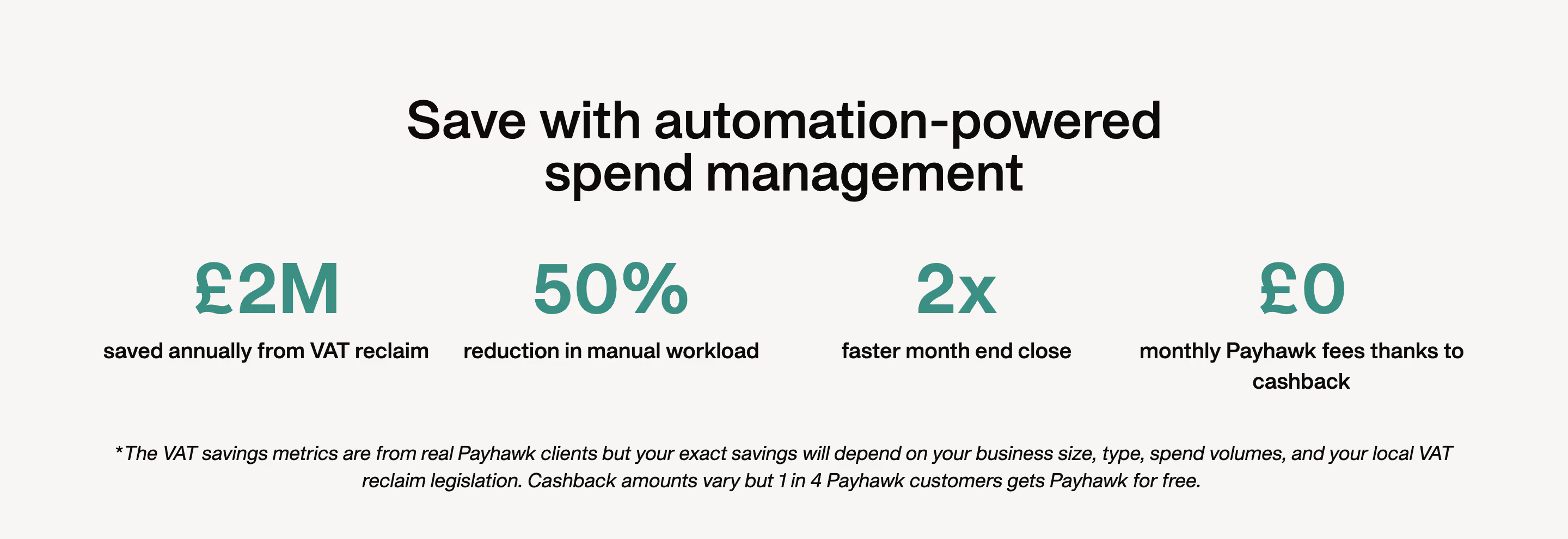
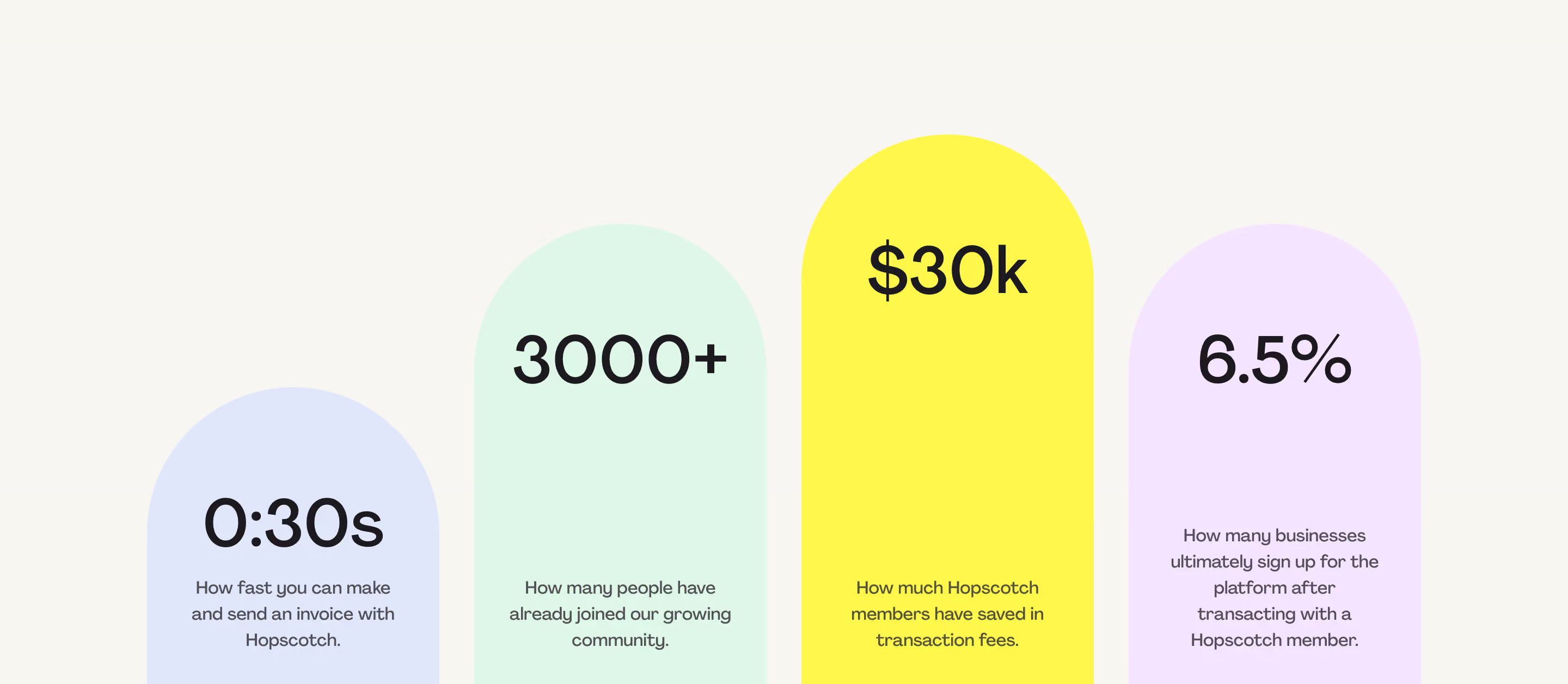
Prove your impact with SaaS Stat and Metric patterns. Discover how to use bold typography and data visualizations to highlight user growth, ROI percentages, and total data processed.
.webp)
A SaaS statistics section condenses evidence into a few memorable numbers. It can show adoption, platform activity, product coverage, or a customer's outcome. Those categories are not interchangeable. A useful section tells visitors what each number measures and why it matters, instead of relying on scale alone to suggest value.
Albato and Vercel show two different evidence models: platform-wide counts and named customer outcomes. Comparing them helps explain how to choose labels, preserve context, and connect a compact statistic to a fuller source. The screenshots are design references, not independent verification of the figures or current product performance.
Begin by identifying the question the statistic answers. An adoption count may help establish that others use the product. A usage volume may demonstrate activity. A coverage count may show breadth. A customer result may illustrate a particular experience. None of these automatically proves the others.
Keep the section focused on a coherent purpose. A group of three numbers can be effective when each adds a different relevant dimension, but a random mixture of team size, funding, and transactions may not help a visitor understand the product. Explain why these measures belong together.
Choose evidence that supports the surrounding page. An integration page may benefit from coverage details; a workflow page may benefit from a relevant customer result. Do not place the largest available number everywhere simply because it looks impressive. The statistic should answer a real evaluation question.
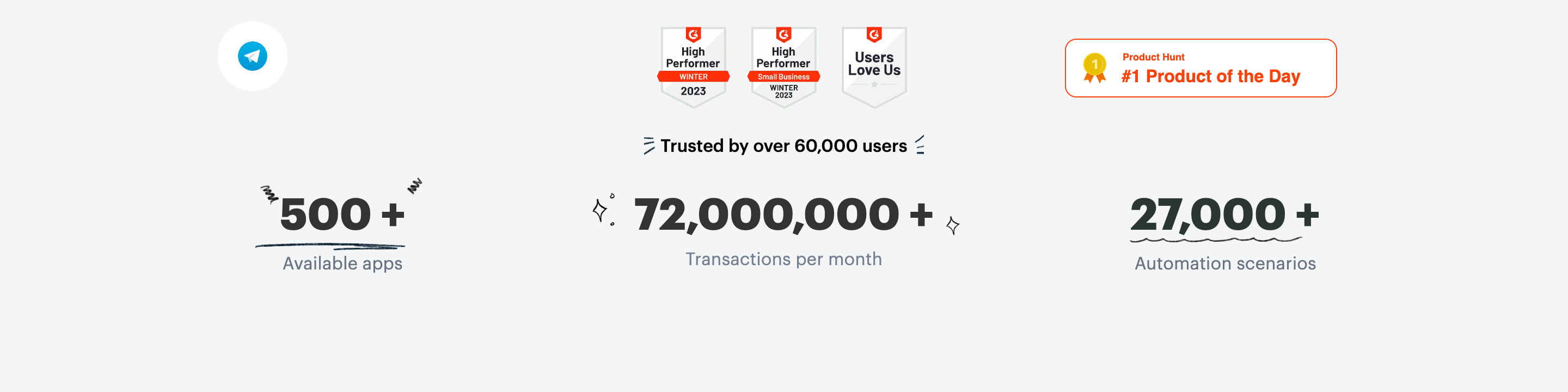
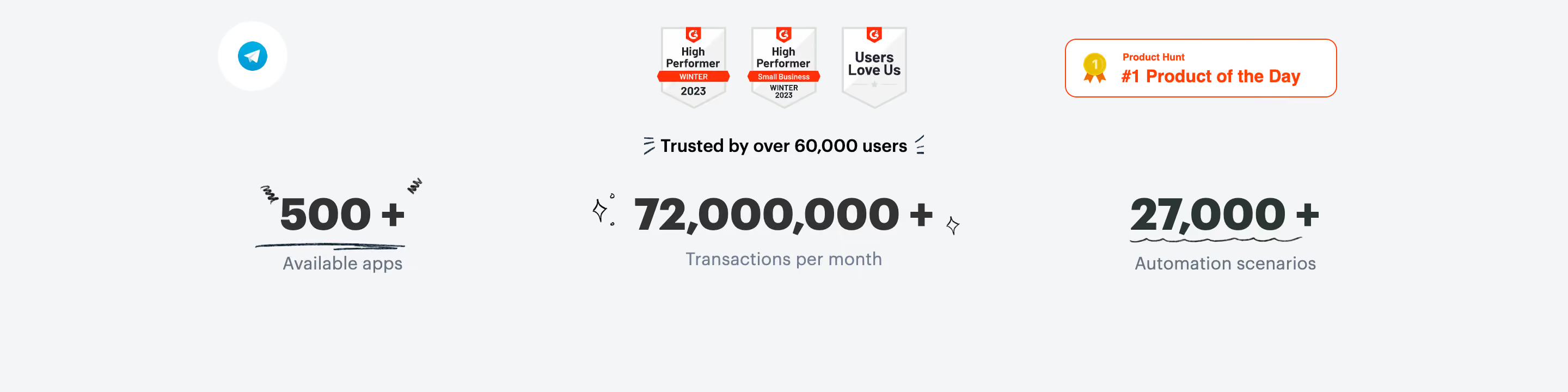
Albato presents counts for available apps, transactions per month, and automation scenarios. Each large number has a label, and the activity measure includes a period. The section also shows a user-count statement and recognition badges above the main row.
The labels make the figures more interpretable than three isolated totals. Available apps suggests ecosystem coverage; transactions per month suggests recurring platform activity; scenarios suggests a catalog or collection of workflows. The design gives each measure a separate visual position rather than merging them into one generic scale claim.
Define potentially ambiguous units at the source. A transaction may refer to an automation operation rather than a financial payment. A scenario may be a template, a configured workflow, or another object. If that distinction matters to the visitor, clarify it in supporting text or a linked explanation. Familiar words can still have product-specific meanings.

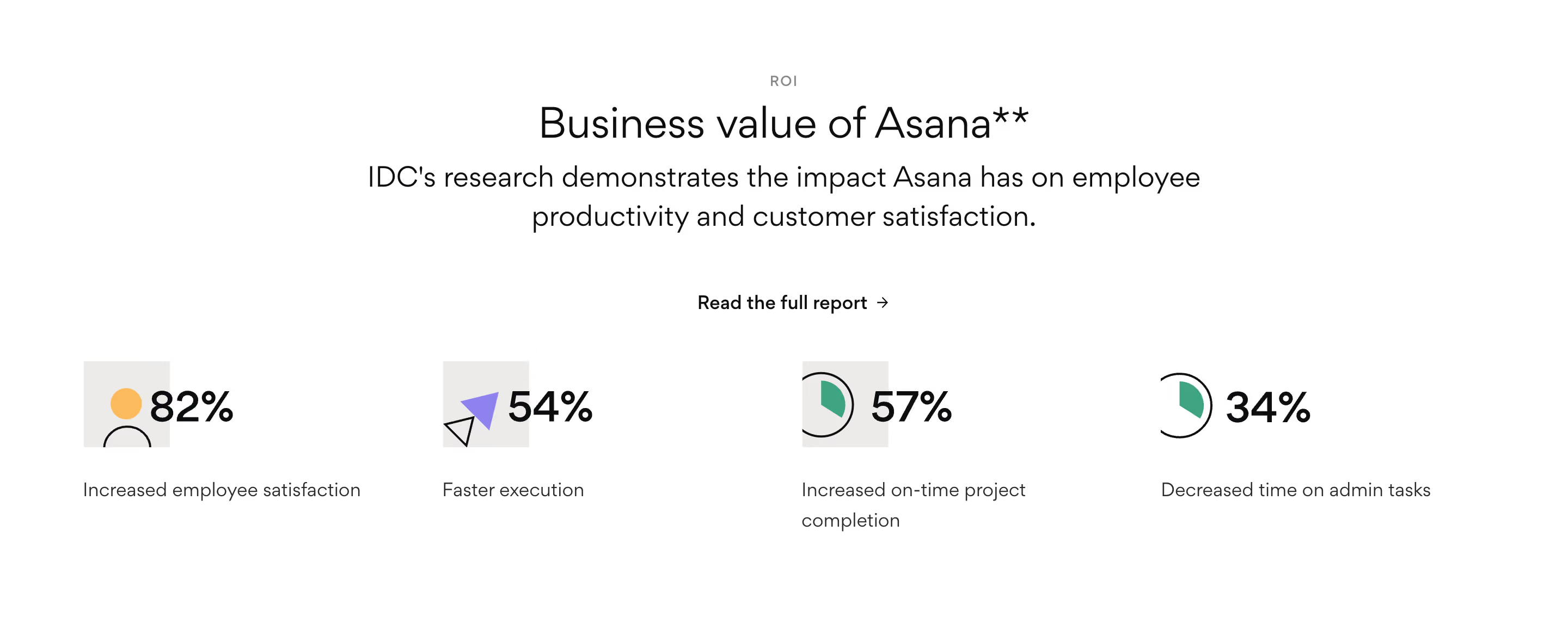
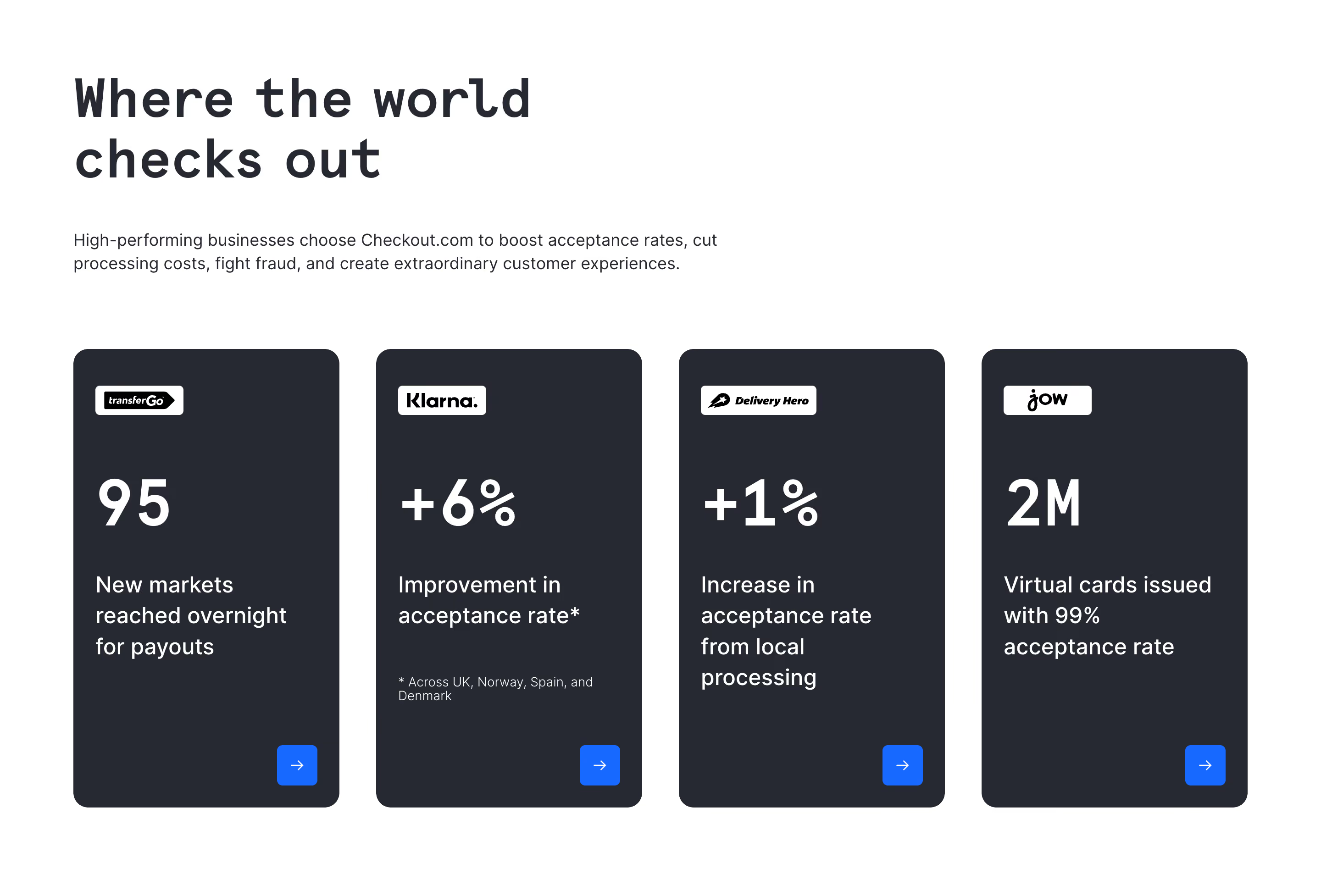
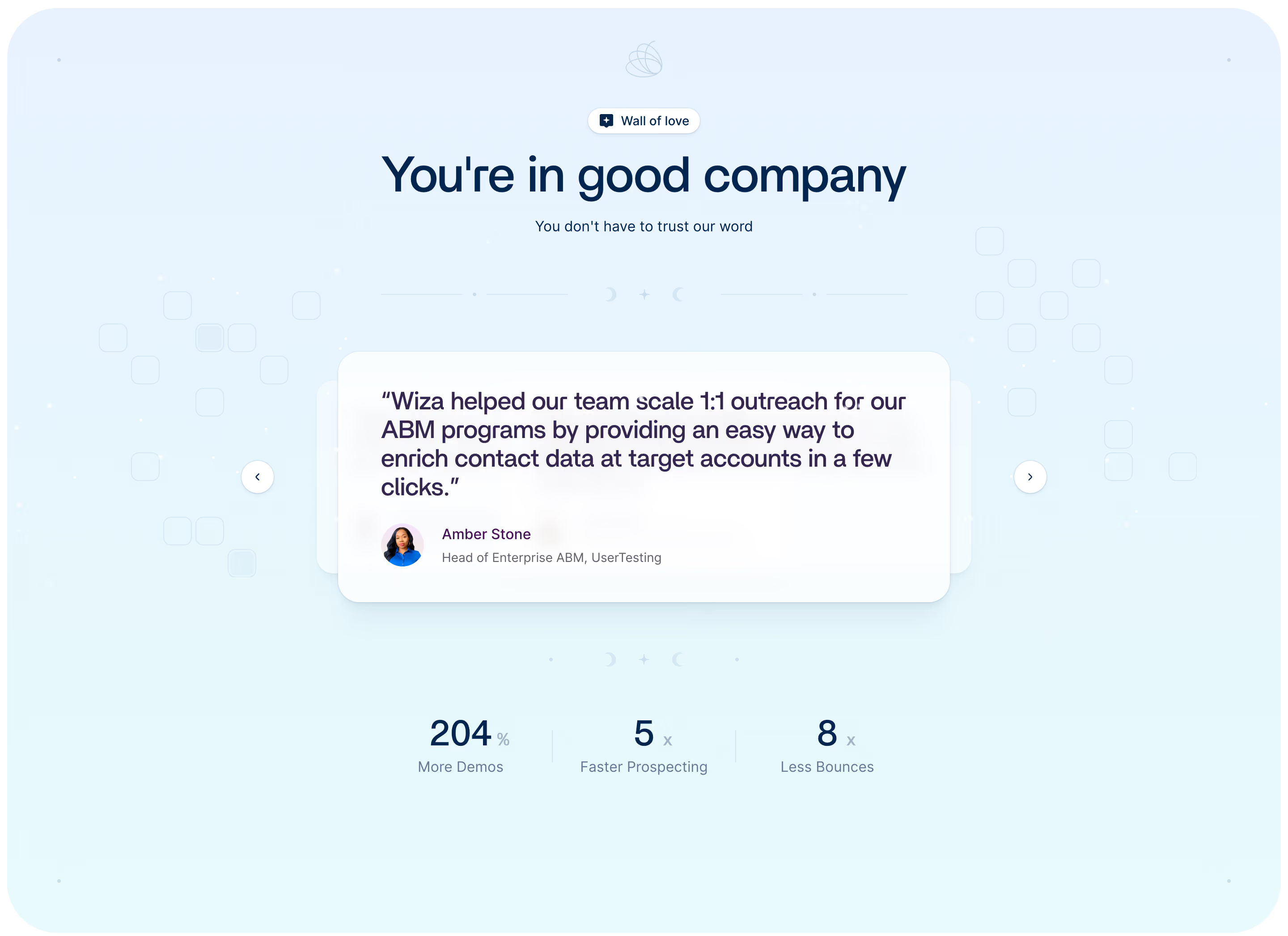
Vercel pairs each visible result with a customer logo and an outcome label. The cards describe different measurement types, including time saved, a percentage improvement, and a multiplier. The attribution makes the section read as a collection of customer experiences rather than a single platform-wide guarantee.
This approach works when visitors can find the context behind the result. A named customer's outcome may be more relevant than a general activity total, but it needs an explanation of what changed and how the result was measured. The compact card should lead to that account when possible.
Avoid implying that the displayed outcomes are directly comparable. Time saved, conversion change, and impressions measure different things. Equal card sizes help scanning, but they do not turn different units into one common scale. Keep the label close to its figure and make the customer association unambiguous.
A percentage change needs a baseline and a period to be interpreted responsibly. A cumulative total needs a clear scope. A monthly volume should indicate whether it is typical, recent, or tied to a particular reporting period. A preview may not have room for every detail, but the supporting source should.
Use a short qualification where it materially changes the meaning. A result from one workflow should not appear to describe the entire customer organization. A count of registered accounts should not be labeled active users unless that is what was measured. Keep the display label aligned with the actual data definition.
Choose rounding deliberately. Rounded numbers can make a section easier to scan, but excessive rounding can blur important distinctions. A plus sign suggests a threshold or minimum; it does not explain when the value was last checked. Retain the precise source and review the displayed shorthand as part of content maintenance.
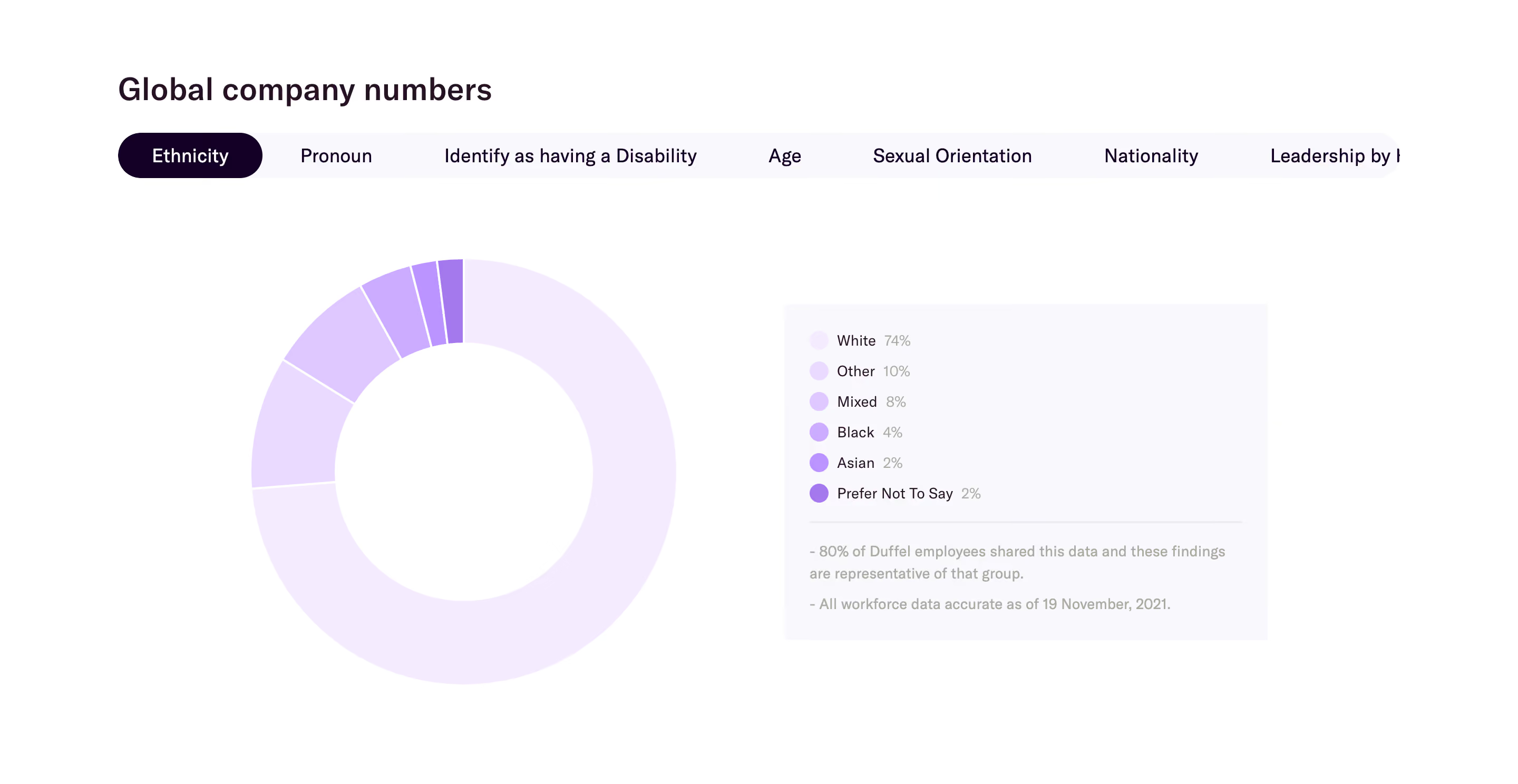
A statistics section should be concise enough to understand at a glance. Pick measures that collectively support one useful story, rather than filling every available column. Albato's row gives three dimensions of platform breadth and activity. Vercel's row gives several customer-specific outcomes.
Ask what each additional measure contributes. If two numbers communicate the same kind of scale, one may be enough. If a metric is impressive but irrelevant to the page's audience, move it elsewhere. A statistic about internal company growth may belong on a company page rather than beside a product workflow.
Keep comparisons valid. If the section explicitly compares periods, products, or customer groups, ensure the definitions match. Do not place an annual total beside a monthly total without explaining the difference. Visual consistency should reflect editorial clarity, rather than disguise mismatched measurement methods.
Large figures help readers notice evidence quickly, but the labels are essential to understanding it. Keep them readable and close to the numbers. A small gray caption that disappears against the background weakens the section even if the number itself remains prominent.
Brand logos can identify a customer, while icons can suggest a category. Neither should replace a textual label when recognition is uncertain. Use consistent spacing and alignment so the figure, label, and attribution remain one understandable unit.
Decorative underlines or accents, as in Albato's capture, can add character without changing the evidence. Use them sparingly and avoid making the section resemble an interactive chart if it is only a static summary. If figures animate into view, provide the final value in an accessible form and keep motion optional.
A compact statistic is a starting point for evaluation. Provide a useful route to a case study, methodology explanation, report, or relevant product detail. Choose the destination according to the kind of claim rather than linking every card to a generic signup page.
For a customer result, the full story should explain the workflow and measurement context. For a coverage count, a directory can show what is actually supported. For a platform activity measure, a dated report or maintained definition may help readers understand its scope.
Do not create a misleading appearance of verification by adding a source link that does not support the displayed figure. Check the connection between the summary and the destination. If the evidence cannot be responsibly explained, consider using a more concrete qualitative example instead of a number.
Assign an owner to the data definition and the displayed value. Review counts when the source changes, and avoid automatically increasing them without considering what the label means. A connector removed from the ecosystem may affect coverage; a revised measurement process may affect comparability.
Distinguish dynamic product data from editorial claims. A live dashboard can refresh automatically, while a marketing statistic may require review and approval before its interpretation is updated. Both need a clear source, but they should not share an update process by accident.
Keep historical customer results dated or contextualized where appropriate. A past success can remain informative without pretending to be a current benchmark. If the product's role or the customer's story changes, update the supporting content and the summary together. An attractive number should not outlive the explanation that made it meaningful.
Test understanding rather than recall alone. Ask a visitor what the number measures and what conclusion they would draw from it. If they interpret a customer result as a guarantee or a transaction count as a different kind of activity, improve the label and supporting context. A memorable statistic is useful only when it is remembered accurately.
For accessibility, keep essential figures in text rather than only inside images. A stacked mobile layout should not separate a customer's logo from the result it identifies. Long labels and translated units should wrap without clipping. If the section uses count-up animation, ensure the stable final value remains available without waiting through the effect.
Show a small set that supports the page's evidence goal. Two or three meaningful measures can be stronger than many loosely related figures. Add a statistic only when it contributes a distinct fact that visitors can interpret.
It can illustrate a relevant experience, but it should remain attributed and contextualized. Do not present one customer's outcome as a universal promise. Link to the story or explanation that establishes the conditions behind the result.
Automatic updates can work for well-defined counts with a reliable source. Claims that depend on interpretation may need editorial review. Establish ownership, definitions, and a maintenance process before deciding how the displayed figures refresh.
Explore SaaS statistics section examples on SaaSFrame to compare metric labels, customer attribution, visual hierarchy, and supporting evidence.