Awards & Recognition
18
Build instant credibility with SaaS Awards and Recognition sections. This collection shows how to display G2 badges, industry certifications, and 'Best of' accolades to establish trust and authority in your niche.
.webp)
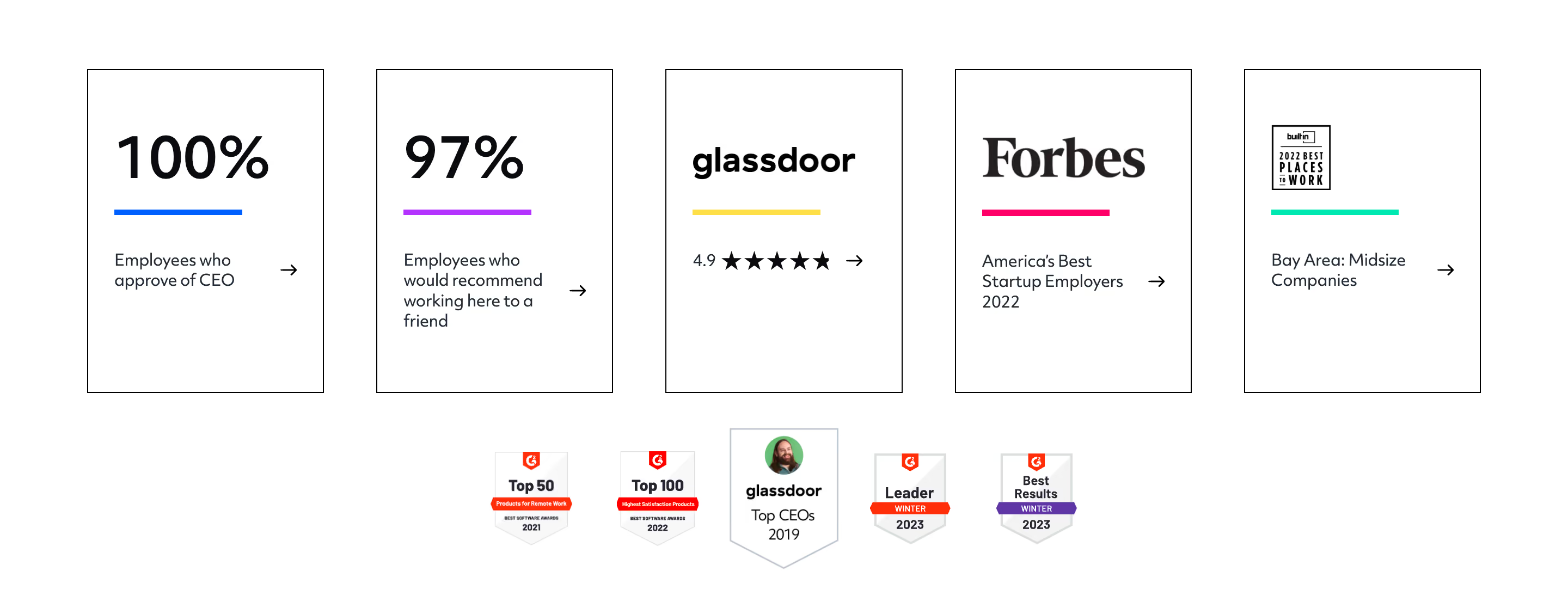
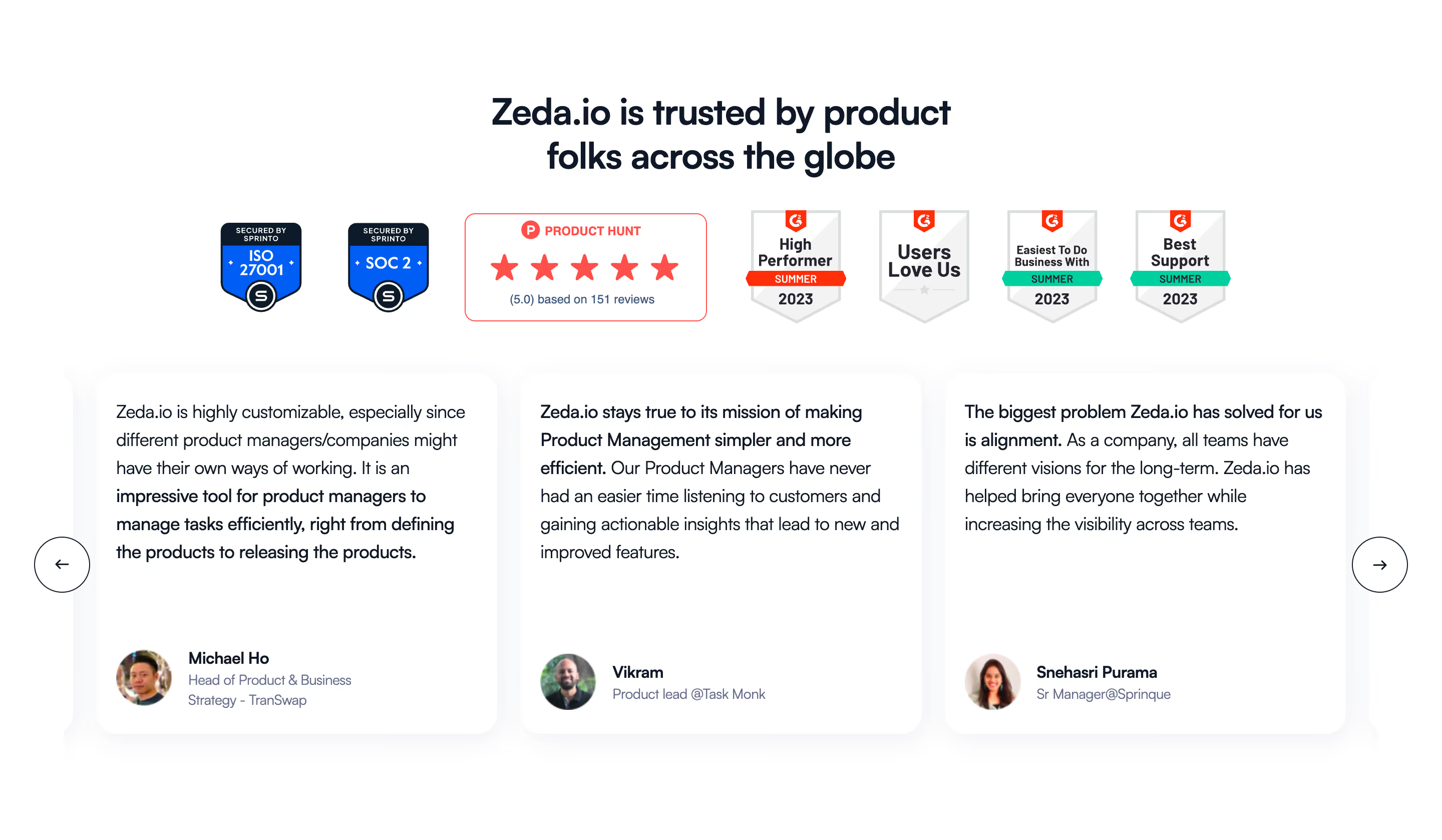
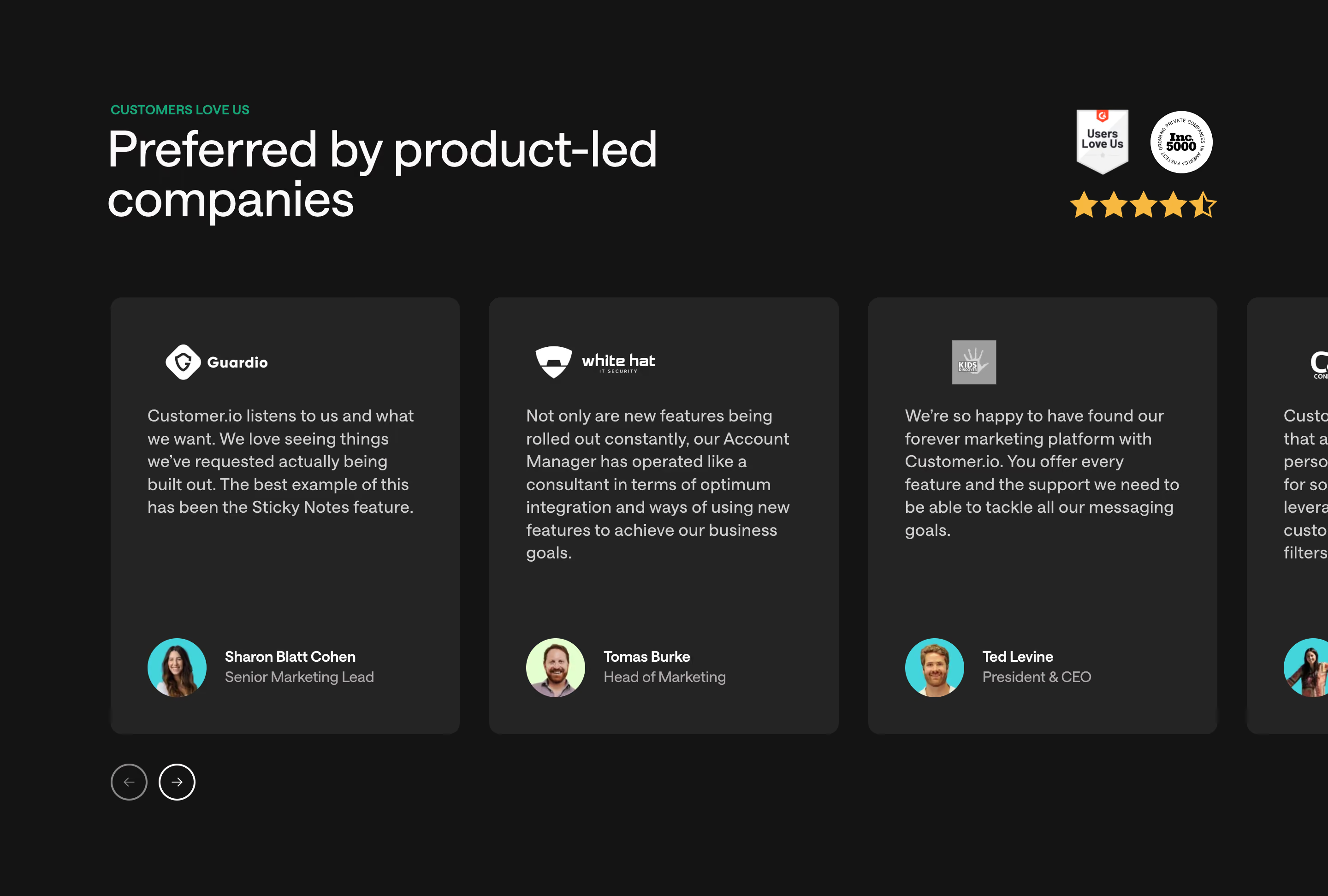
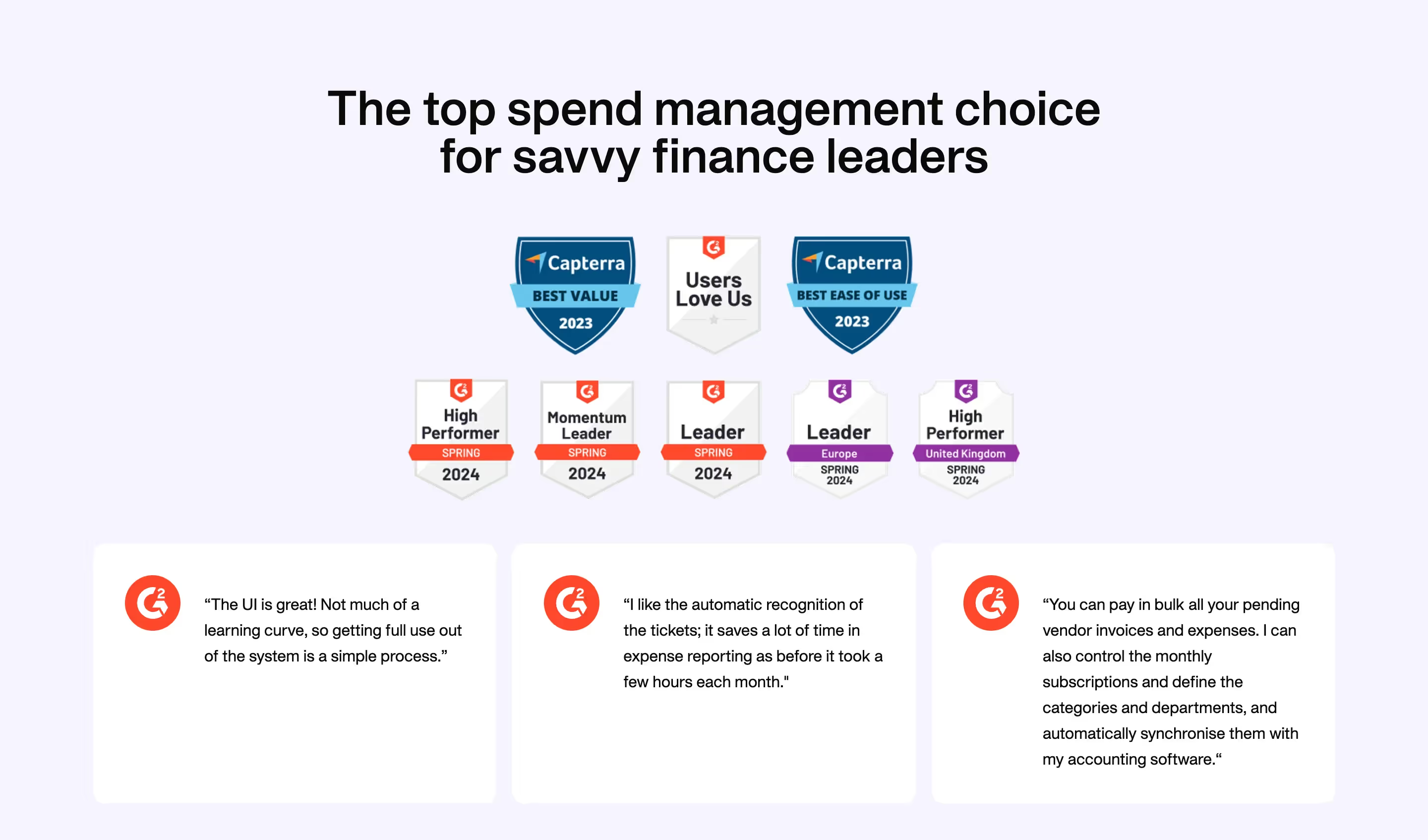
An awards and recognition section presents third-party distinctions in a way visitors can interpret. A useful badge identifies what was recognized, by whom, and in which category or period. The section can support product evaluation, but it should not let a decorative award imply broader conclusions than the distinction establishes.
Superlist and Glide show two approaches: a restrained row of ranked recognitions and a larger group of review-platform badges paired with a quote and rating summary. Their captured designs illustrate hierarchy and attribution. They do not independently verify the awards or establish the product's current standing.
Start with why the recognition belongs on this page. A usability distinction may be relevant near a product-experience section. A launch ranking may establish interest around a release. A category award may help visitors understand how the product is positioned within a market.
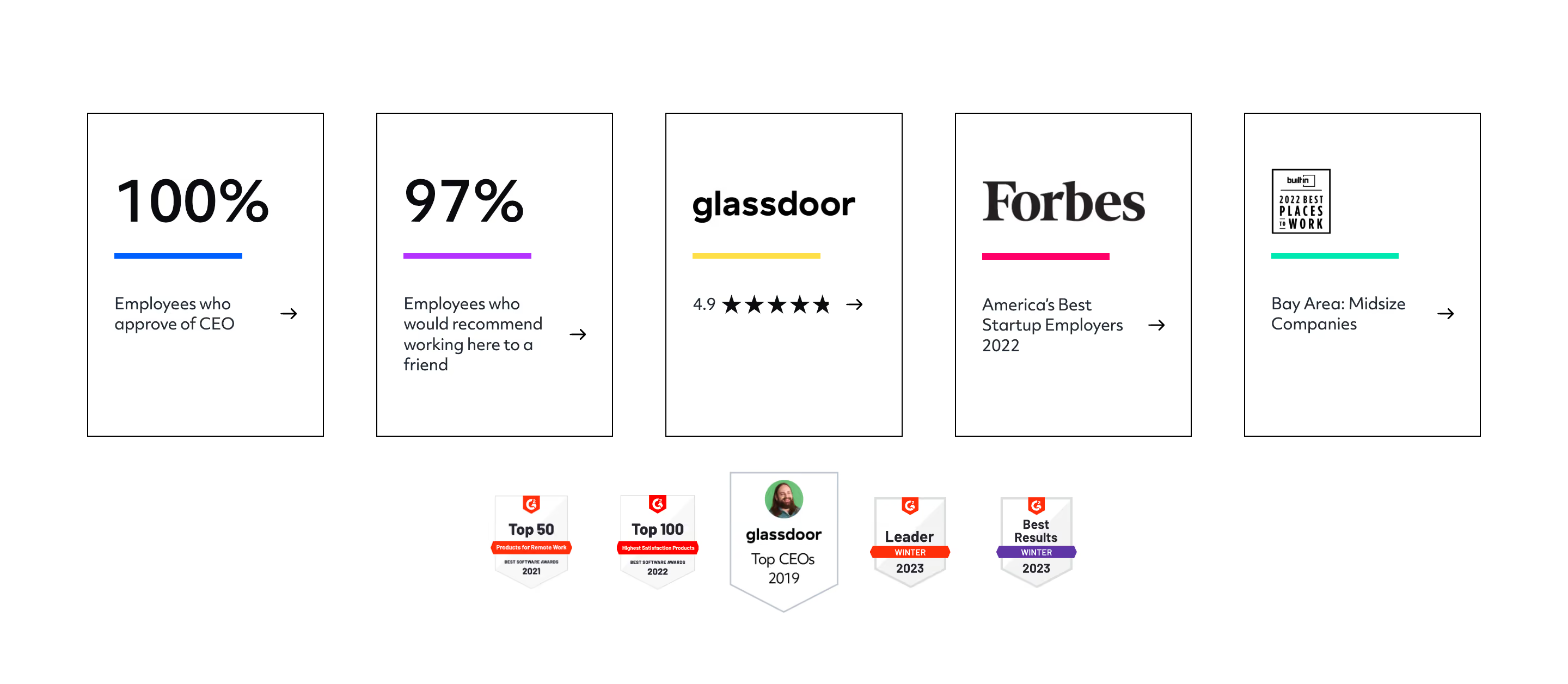
Do not treat every badge as equally informative. A ranking, a review rating, an editorial mention, and a certification have different meanings. Keep these categories distinct and avoid placing them under a heading that overstates what the collection proves.
Choose a small relevant set rather than displaying every distinction available. The section should add context to evaluation, not create a wall of symbols that visitors cannot decode. If the recognition needs a substantial explanation, provide a concise summary and a clear source destination.

Superlist's row separates day, week, and month recognitions and gives each an explicit rank. The repeated laurel treatment creates a coherent group, while the text distinguishes the scope of each placement. This is clearer than showing three identical badges with no explanation.
The crop does not display every contextual detail a visitor might need, such as a specific date or source destination. In a live design, ensure the surrounding section or linked source identifies the issuing platform and relevant period.
Keep rank wording exact. First in a daily launch ranking is not the same claim as first across a category indefinitely. A monthly placement has a different comparison set from a daily one. The visual prominence should not erase those distinctions.

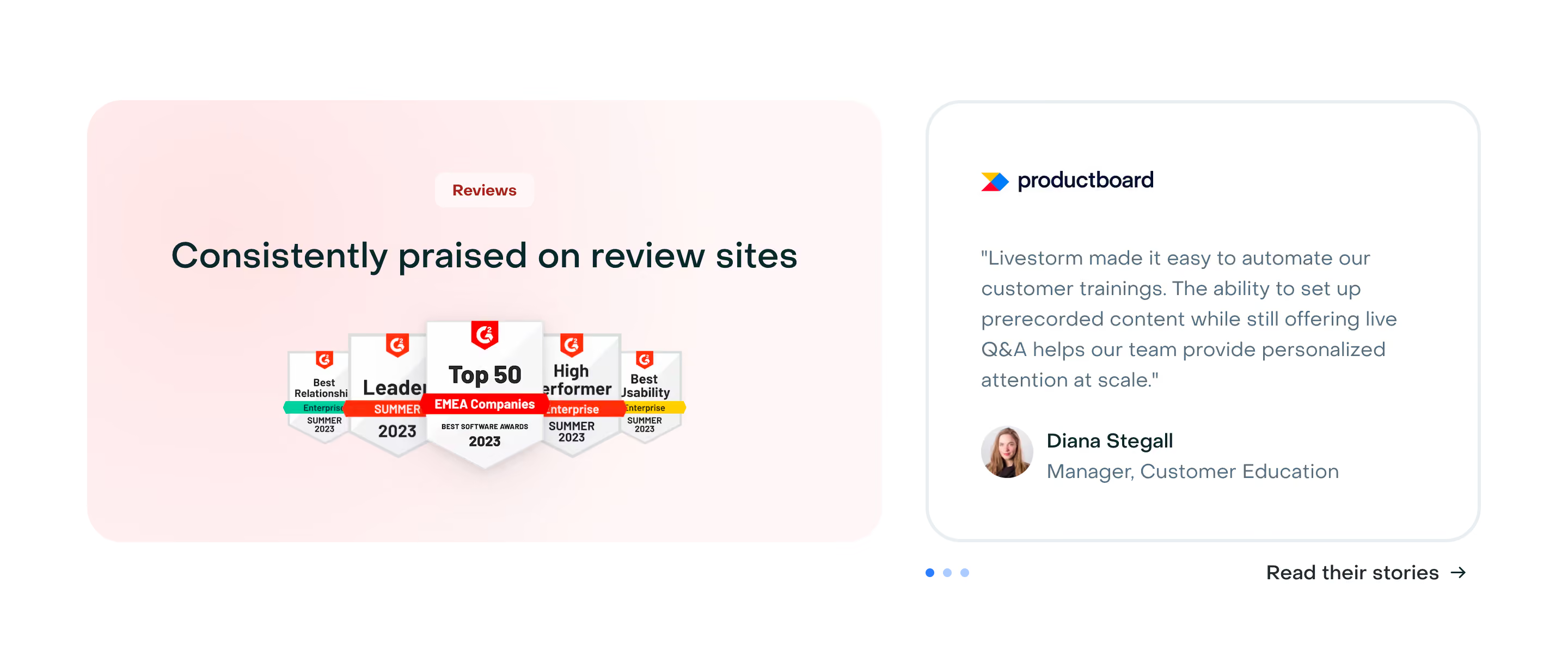
Glide combines several review-platform badges with a large quotation, a rating and review-count statement, and an action to see the underlying reviews. The section uses different evidence types in one composition: category distinctions, a statement about experience, and an aggregate review summary.
Those elements can reinforce one another when their roles are clear. The badges show specific recognition, the quote communicates a perspective, and the rating summarizes a collection of reviews. None should be presented as interchangeable proof of every product claim.
Make the quote's attribution available where needed, and keep the rating's scale and source understandable. The review-source action is useful because it gives visitors a path beyond the selected presentation. Check that the destination supports the specific claims being displayed.
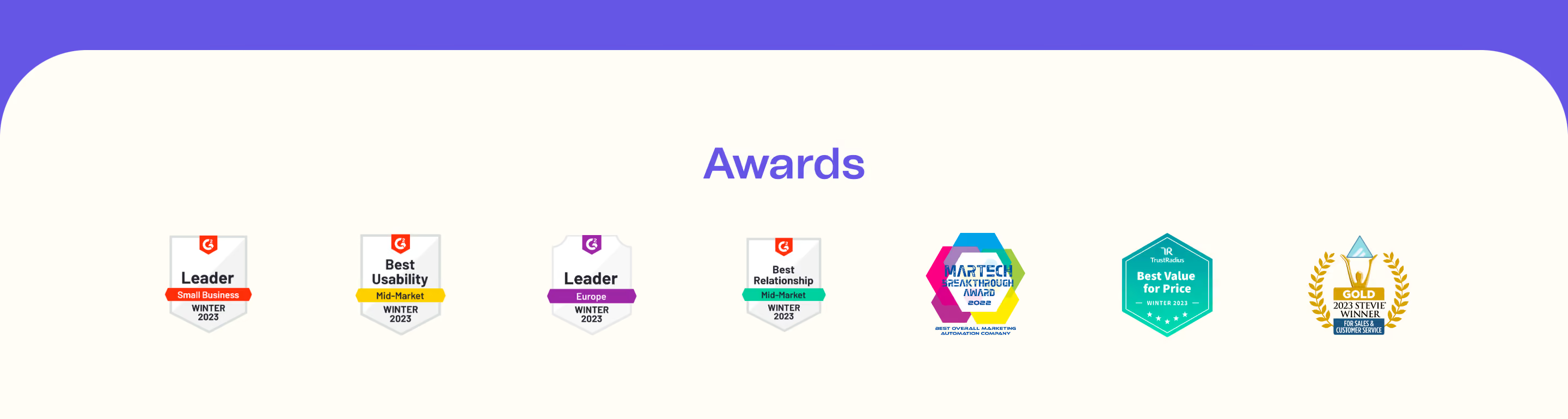
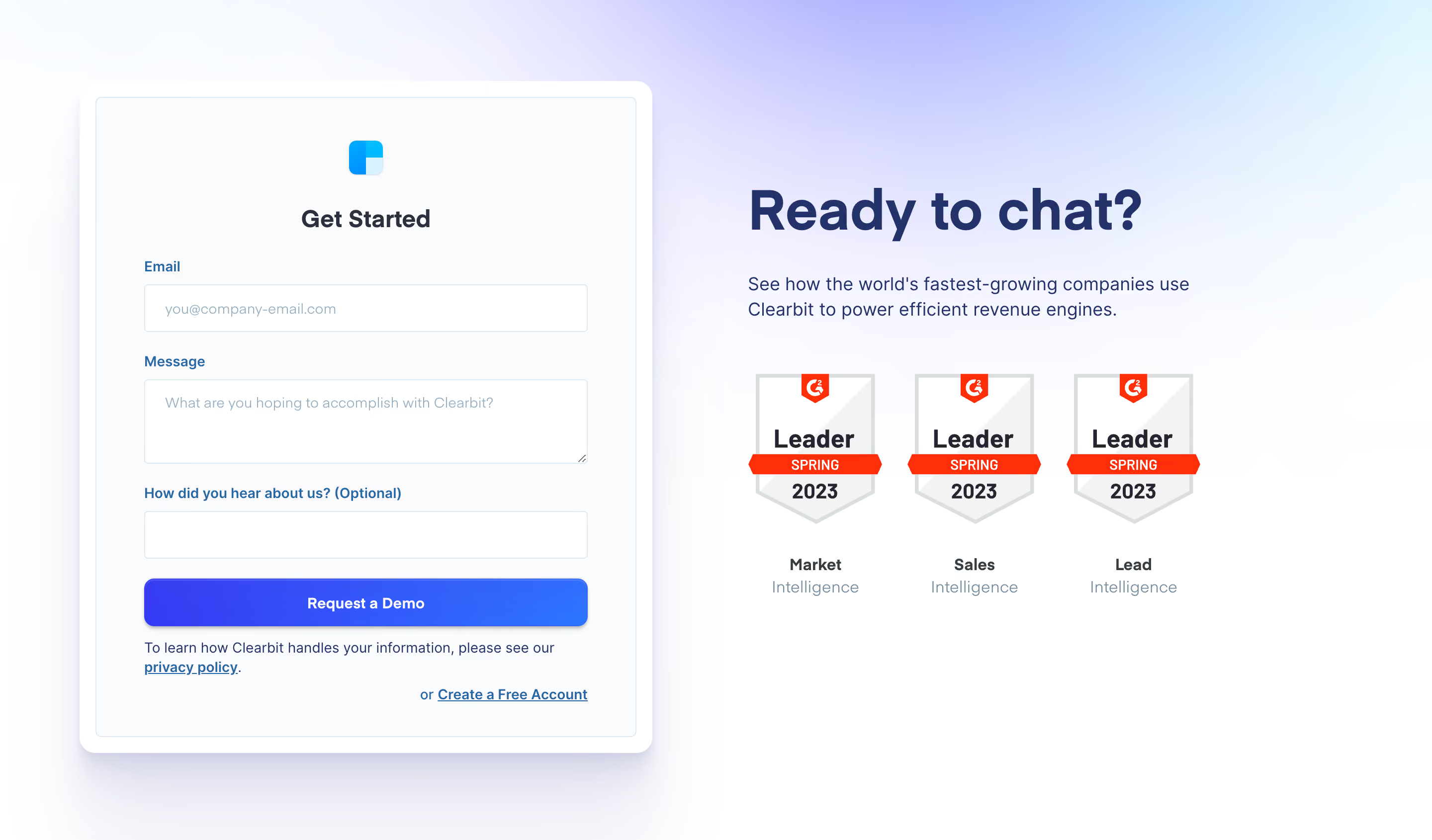
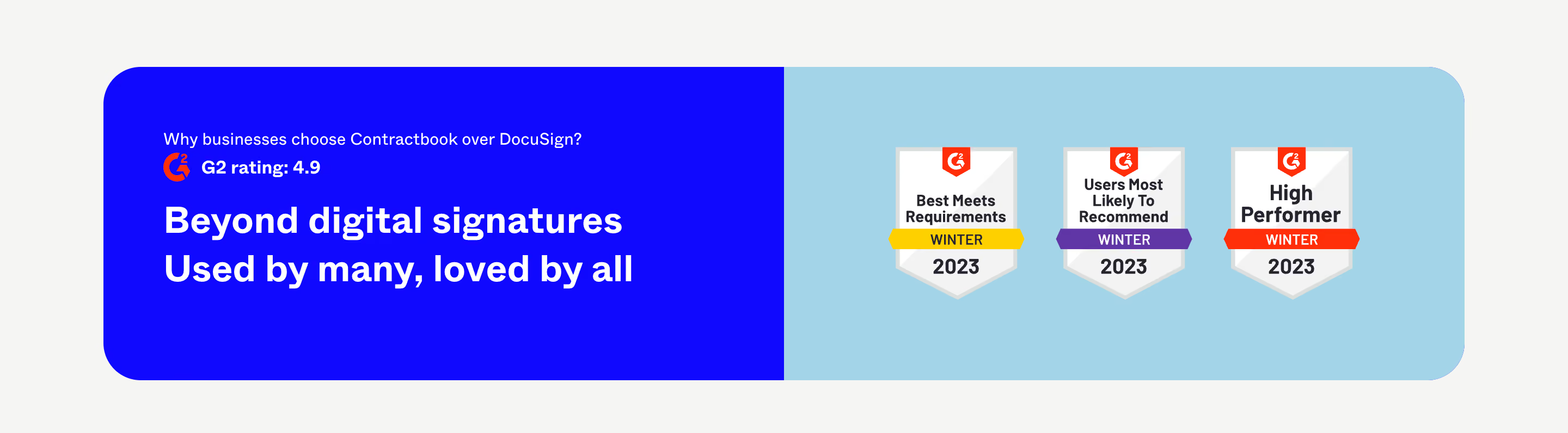
A badge may apply to a particular category, organization size, season, or evaluation period. Keep those qualifiers readable. In the Glide capture, some badges include enterprise or small-business context and a seasonal date. Those details affect how the distinction should be interpreted.
Do not crop away qualifiers to create a cleaner row. If the original asset contains essential small text, consider adding a nearby text label or summary rather than shrinking the badge until that information is unreadable. Use the issuing organization's approved asset treatment where applicable.
Historical recognition can remain useful when it is accurately dated. Avoid presenting an old distinction as a current ranking by removing its period. A visitor should be able to understand whether the section describes a past launch, a recent review report, or a maintained qualification.
Link to the relevant award page, review profile, report, or announcement when a useful source is available. The destination should make it possible to inspect the recognition, not merely lead to the issuing organization's homepage.
Use action labels that predict the destination. See reviews and View award describe different experiences. If one source supports several badges, a shared action can be appropriate, but ensure the connection remains clear.
Retain the source internally even when the public destination changes. A removed or archived page should trigger a review rather than leave a badge unsupported indefinitely. If the distinction can no longer be presented accurately, update the section's wording or remove the item instead of relying on its familiar visual form.
A review-platform badge can indicate how a product performed within a defined evaluation. It does not automatically establish security, compliance, suitability for every customer, or guaranteed business results. Keep the section's heading and nearby claims proportionate to the actual recognition.
Do not place a badge beside an unrelated promise in a way that suggests support for that promise. A usability distinction should not appear to verify a technical security claim. If several evidence types are combined, use labels and layout to make their relationship explicit.
Provide product explanation and customer context elsewhere in the page. Recognition can support evaluation, but it should not replace a demonstration of the workflow, a clear offer, or a relevant story. Visitors still need to understand what the product does and whether it fits their requirements.
Use consistent spacing and perceived scale for the selected badges. Different award assets can vary substantially in shape and built-in text. Normalize the containers without distorting the marks or clipping their meaning.
Choose one focal point. Superlist's short row lets the ranks carry the section. Glide uses the quote as a larger visual center while the badges and rating surround it. A page can use either model, but an equally loud badge wall, quote, metric, and button can compete for attention.
Keep supporting text readable. Recognition often arrives as an image with tiny labels, so review the final rendered size. If essential text cannot be read, provide it in real page copy. Decorative laurels should not obscure the rank or become the primary information.
A long row of badges can wrap into several lines or become a small grid. Preserve the association between each distinction and its label. Avoid shrinking seven assets into a narrow row merely to retain the desktop composition.
Provide text alternatives that identify the meaningful recognition, including relevant category and period where appropriate. Do not repeat lengthy decorative detail. Keep ratings and review counts in accessible text when they are essential to the section.
Linked badges need clear accessible names and visible focus. If the section uses a carousel, provide labeled controls and a stable reduced-motion experience. A static collection is often easier to scan and verify. Test zoomed text, missing images, and long source labels to ensure the evidence remains understandable.
Maintain rating summaries and review counts according to their source. A static summary can become stale even when the badge period remains valid. Decide whether the display is dated, refreshed through a reliable process, or replaced with a source link when ongoing maintenance is impractical.
Test interpretation with visitors. Ask what they think a distinction means and which claim they believe it supports. If they infer a certification or a universal ranking from a narrower award, improve the label and placement. The purpose is interpretable recognition, not the strongest possible impression.
Consider the section's place in the page. Near a relevant feature or customer-evidence area, recognition can add supporting context. At the top of a page, it may establish initial familiarity but still needs product explanation. Avoid repeating the same badges across several sections when a single clear presentation and source route would suffice.
They can remain useful as historical recognition when their date and scope are clear. Review whether they still support the page's purpose. Do not remove dates or imply a past ranking describes the product's current position.
Yes, when their different meanings are clear. Label the source and scale of the rating, preserve the category and period of each award, and provide relevant source links. Avoid treating all of them as one undifferentiated endorsement.
Choose a small relevant set that visitors can read and interpret. More badges can create clutter without adding useful evidence. Provide access to a fuller source or recognition page when the collection is extensive.
Browse SaaS awards and recognition examples on SaaSFrame to compare rank labels, category context, source actions, and readable badge arrangements.