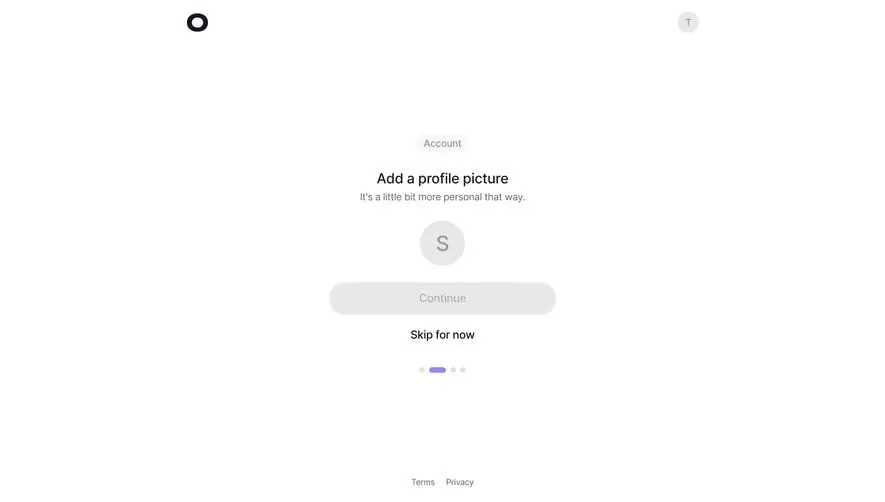
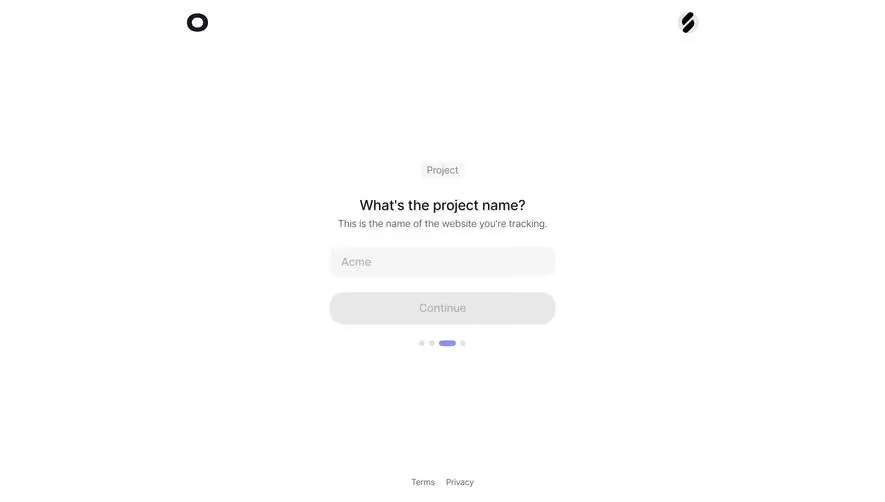
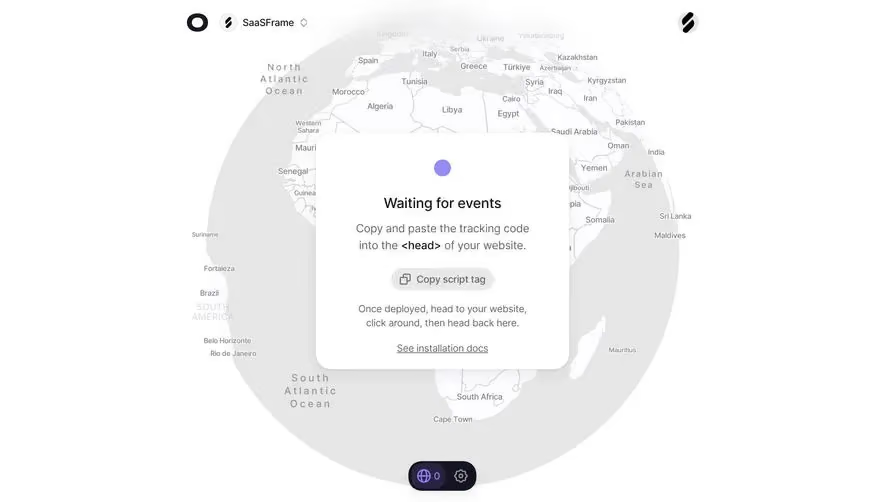
Generate a new design based on this screen using your own content.
Thank you! Your submission has been received!
Oops! Something went wrong while submitting the form.
# Design from Reference: Visitors Project Domain
Create an original, high-fidelity visual design inspired by the reference. Prioritize composition, typography, colors, spacing, and component styling over technical implementation.
## Reference
- **Product:** Visitors
- **Category:** Account Setup
- **Screenshot:** https://cdn.prod.website-files.com/5e9dc792e1210c5325f7ebbc/697b75b8ba92fcc11973cae8_ntF75khy5eo93MJYwQkYQ902-l58smYACSx_kT3pEZc.avif
Analyze the screenshot first. If inaccessible, request it rather than guessing.
## Content
{{content.instructions}}
{{content.data}}
Preserve essential messaging and factual accuracy. Adapt structure and copy length for visual balance; never invent product claims.
## Visual Design
Use this context to reproduce the reference's visual language: layout, typography, colors, spacing, borders, radii, and distinctive elements. The screenshot takes priority if descriptions conflict.
## Direction
{{preferences.fidelityInstructions}}
## Output
{{output.instructions}}
Deliver a polished, cohesive design with precise alignment, hierarchy, and spacing. Produce the requested visual artifact, not just a description. If unsupported, explain the limitation.
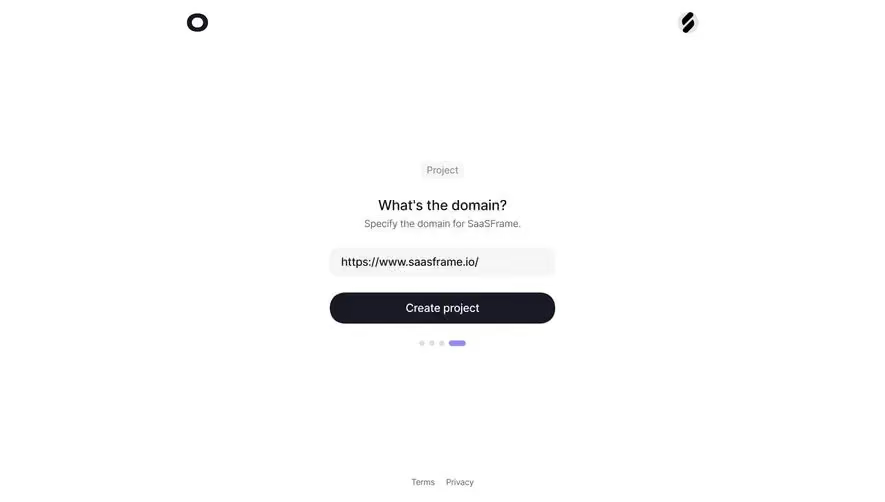
This onboarding step from what appears to be a project setup flow is stripped down to almost nothing. And that's exactly why it works. One question. One input. One button. The page breathes. There's so much whitespace here that your eye has nowhere to go except the center, which is the point.
Smart Visual Hierarchy
The small "Project" pill badge up top gives context without shouting. Below it, "What's the domain?" is set in a clean, medium-weight serif or sans that feels modern but warm. The subtitle in gray keeps things conversational. The input field sits on a soft gray background with generous padding, pre-filled with a URL that acts as a helpful example. Then that dark, rounded "Create project" CTA anchors everything. It's big, confident, impossible to miss.
The Little Things
Those pagination dots at the bottom tell you where you are in the flow. The fourth dot is elongated and purple, a subtle but effective touch. Two logos flanking the top corners hint at an integration story. Footer links stay out of the way. This is onboarding done with restraint and clarity.
.webp)



.avif)