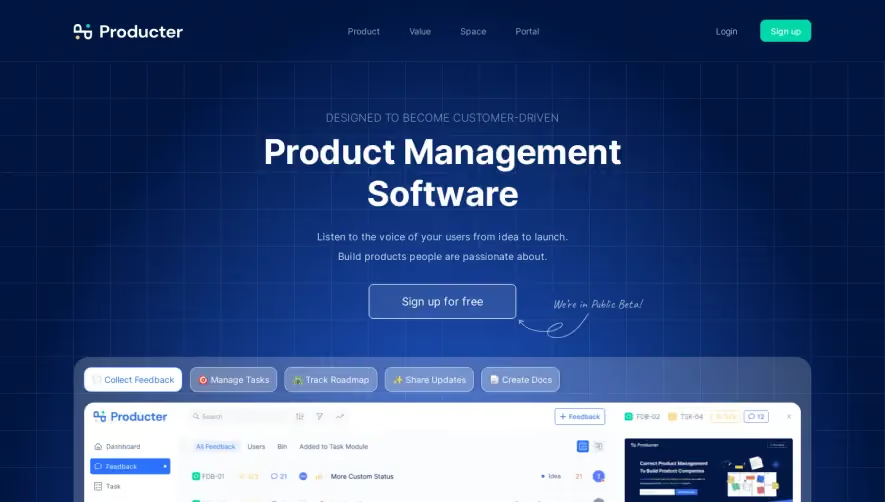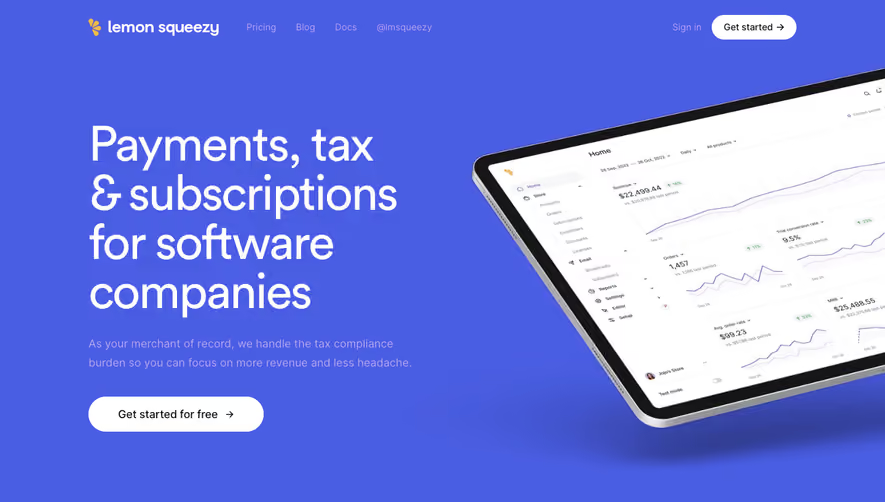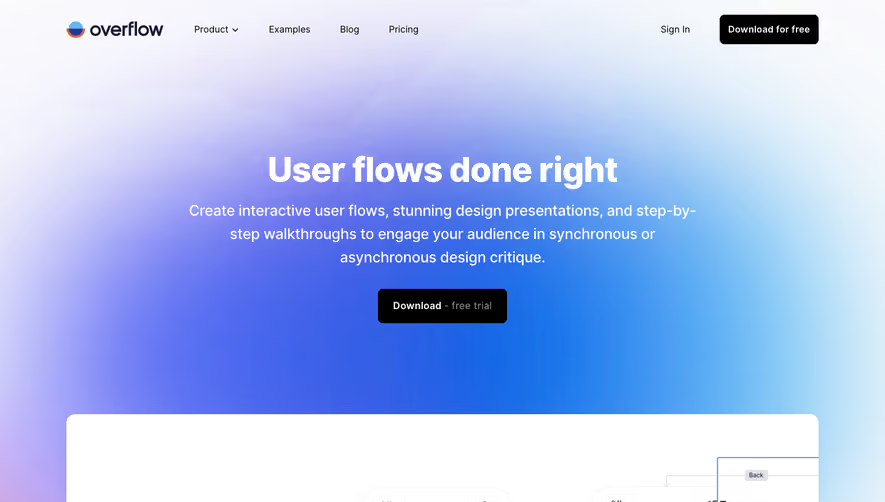



1. Header: The page has a fixed header that remains at the top of the page as users scroll down. The header includes a logo, a call-to-action button, a login button, and a hamburger menu icon that expands to show additional navigation options. 2. Hero Section: The hero section contains a large banner image and a bold headline that introduces the brand and its services. There is also a subheading that provides a brief explanation of what Spendesk does, and a prominent call-to-action button inviting users to schedule a demo. 3. Features Section: The next section highlights some of Spendesk's key features and benefits through a series of visually appealing icons, brief descriptions, and call-to-action buttons. Each feature is separated by alternating blue and white background colors. 4. How it Works Section: The page then goes into more detail about how Spendesk works. This section uses a mix of text, icons, and screenshots to explain the platform's key features and functionalities, including virtual and physical cards, automated expense tracking, and integrations with accounting software. 5. Customer Testimonials: Spendesk's social proof and credibility is established through a section of customer testimonials. Each testimonial includes a photo, job title, and short quote from a satisfied customer. 6. Pricing Section: The page then presents Spendesk's pricing plans, starting with a free trial option, followed by the different paid plans, which are presented in a clear and easy-to-read table. Each plan is accompanied by a brief summary of its features. 7. Frequently Asked Questions: The final section of the page is a list of common questions and answers about Spendesk's services, presented in an accordion-style dropdown format. This section is designed to provide potential customers with more information and alleviate any concerns or doubts they may have about the product.


Spendesk Landing Page

Spendesk
Spend management
Designed by
No items found.
Category
Patterns
Added on
April 25, 2020