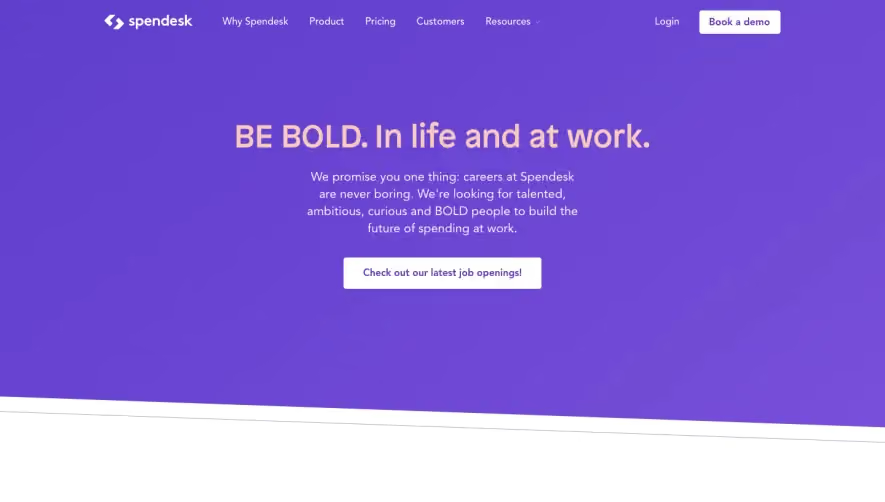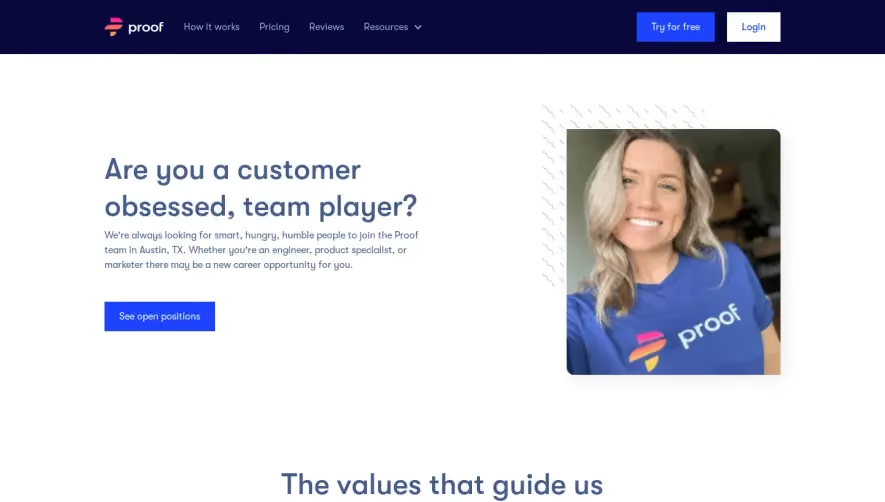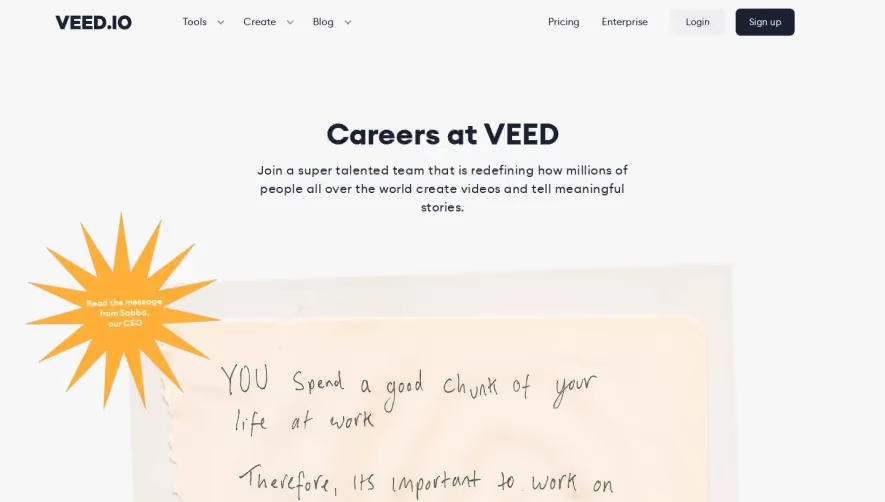



1. Header: The page starts with a header section that features the PlayPlay logo, a hamburger menu button on the top left corner, and a call to action button that opens a job application form on the top right corner. 2. Hero Section: Next, there is a hero section that is divided into two columns. The left column features a heading that reads "Join the PlayPlay adventure" and a subheading that says "make video creation accessible to all." On the right column, there is an image of the PlayPlay team that adds a human touch to the page. 3. Job Opportunities Section: This section has a heading that reads "Discover our job opportunities" and features a list of current job openings at PlayPlay. Each job listing shows the job title, the location of the job, and a brief description of the position. 4. Why PlayPlay Section: This section highlights why working at PlayPlay is great. It features three sections: "Be part of a dynamic team", "Empower creativity for all", and "Enjoy an exciting working environment". Each section has a heading, a short paragraph describing the benefits, and an image that adds context to the text. 5. Life at PlayPlay Section: This section features a heading that reads "Discover life at PlayPlay" and has three subsections: "Our culture", "Meet some of our team members", and "Our workspaces." Each subsection has a short paragraph, some visuals, and text snippets that explore what the culture at PlayPlay is like. 6. How to Apply Section: The page ends with a section that explains how job seekers can apply to work at PlayPlay. It includes a heading, a short paragraph explaining the application process, and a CTA button that leads to the job application form.

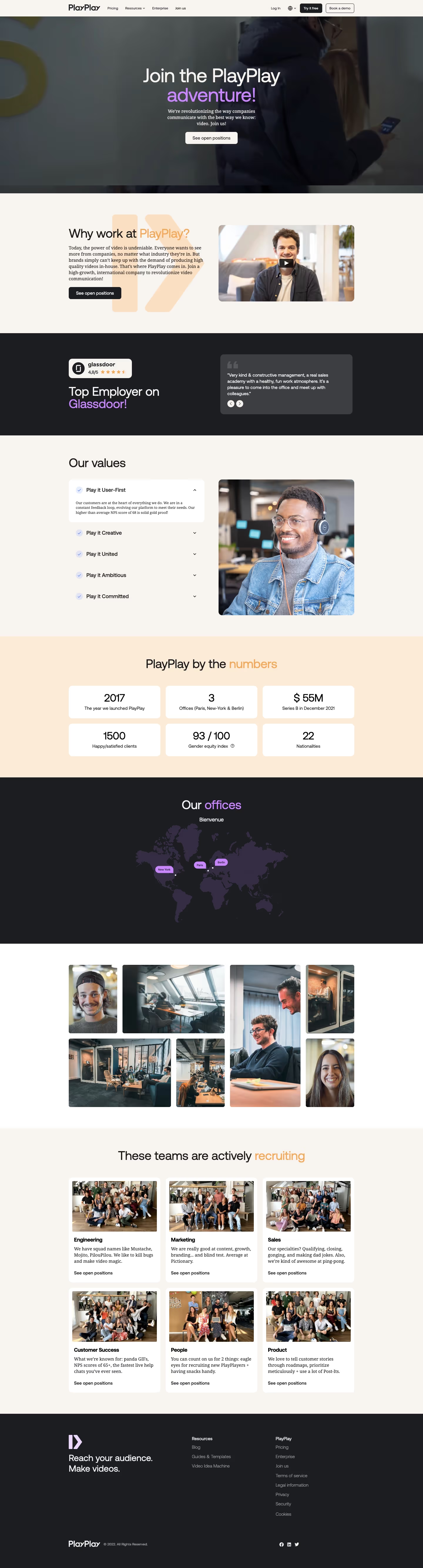

PlayPlay Careers Page

PlayPlay
The simplest video maker
Designed by
No items found.
Category
Patterns
No items found.
Tech Stack
Added on
May 15, 2020