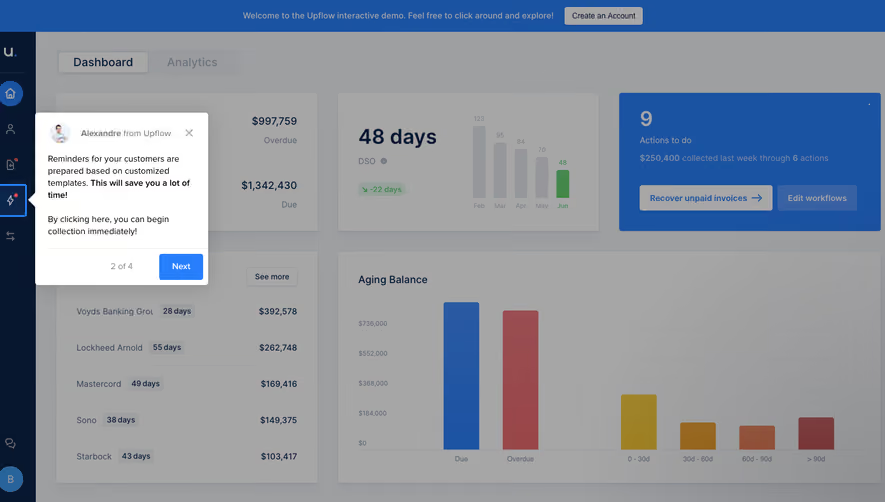
Design with AI
Generate a new design based on this screen using your own content.
# Design from Reference: Intercom Setup AI Chatbot
Create an original, high-fidelity visual design inspired by the reference. Prioritize composition, typography, colors, spacing, and component styling over technical implementation.
## Reference
- **Product:** Intercom
- **Category:** User Onboarding
- **Screenshot:** https://cdn.prod.website-files.com/5e9dc792e1210c5325f7ebbc/6acad61ffef6904ce0090d2e_6acad5a0678eb13f3bc0b234_cms-61999ea28f04df178f7571af.webp
Analyze the screenshot first. If inaccessible, request it rather than guessing.
## Content
{{content.instructions}}
{{content.data}}
Preserve essential messaging and factual accuracy. Adapt structure and copy length for visual balance; never invent product claims.
## Visual Design
### Overall aesthetic
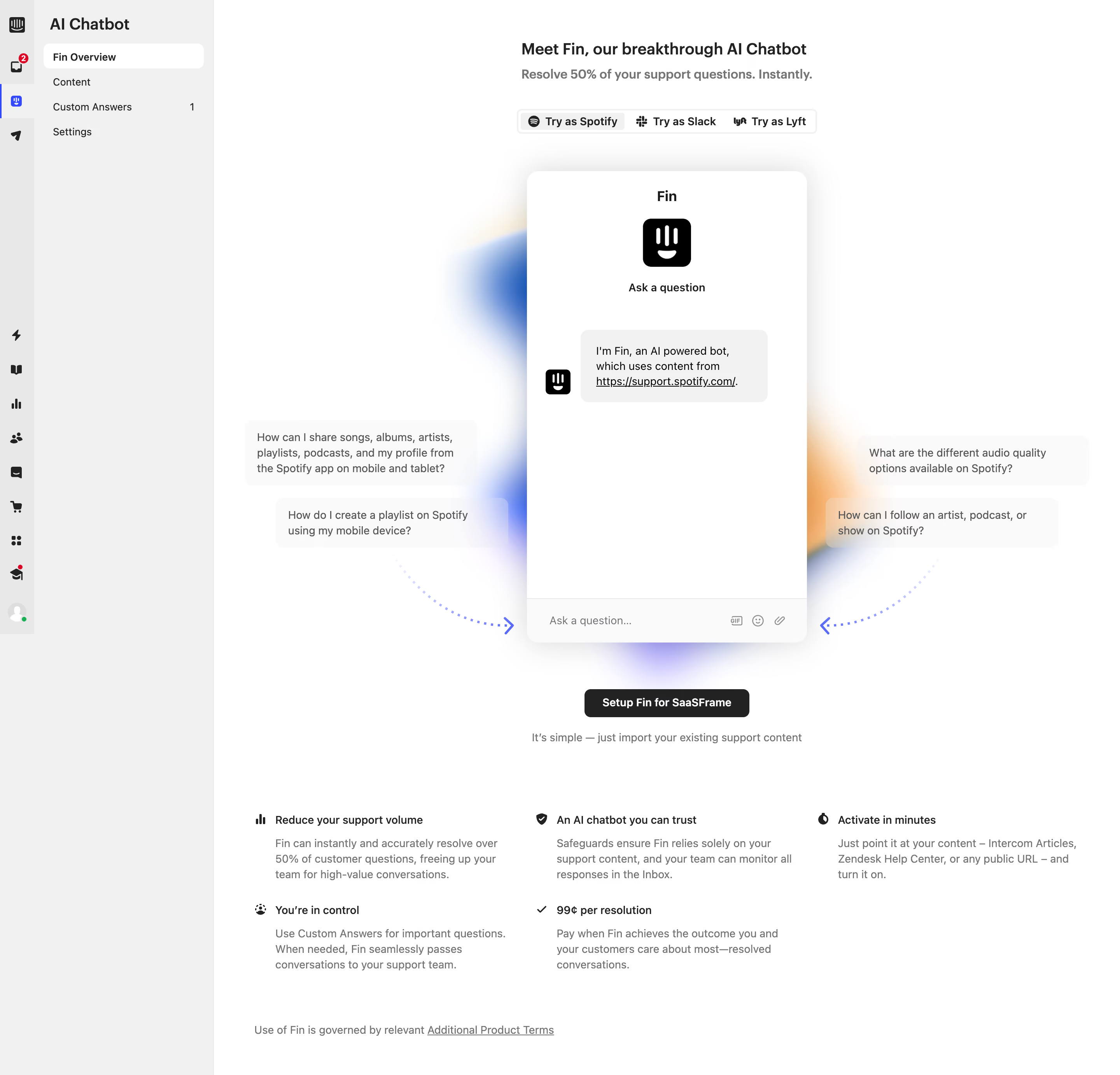
- **Character:** Light product-activation page built around an interactive-looking chatbot demonstration and soft multicolor glow.
### Page composition
- **Canvas:** 2880 × 2764 screenshot pixels; CSS estimates assume approximately 2× scale.
- **Structure:** Narrow global icon rail and wider AI Chatbot navigation sidebar frame a large white main area. Centered title, brand-demo selector, tall chat preview and setup action lead into a three-column benefit area.
### Information hierarchy
- **Priority:** Introductory title and demo choices precede the chatbot. Floating question examples and dotted arrows point toward the input.
- **Action:** A dark setup button sits below the demo, followed by short reassurance and supporting benefits.
### Typography
- **Family:** Neutral compact sans-serif; exact font is unverified.
- **Scale:** Estimated CSS title 20–22px bold, subtitle 16px, body 14px and utility labels 12–13px.
### Colors & surfaces
- **Sampled palette:** White #FFFFFF; sidebar #F1F1F1; pale bubbles #FAFAFA; borders #E8E8E8; dark #222222; muted copy #757575.
- **Atmosphere:** Blurred blue, purple and orange glows surround the central white chat frame.
### Components
- **Chat preview:** Tall rounded white panel, approximately 360px CSS wide, with brand icon, initial message bubble and bottom input/emoji/attachment row.
- **Supporting controls:** Segmented brand selector, floating question chips and compact black setup action. Estimated 16px chat radius and soft large shadow.
### Visual rhythm
- **Spacing:** Broad white margins isolate the demo; about 48–64px separates setup from benefit rows.
- **Navigation:** Selected overview appears as a white rounded row in the pale sidebar.
### Responsive
- **Guidance:** Mobile is not shown. Collapse navigation and place example questions in a readable row/list above the chat.
### Adaptation guidance
- **Transfer:** Preserve try-before-setup demonstration and focused activation action. Use relevant sample questions and verified target capabilities.
Use this context to reproduce the reference's visual language: layout, typography, colors, spacing, borders, radii, and distinctive elements. The screenshot takes priority if descriptions conflict.
## Direction
{{preferences.fidelityInstructions}}
## Output
{{output.instructions}}
Deliver a polished, cohesive design with precise alignment, hierarchy, and spacing. Produce the requested visual artifact, not just a description. If unsupported, explain the limitation.
.webp)



.avif)